


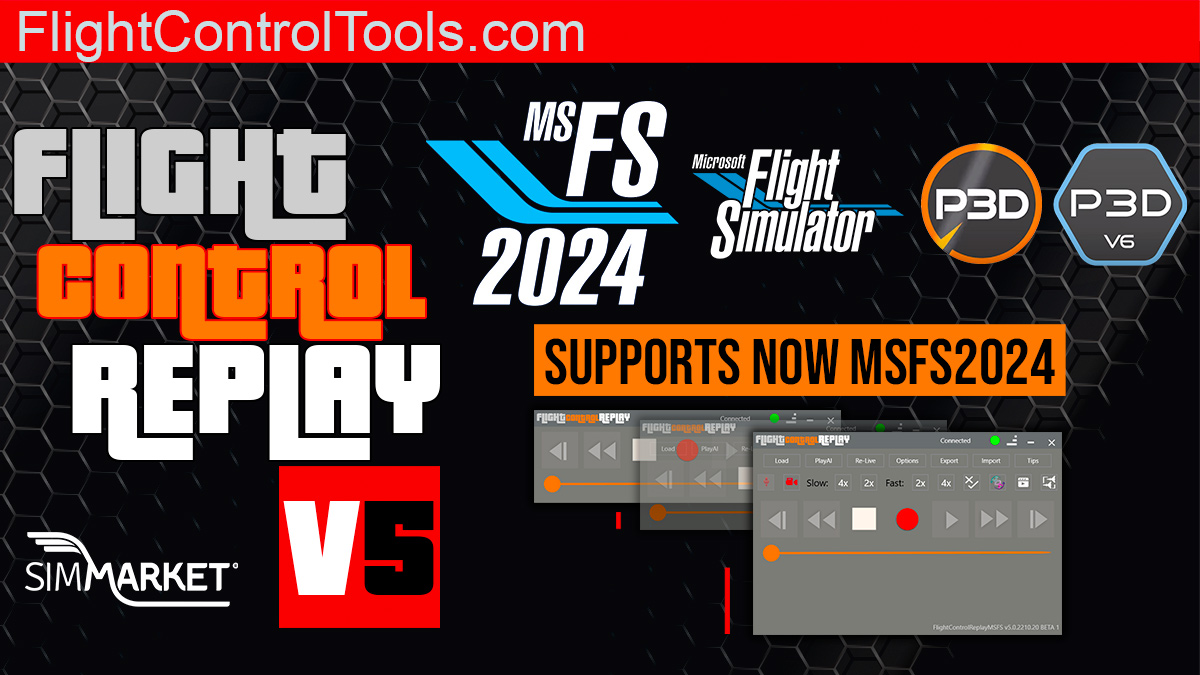
FlightControlTools has announced the release of FlightControlReplay v5, now fully compatible with Microsoft Flight Simulator 2024. This latest version also continues to support MSFS 2020, Prepar3D v6, and Prepar3D v5, making it an essential tool for flight sim enthusiasts. With the new FCRv5 2412.10 update, users gain a powerful and versatile replay and recording tool packed with innovative features for creating professional-grade content and immersive experiences.
Key features include a cinematic replay mode, MP4 video recorder, VR headset compatibility, and the ability to interact with AI traffic. The software also introduces advanced replay editing tools, dynamic camera transitions, and the option to overlay custom in-game text for added personalization. Hardware enthusiasts will appreciate support for devices like the MS Surface Dial, FlightIllusion GSA-42, and motion platforms. Integration with the MSFS toolbar ensures seamless control, while additional capabilities like KML file import and crash-to-desktop recovery make this update a must-have.
FlightControlReplay v5 is designed to elevate the flight simulation experience, offering precision tools for virtual pilots and content creators alike. For more details, visit the official website or explore the product page on SIMMARKET. Watch the trailer videos on YouTube to see the software in action.
FlightControlReplay 5 exclusive functionalities :
- Standalone External Tool: Display the application on a separate screen or window for added convenience.
- Customizable Interface: Adjust size, transparency, and enable the always-on-top option.
- MSFS Toolbar Integration: Access features directly within the game for smoother control.
- Cinematic Replay: Create breathtaking replays of your flights.
- MP4 Video Recorder: Capture and share your virtual adventures.
- VR Headset Support: Immersive replay capabilities in virtual reality.
- Replay Editing: Cut and customize your replays effortlessly.
- Crash-to-Desktop Recovery: Resume your session after unexpected disruptions.
- Automatic Camera Change: Enhance replays with dynamic camera transitions.
- AI Traffic Interaction: Detect, follow, record, and replay AI traffic.
- Camera Movements Replay: Record and replay precise camera controls.
- Camera Manager Override: Gain full control of camera settings.
- Dynamic In-Game Text: Add customizable text overlays during replays.
- KML File Import: Seamlessly integrate geographical data.
- Landing Touchdown Report: Evaluate your landing performance.
- XMapsy Compatibility: Extend functionality with additional software.
- Hardware Integration: Support for MS Surface Dial, FlightIllusion “GSA-42,” and DOFREALITY motion platforms.


