


George Bush Intercontinental Airport, ICAO: KIAH, is an international airport located in Houston, Texas about 23 miles north of Downtown Houston. It serves the Greater Houston metropolitan area, which is the fifth-largest metropolitan area in the United States. The airport come into service in June of 1969 under the name Houston Intercontinental Airport but was renamed in 1997 after George H. W. Bush, who was the 41st President of the United States.
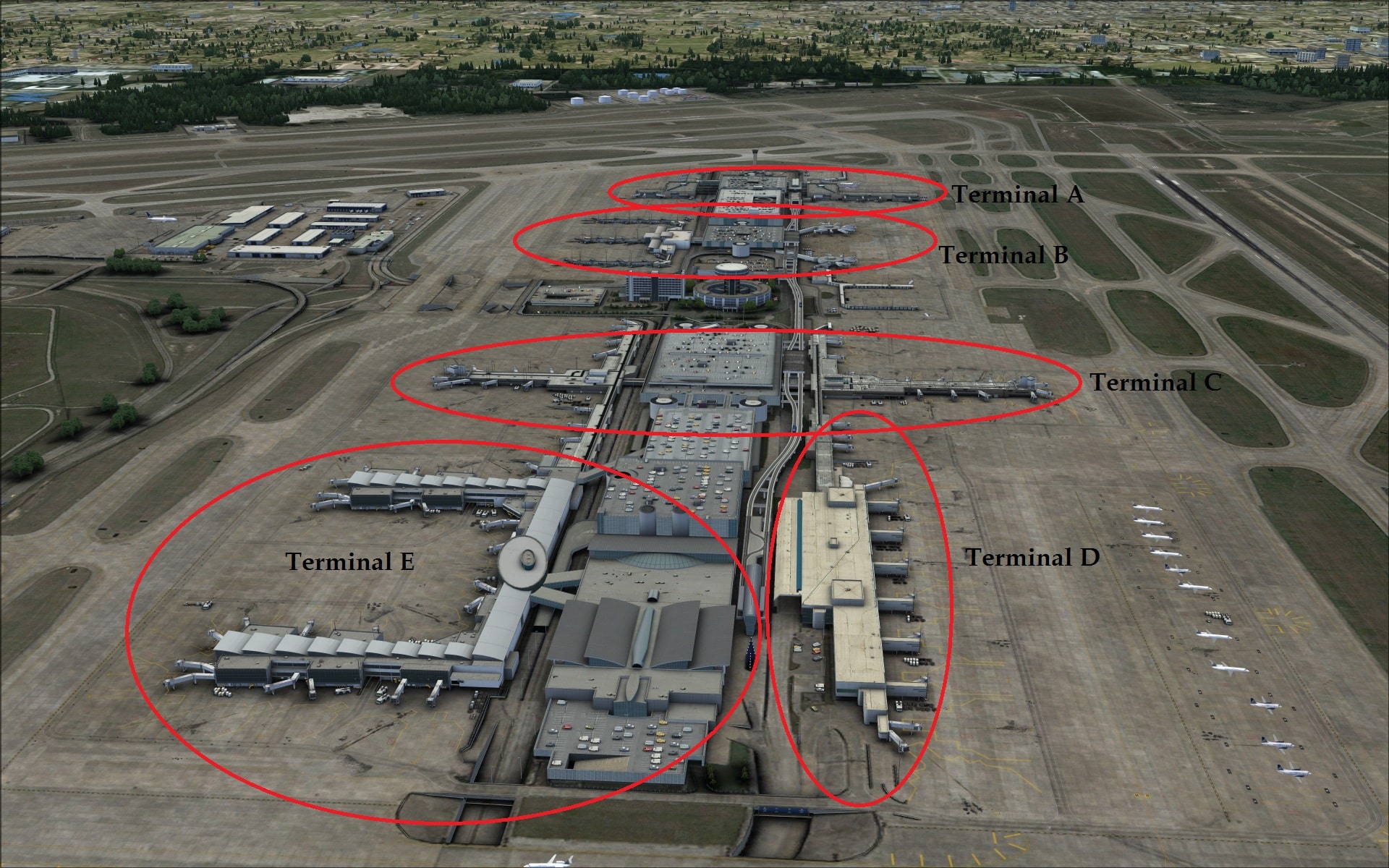
When it opened it absorbed all of the passenger traffic from William P. Hobby Airport, which is the other airport serving the Houston area. In 2011 it served 40,187,442 passengers making it the tenth busiest airport in North America for total passengers. To serve this large number of passengers there are five terminals A thru E which also includes the international arrivals terminal. The airport has five runways; 15L/33R @ 12,001ft, 15R/33L @ 9,999ft, 9/27 @ 10,000ft, 8L/26R @ 9,000ft and 8R/26L @ 9,402ft.
Installation
Unlike most other addon developers FSDreamteam allows users to demo their products before having to actually commit to buying them. To give it a try you simply download the file, install it and then enjoy it for 5-6 minutes at a time.
The installation is relatively straightforward but might seem a bit more complex for those who have never installed any of their products. It should also be noted that an internet connection is needed as files are downloaded from their site during the installation. After installing the product the first time you run FSX you’ll be prompted with a security warning asking if you want to run their modules, responding yes you’ll next be asked to designate them as trusted. Again you will need to answer yes. Doing so allows FSX to finish loading.
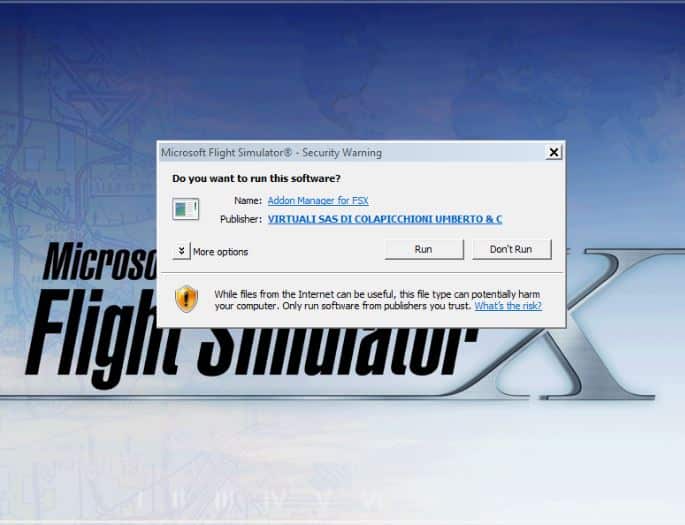 Now when FSX is running and you access the menu bar you will see Addon Manager. Selecting it will bring up the Addon Manager interface. This is where you will proceed with registering the product and activating it. Selecting the product from the list you now click on the Register Serial button and enter the number given at the time of purchase. After doing this a few other dialog boxes will appear asking if you want to activate the product and then letting you know that it was successful. You are now ready to enjoy the full product!
Configuration
Configuration of the product can be done via their Addon Manager interface. The menu is divided into three areas, the left half is where you take care of such things as scenery registration, reinstallation, backing up the registry, etc. The other half of the manager is further divided in two; the upper area are FSX tweaks that are applied globally to all FSX sceneries and the lower portion tweaks are applied to only those sceneries handled by the Addon manager. Looking at these you see that the choices are much more technical than what you see with most other scenery products. They directly affect the parameters of your fsx.cfg file. Some you’ve probably heard of others not so much. Unfortunately the manual makes no mention of what they do or any repercussions you may encounter if you do decide to make changes.

Documentation
The product manual is a very professional and polished pdf document which is well written and informative. Breaking down the content, the first two pages include system requirements, credits, where and how to get technical support and installation. Pages three and four continue to explain the install process including how the trial option works, purchase, activation, re-installation and what you will need to do after installing. In other words what you will do the first time you run FSX. Page five details how to use the animated jet ways. Next on pages six thru nine they provide diagrams of the terminals and pages 11 thru 72 are all of the airport charts.
As good as the document was it did lack any information on Prepar3D. In fact the only mention of it is on page one in the system requirements. As P3D becomes more popular I believe that developers will need to include more information directly pertinent to it.
The other area I would have liked to have seen more information was regarding their Addon Manager and the various settings available.
The Scenery
Ground textures
As the base for any scenery the ground textures play an important role. At KIAH they use photo real textures giving a very realistic look everywhere. The grassy areas have been further augmented with volumetric grass. Hard surfaces are all photo textures showing lots of surface details as well so all of the dirt and staining associated with a large busy airport.
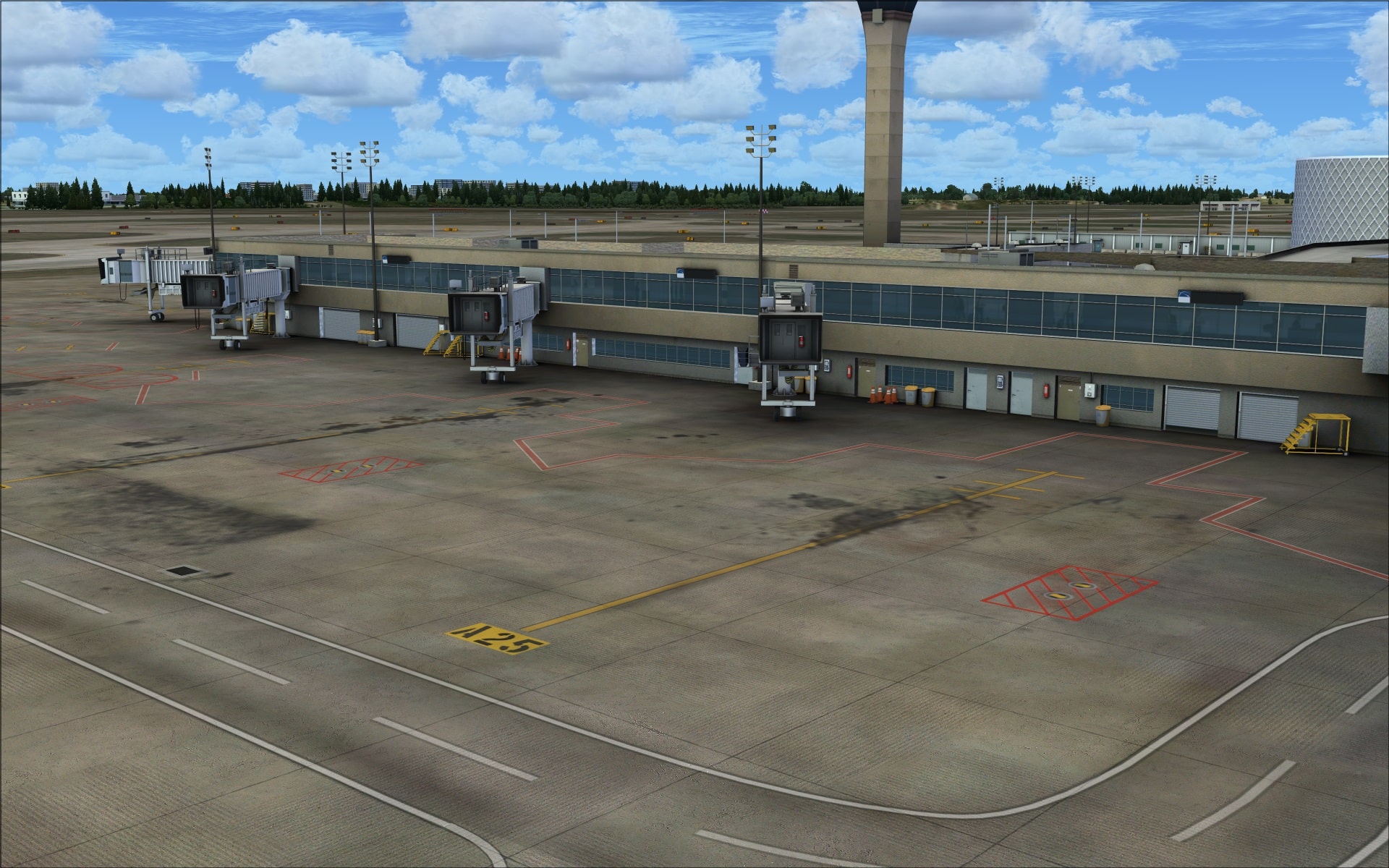
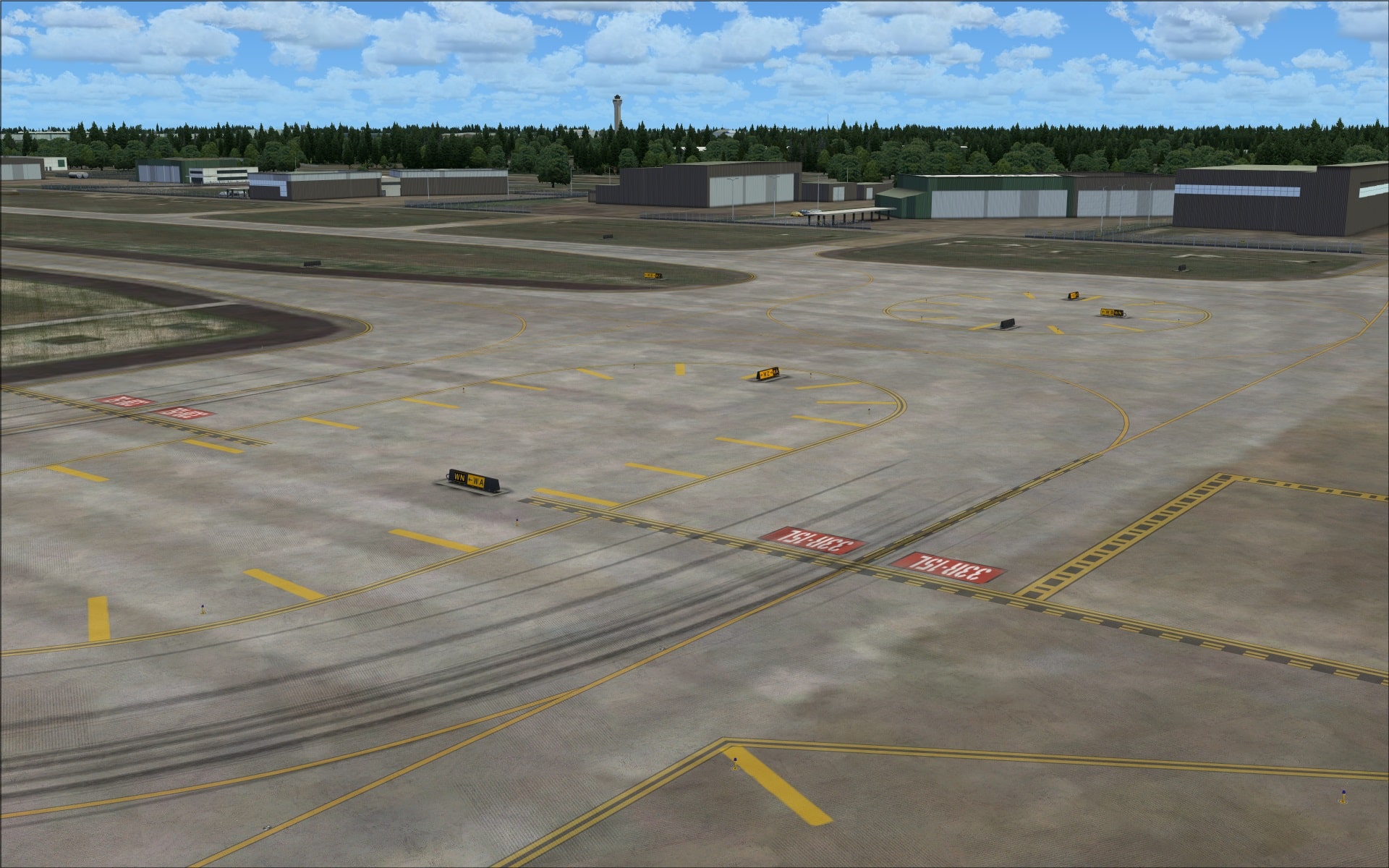 Looking at some of the parking stands one might think that they’ve overdone it with fluid stains and dirt but if you compare the scenery to actual photo images the stands are actually that dirty.
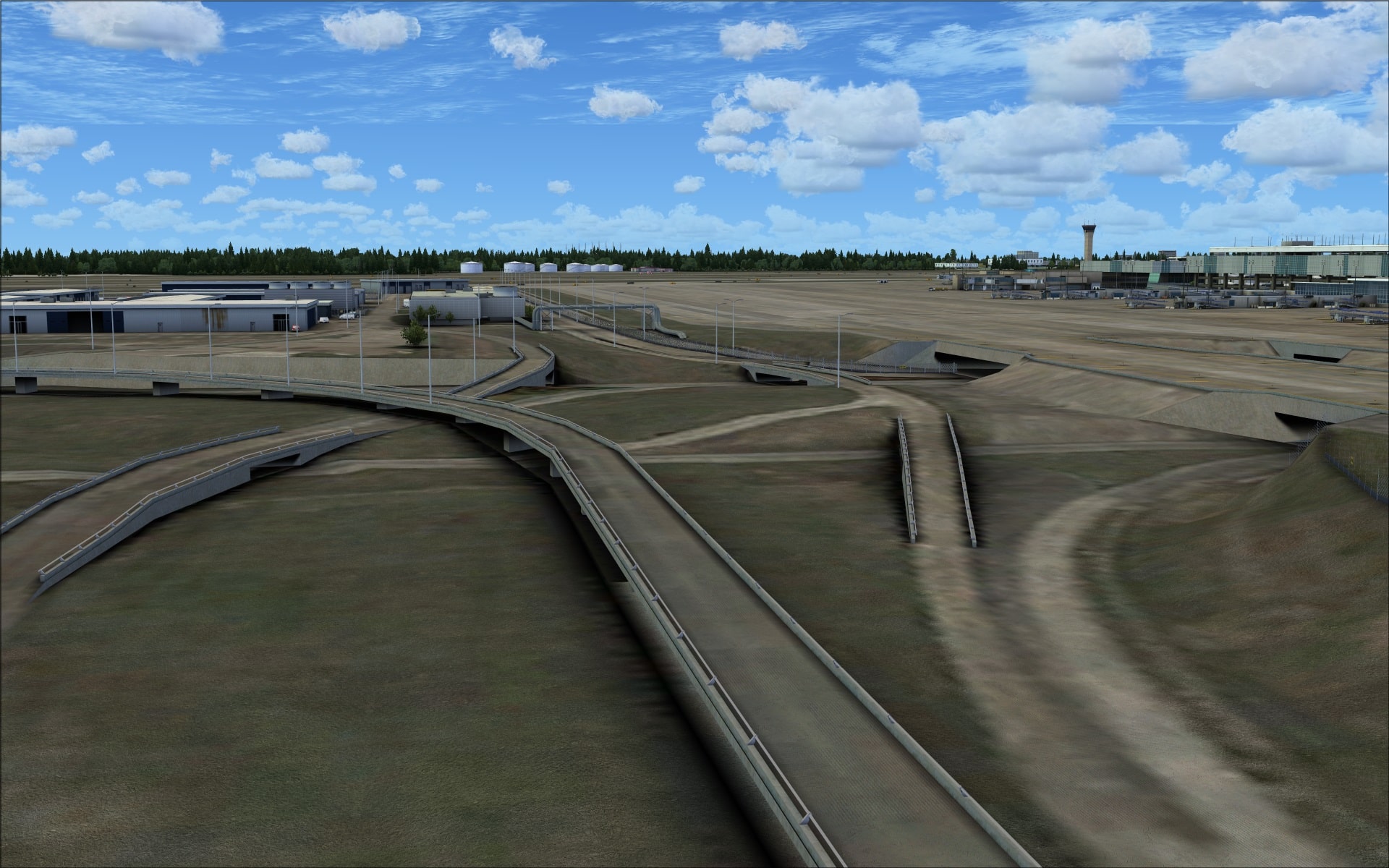
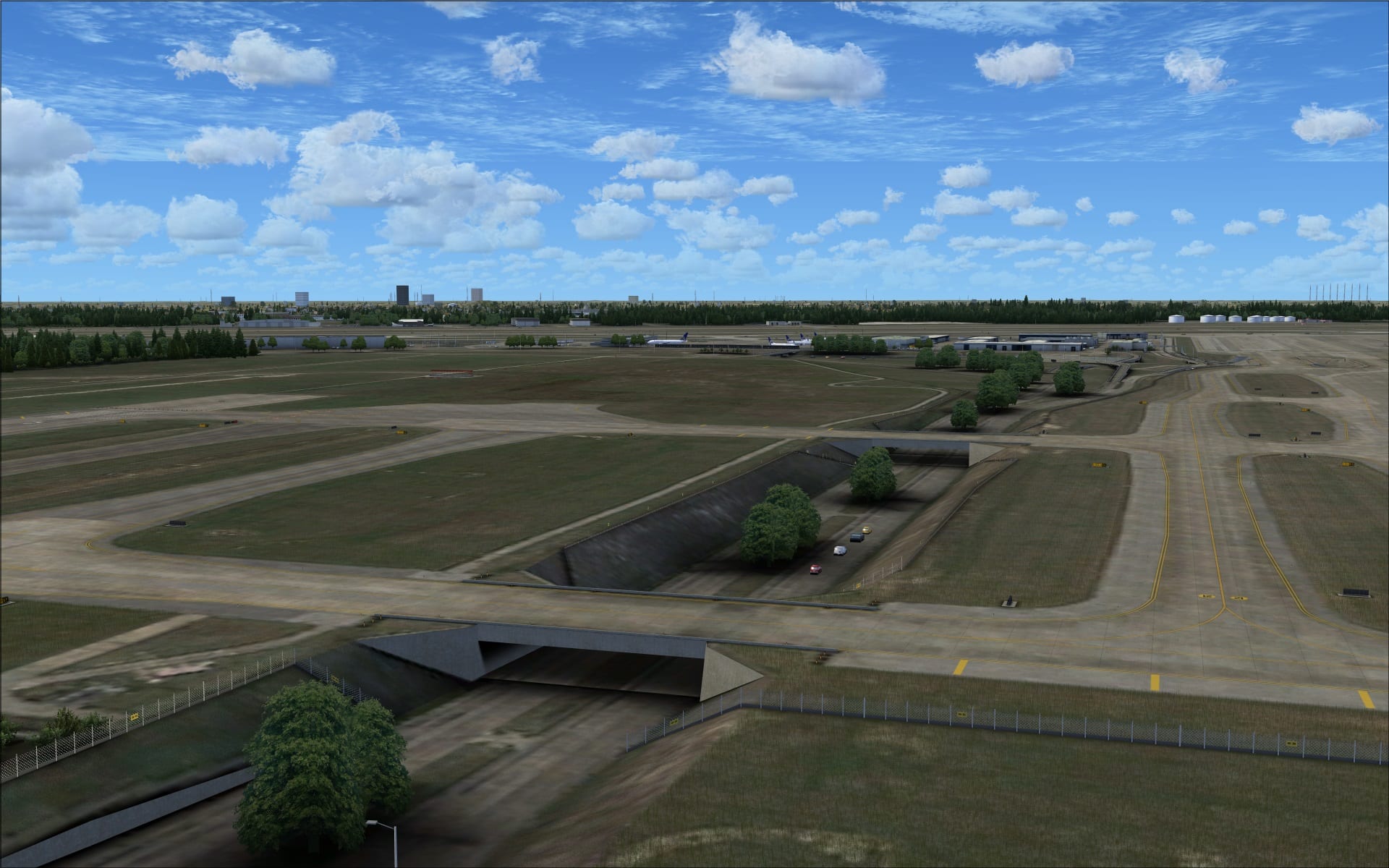
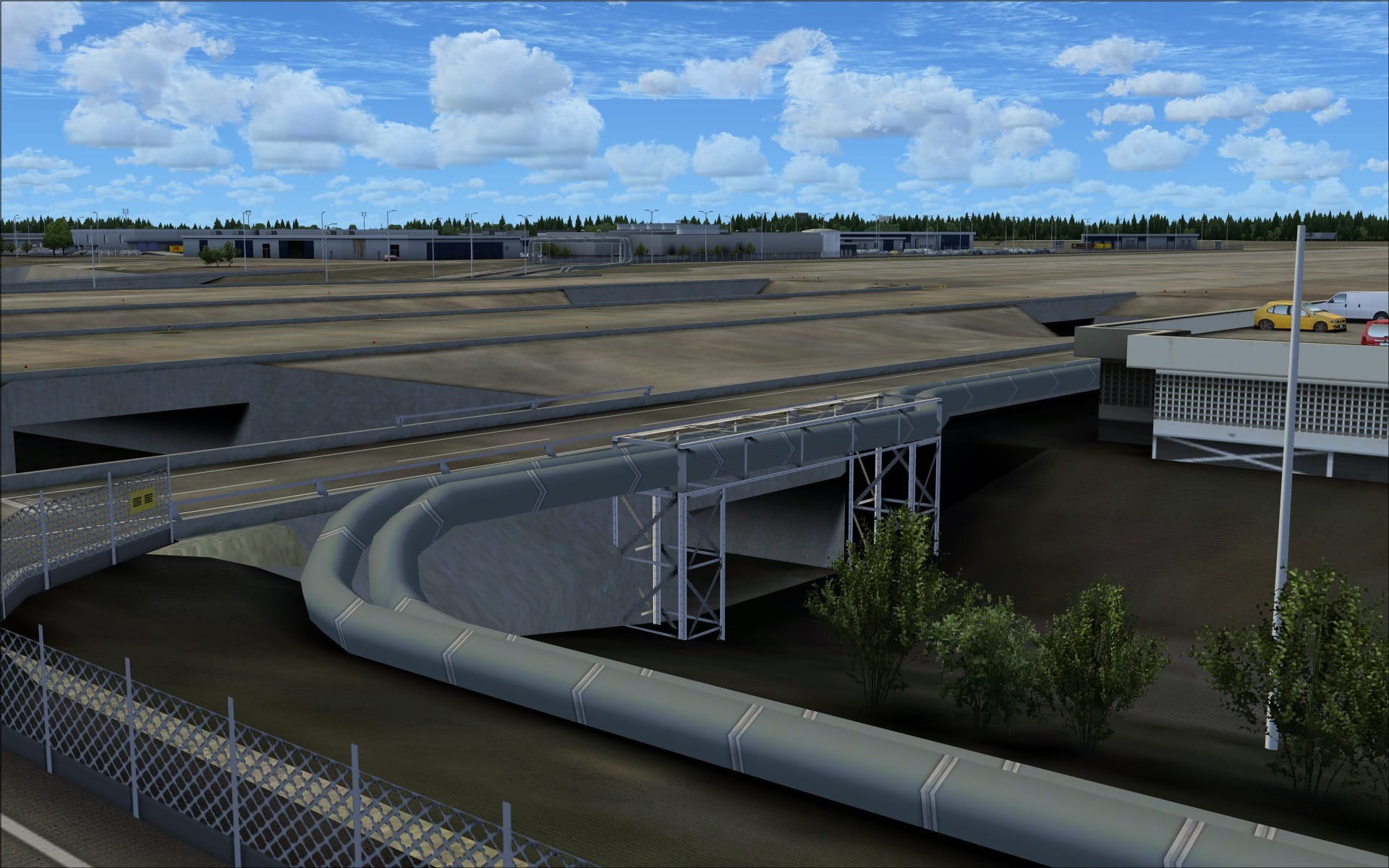
 Another interesting ground features at KIAH are the multi-level vehicle road system, taxiway bridges and drainage ditches. All of these are recreated in 3 dimensions so you can experience and appreciate these features while on the ground or at lower altitudes.
 Buildings
Generally speaking all of the structures at the airport where of a very high quality. The vast majority of them were recreated using a combination of high resolution detailed textures, extra 3 dimensional detailing and realistic colouring and shading techniques.
At KIAH the majority of the structures are centrally located between runways 08R/26L and 15L/33R. It is here that we find the main terminal complex, tower, central cargo area and a number of other smaller hangars.
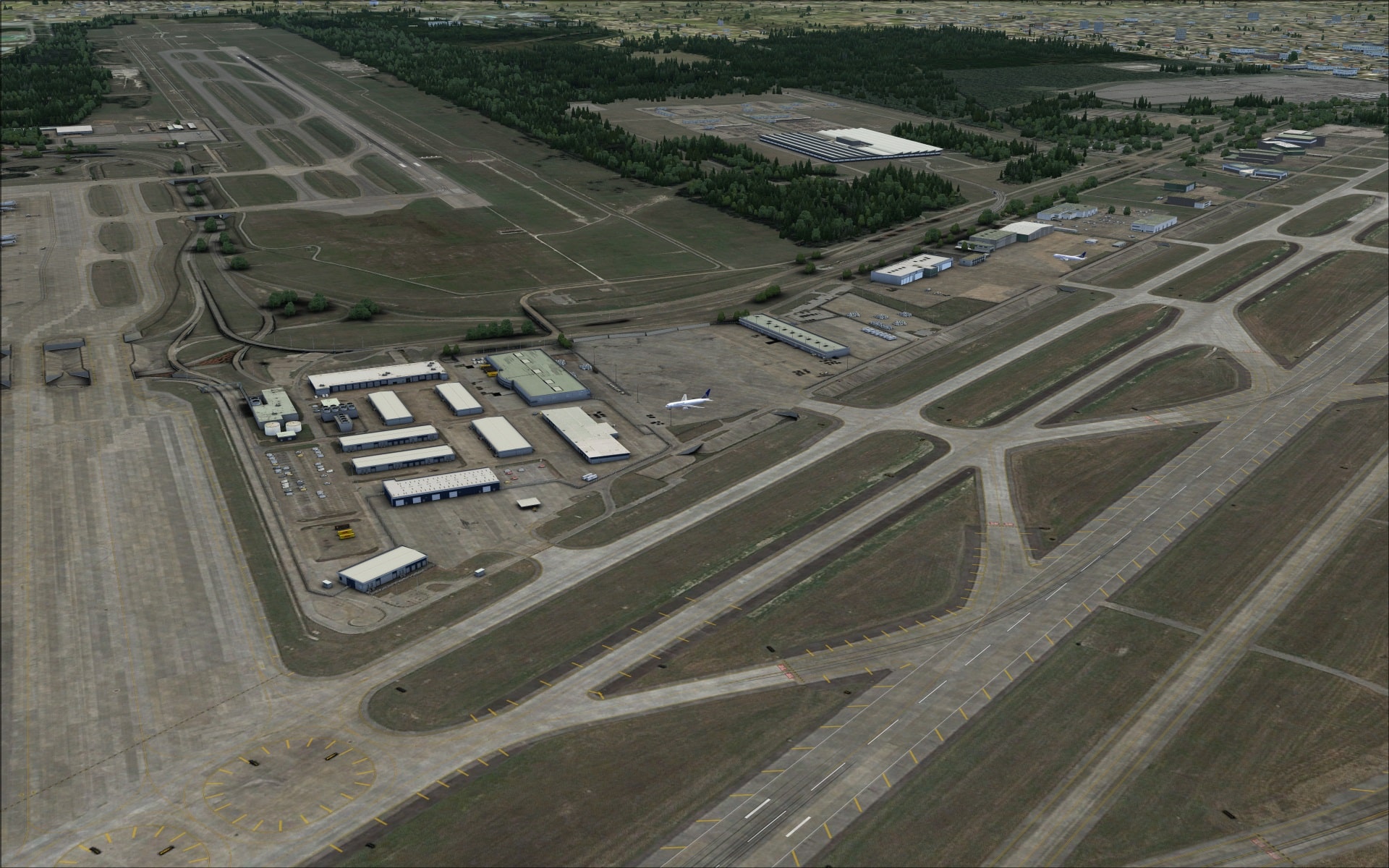
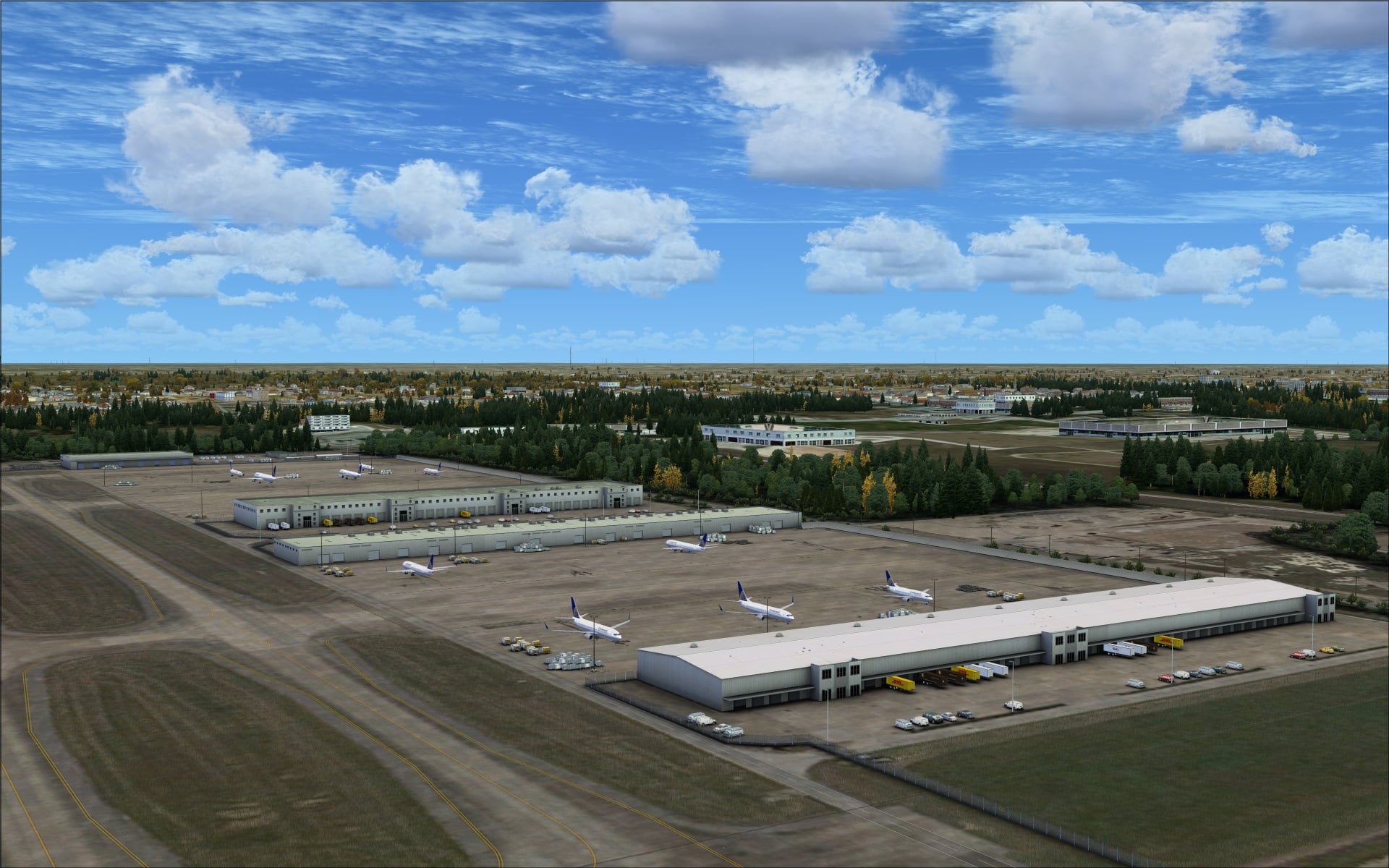
 The other area where we see a cluster of structures is at the end of runway 08R/26L, this is where the East cargo apron and associated hangars is located.
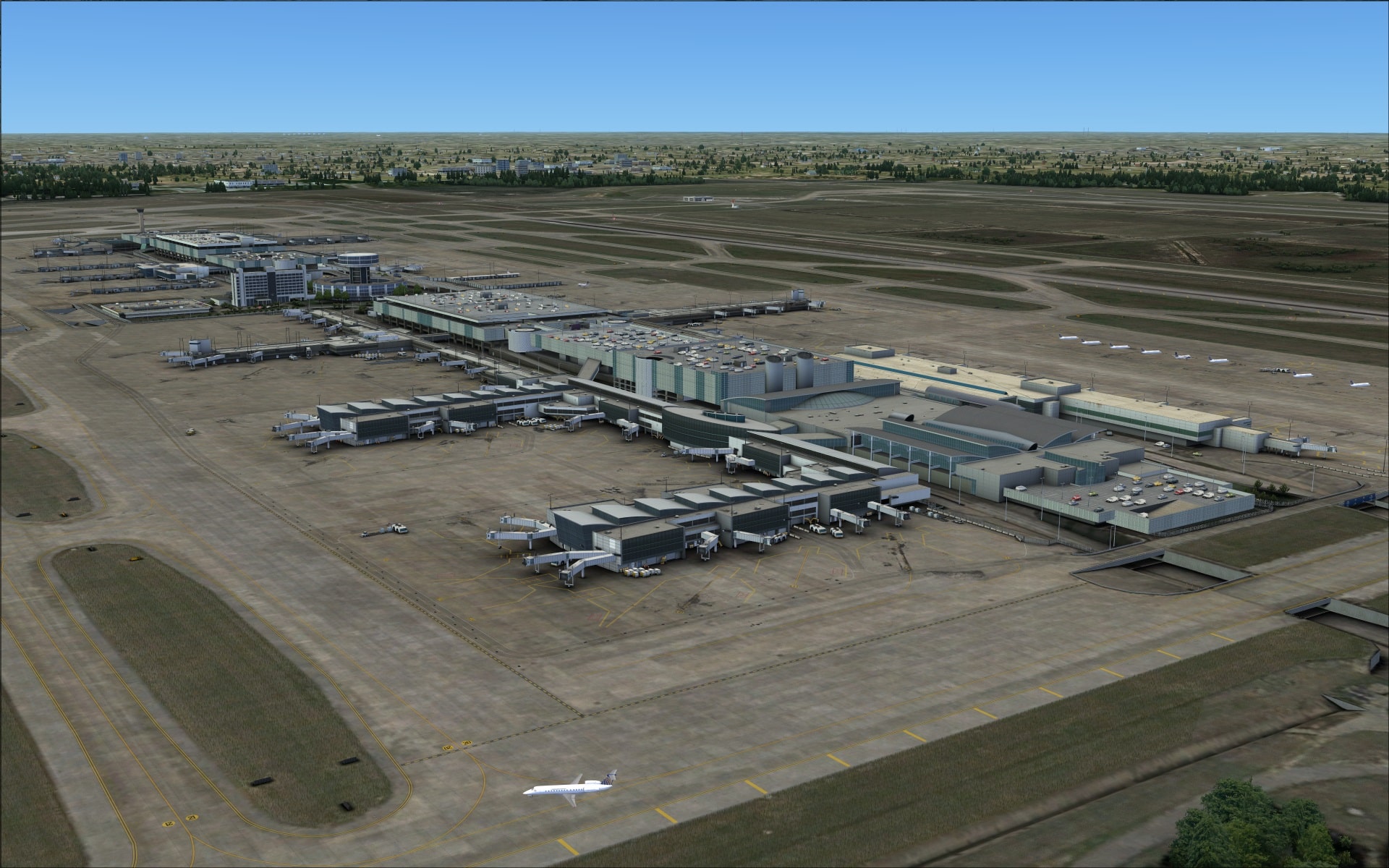
 The main terminal building was very impressive and a fine example of their hard work and dedication to excellence. The structure includes the five terminals with their concourses and jet ways along with the tower and several very large attached multi-level parking garages. Looking at the terminal it was easy to find many examples of each of the rendering techniques I described earlier. Some of the highlights are; very detailed jet ways and at terminal B for smaller aircraft they use moveable open stands. These are also quite detailed showing canopied roofs and open mesh railings. Another interesting visual feature was the circular roadways that feed the various levels of the multi-level parking garages. These garages also include vehicles parked on lower levels as well as the roof top. Finally, extra detailing such as recessed detailed doorways, roof overhangs, exterior stairways and fire extinguishers and wall mounted light fixtures are just some of the details they`ve included. High resolution graphic images ensure crispness in the imagery even when viewed for very close. These images also allow us to experience visual features such as weathering and aging such as rust stains on the concrete walls.
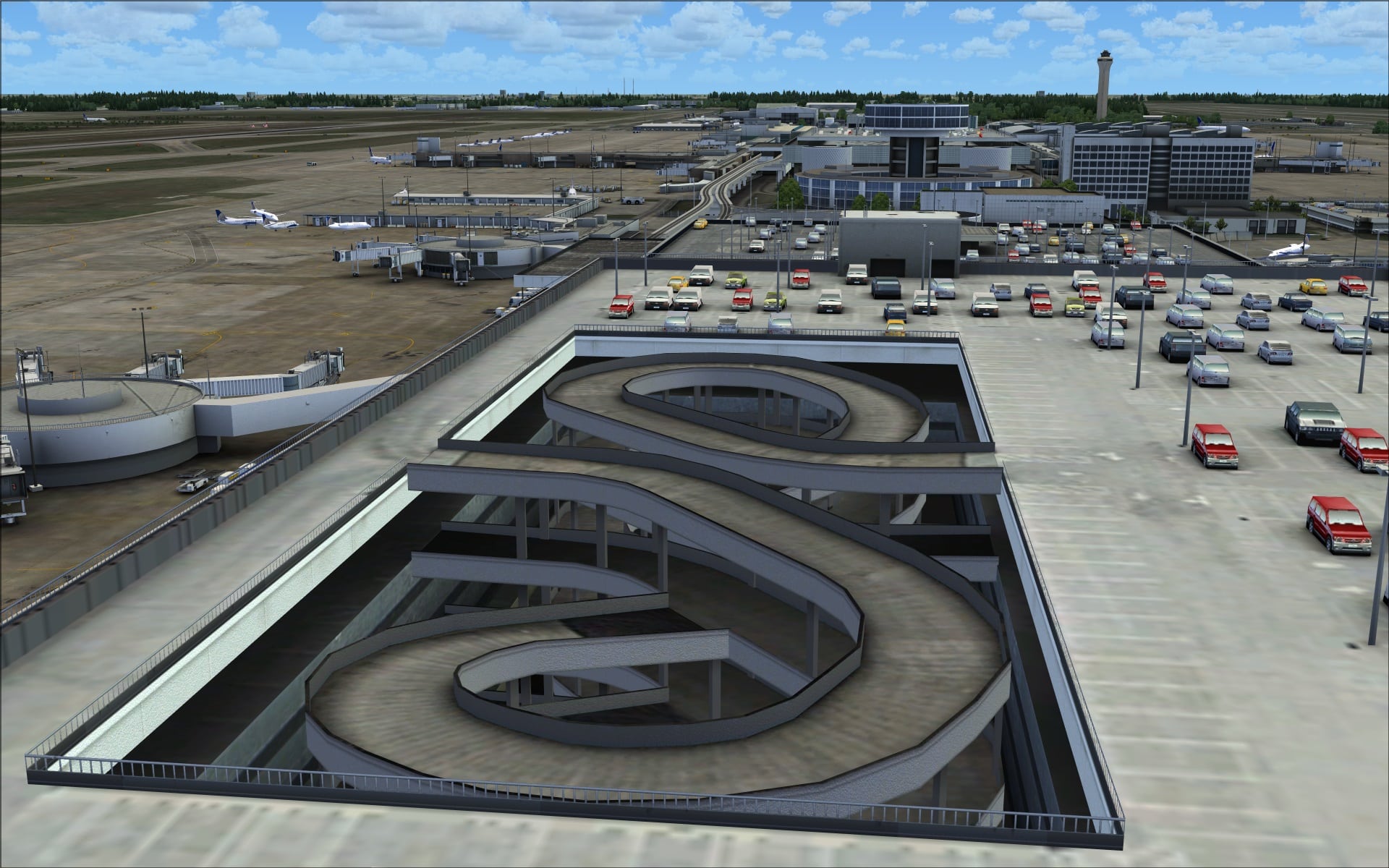
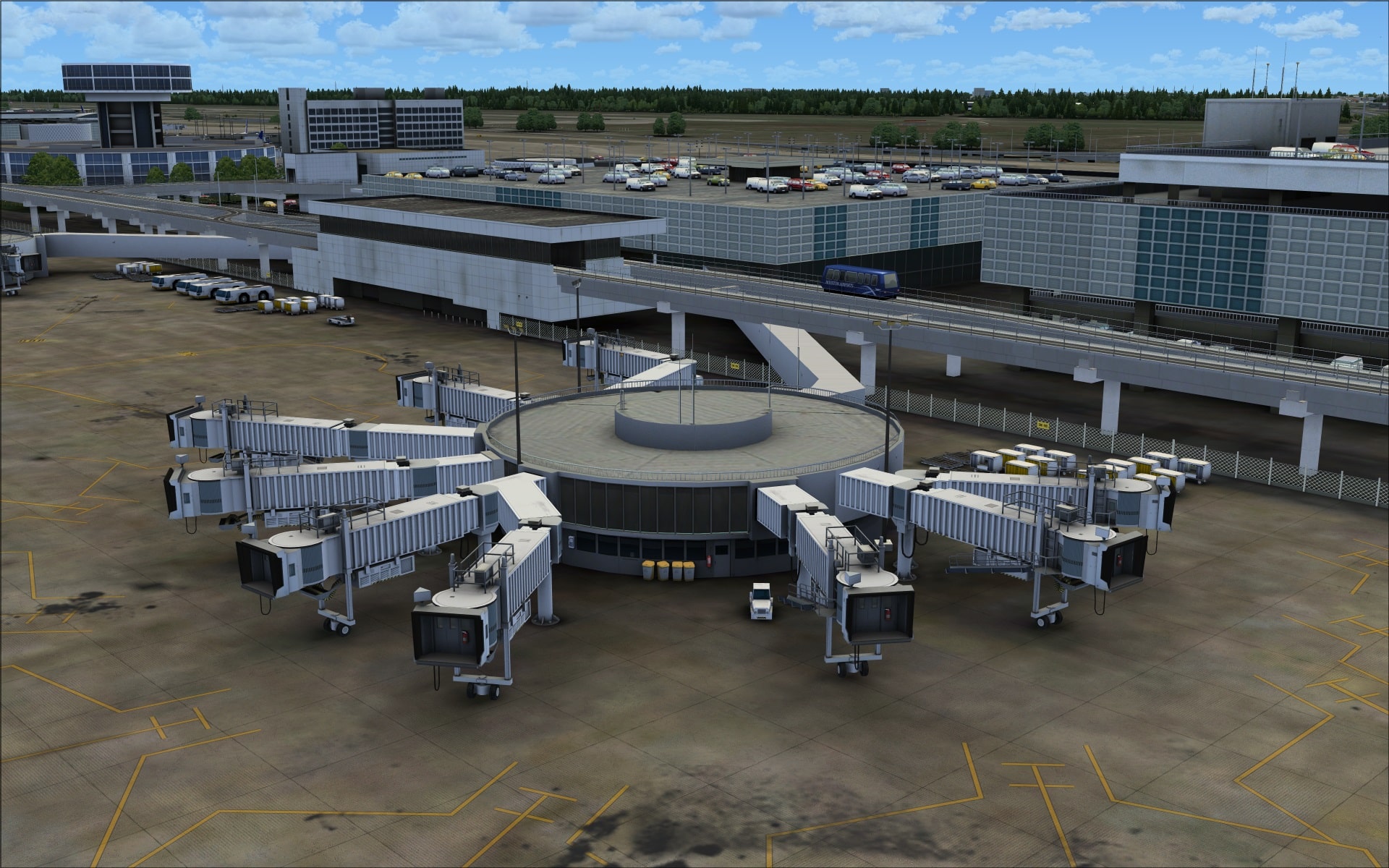
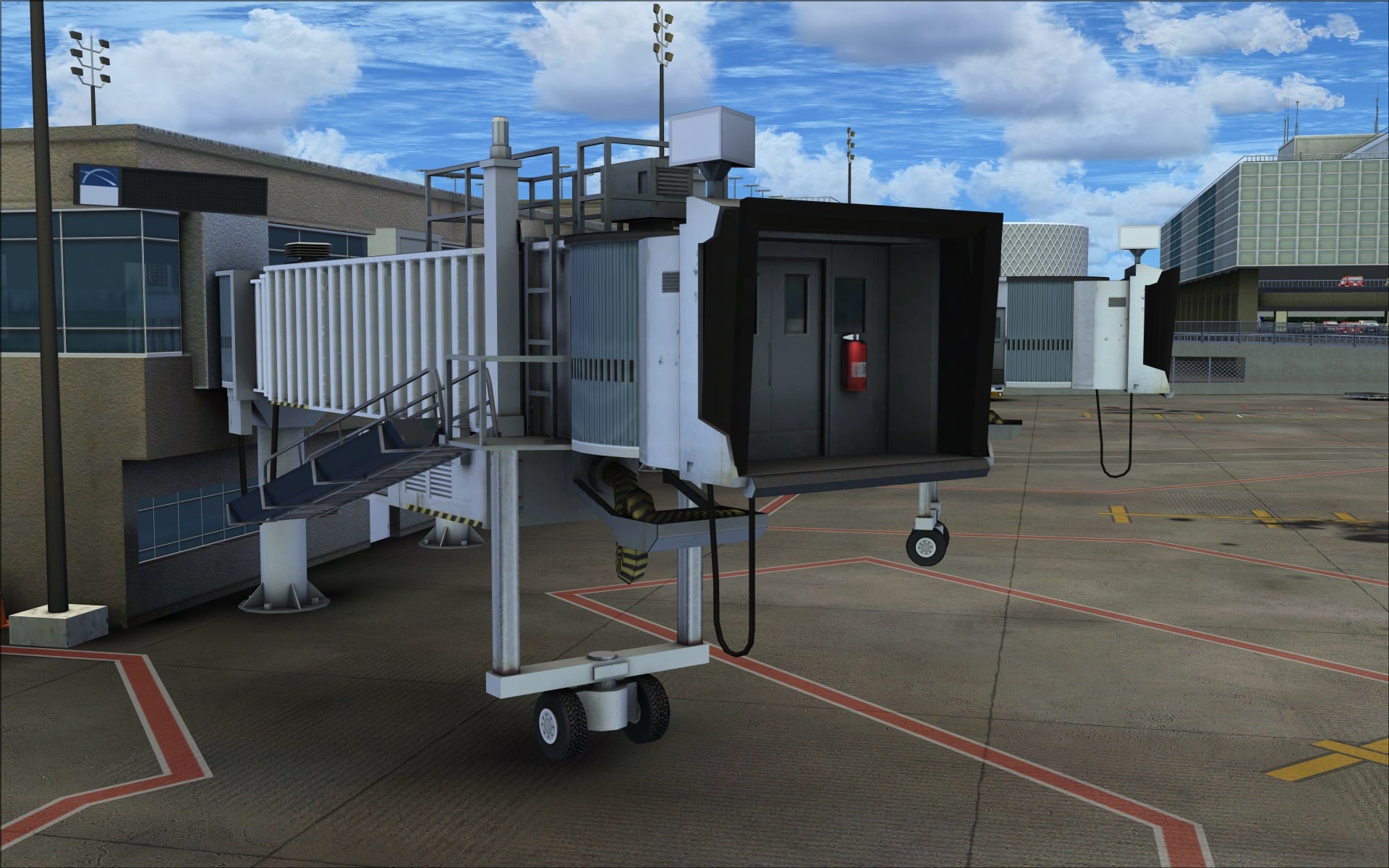
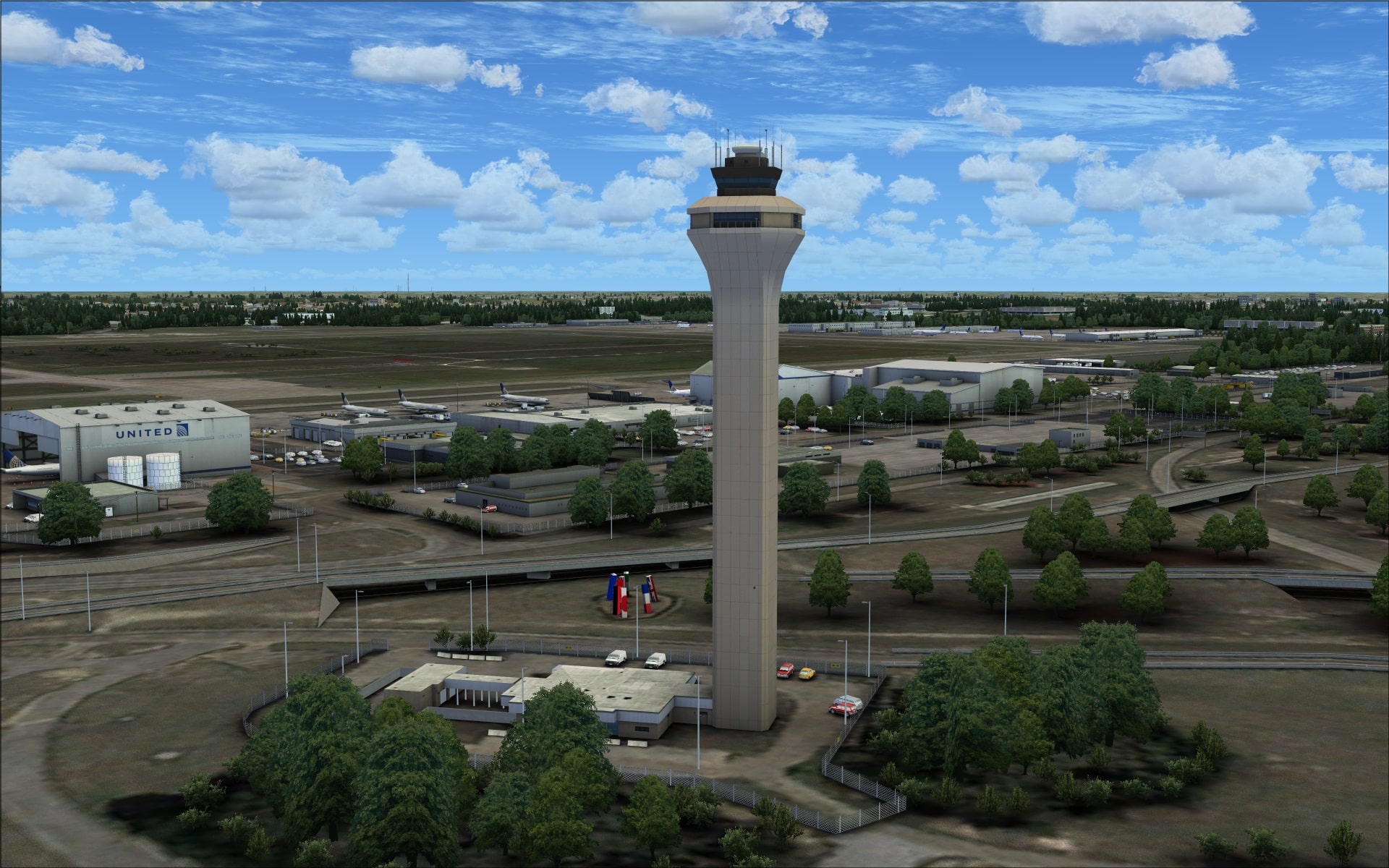
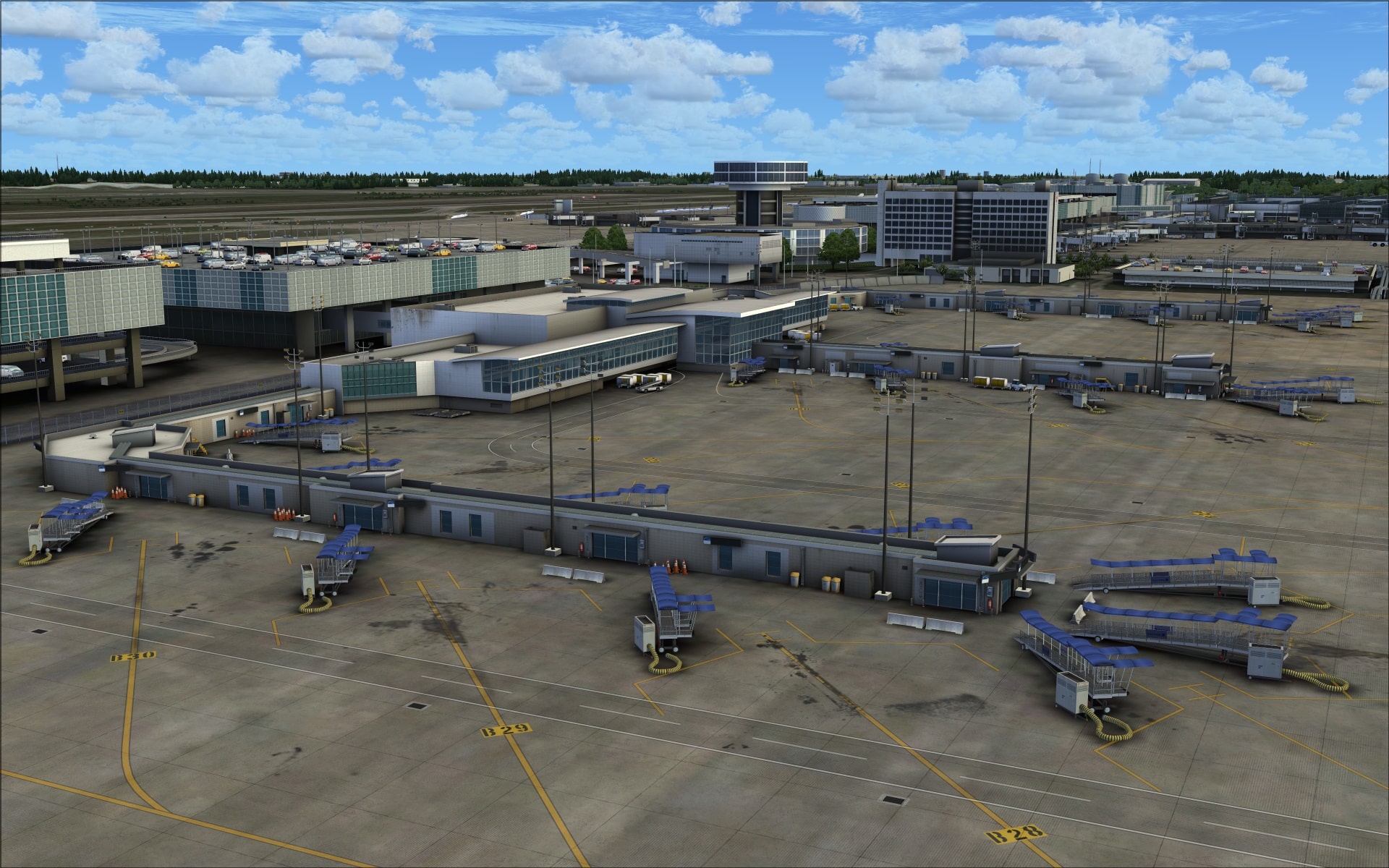
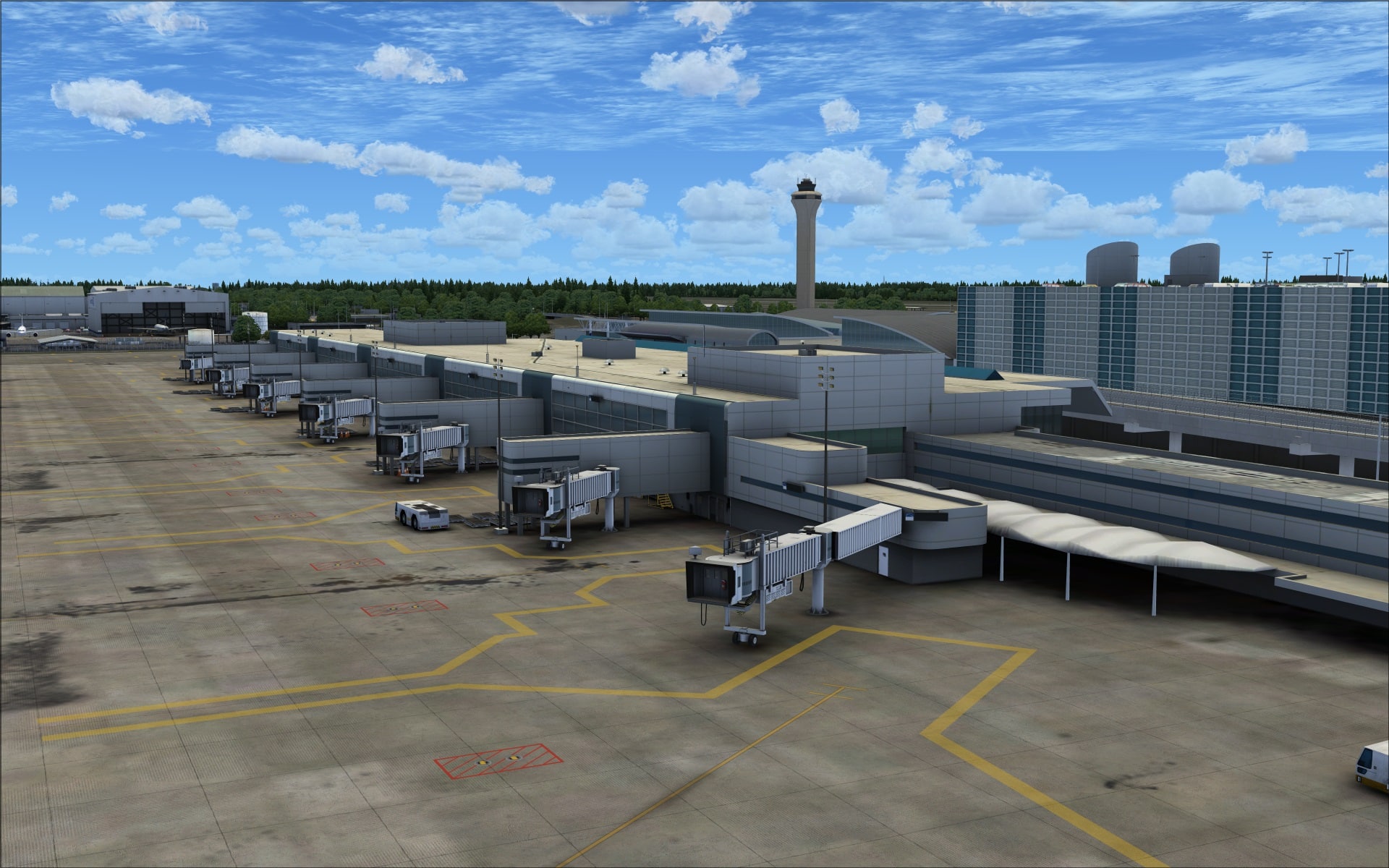
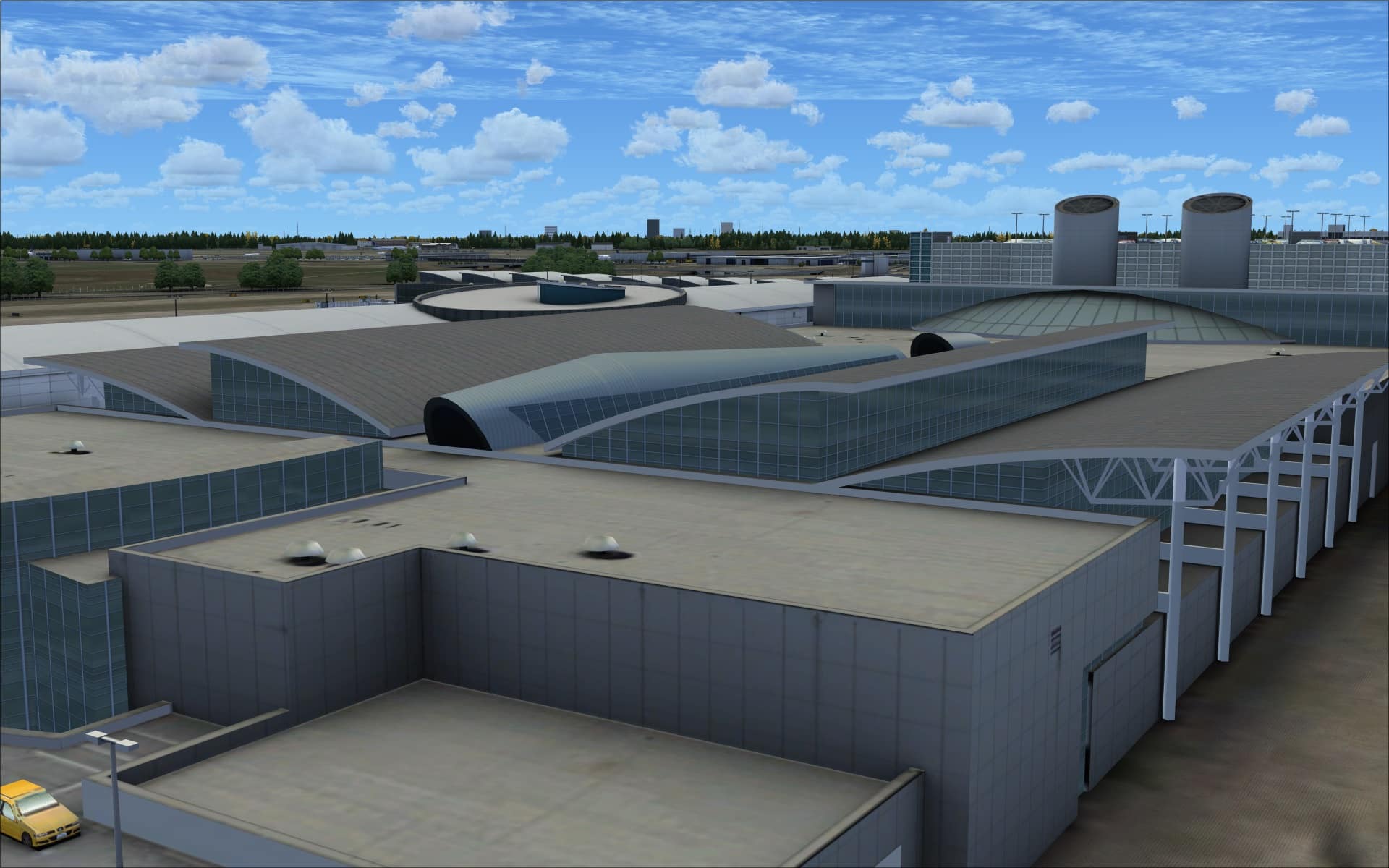
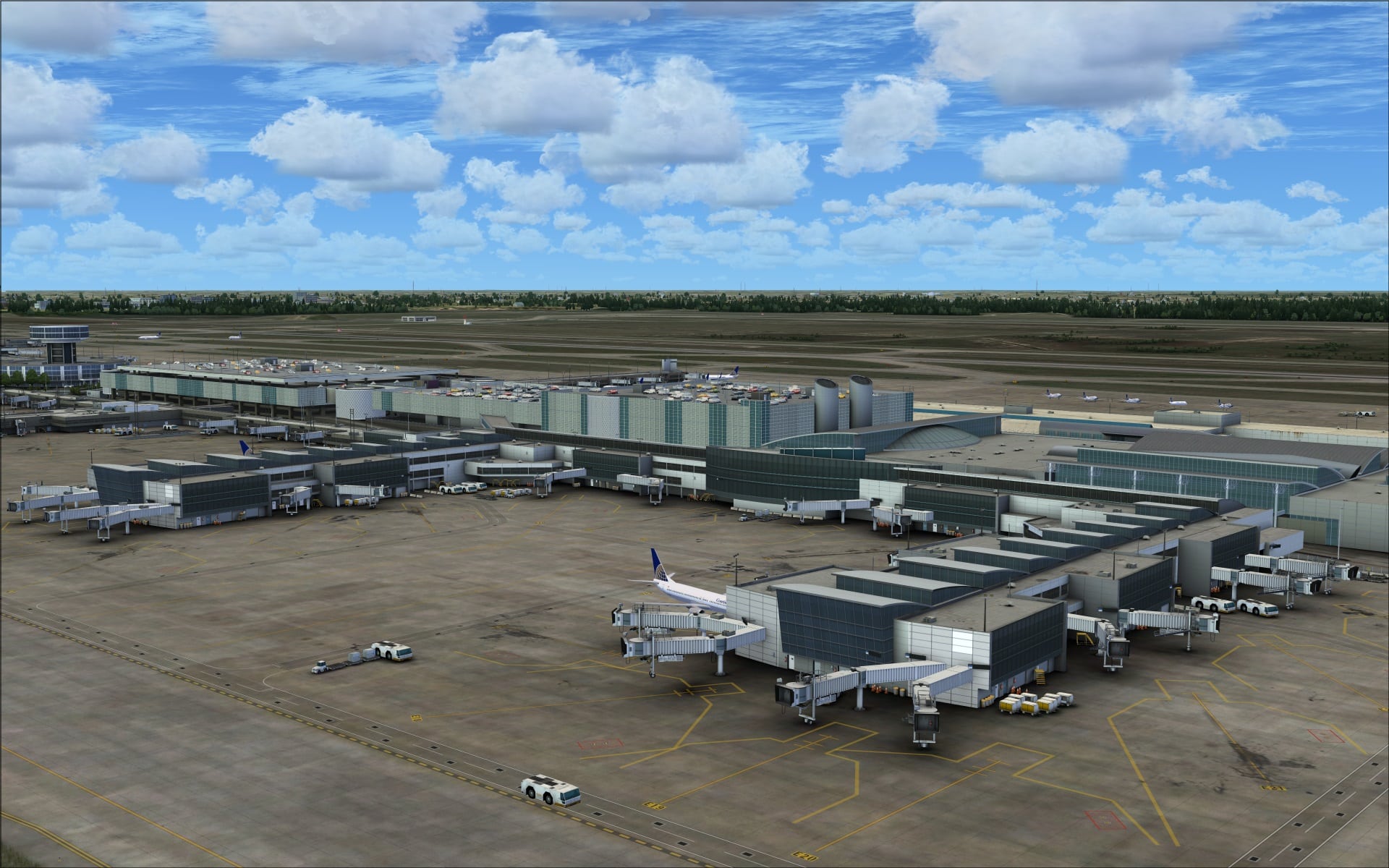
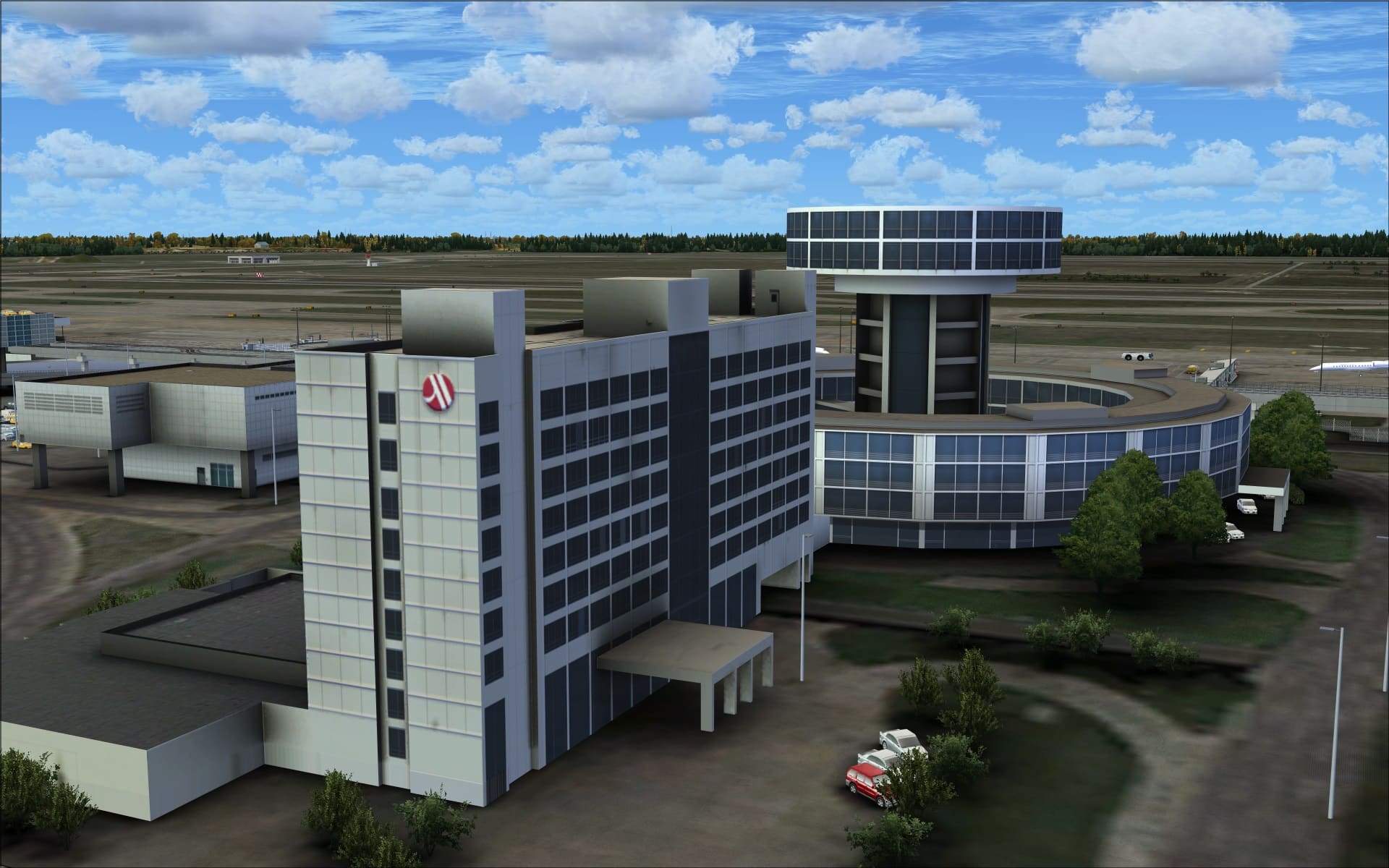
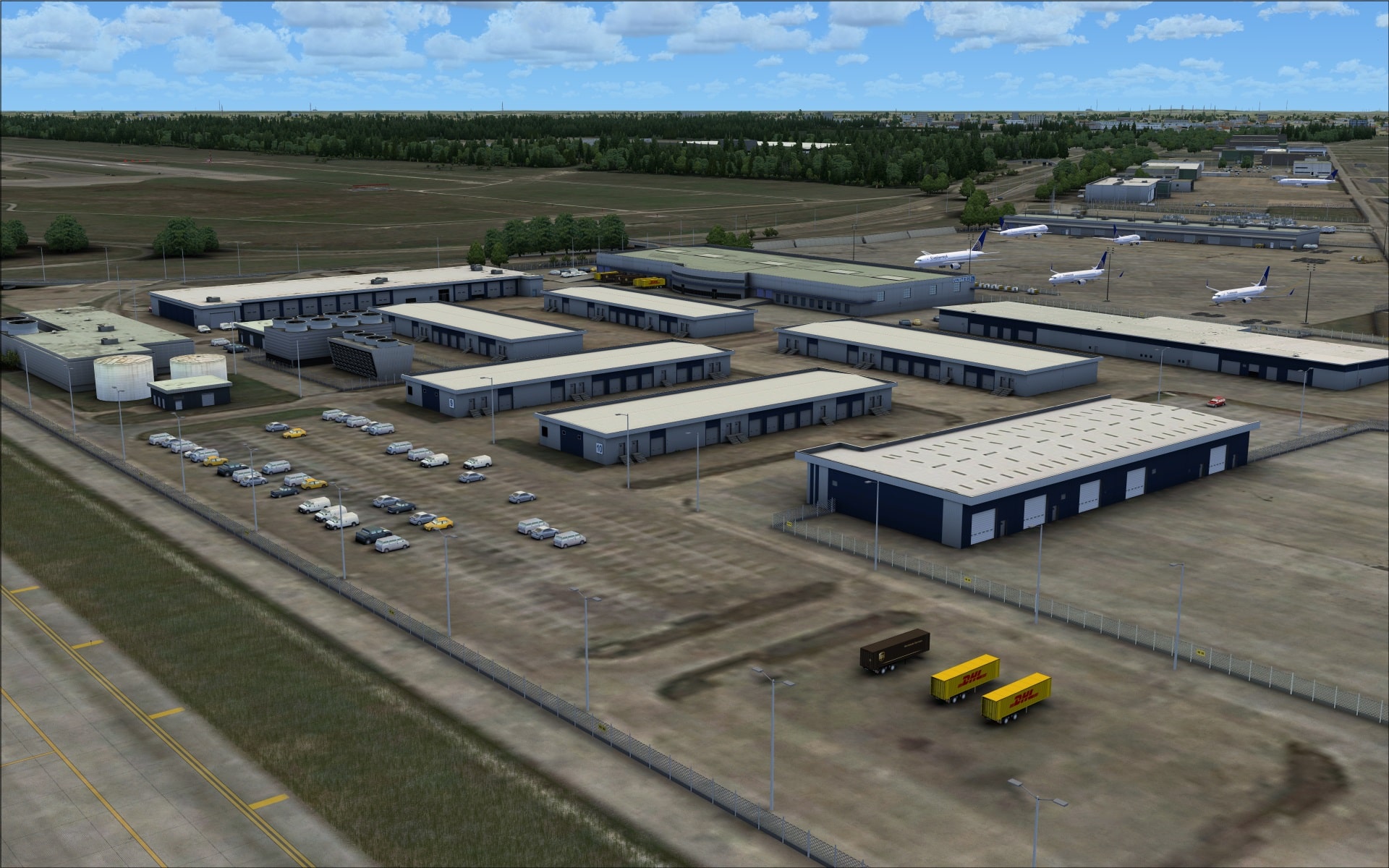
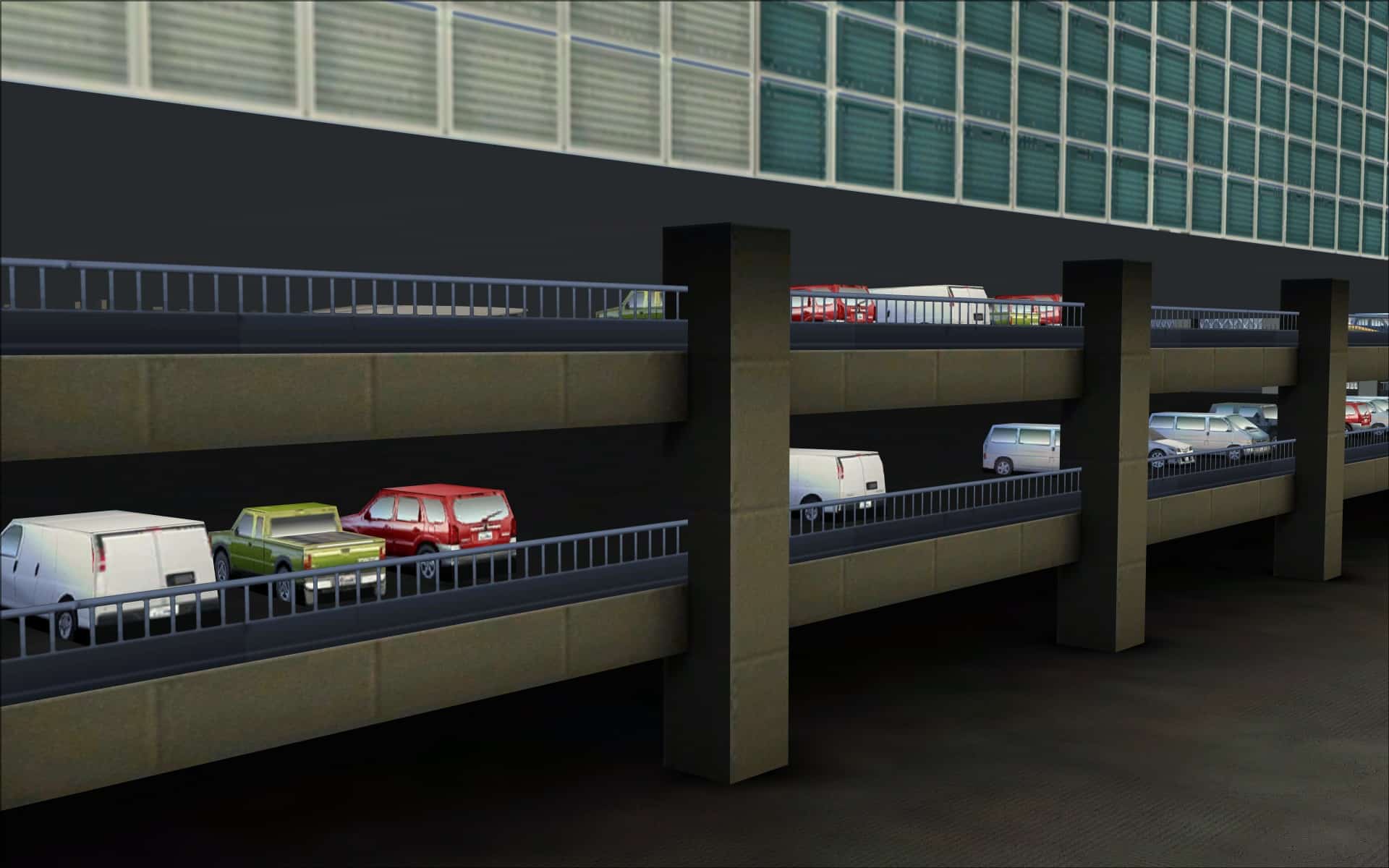 Their dedication to quality went beyond the terminal with many more examples seen in other structures both large and small. There are several large hangars at the end of runway 26L which are depicted with their bay doors open affording us a view of their interiors. Also many of the long single story cargo buildings had recessed doorways and stairways that included metal railings.
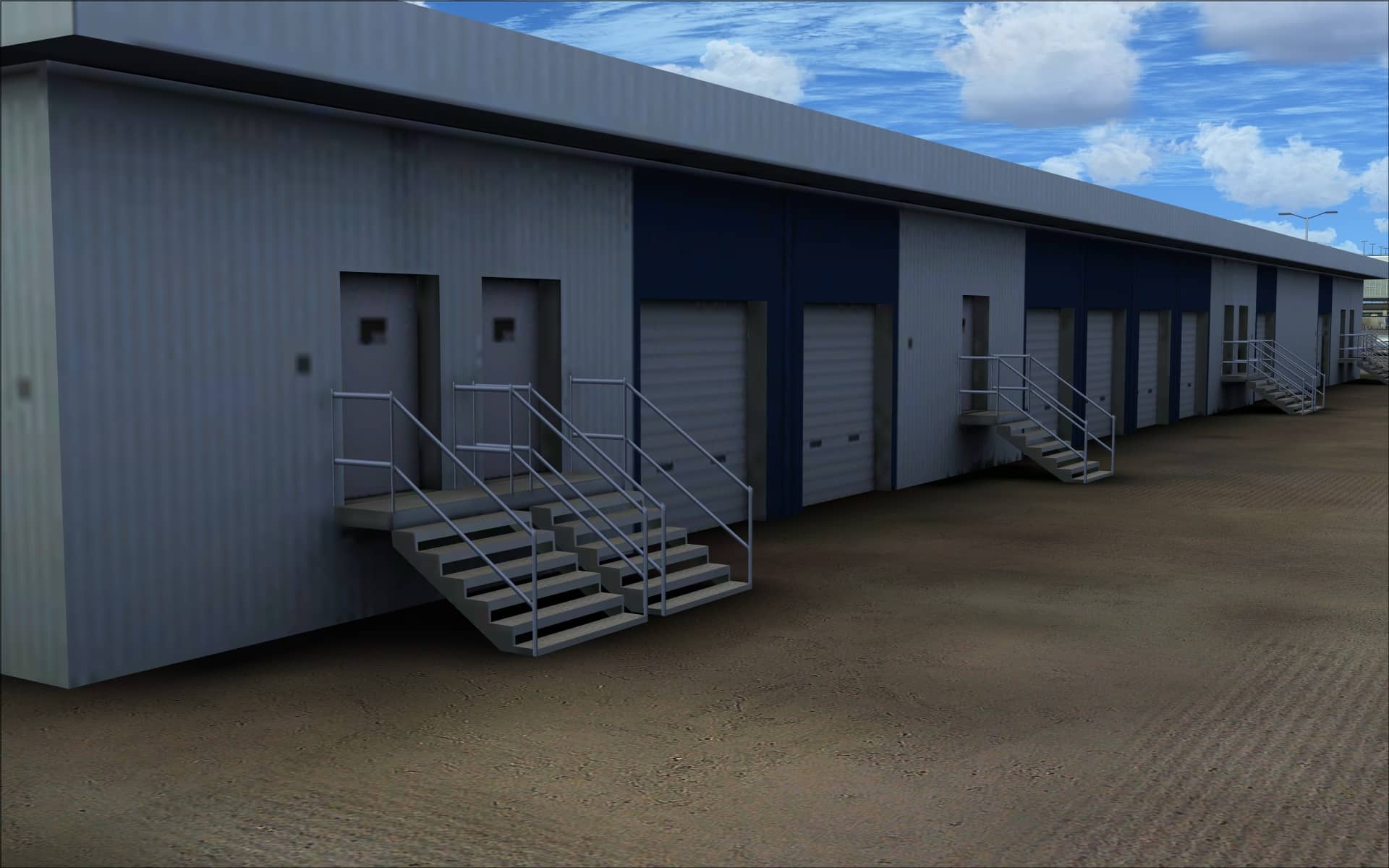
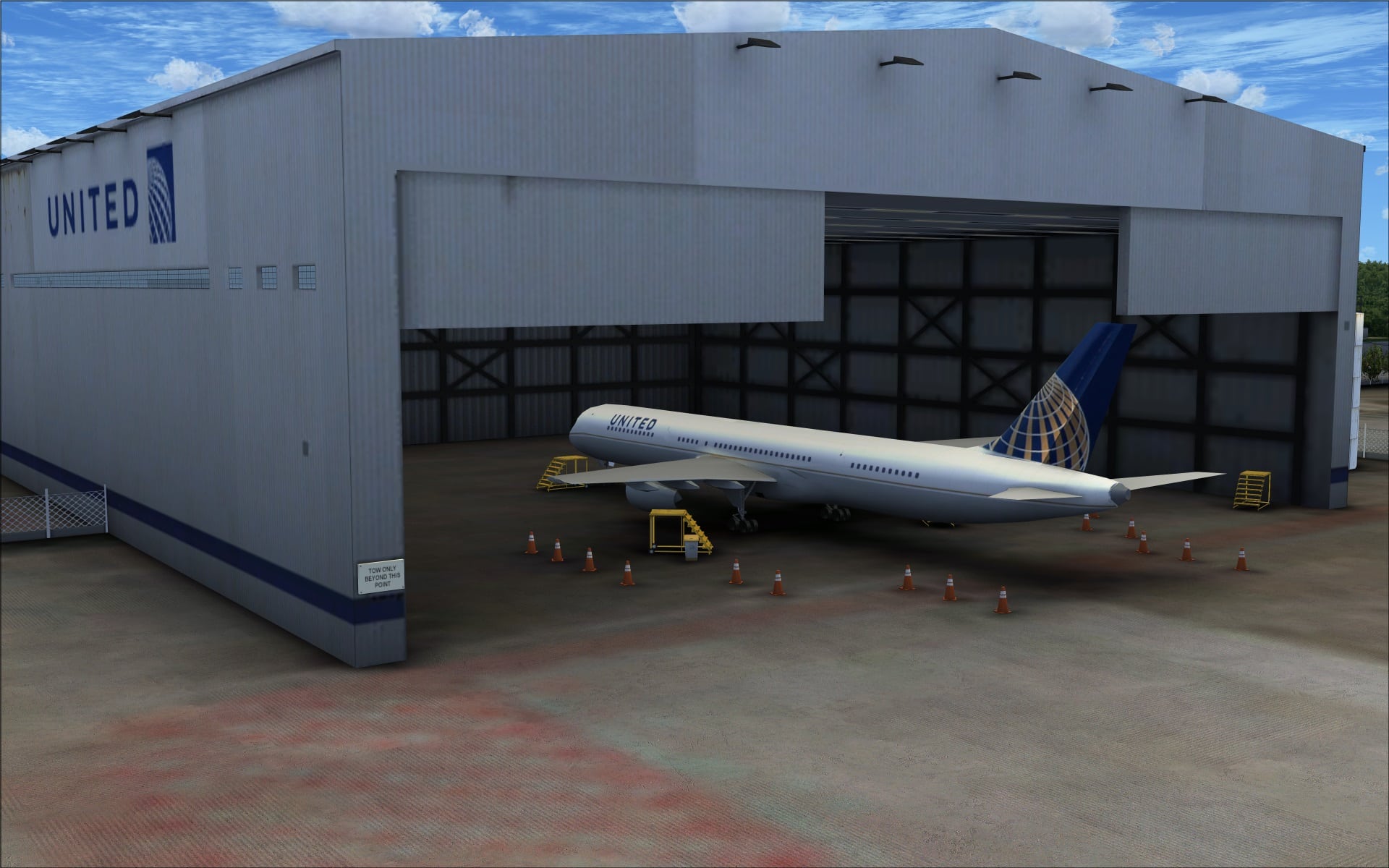 Here are screenshots of other buildings found at KIAH. The screenshots show off more of the quality work.
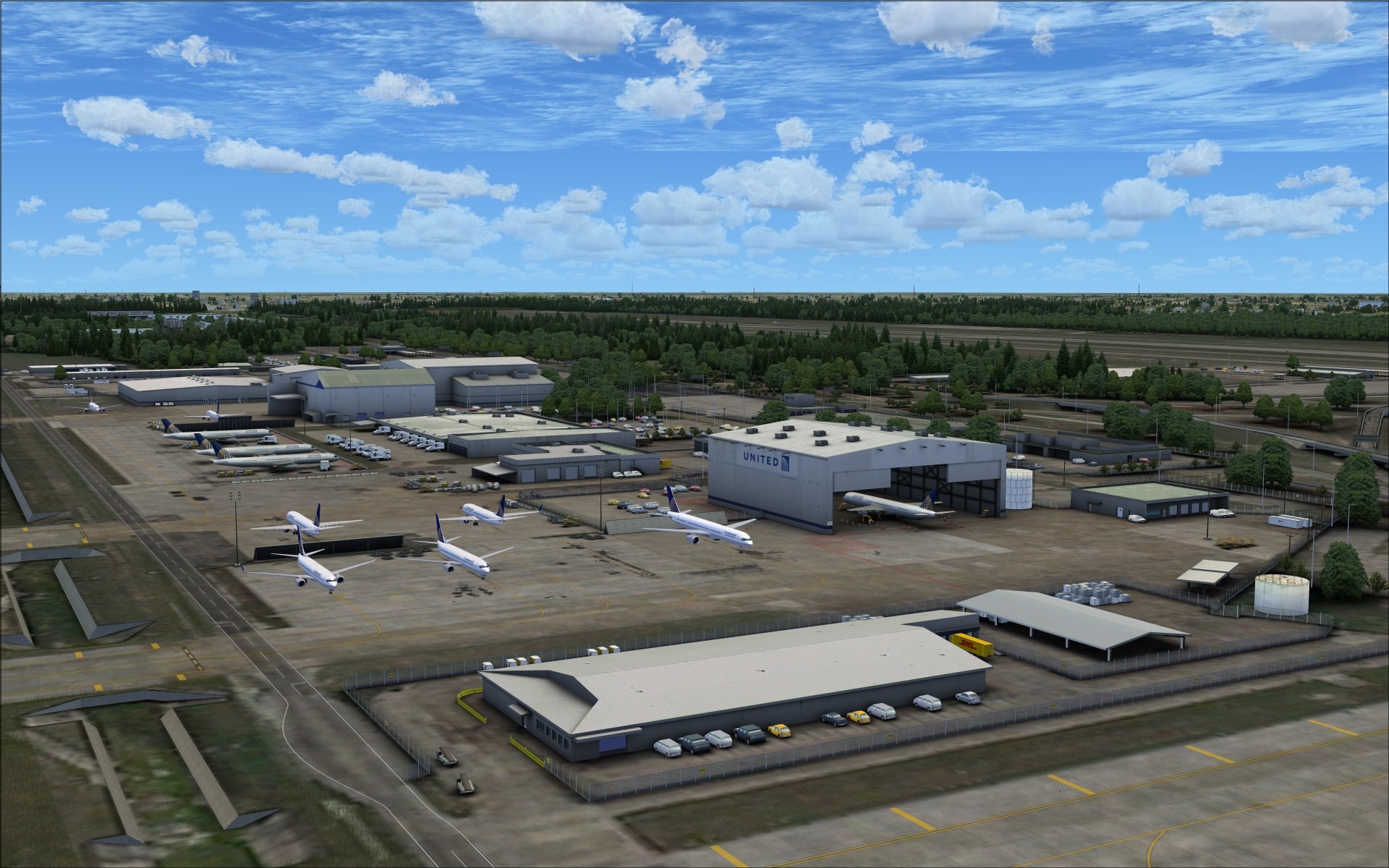
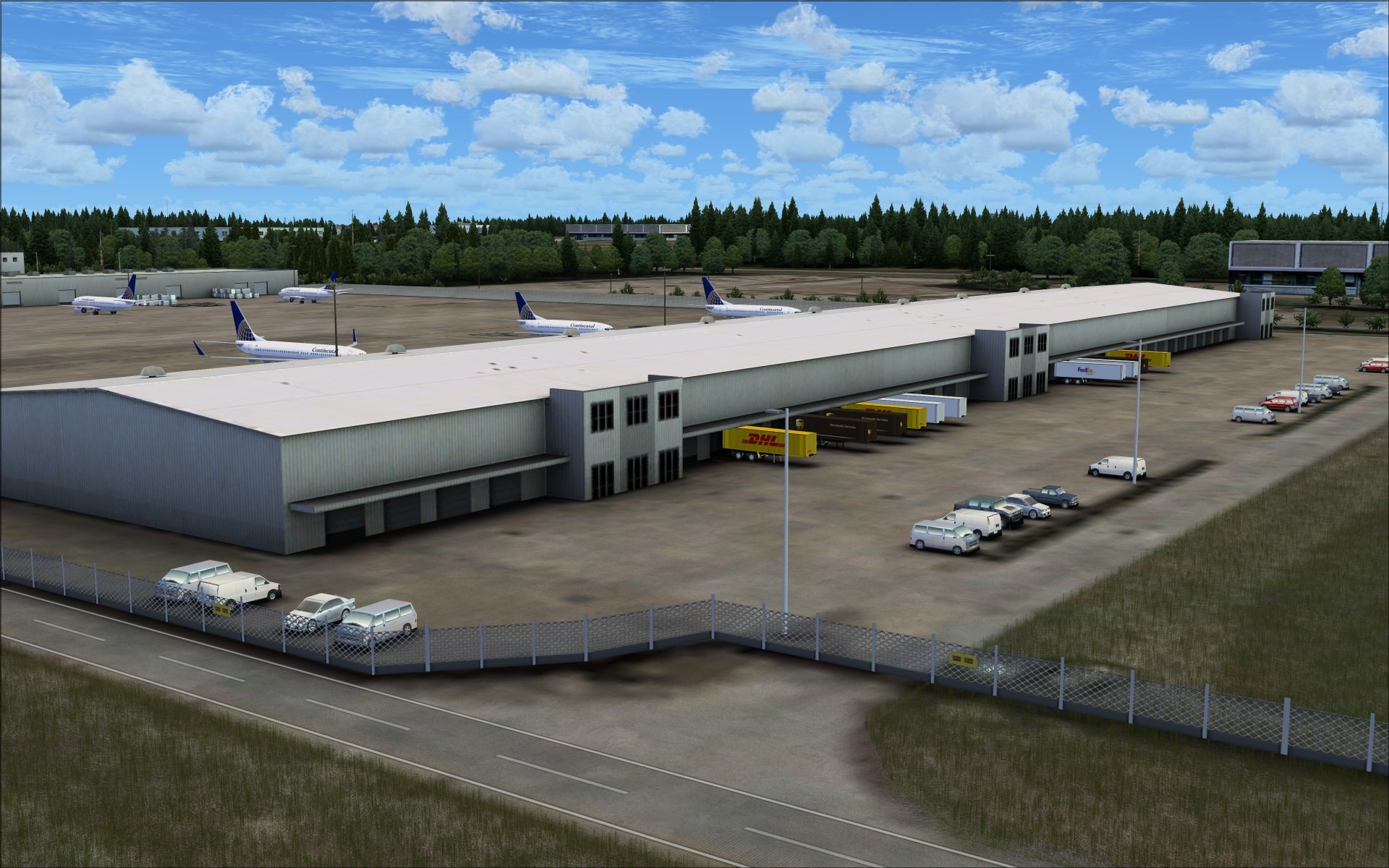
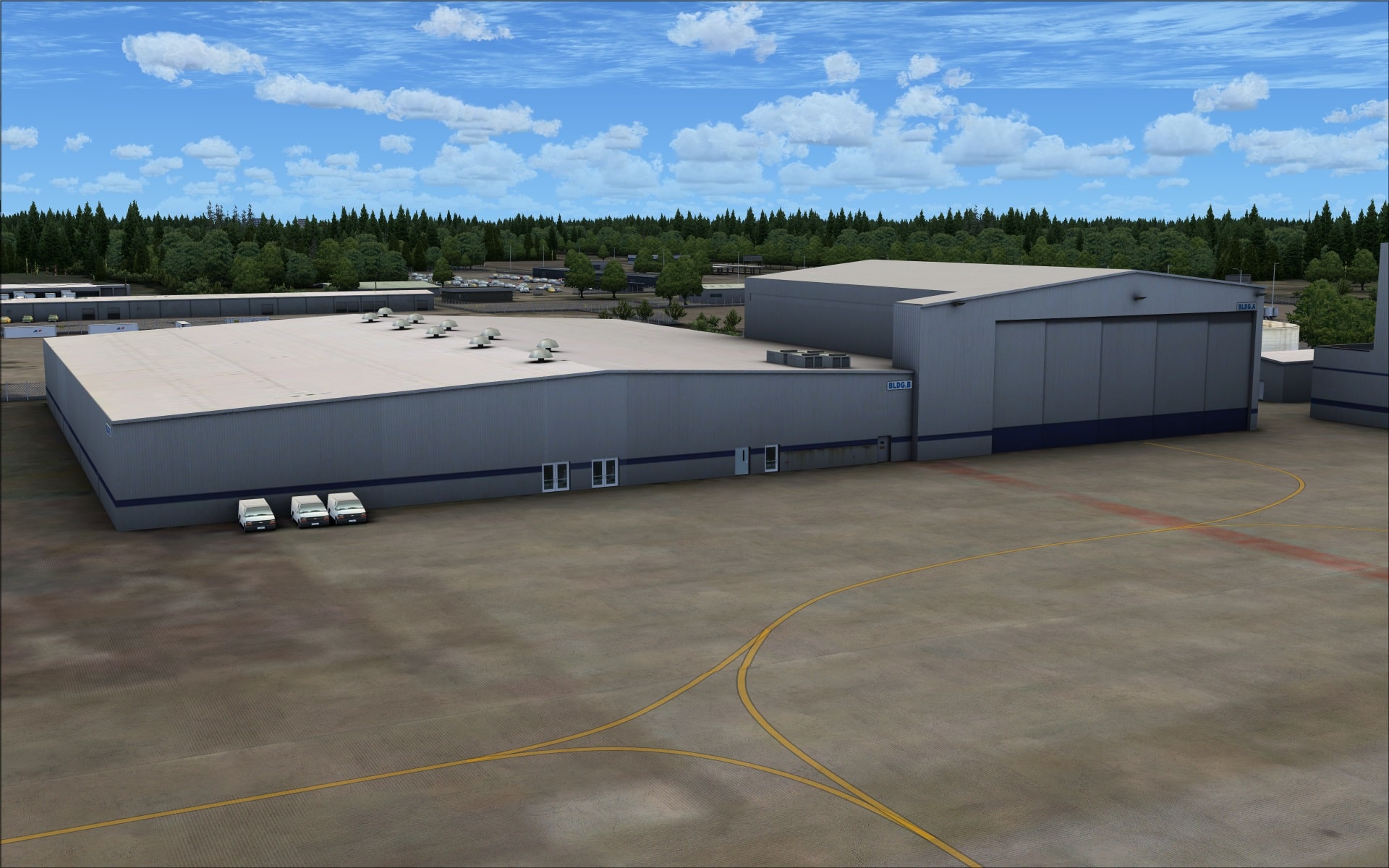
 Objects and Vehicles
A wide variety of high quality objects/vehicles have been convincingly placed throughout the entire airport area. They enhance the overall visual appearance by making the airport look busy and by reinforcing the sense that day to day operations are taking place. They’ve included the full spectrum of typical objects such as lighting, nav aids, fencing, airport service vehicles, baggage/freight and cars and trucks in the parking lots.
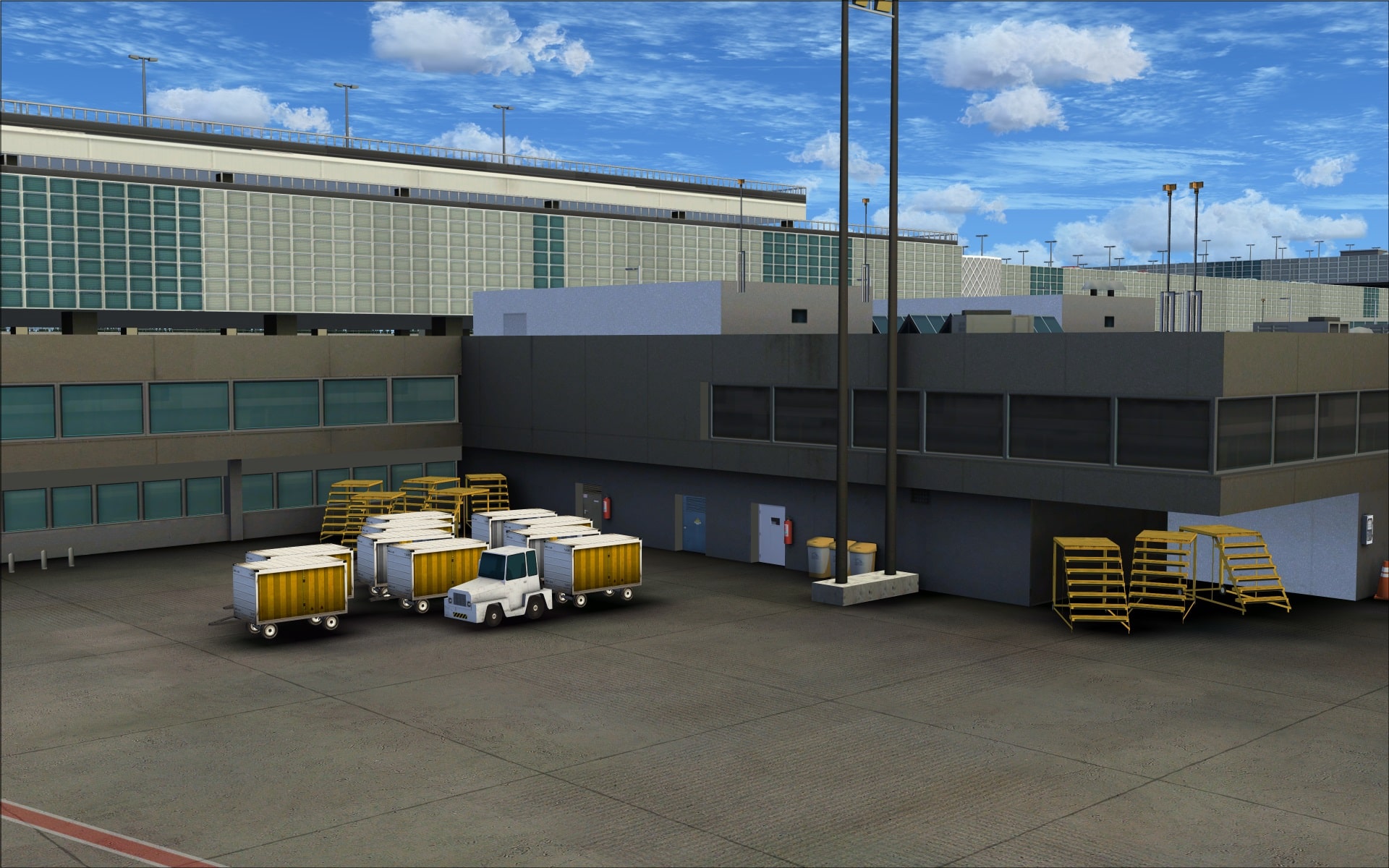
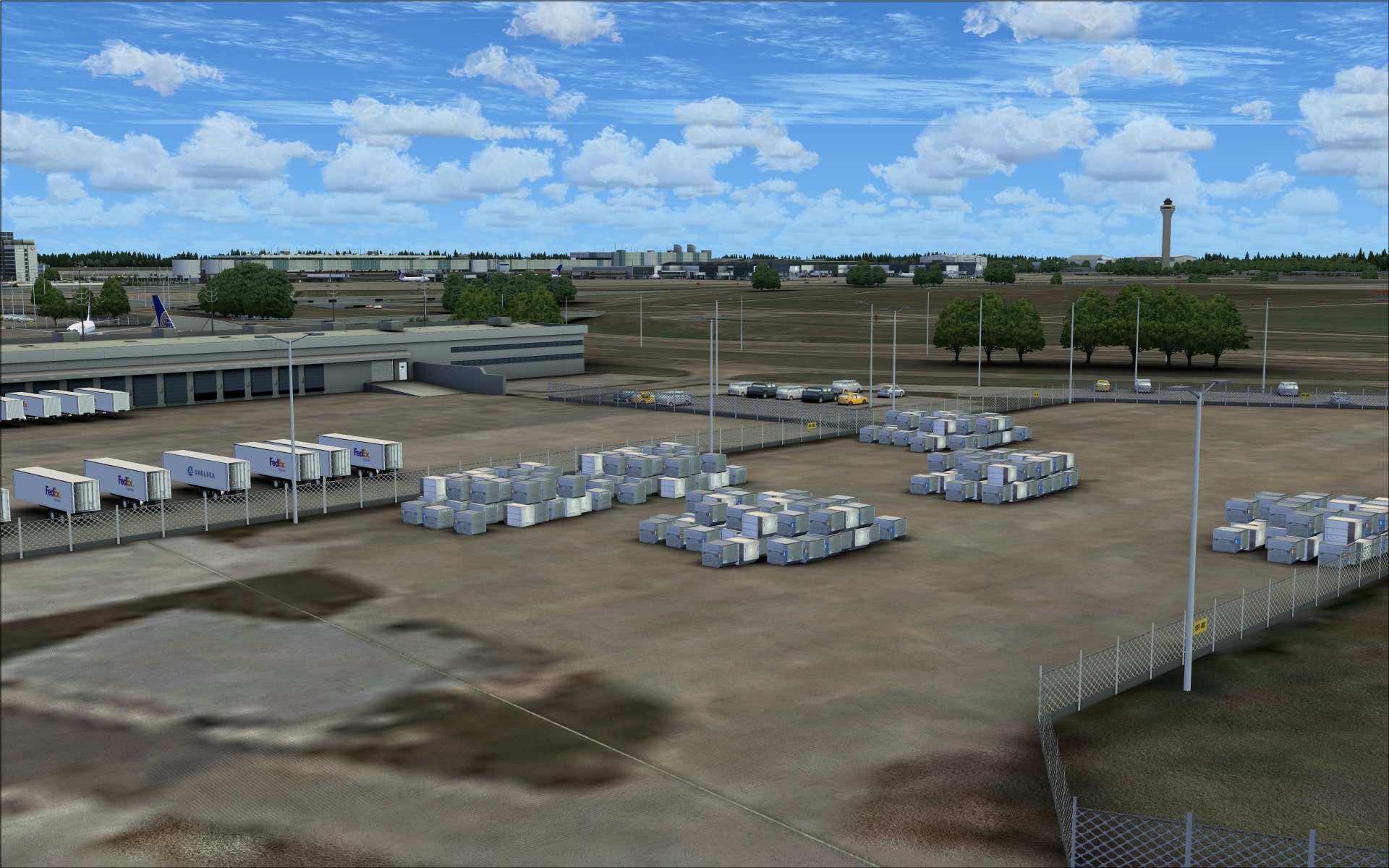
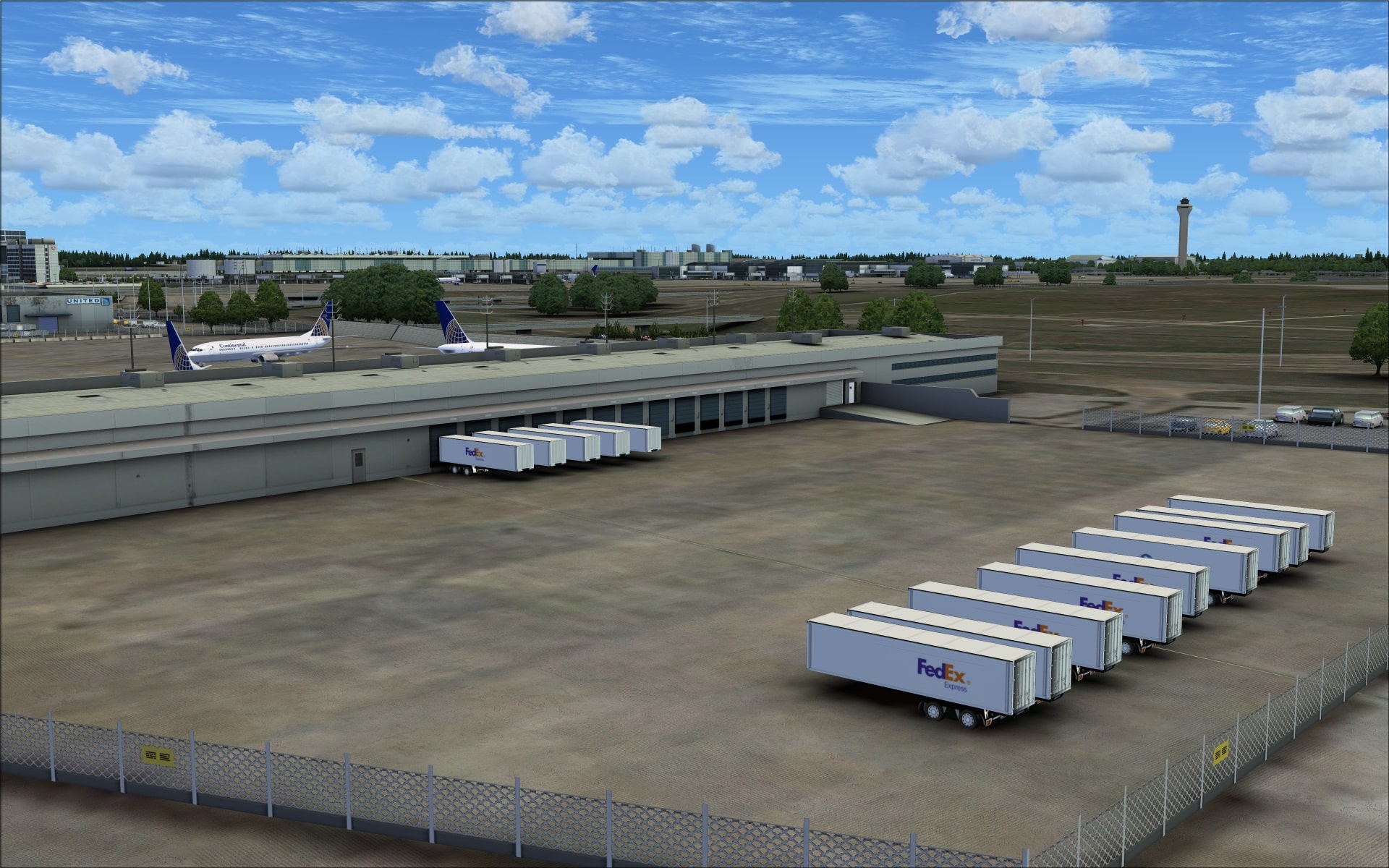
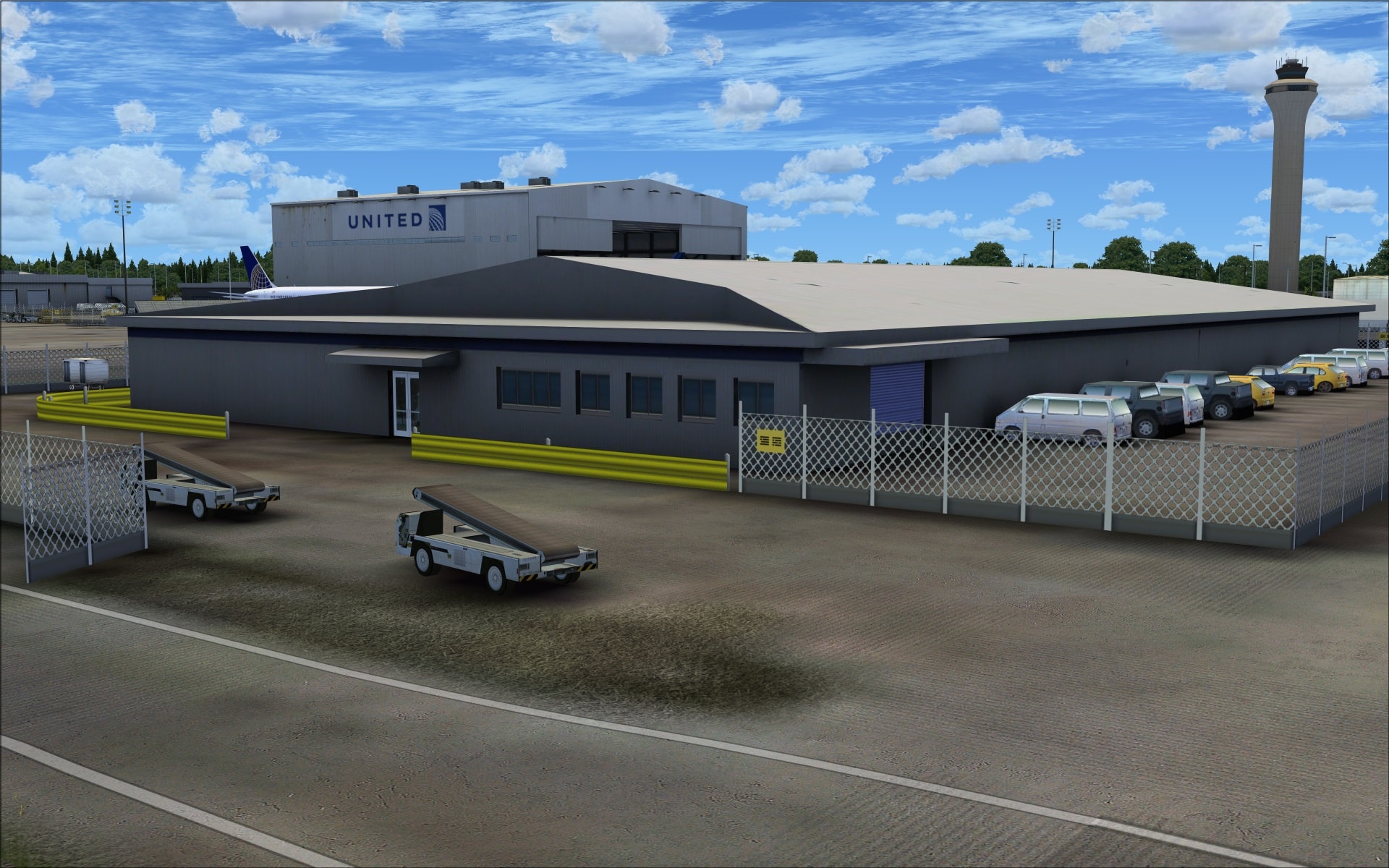
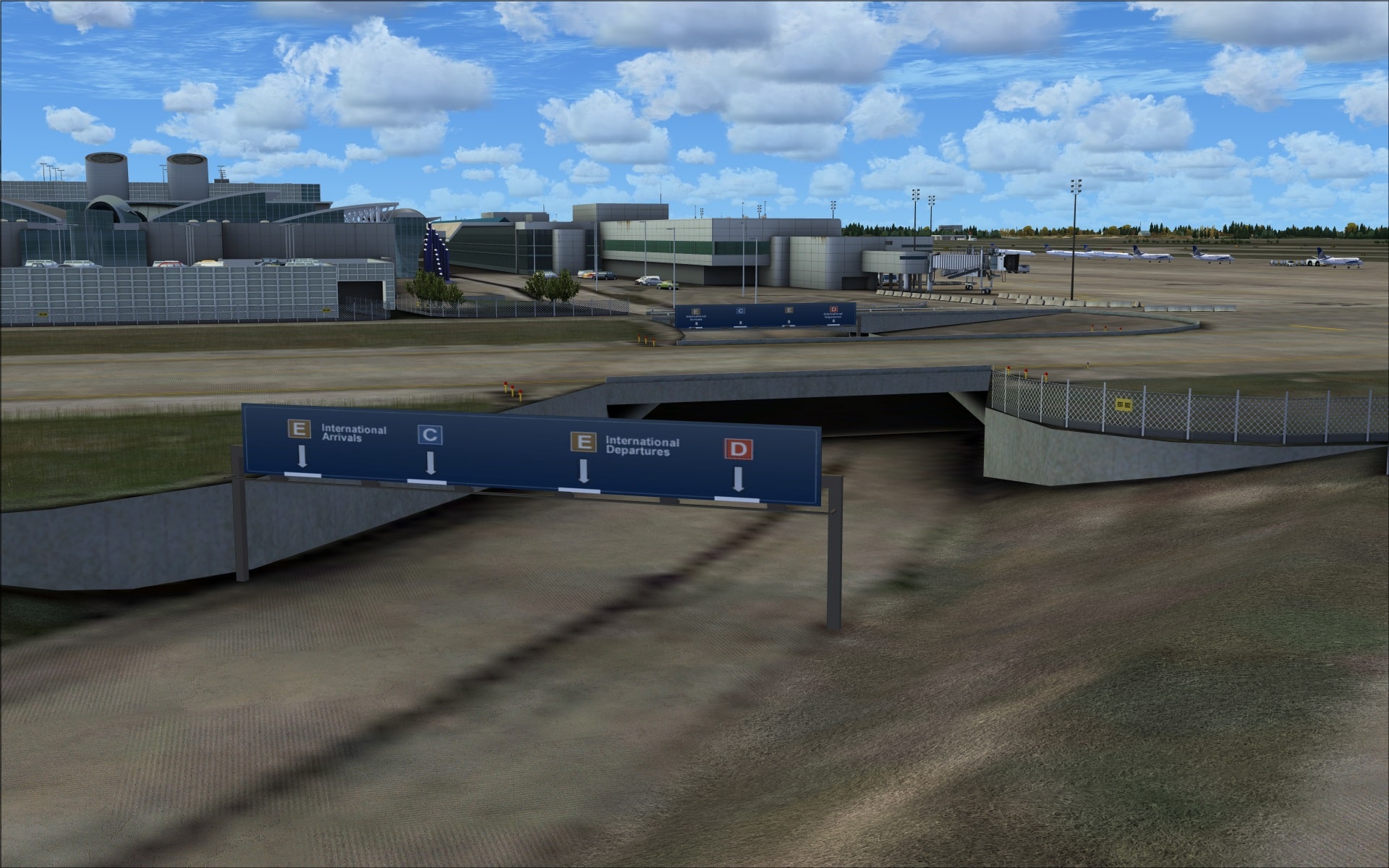
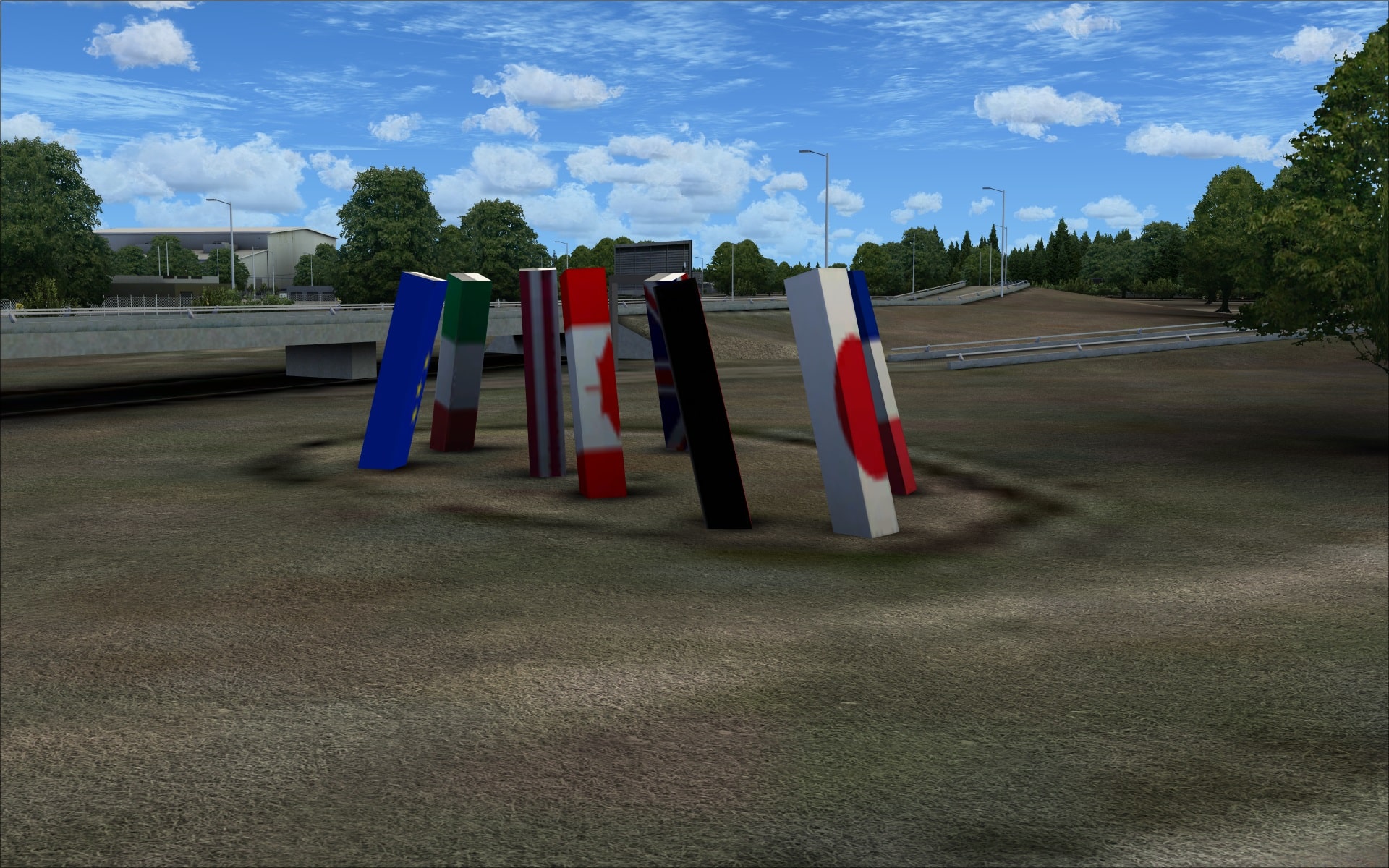
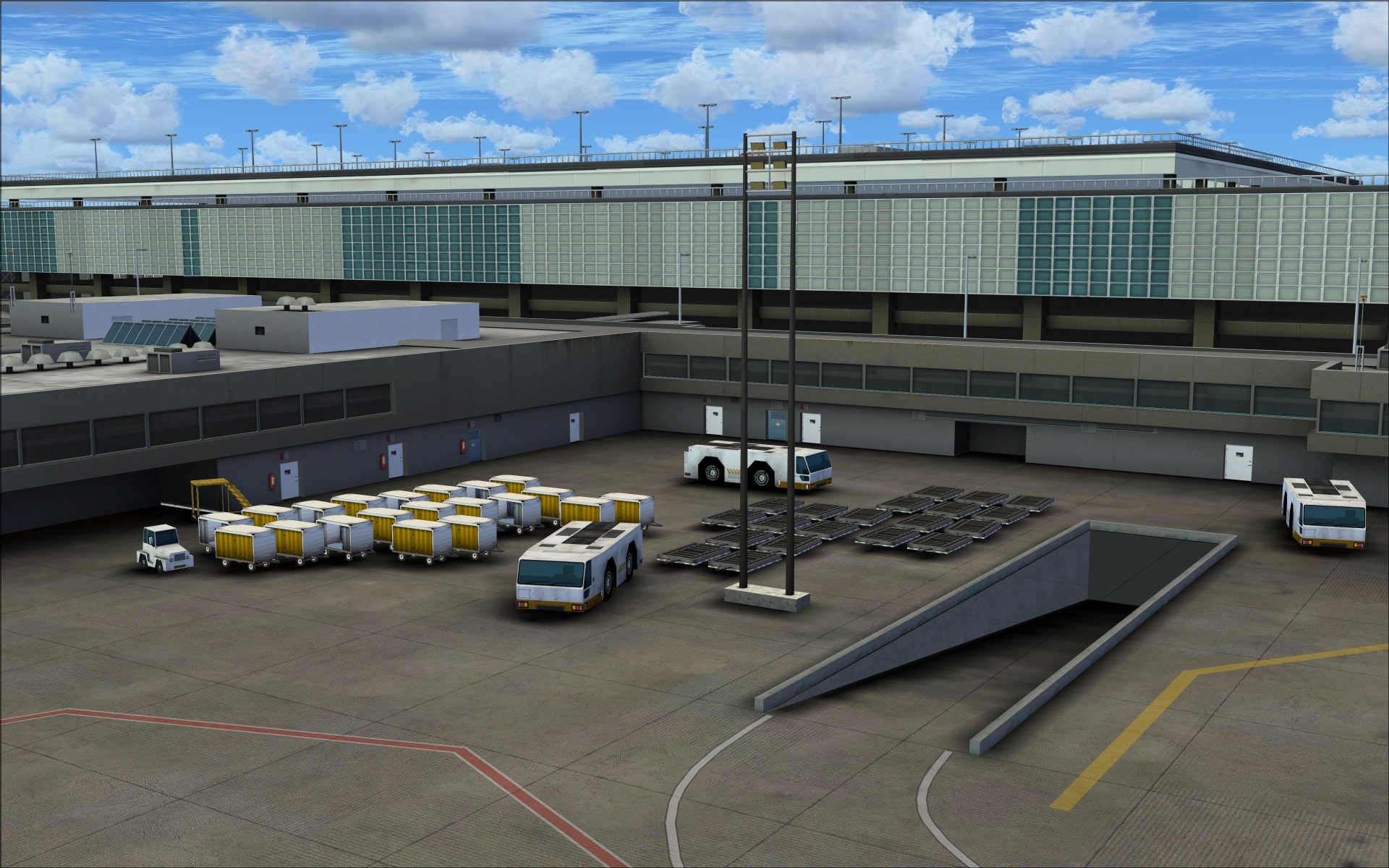
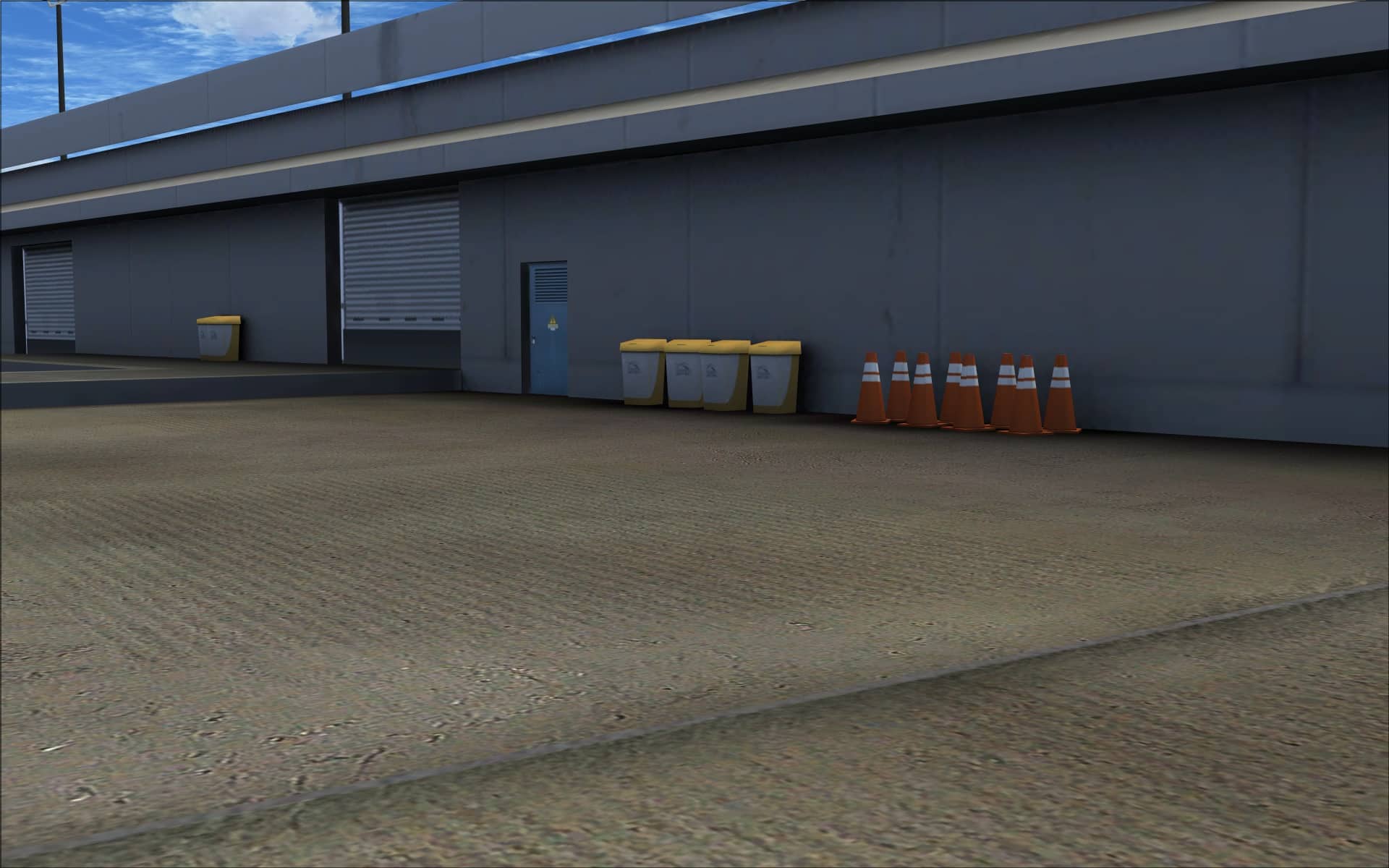
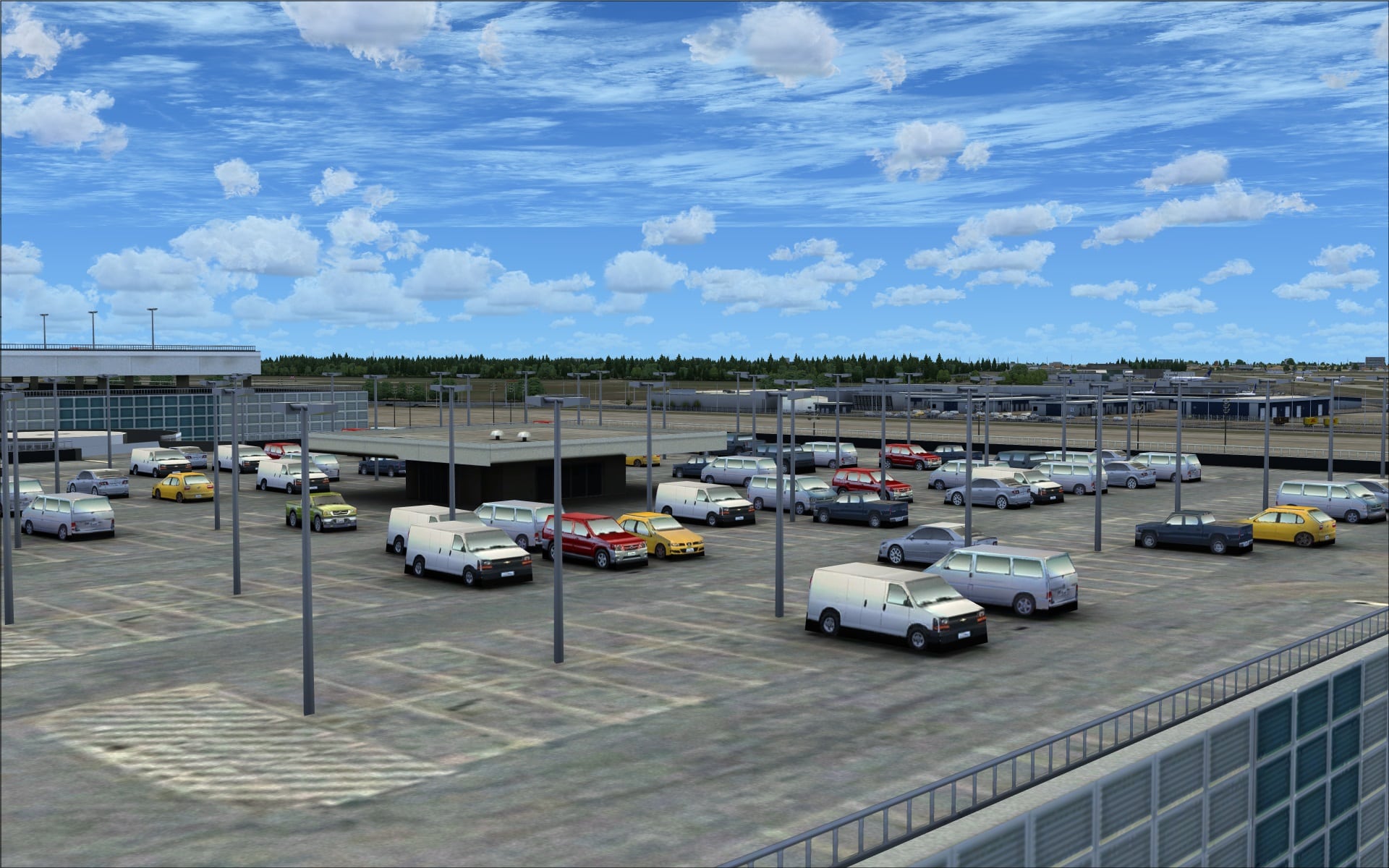 They also include other less common objects that we don’t always see. Several examples of these include the small garbage bins along the walls of the terminal building and fire extinguishers also on the walls and on the jet way entrances. It’s these small extras that help take the scenery to the next level. These types of things don’t stand out on their own but when you see them you know they’re part of the everyday landscape of objects.
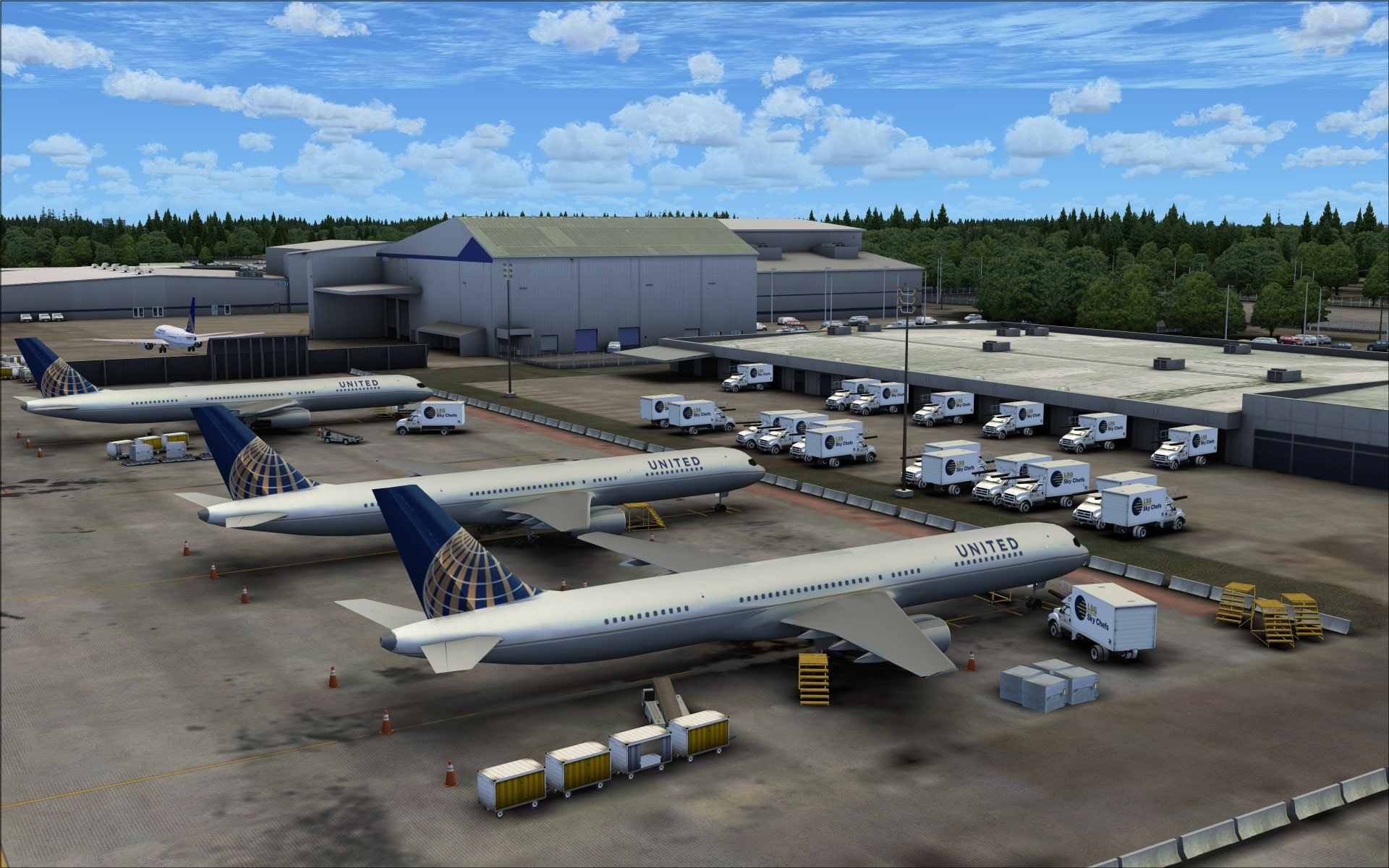
 Additionally, they’ve added some static aircraft, large United Airlines passenger jets located on a few of the aprons near the end of runway 26L as well as in the two large open hangars. This just helps add another visual dimension that serves to enhance visuals at the airport.
 Animations
FSDreamteam have included animated jet ways that are controlled by using the standard FSX keystroke combination. I tried the jet ways with several different types of aircraft and they lined up perfectly. I also noticed that the jet way wheels didn’t sink into the ground when the jet way was lowered to line up with the doors of my aircraft. This was a phenomena that I had observed with the FSX default jet ways and was happy to see wasn’t the case with these ones.
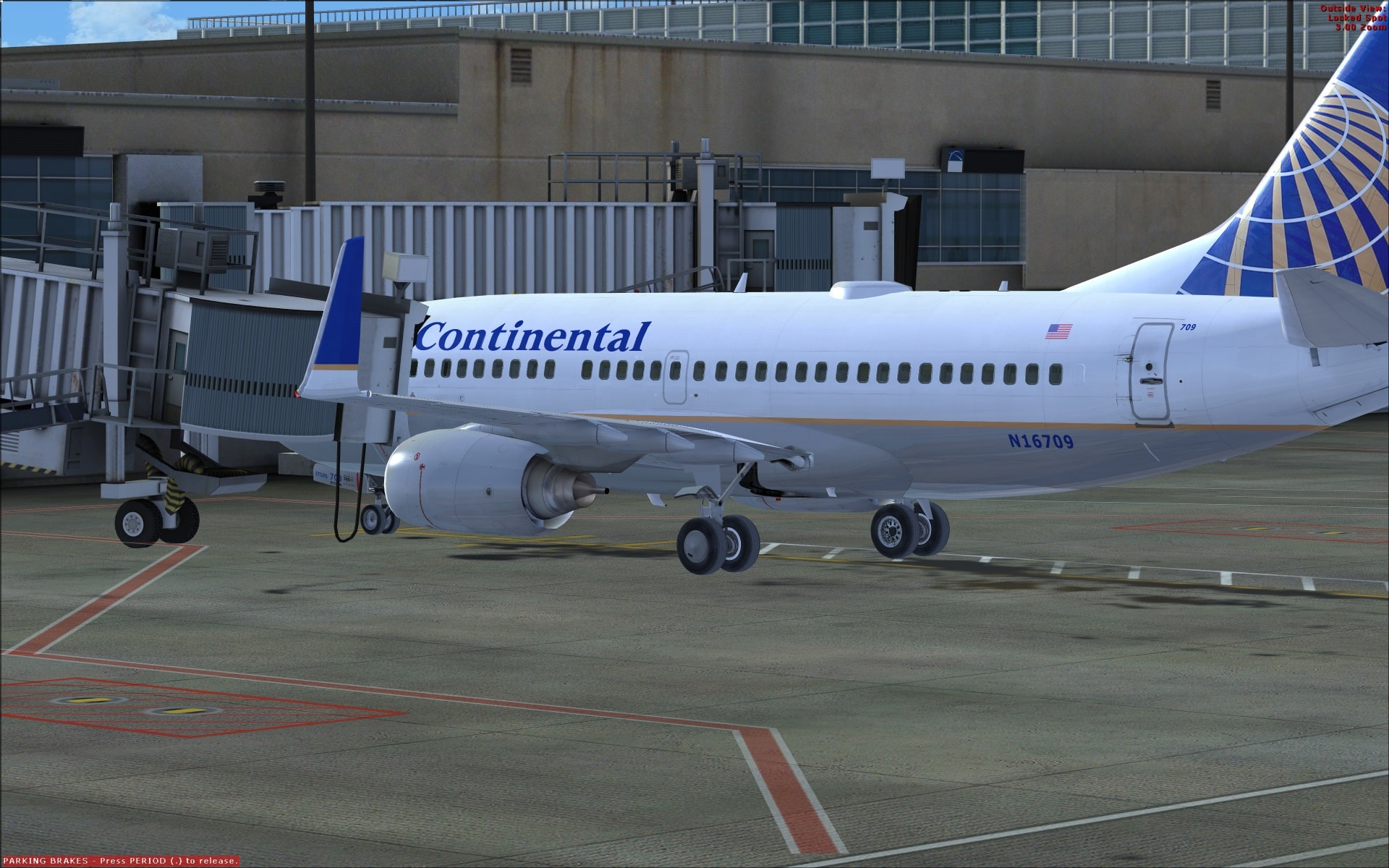 Also available as a no charge addon is FSDreamteam’s free version of GSX which seamlessly and completely integrates into the airport addon. This along with the animated jet ways go a long way to boosting the immersion factor when parked at the airport.
There is an above ground train at the airport called TerminaLink. This train connects Terminals A, B, C, D, E and the International Arrivals Building. You can see the individual train cars travelling along the above ground tracks between the different terminals.
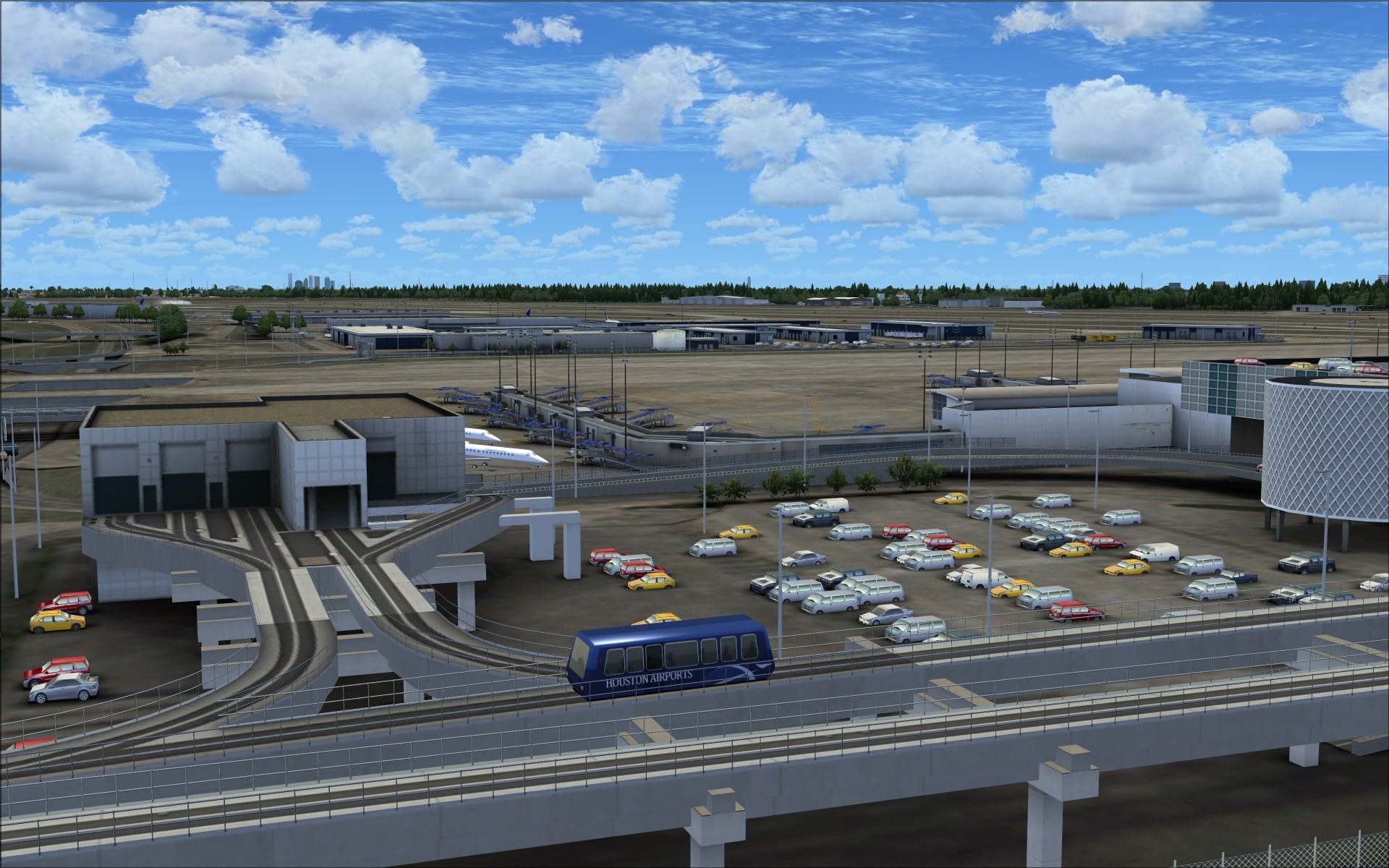 Animated vehicular traffic has also been included and can be seen moving along the airport’s apron service roads and nearby roadways.
Night
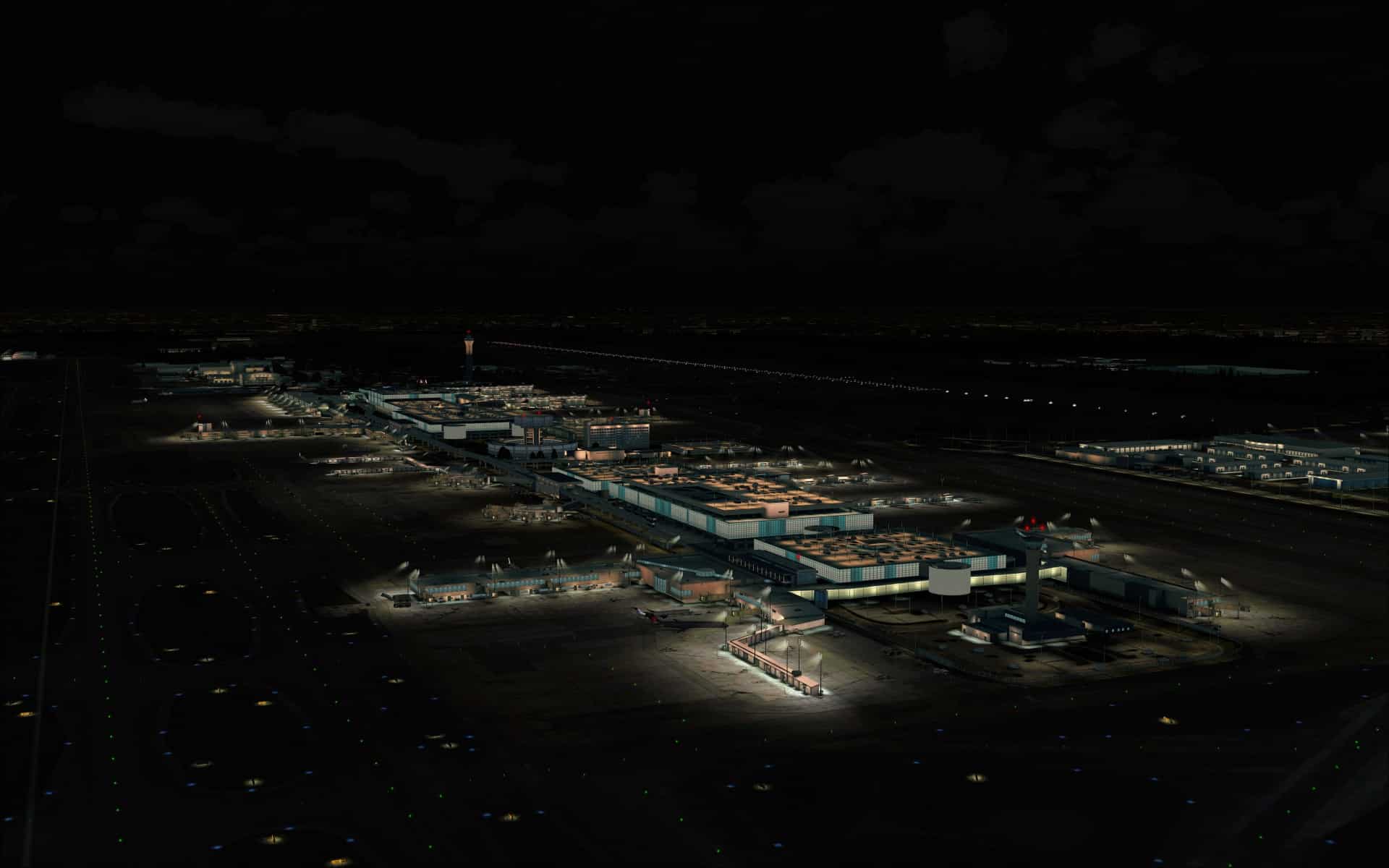
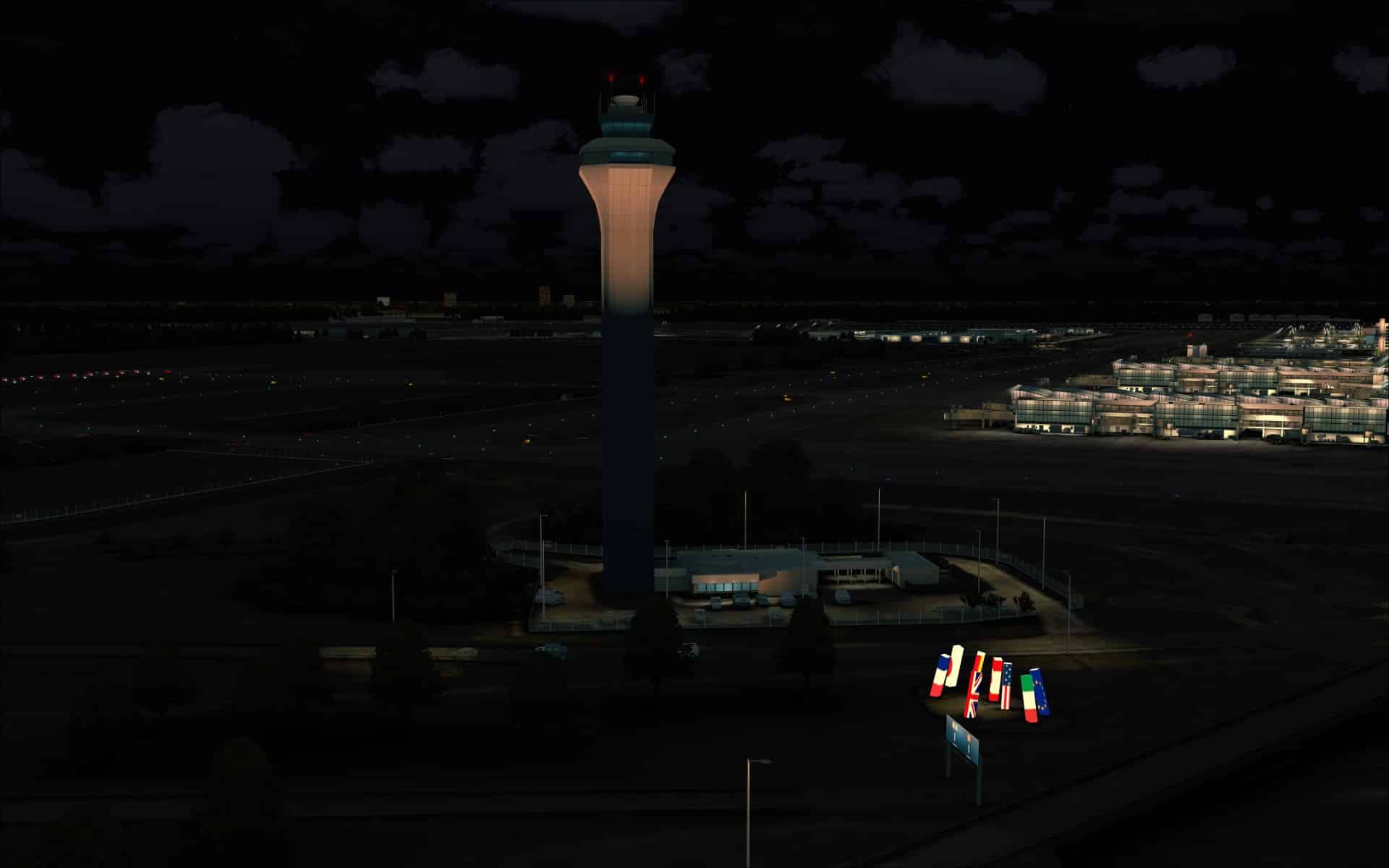
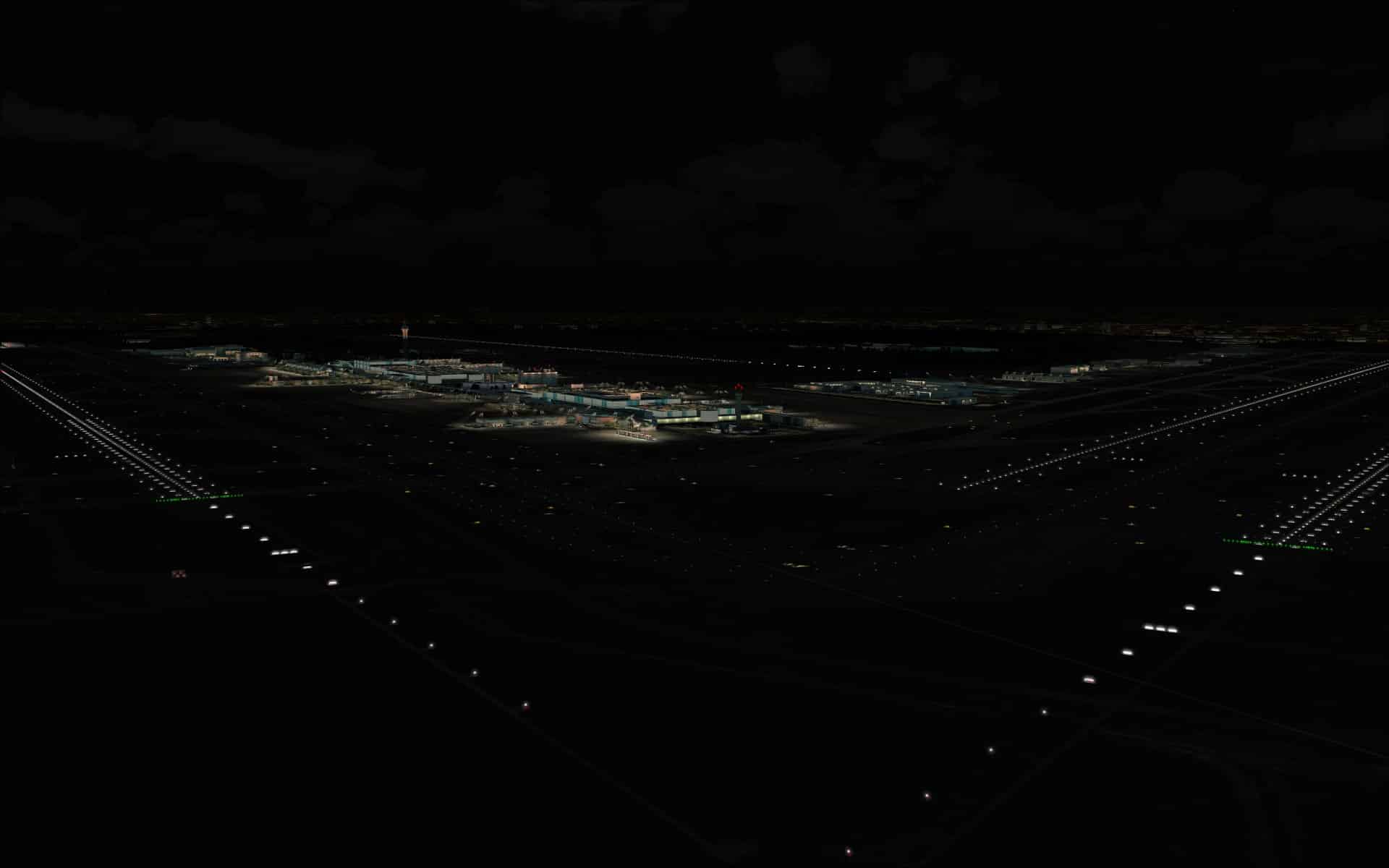
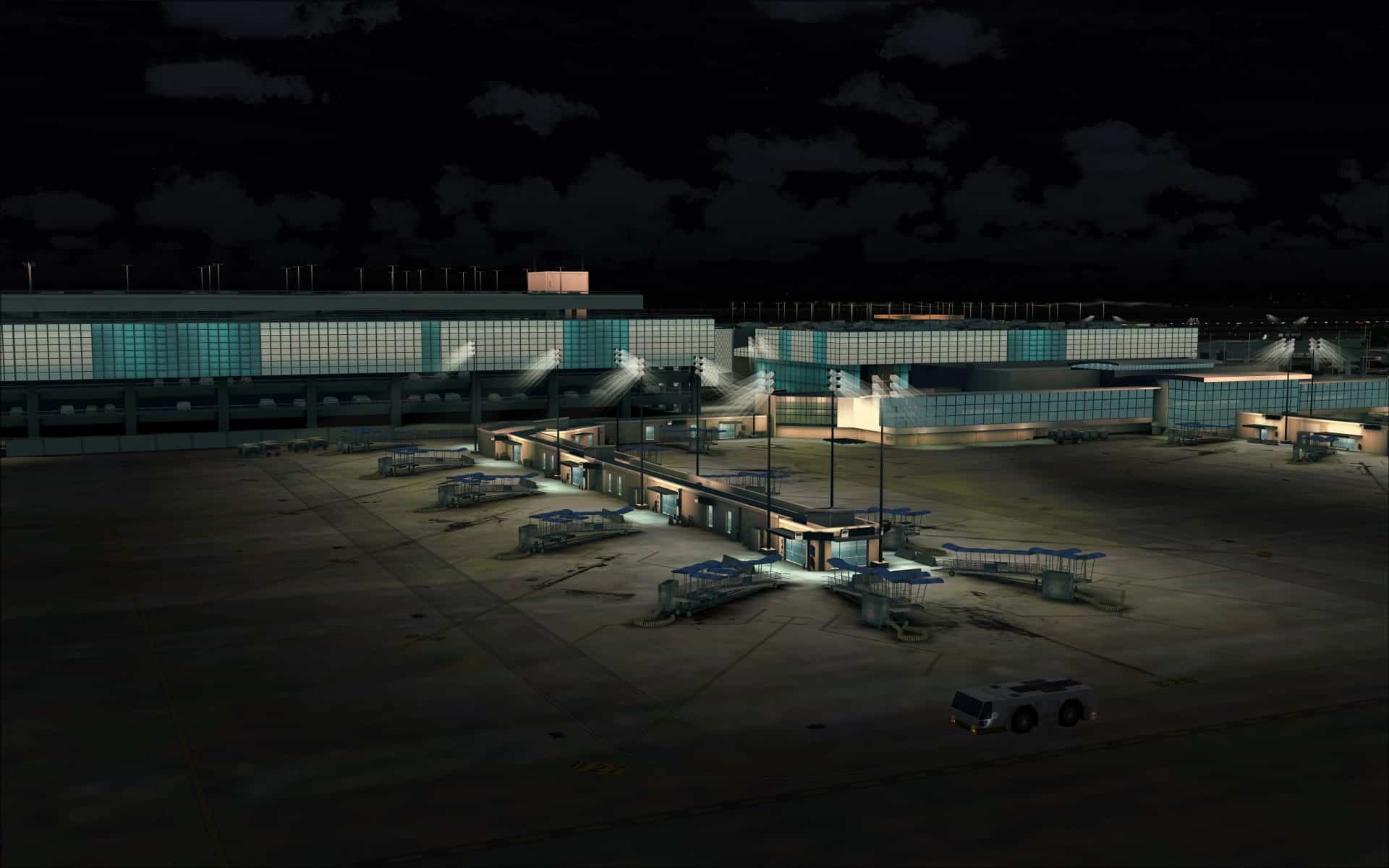
The night time scenery was quite good however I did have a few reservations about what I saw. The biggest negative was that the quality of the visuals weren’t consistent in all areas of the airport. How lighting from external sources such as overhead pole lights or building mounted lighting was depicted on adjacent walls and ground surfaces was an area where there were inconsistencies. The main terminal complex and the structures near to it showed these quite realistically and looked really good. Here are several screenshots that show off the quality of their work.
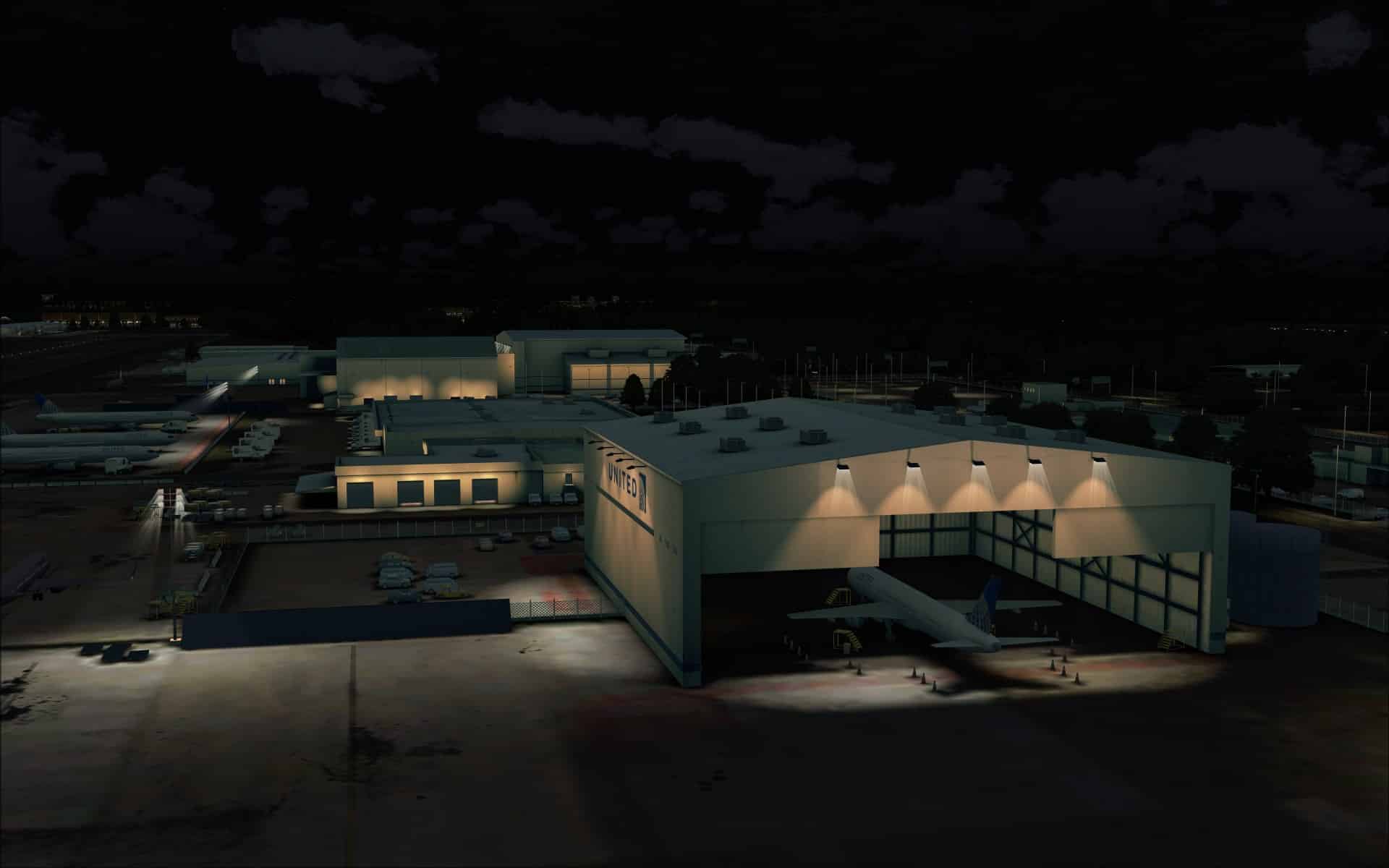
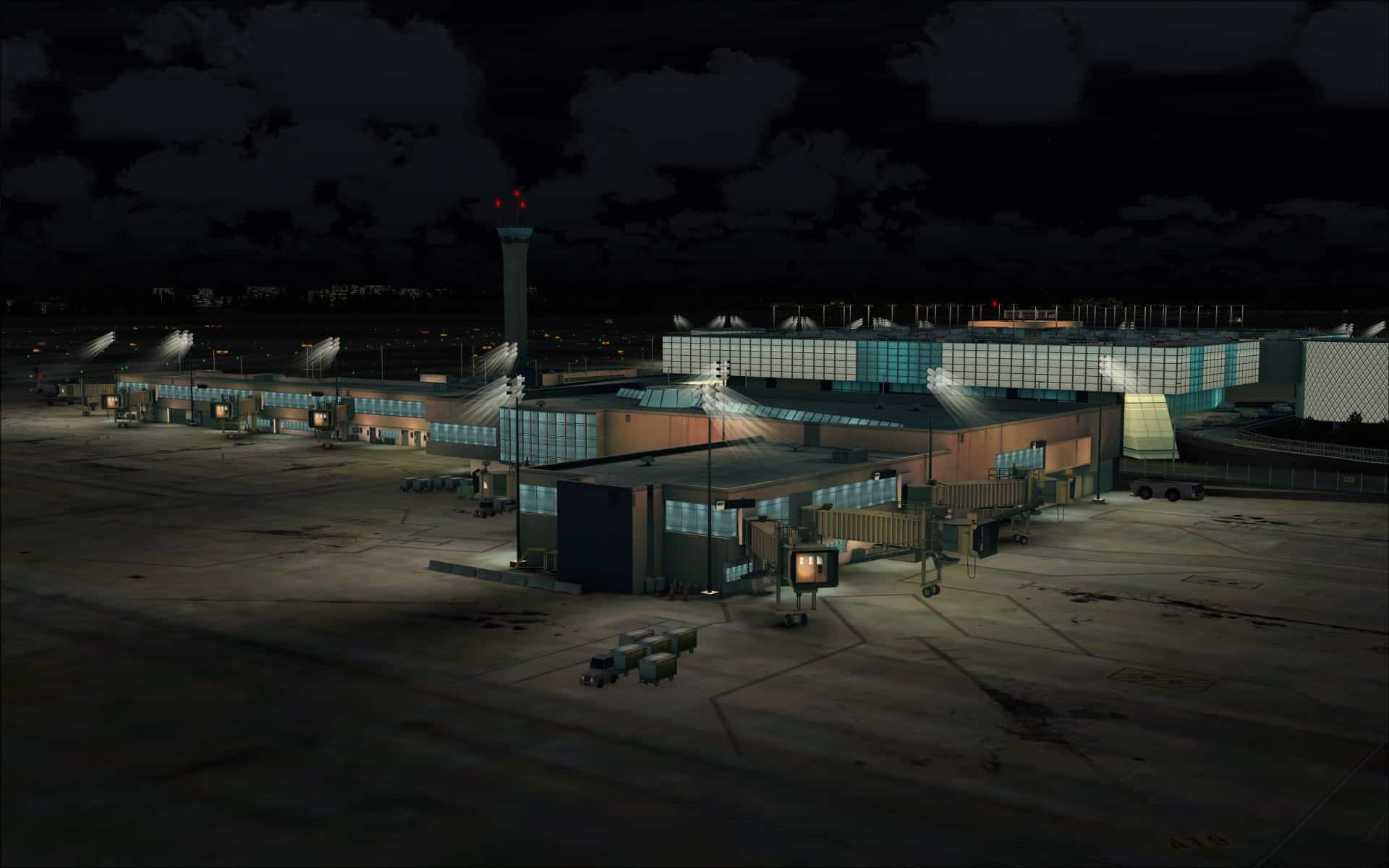
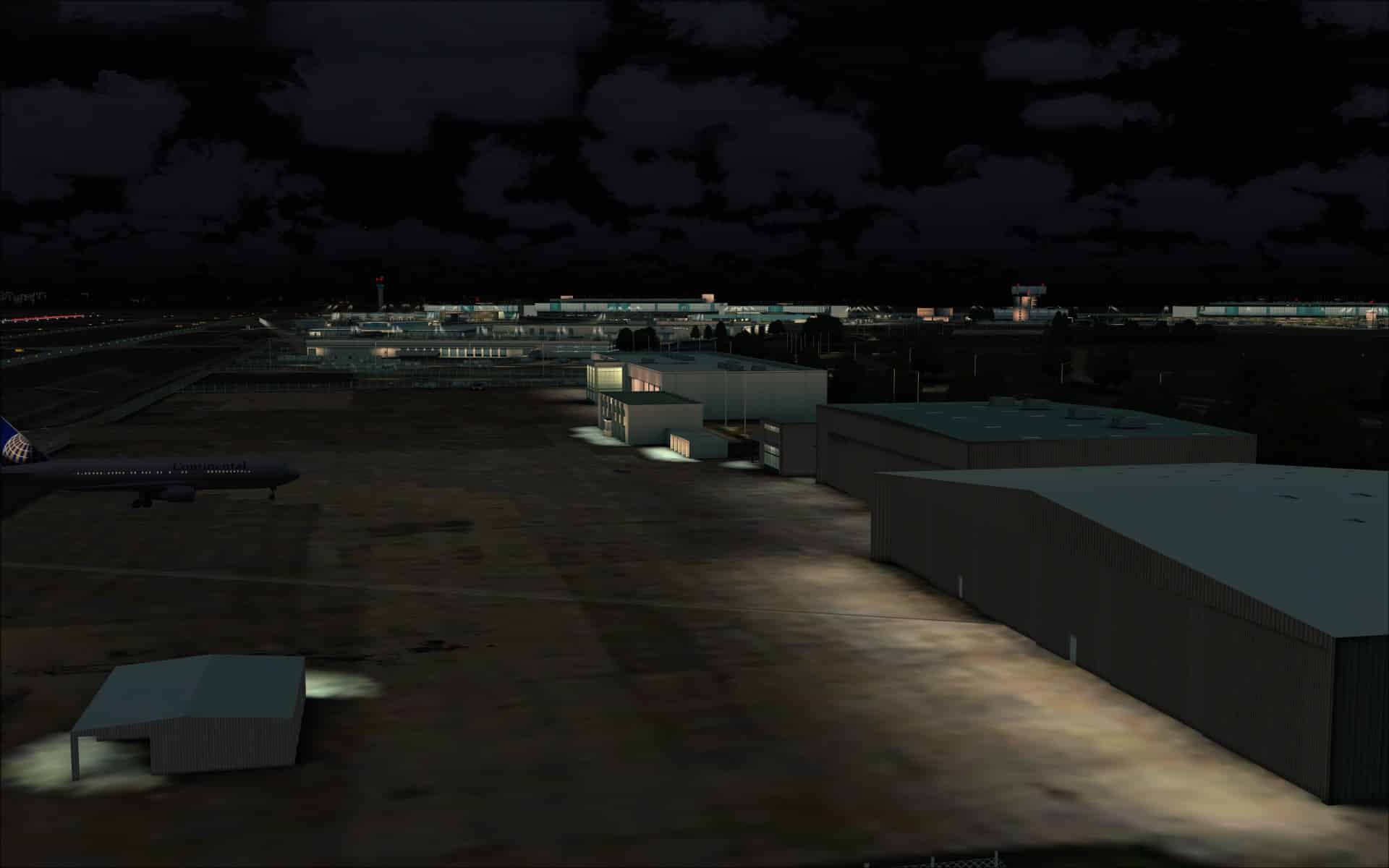
 Unfortunately some structures that were further away didn’t show this same quality and the lighting effects were missing or didn’t match what I was expecting to see.
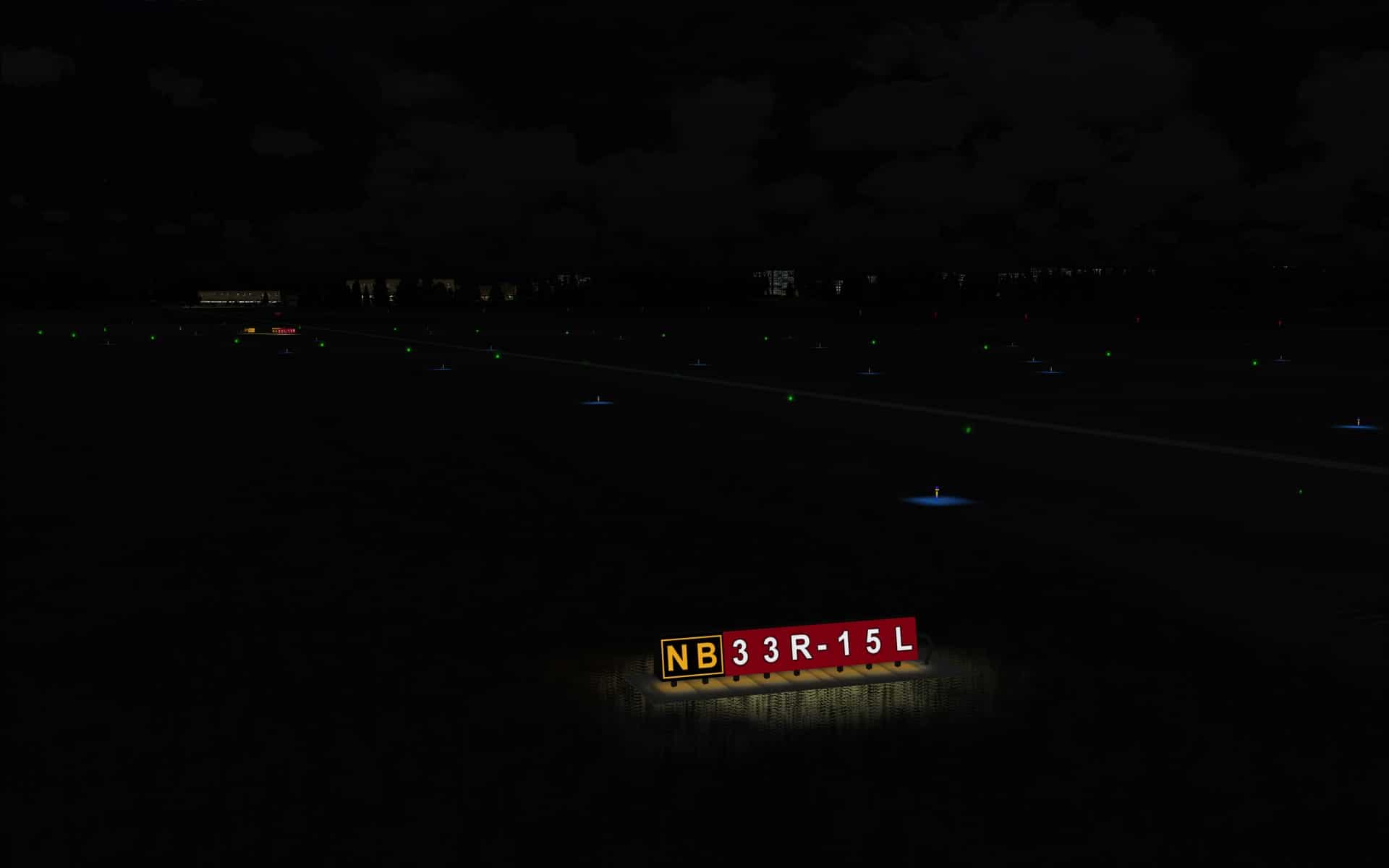
Ground lighting was very good throughout the airport. Runway/taxiway/approach lights plus the marker lighting looked quite realistic. They included the effect of illuminating the ground next to the fixtures which makes a positive effect when taxiing around.
 I also a big fan when the light being projected from the high intensity overhead apron lights can be seen penetrating the night time darkness. You can almost feel the cool dampness of the air.
 Performance
Performance was an area where I was pleasantly surprised. Despite this being such a large and complex airport with lots of traffic I never encountered any OOMs or significant drops in frame rates even when flying complex aircraft such as the PMDG 737NGX or Aerosoft Airbus X.
Final Thoughts
When you buy FSDreamteam you expect quality and that is what you get. They are one of the top scenery developers and this latest airport did not disappoint. I thoroughly enjoyed every aspect of the product and look forward to their next release as I know it will be another winner.
My Ratings
Installer: Very good but requires internet connection.
Documentation: Very good, polished manual with a full set of up to date charts.
Modelling: Excellent quality with lots of details that make it interesting.
Extras: Lots of native animations. Demo available for those who may be on the fence about buying.
Download Size: FSX 127Mbs
Price: EUR 22.90 without VAT
Developer Homepage: http://www.fsdreamteam.com
Link: http://secure.simmarket.com/fsdreamteam-houston-george-bush-intercontinental-fsx-p3d.phtml
Test System:
Intel i7 960 OC @ 4.2 Ghz, 6 Gb RAM, Gigabyte GTX780 w3Gb video, Win 7 Ultimate 64, FSX w/acceleration, DX9, UT2, REX Overdrive, GEXn, UTX, AES, GSX, FSUIPC.
Richard Desjardins


