


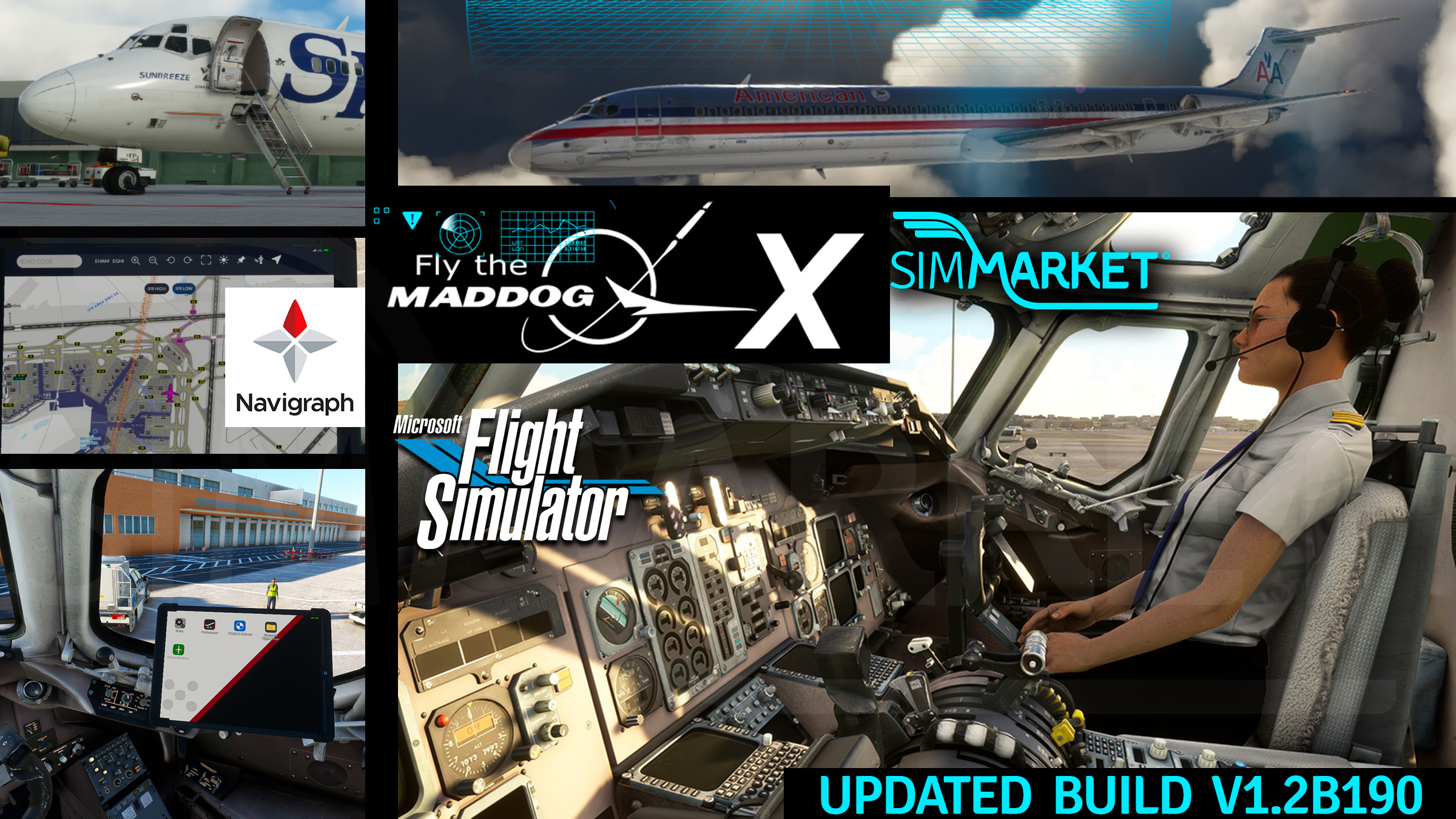
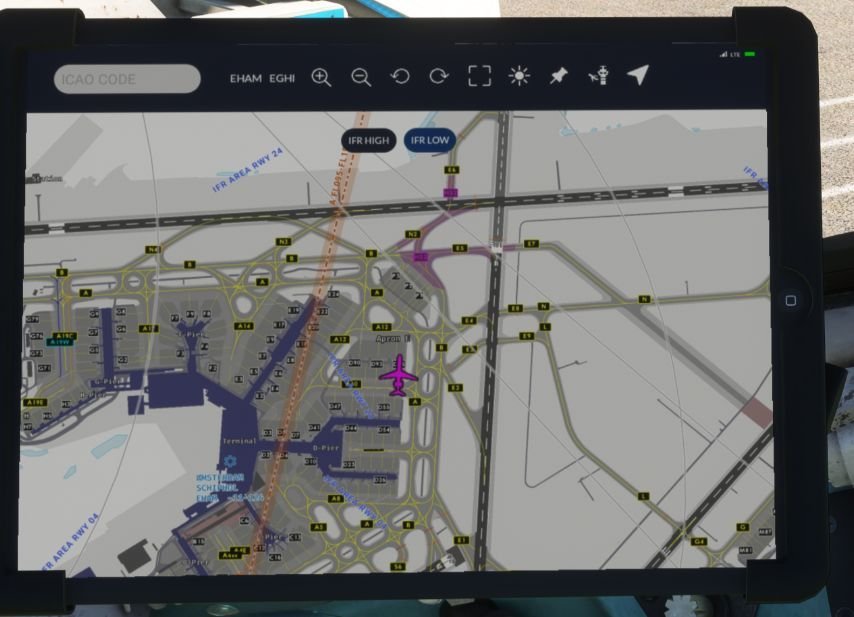
The latest update for Leonardo’s Fly the Maddog X in Microsoft Flight Simulator introduces significant enhancements to its Electronic Flight Bag (EFB), including the integration of moving maps on Navigraph Charts. This new functionality allows pilots to view their real-time position on IFR High and Low charts, as well as airport diagrams powered by Jeppesen’s Airport Moving Map Database (AMDB). These additions provide an immersive and practical navigation aid, improving situational awareness during critical flight phases such as departures, arrivals, and ground operations.
The update, version 1.2b190, also includes several fixes and adjustments to the aircraft’s systems and performance. Key improvements include fixes to the Flight Management System (FMS), such as resolving issues with the OVRD button and vectors in procedures, as well as fine-tuning the Engine Pressure Ratio (EPR) and fuel consumption. The addition of drag to flaps at specific settings ensures that performance now matches the aircraft’s Operating Manual (OM).
Navigraph‘s integration plays a crucial role in enhancing the realism of the Maddog X experience. Pilots who subscribe to Navigraph gain access to up-to-date charts, navigation data, and tools like SimBrief for flight planning. This integration ensures that flight sim enthusiasts can maintain accurate and current navigation data, contributing to a more authentic simulation environment.
Overall, the update significantly elevates the functionality and realism of the Fly the Maddog X, particularly with the introduction of the moving map feature on enroute charts. This enhancement not only improves safety by providing real-time positional awareness but also adds depth to the simulation experience, making it a valuable tool for both casual and serious flight simmers.
Changelog Build 1.2b190 :
[FIXED]
– fixed FMS OVRD button visible also when CANADIAN FMS selected;
– fixed issue with VECTORS in FMS procedures;
– fixed issue with command TURN LEFT/RIGHT DIRECT in certain procedures;
– fine tuning of EPR and FF at cruise level and climb time / fuel consumption. Added drag to flaps 28/40 to match OM EPR;
[NEW]
– added enroute IFR LOW/HI charts to EFB Charts APP with optional moving map.


