


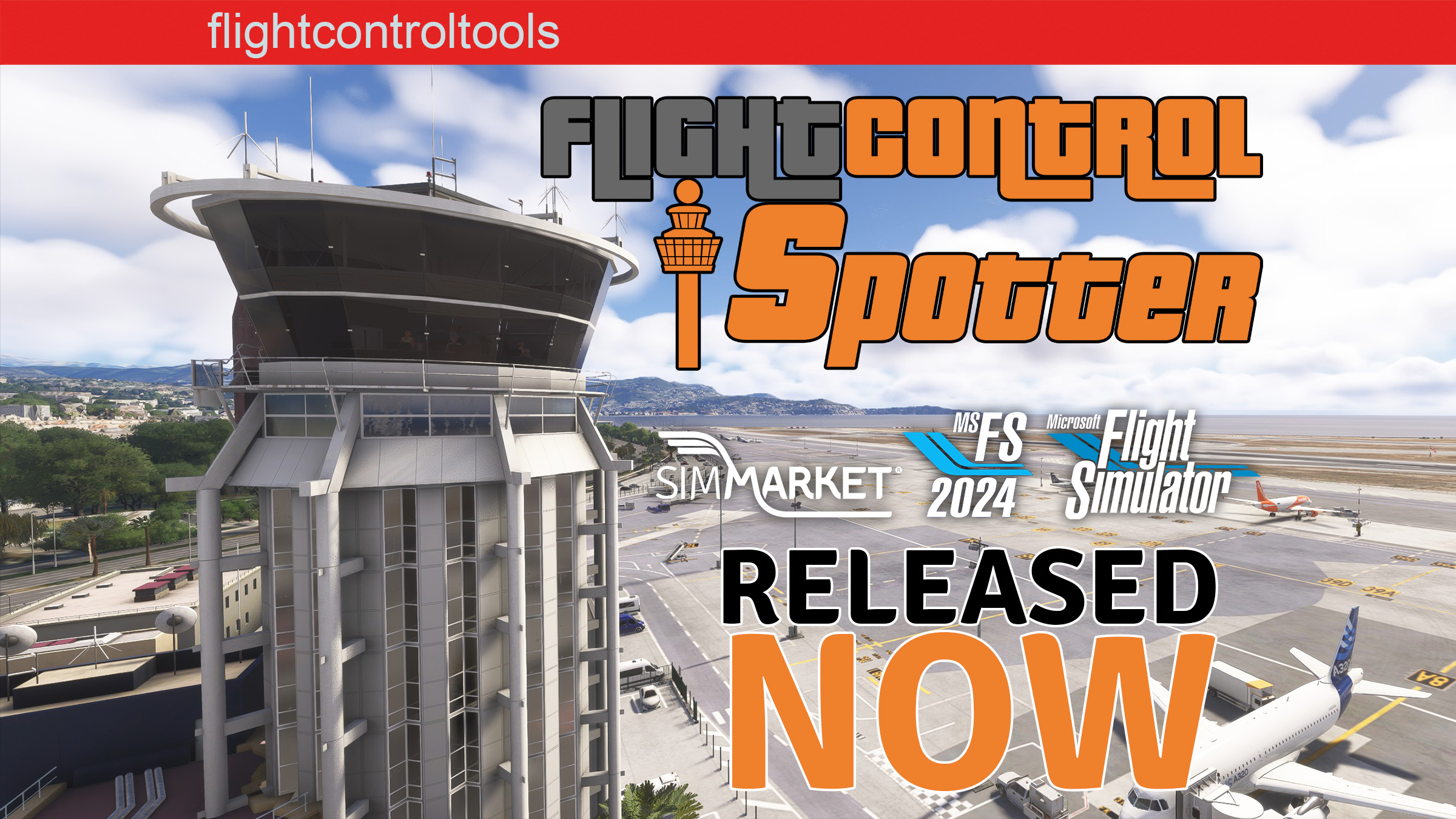
FlightControlTools has just released a brand-new utility for Microsoft Flight Simulator 2024 and 2020: FlightControlSpotter, a tool dedicated to transforming the sim into an authentic tower and plane spotting platform. Designed with immersion and ease of use in mind, it gives simmers the ability to switch perspectives instantly and enjoy the simulator from a completely new angle — whether it’s from the control tower, a runway threshold, or a custom vantage point anywhere in the world.
The concept is straightforward but powerful. With a single click from the in-sim toolbar panel, users can jump to the nearest airport tower, browse airports within a 200 NM radius, or teleport directly to runways and parking stands to watch traffic unfold in real time. The utility also allows the creation and storage of custom spotting positions, defined either by your aircraft’s current latitude, longitude, and altitude, or by manually entering coordinates of your choice. You can even also do it by retrieving by a click the GPS coordinates of your aircraft position. These spots can then be saved under custom names and retrieved later, making it especially useful for those who regularly monitor the same airports or prefer certain vantage points.


FlightControlSpotter is fully integrated with the Microsoft Flight Simulator drone camera system, which means users maintain complete freedom of movement, zoom, and camera control once positioned. Combined with the ability to jump back into the cockpit at any time with a shortcut, the tool is not only ideal for content creators and screenshot artists but also for virtual controllers and multiplayer enthusiasts who want to follow traffic activity without leaving the simulator. Everything is managed locally through a simple interface, so there’s no need for external applications or complicated setup.
The product is now available exclusively at SIMMARKET with a special launch promotion running until September 28th. Pricing starts at €12.50 (excl. VAT) for the standalone version, while a discounted bundle including FlightControlReplay 5 is offered at €29.99 (excl. VAT). Existing FlightControlReplay 5 users can also benefit from a reduced upgrade price of €10.00 (excl. VAT). After the introductory period, standard pricing will apply. With its seamless integration and focus on spotting freedom, FlightControlSpotter looks set to become a favorite for those who want to experience the simulator from a whole new perspective.
👉 FlightControlSpotter at SIMMARKET
👉 FlightControlReplay 5 at SIMMARKET
Features
- Nearest Tower View: one-click jump to the closest airport tower with ICAO code and name.
- Spot View by ICAO: browse airports within 200 NM, teleport to runways or parking spots, and save your favorites.
- Custom Spot Views: capture your current position or enter latitude/longitude/altitude manually, then save with custom names.
- Manage Views: load and delete your saved spotting locations easily, stored locally for quick access.
- Drone Camera Integration: based on the MSFS drone camera for full freedom of movement, zoom, and camera angles.
- Quick Return to Cockpit: one shortcut instantly restores full aircraft control.
Pricing & Launch Offer
Valid until September 28th, 2025:
- Standalone FlightControlSpotter – €12.50 (excl. VAT)
- Bundle (FlightControlReplay 5 + FlightControlSpotter) – €29.99 (excl. VAT)
- Upgrade Price for FlightControlReplay 5 owners – €10.00 (excl. VAT)
Standard pricing from September 29th, 2025:
- Standalone – €15.00 (excl. VAT)
- Bundle – €32.99 (excl. VAT)
- Upgrade – €12.50 (excl. VAT)
The product is available now exclusively at SIMMARKET for Windows PC. With its seamless integration and focus on spotting freedom, FlightControlSpotter looks set to become a favorite for those who want to experience the simulator from a whole new perspective.


