


 Benito Juárez International Airport, ICAO: MMMX is the airport that serves Mexico City. In Mexico it is the busiest airport by both passenger traffic and aircraft movements and in Latin America it is the busiest airport by aircraft movements and the second busiest airport by passenger traffic after Guarulhos Airport in São Paulo, Brazil.
The airport first opened in the 1920s as a military airport and was known as Balbuena Military Airport. At that time it had five runways, however in the 1970s, president Luis Echeverría closed three runways to give the land to poor people in order for them to build homes. This left the airport with just two parallel runways which happens to be its current configuration. The runways are: 05R/23L @ 12,795ft and 05L/23R @ 12,966ft. In 1980, the terminal was expanded to double its capacity, using a single large terminal rather than multiple terminals as in other airports. Ten years later in 1990, the mixed domestic/international gates were separated to increase the terminal’s functionality, along with the separation of domestic and international check-in halls. The airport currently has two terminal buildings and serves approximately 29 million passengers a year which is getting very close to its capacity of 32 million.
Mexico City is the capital city of Mexico. In 2009 the city proper had an estimated population of around 8.84 million people, with a land area of 1,485 square kilometres. Located in the Valley of Mexico, which is in the high plateaus of south-central Mexico, it has a minimum altitude of 7,217ft ASL and is surrounded by mountains and volcanoes with some reaching elevations of 15,000ft. The Greater Mexico City area population is much higher and was estimated to be 20.1 million in 2010. This makes it the largest metropolitan area in the western hemisphere.
Taxi2Gate took on a very ambitious project with MMMX MEXICO CITY XTREME. Not only have they endeavoured to recreate, in detail, this large and busy airport but also the very densely populated area surrounding it; Mexico City. The file size for this addon is approximately 1.3Gbs.
Here are several screenshots that illustrate the extent of the scenery coverage area.
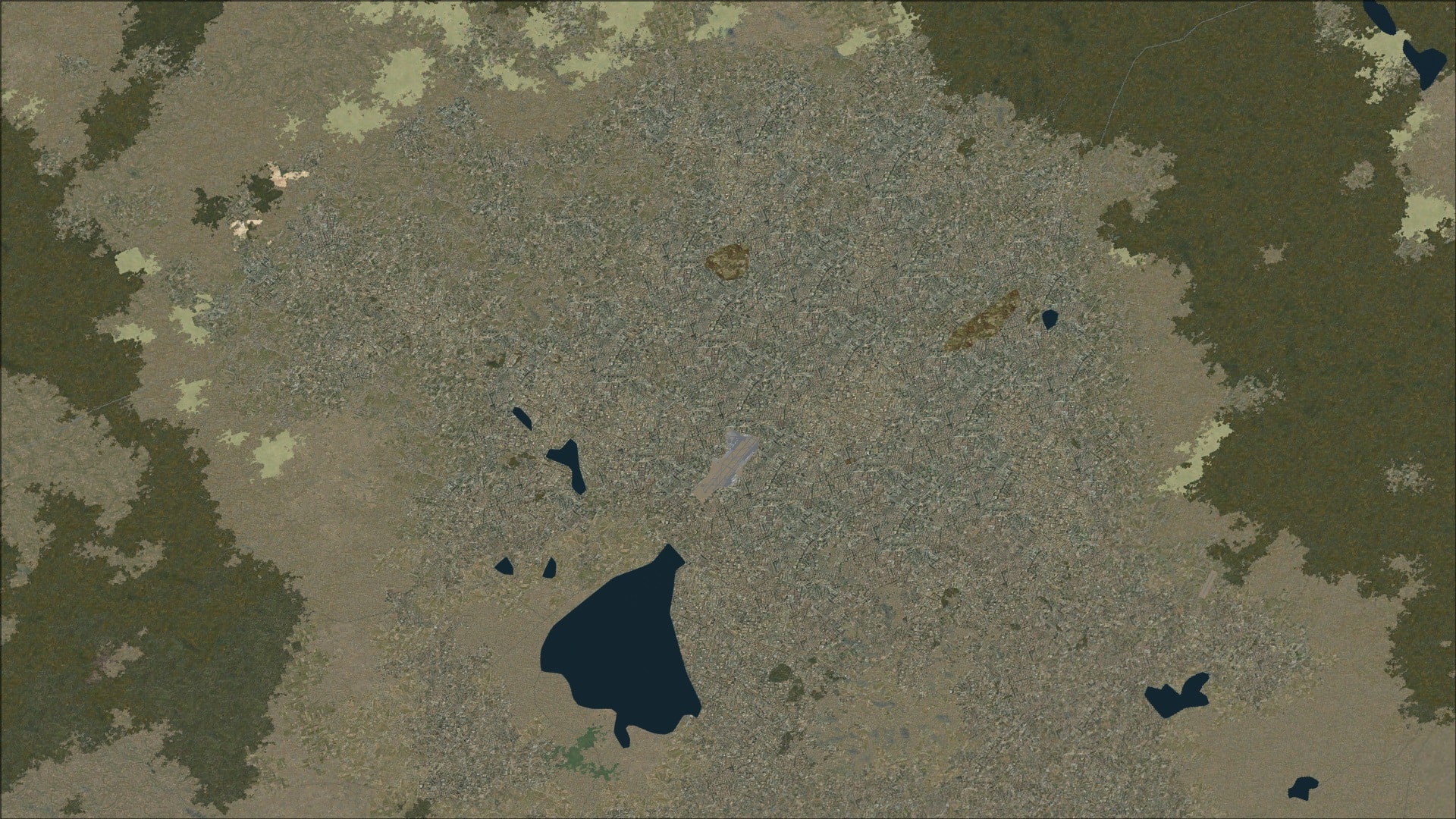
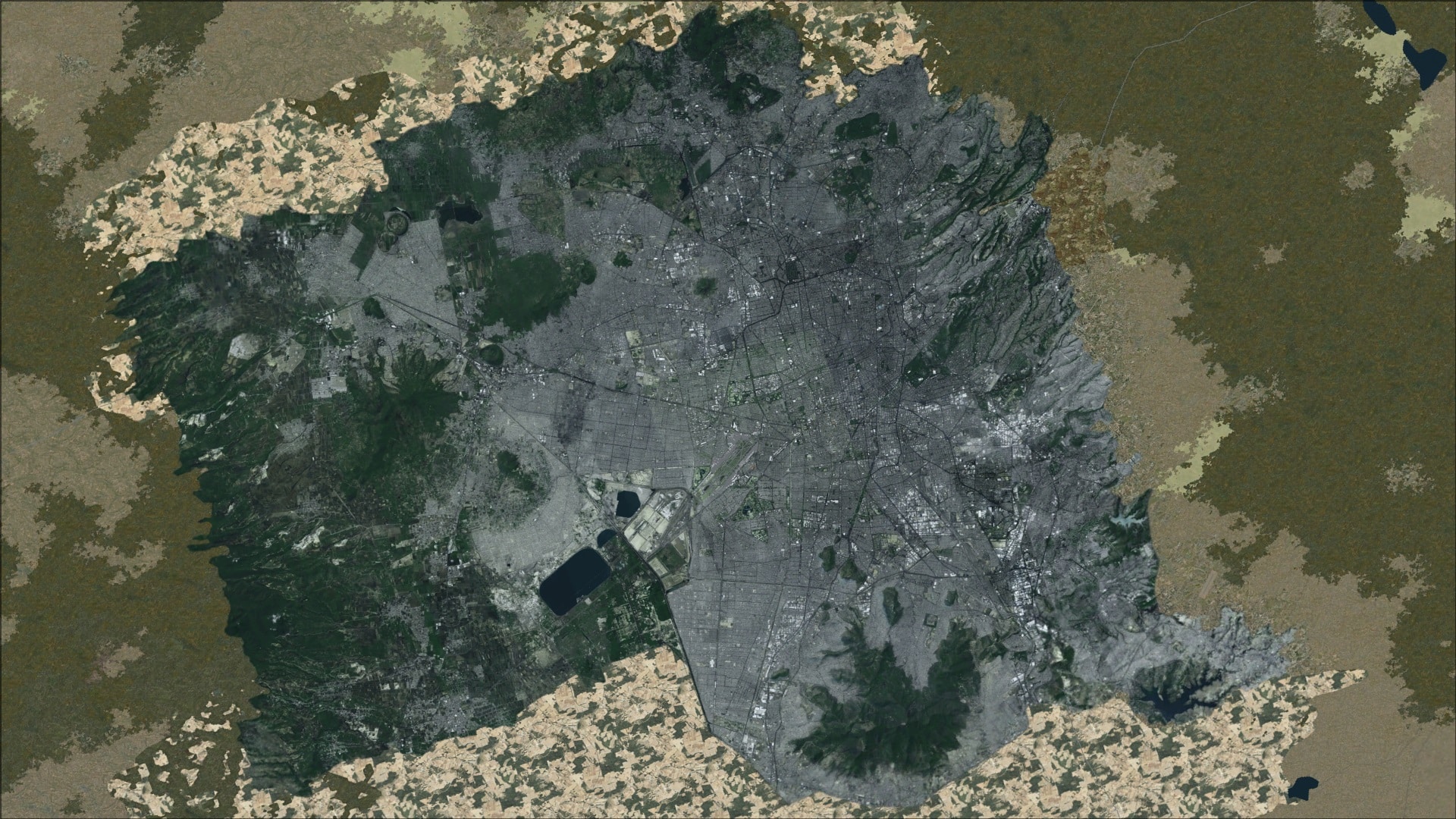
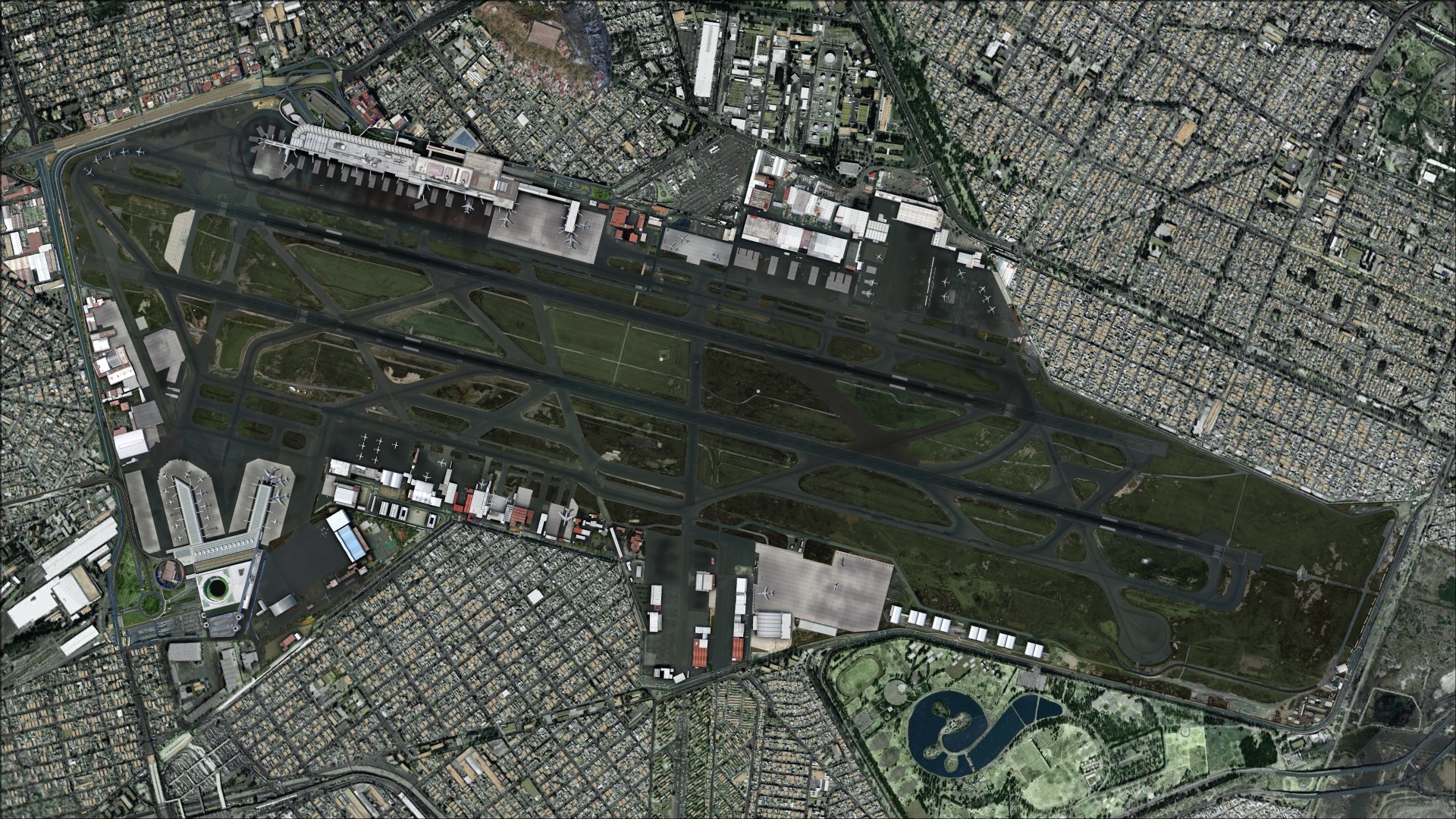 Installation and Configuration
Installation is simple but requires an active internet connection to receive your personalized authorization code. Once this code is entered the process will continue through to completion. The entire process is straightforward and easy to follow. The final step adds the airport to the FSX scenery library.
Available from SimMarket’s product purchase page is an online tutorial that takes you through each screen of the installation process. I’ve included the link below. It is very well written and shows you exactly what you’ll need to do.
http://secure.simmarket.com/installation.html
Documentation
They include a five page PDF manual and a set of 16 charts. Of the five pages there is one devoted to the installation process including how to manually add the scenery to the FSX scenery library. The remainder mostly pertains to general airport information and they include an aerodrome chart. Overall, I felt it was short on substance.
Looking in the MMMX Benito Juárez International Airport program group you’ll see a sub section “Charts”. It is in here that you’ll gain access to the 16 scanned images that are the included charts. Being scanned images their clarity was not the best.
The Airport
Ground textures
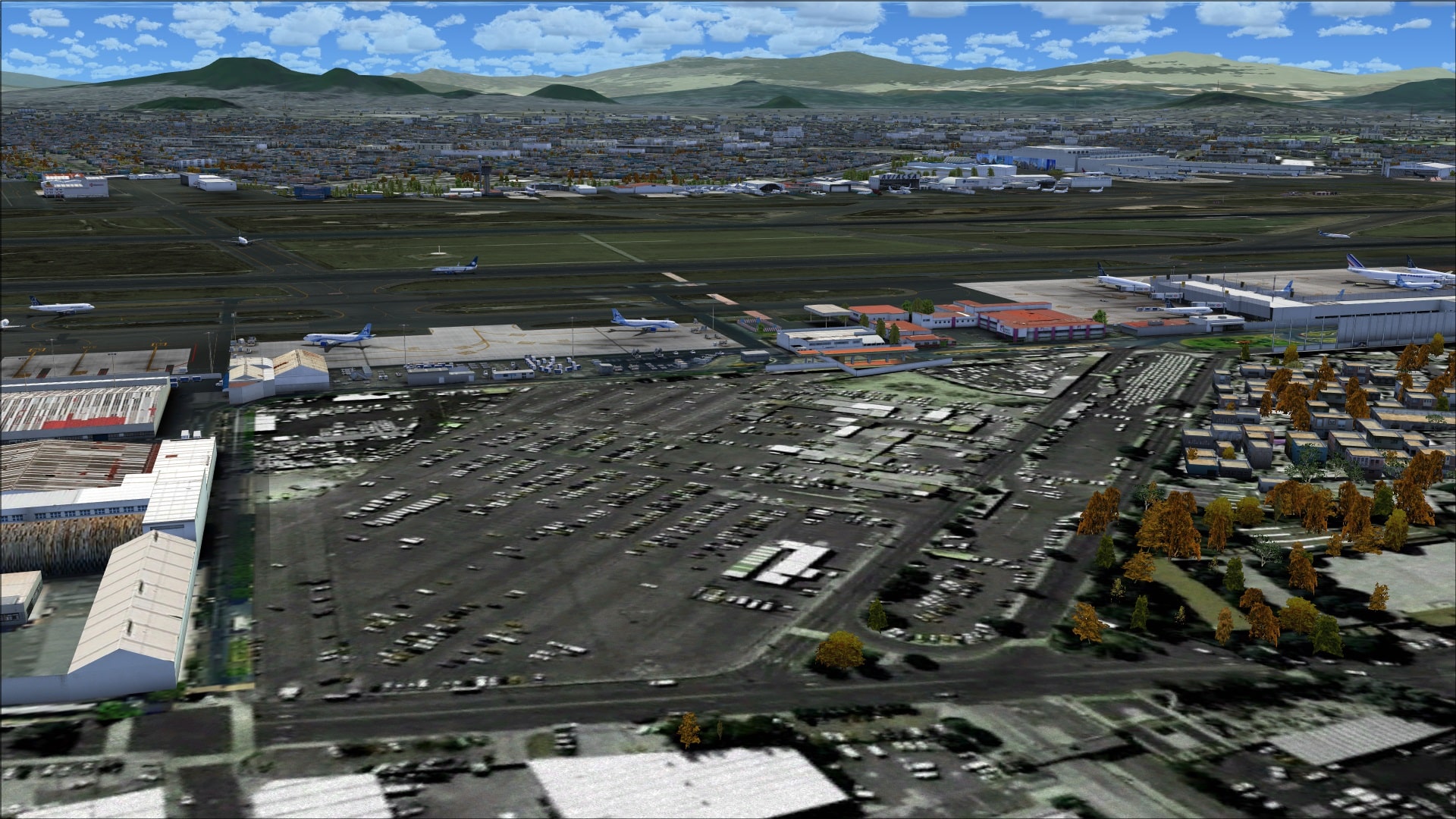
Hard surfaces were exceptionally good. The use of high definition graphic image textures made sure that even at ground level these surfaces appeared crisp and detailed. Such features as cracking in the asphalt were clearly visible. I was also impressed with how the parking areas appeared soiled and stained from high traffic volume and the regular servicing of parked aircraft.
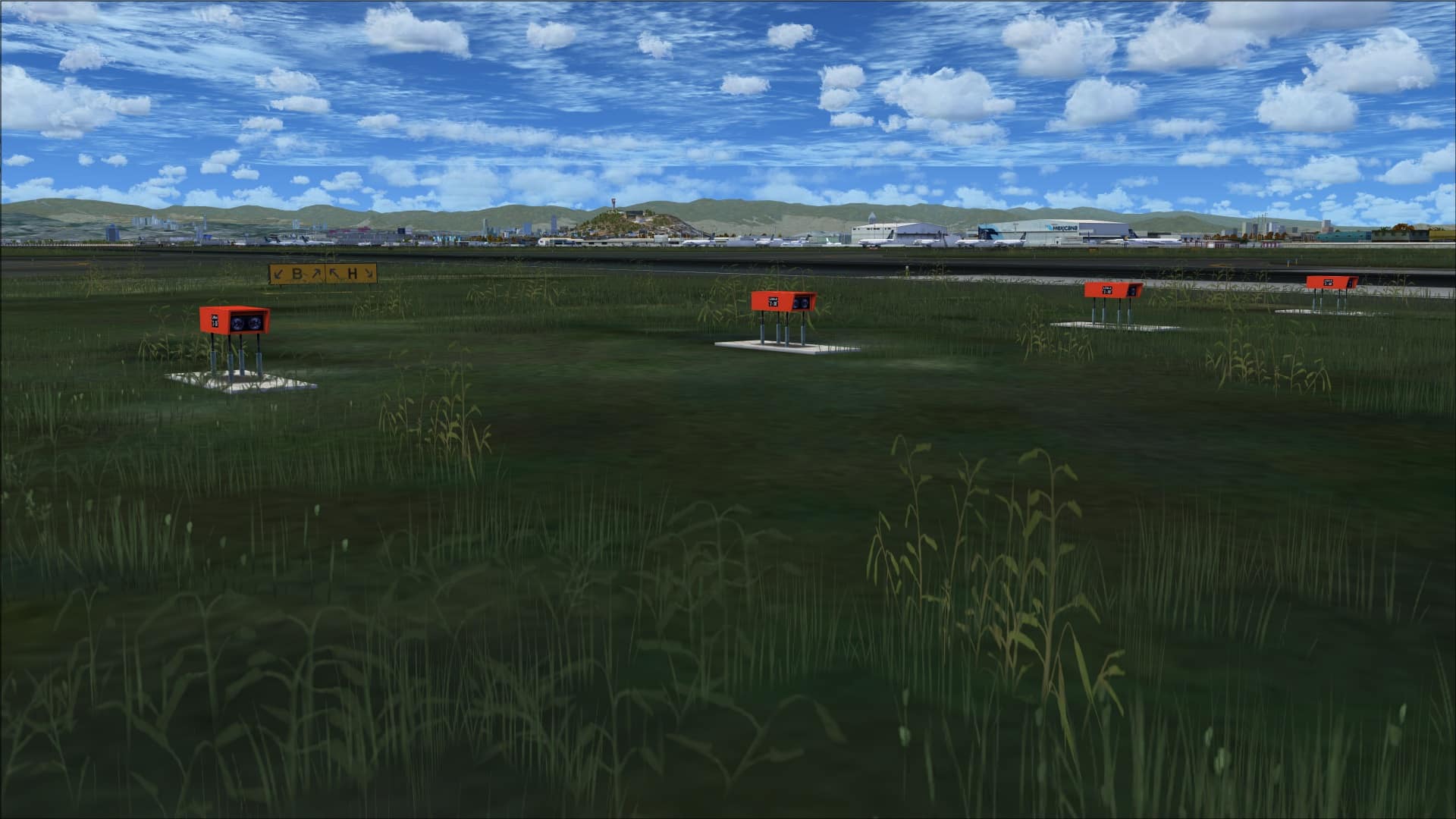
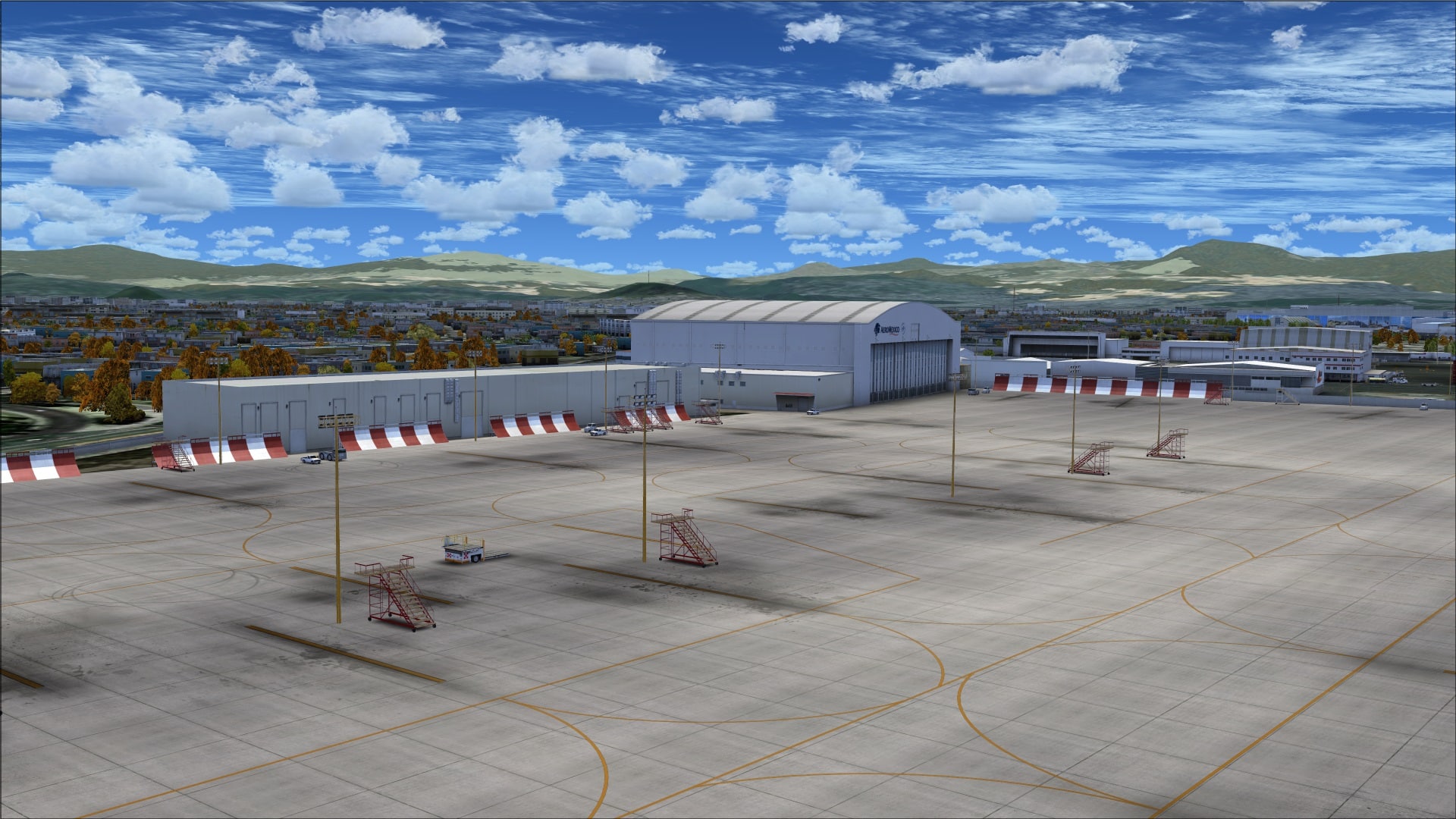 Other areas were covered in high quality photo textures. Where these areas were grass or dirt the effects were quite good. Volumetric vegetation has been added within the airport grounds to give realism a boost especially when taxiing around the airport.
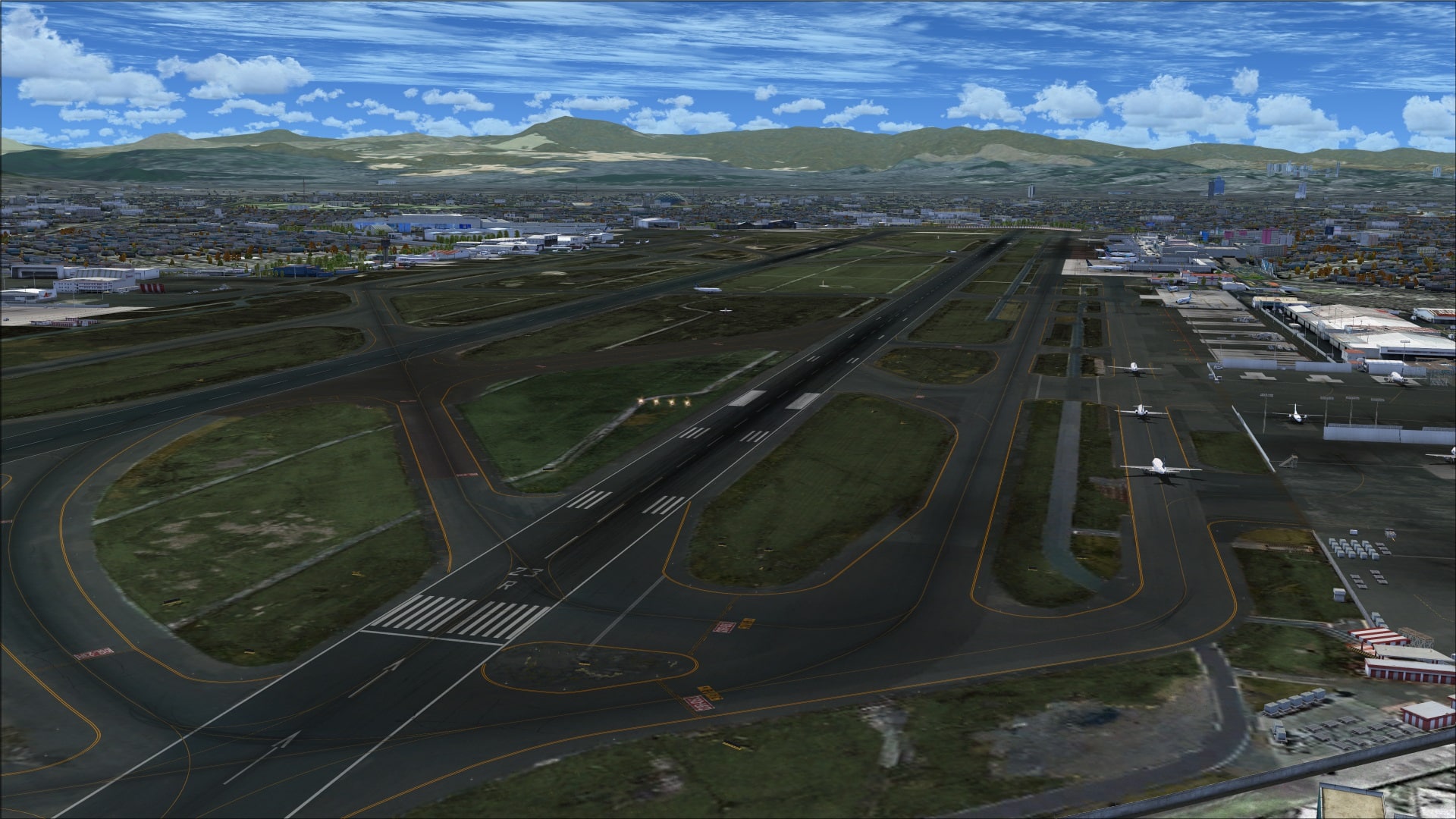 It’s when the images contained lots of details such as parking lots that they fell victim, in many instances, to the same problem seen in many other addons; the details weren’t enhanced with objects. Although I did see this in some isolated areas I didn’t think it was enough of a problem to detract from the overall appeal of the product.
 Buildings
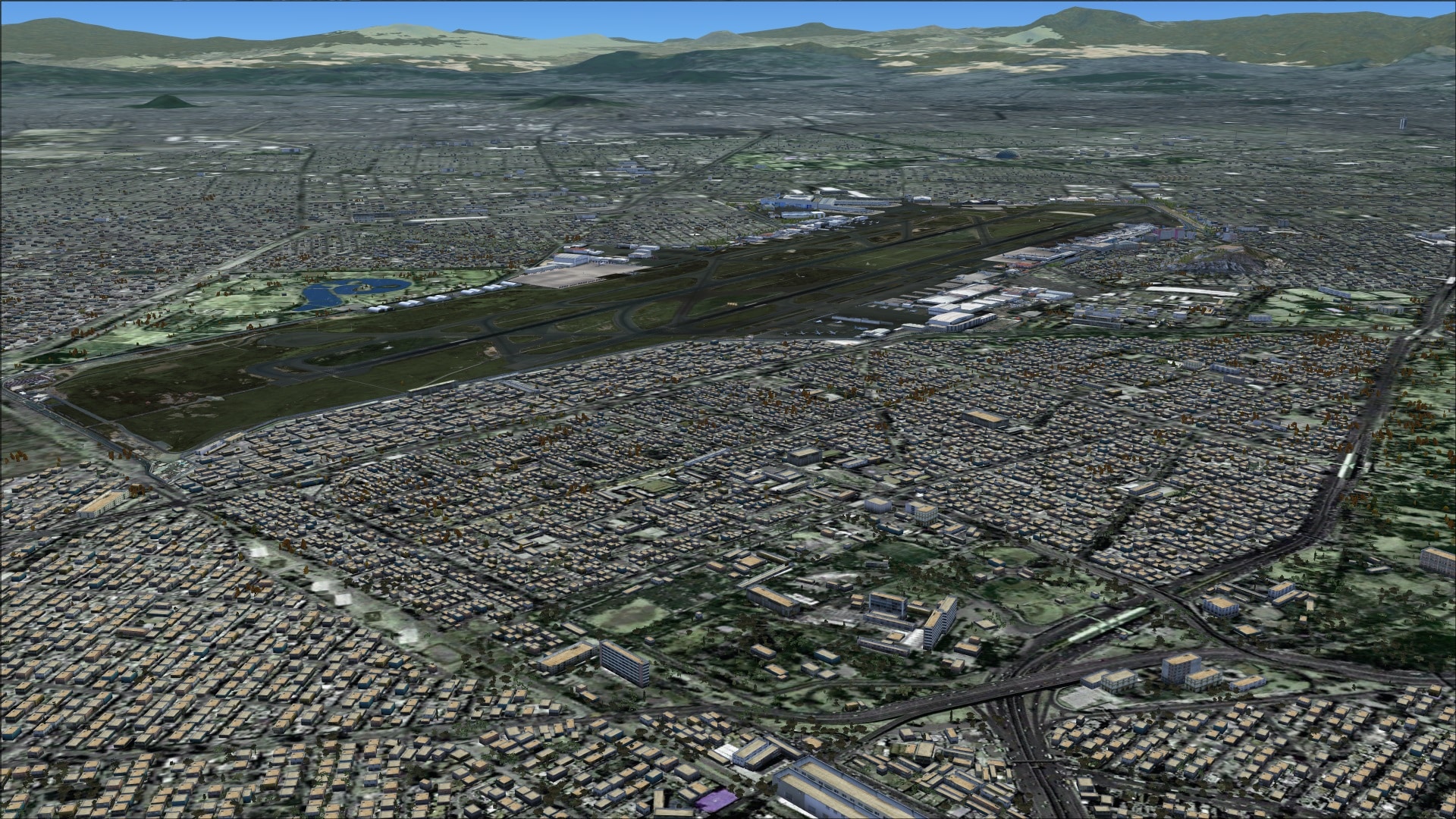
The layout of this airport is pretty straightforward with buildings basically located in two areas; along the north side of runway 05L/23R and on the south side of runway 05R/23L.
Before I get into some highlights and specific examples of their work I’ll start with some general observations. Overall the quality was quite good; colouring was well done with realistic tones and shading. Variations in colouring was a big factor in why I felt the buildings were so good. There are definite signs of discolouration, distress and rusting like you’d expect to see from exposure to weather and because of materials aging. Not all materials are affected the same way and we see that everywhere. The imagery used was high-resolution so details are clearly visible and in many areas they’ve augmented the imagery details with additional 3 dimensional objects such as light fixtures and other features like discrete hangar bay door panels.
Looking at the airport from a top down perspective and comparing it to real world pictures they were pretty thorough in including all of the structures.
The airport has two terminals; terminal 1 being north of runway 05L/23R and terminal 2 being south of runway 05R/23L. Both terminals share some common features; they have jet ways for passenger access to the aircraft, they each have a connected multi-level parking facility and their arrival/departure areas are accessible to the local roadways. Beyond these they are quite different.
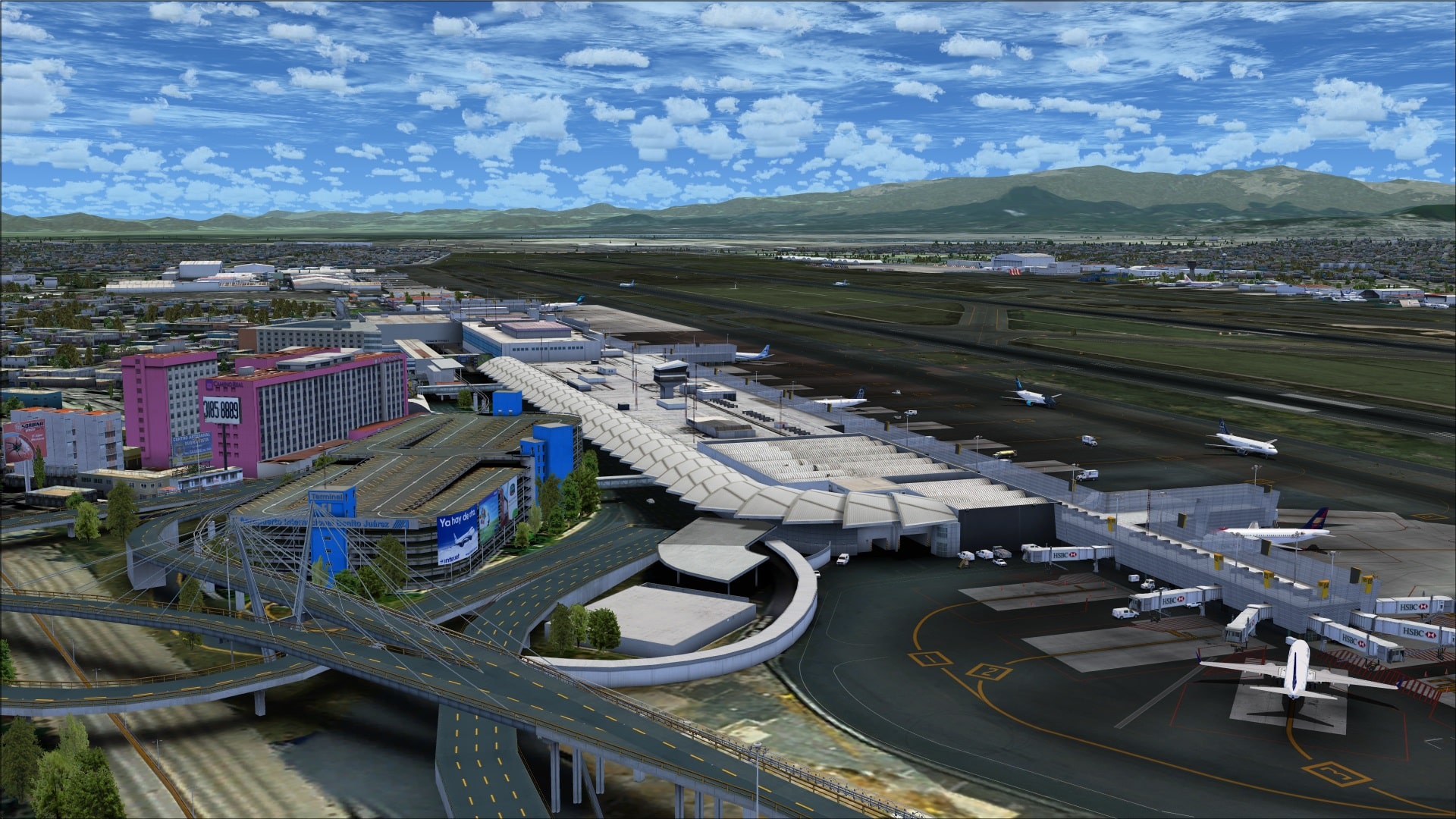
Terminal 1 has a few distinctive architectural features. On the arrivals side it has a scalloped roof top which extends over the arrival/departure entrances. Next to this is a large detailed multi-level parking garage that is connected via several covered pedestrian walkways and lastly on the apron side where we see the jet ways there is a semi-transparent mesh wall that extends almost the entire length of the terminal. Each of these has been modelled in detail and look quite good from a distance but more importantly they look quite good when viewed close up. Additionally they’ve added many other small details such as the intricate roof lines and roof mounted objects that include communications antennae and ventilation ducting and finally some very detailed jet ways.
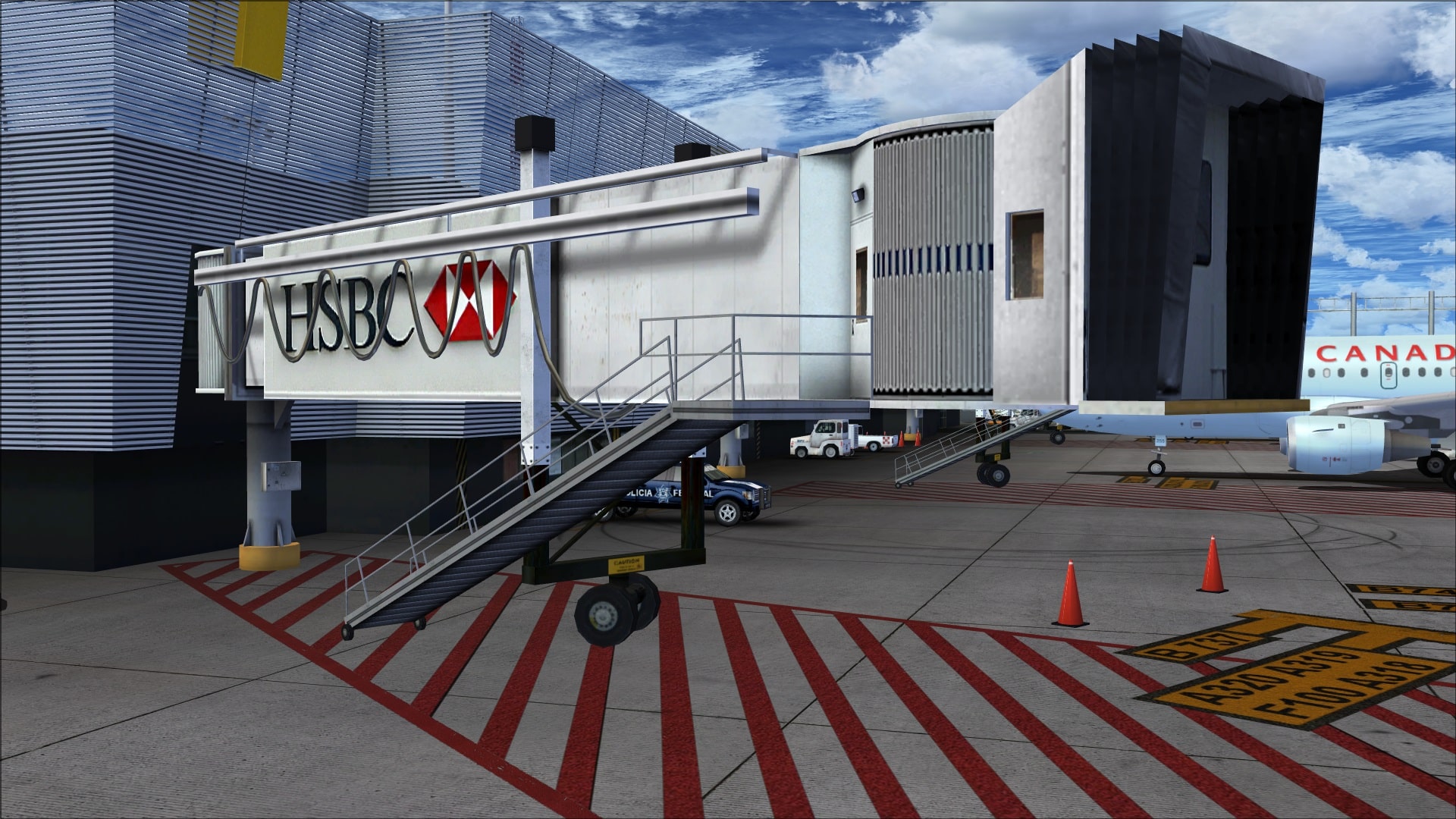
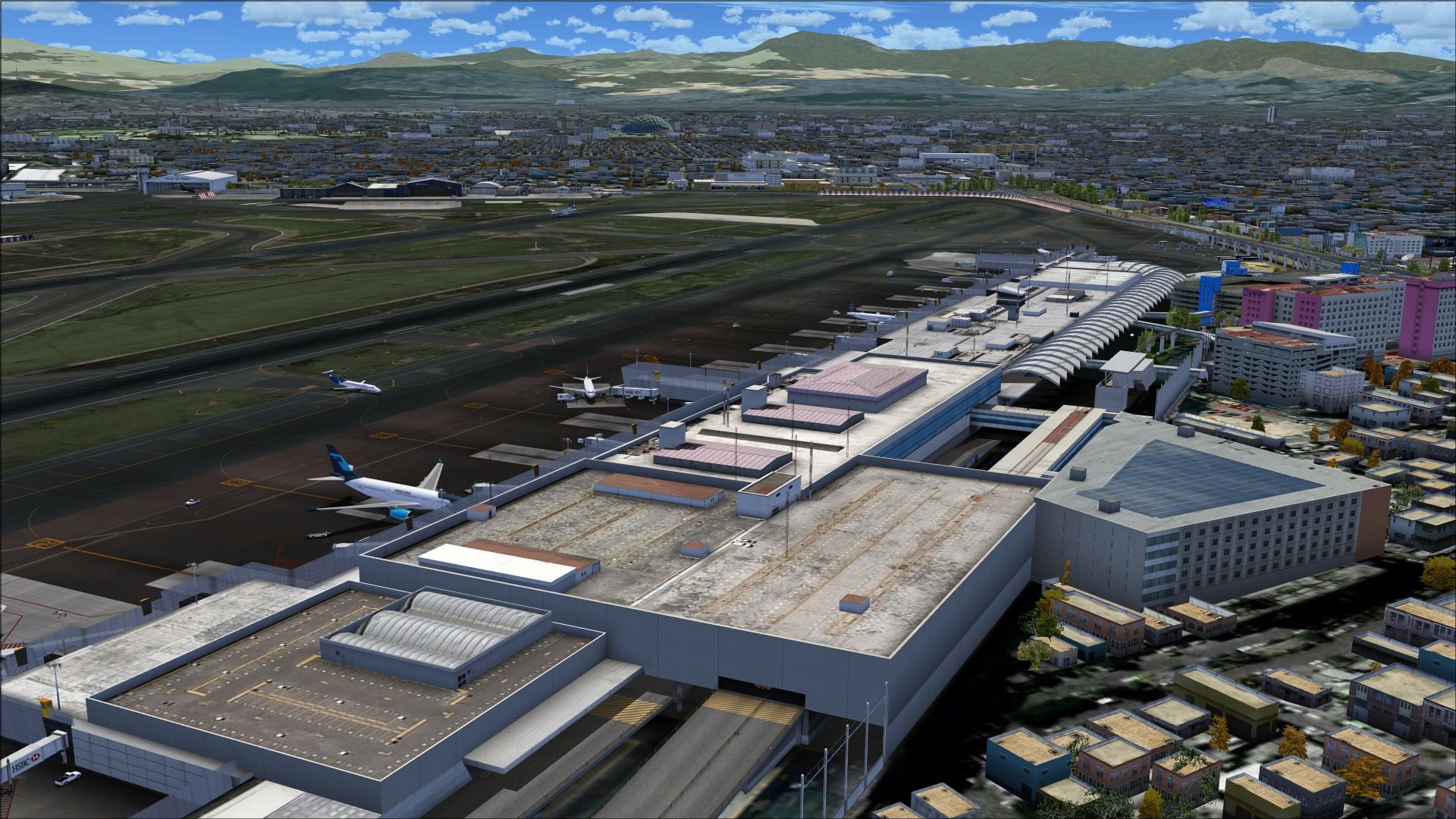
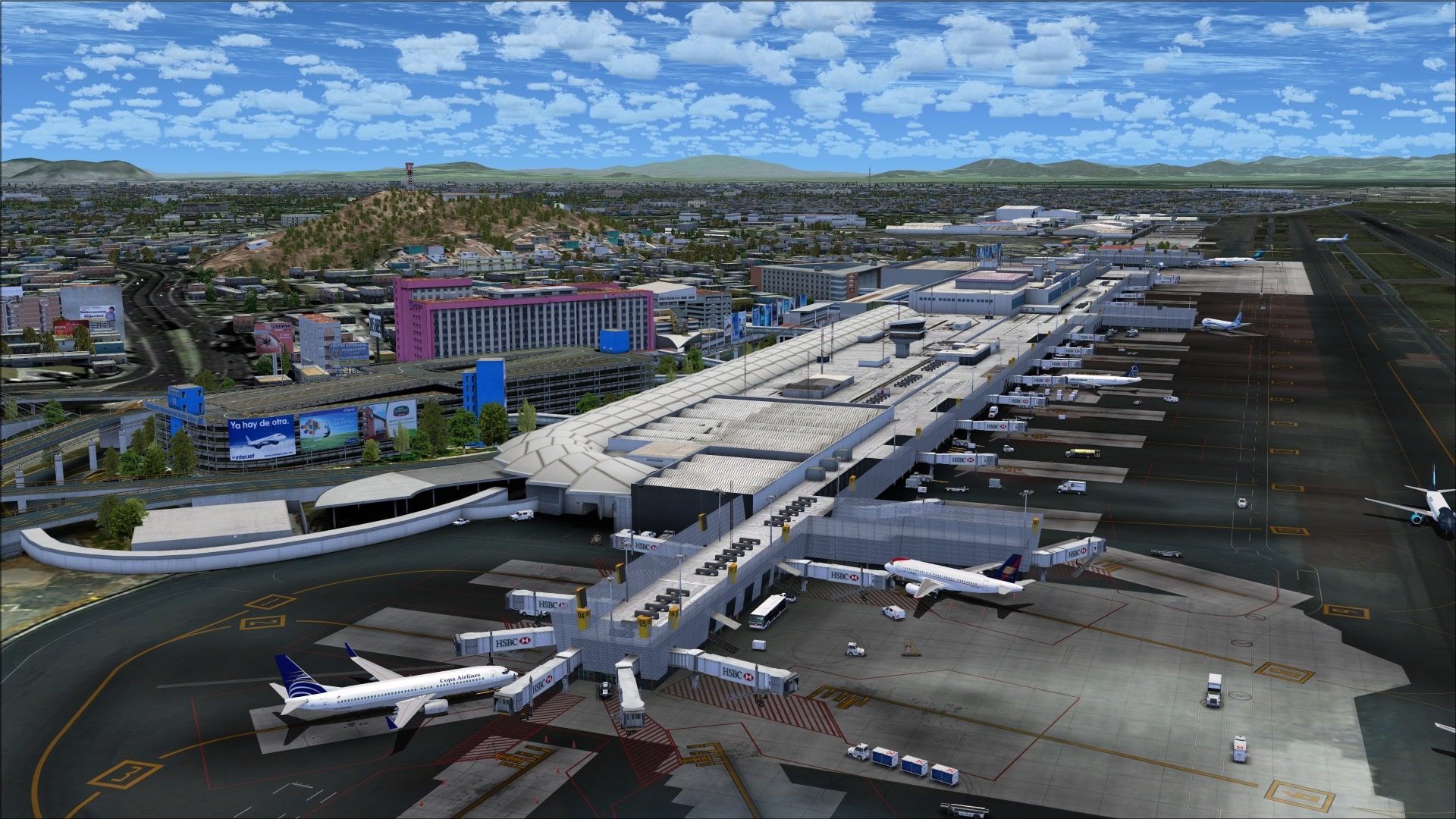
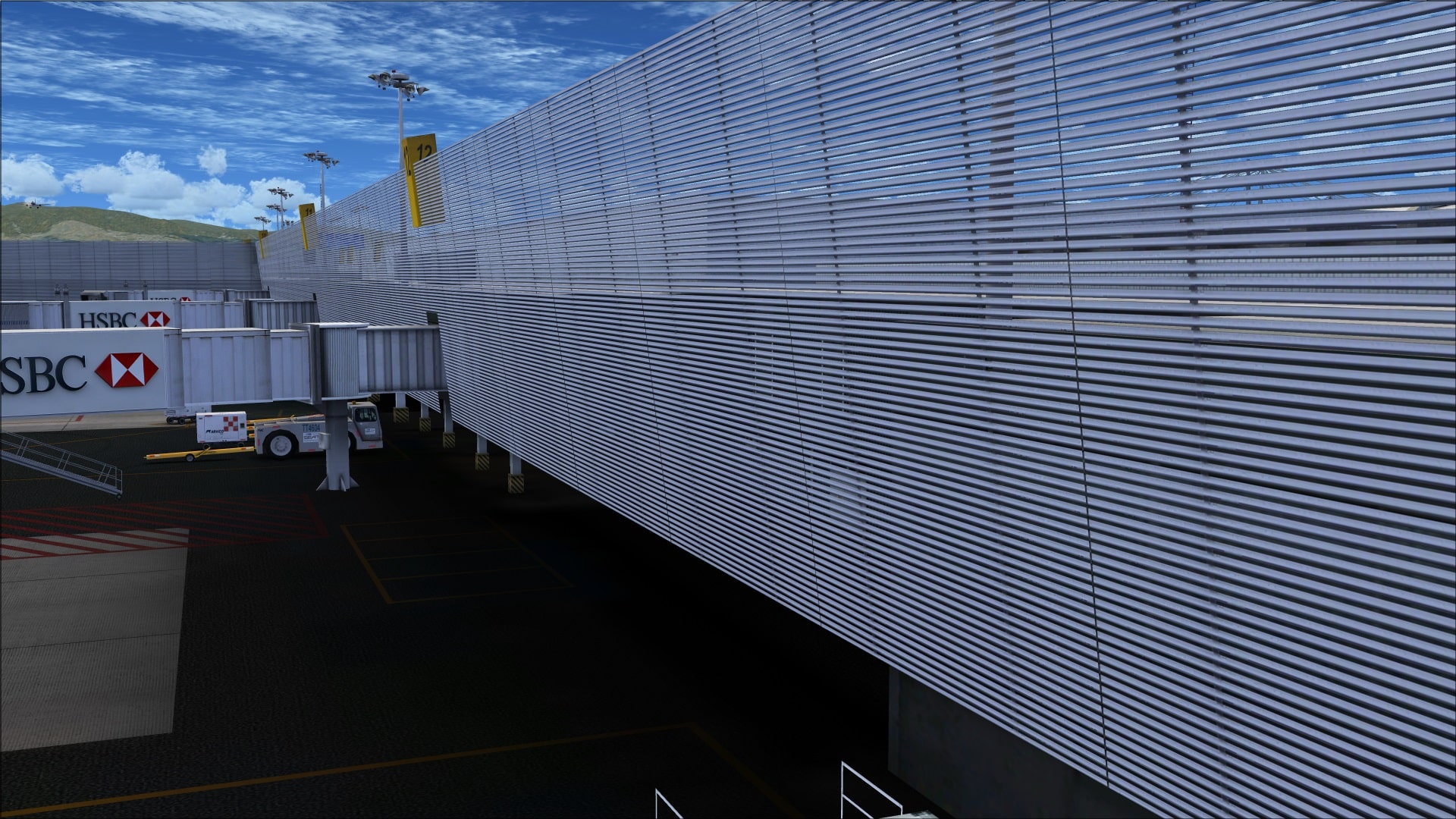
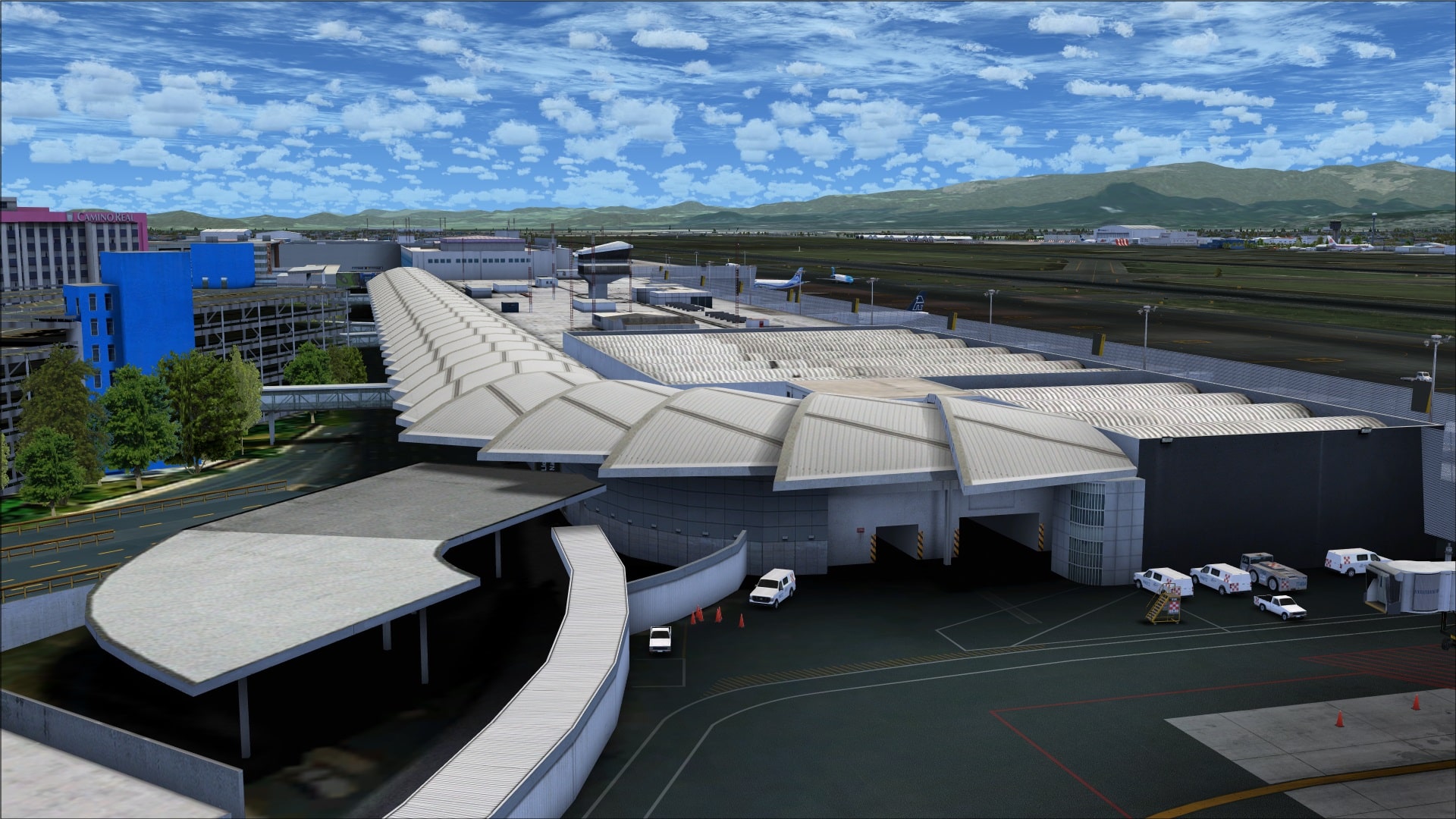
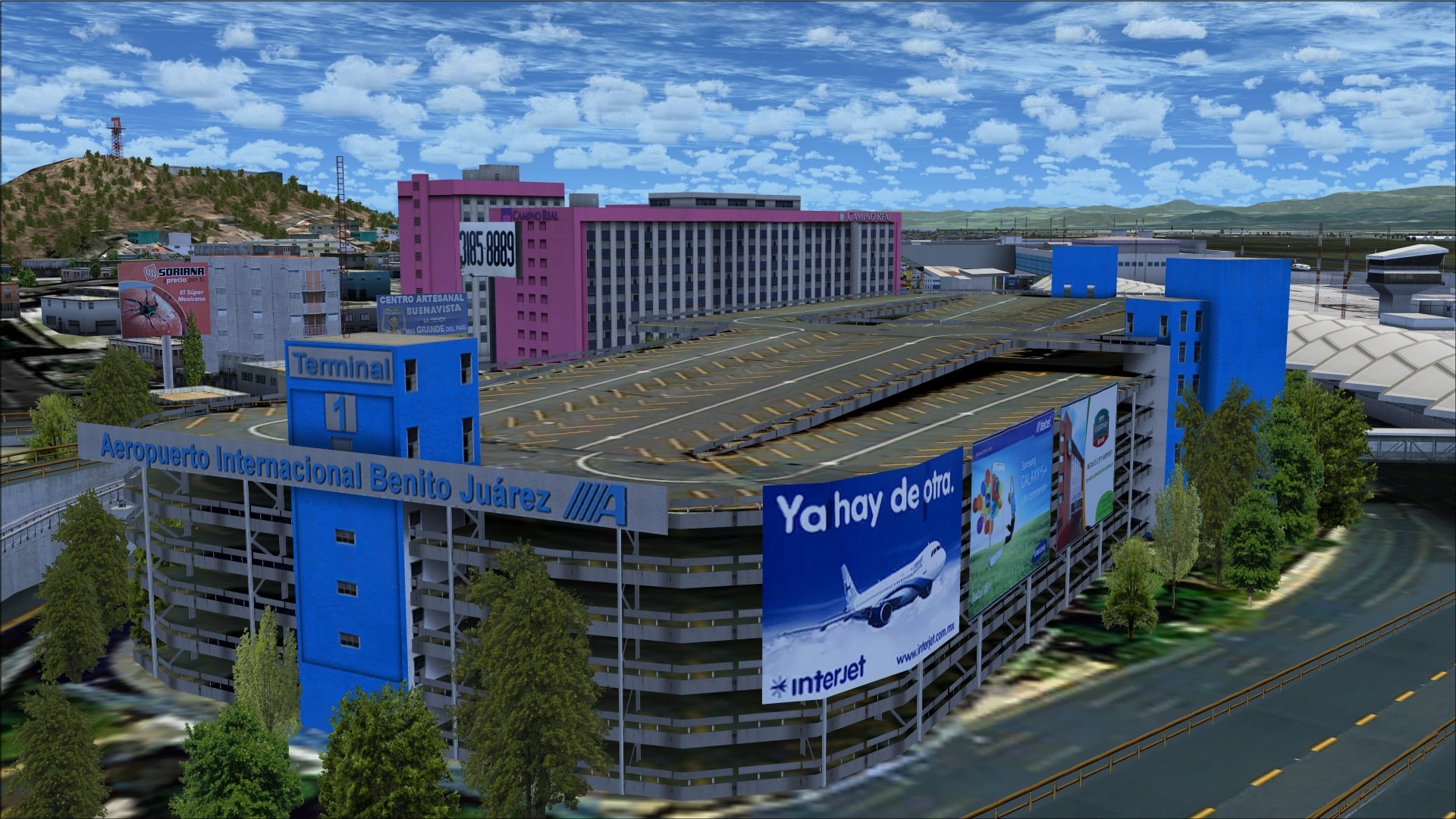 Moving away from terminal 1 there are a number of buildings associated with cargo and freight handling. None of these structures could be considered unique or special however with the rendering techniques I described earlier they’ve been able to make them look quite realistic which is most important.
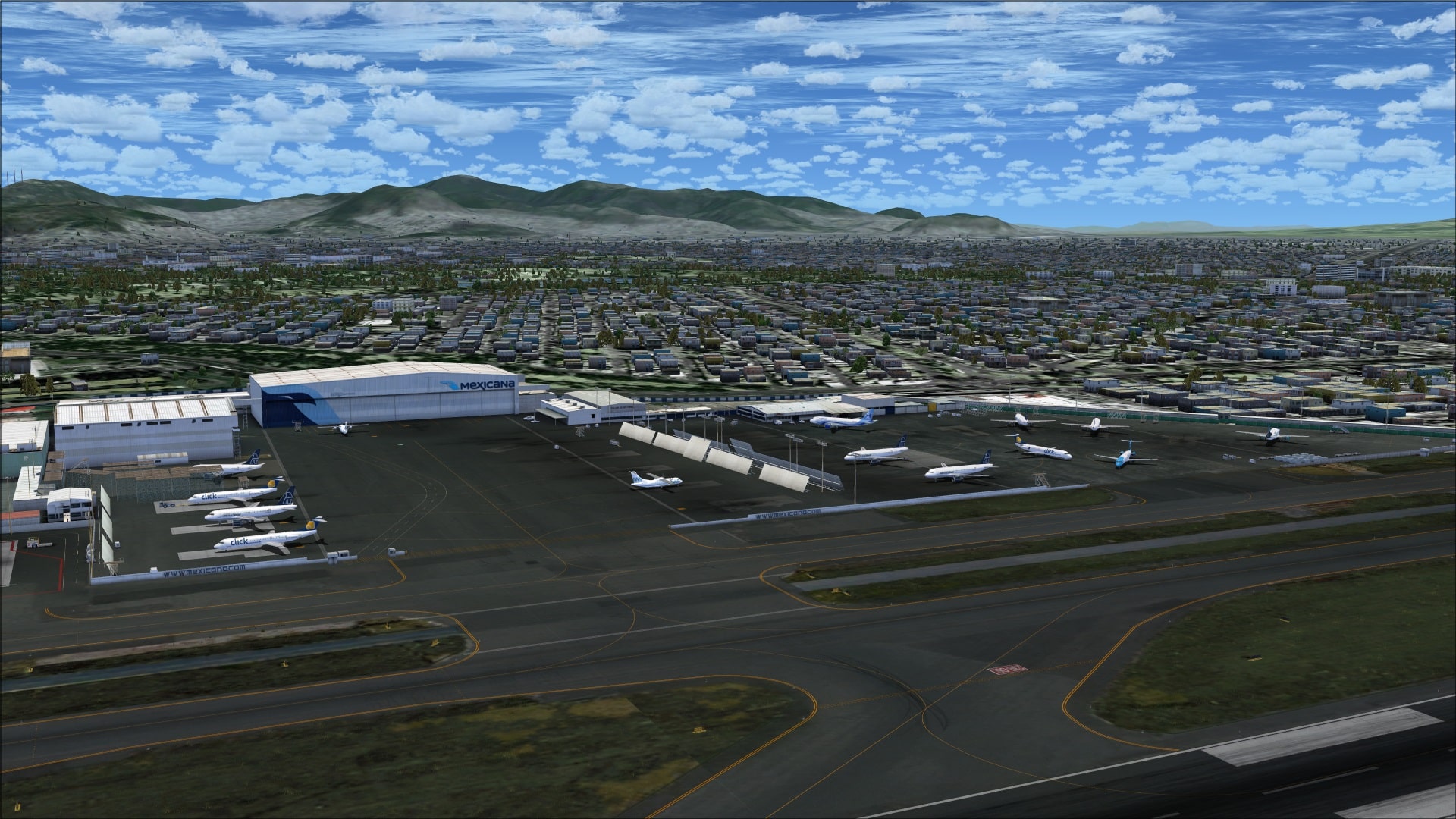
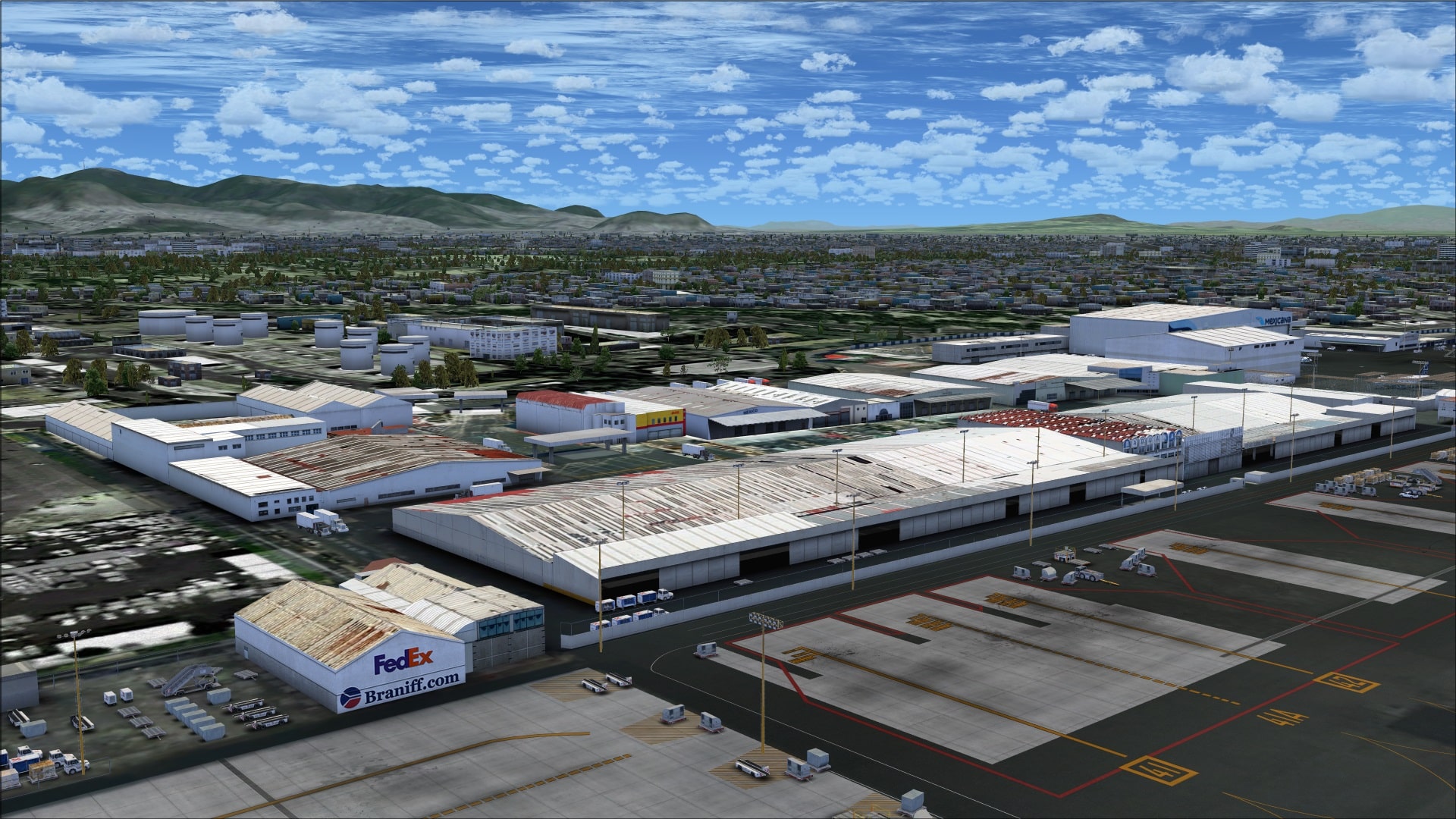
The south side of MMMX has quite a few more structures than on the north side. I’ll begin with terminal 2 which happens to be the largest structure on this side of the airport. This building has some unique features with the most obvious being its V-shaped design. Also interesting is the large circular open courtyard in the center of the building where we find the arrivals/departures entrance. Overall the building is quite realistic thanks to enhancements such as roof top detailing, elevated roadways/ramps and again the detailed jet ways.
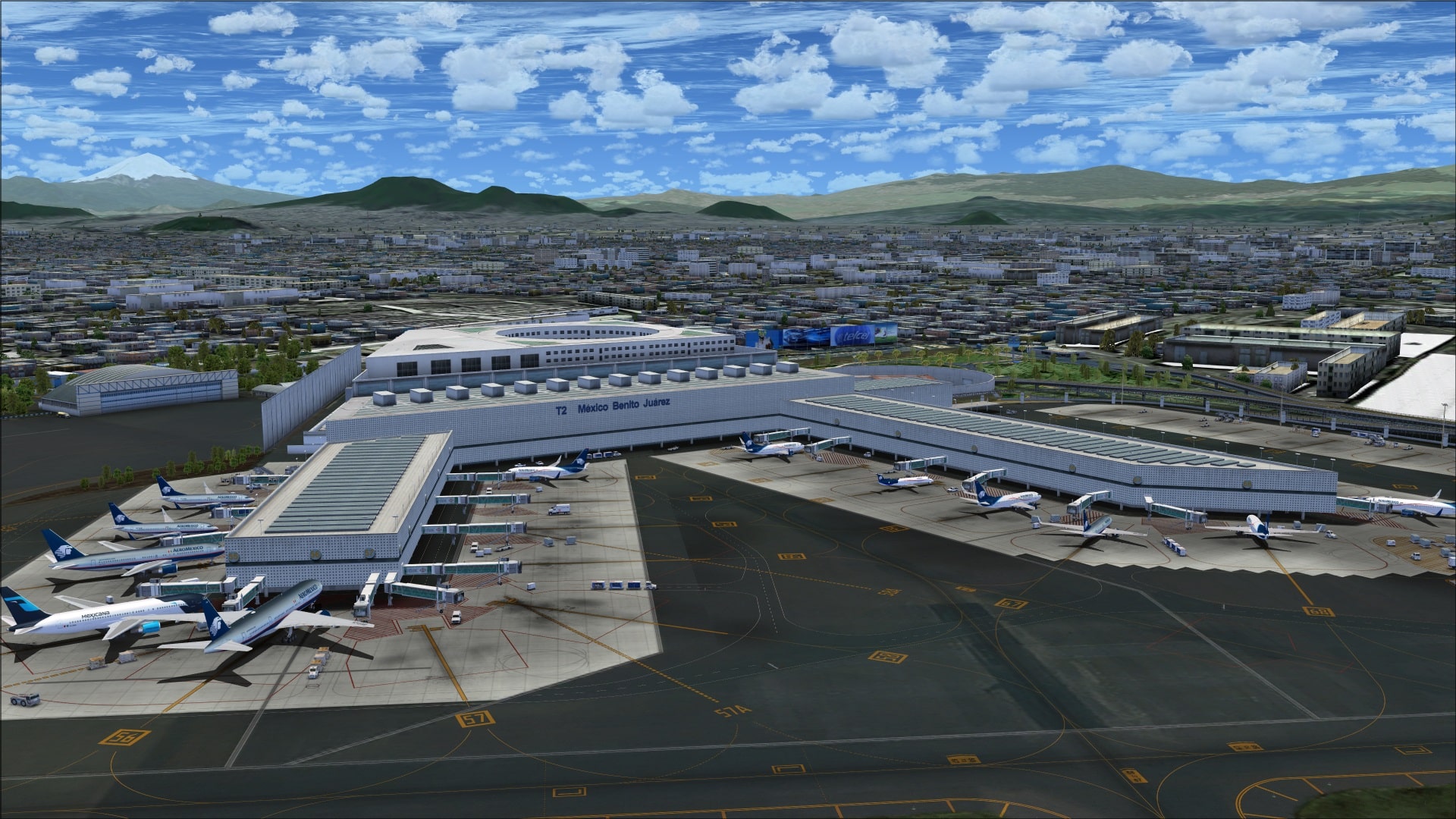
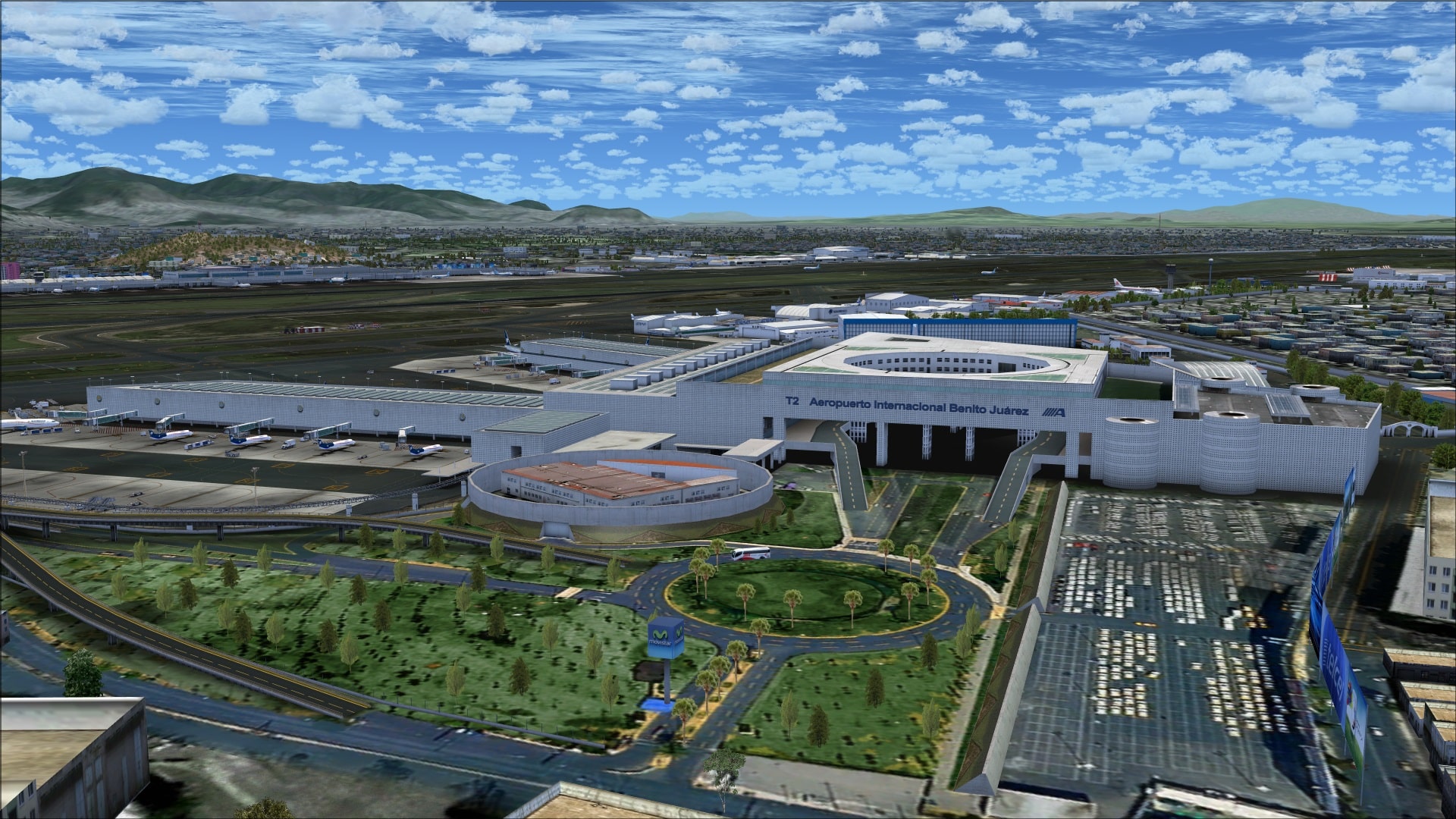
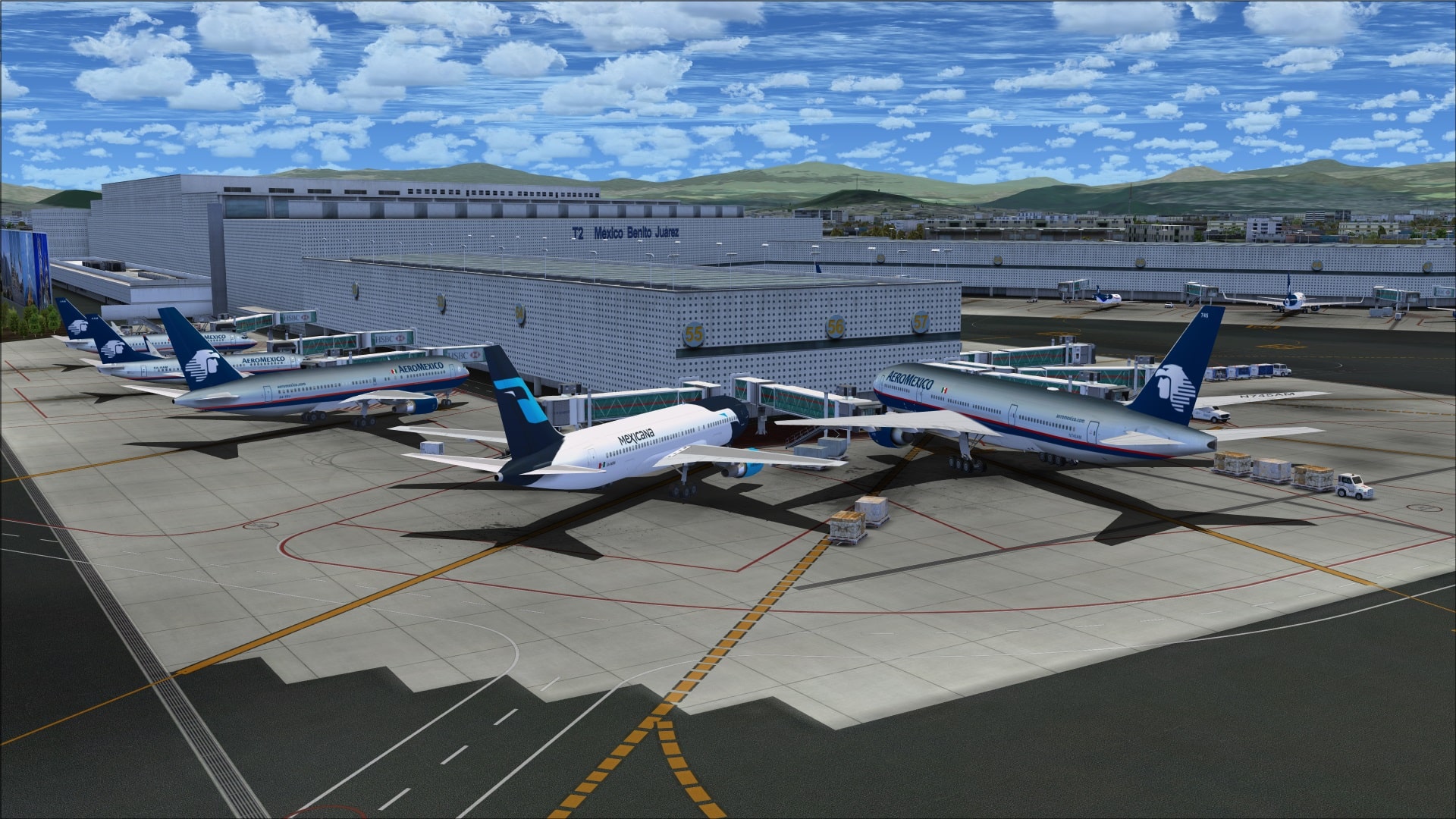
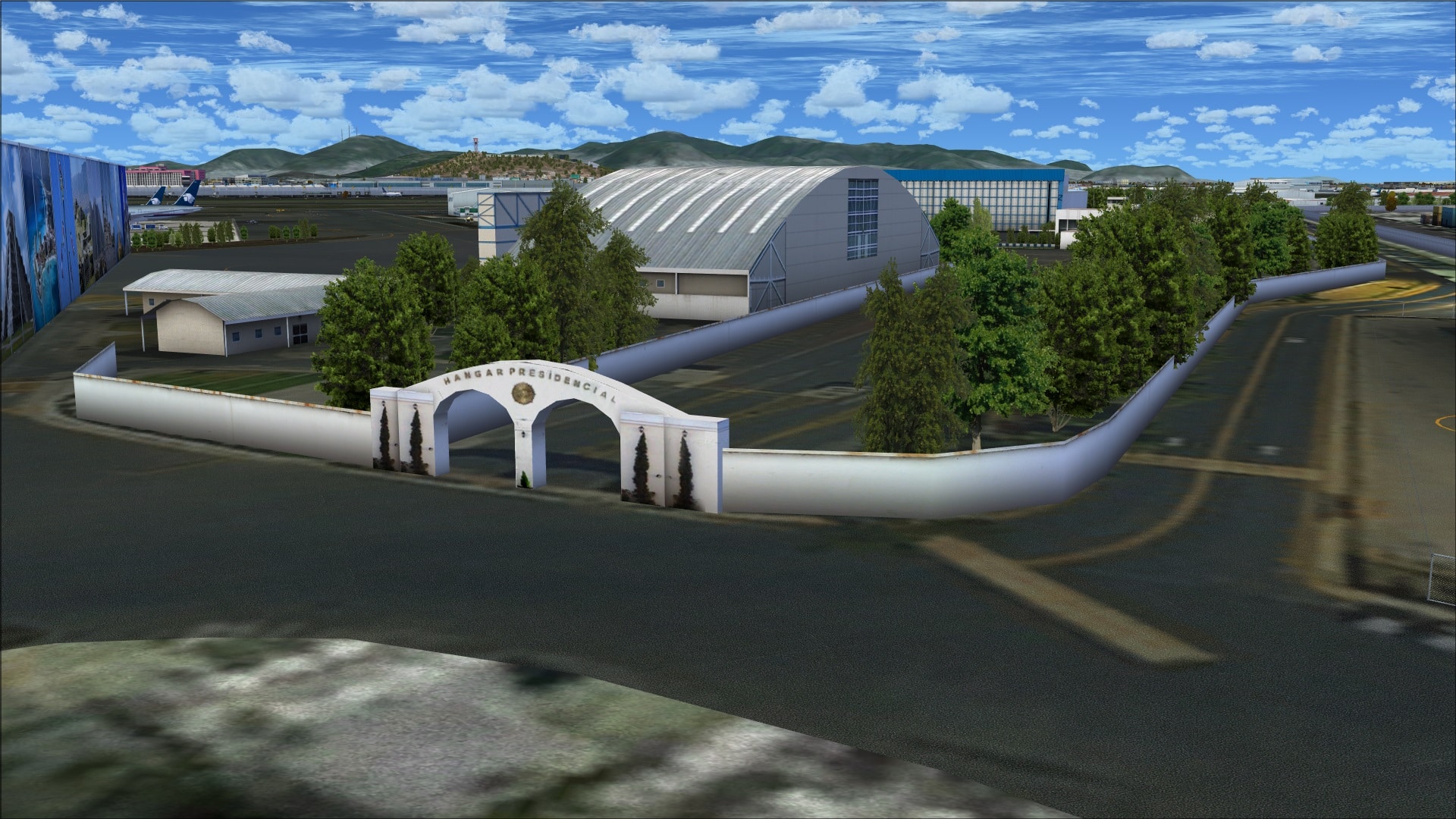
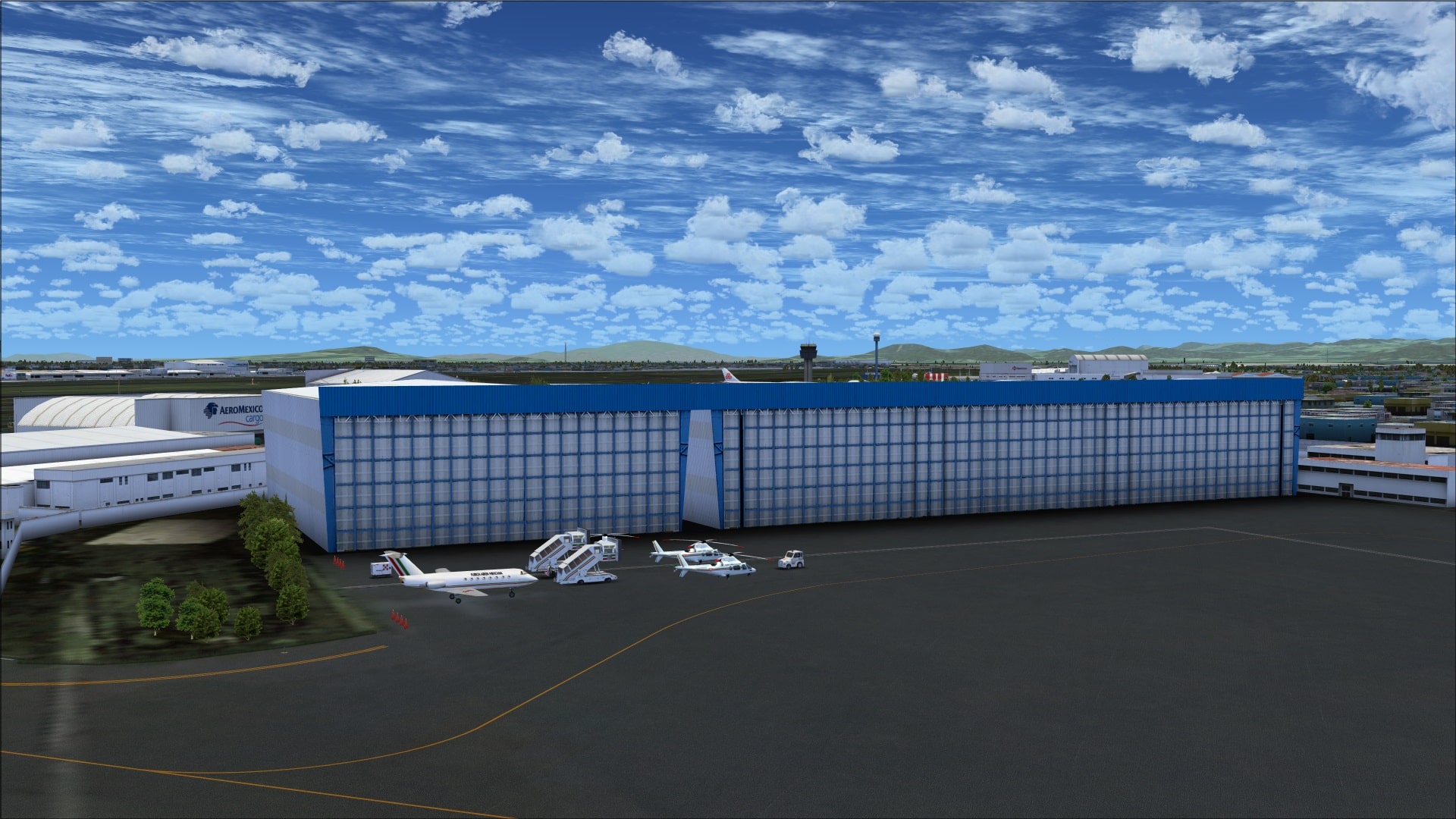
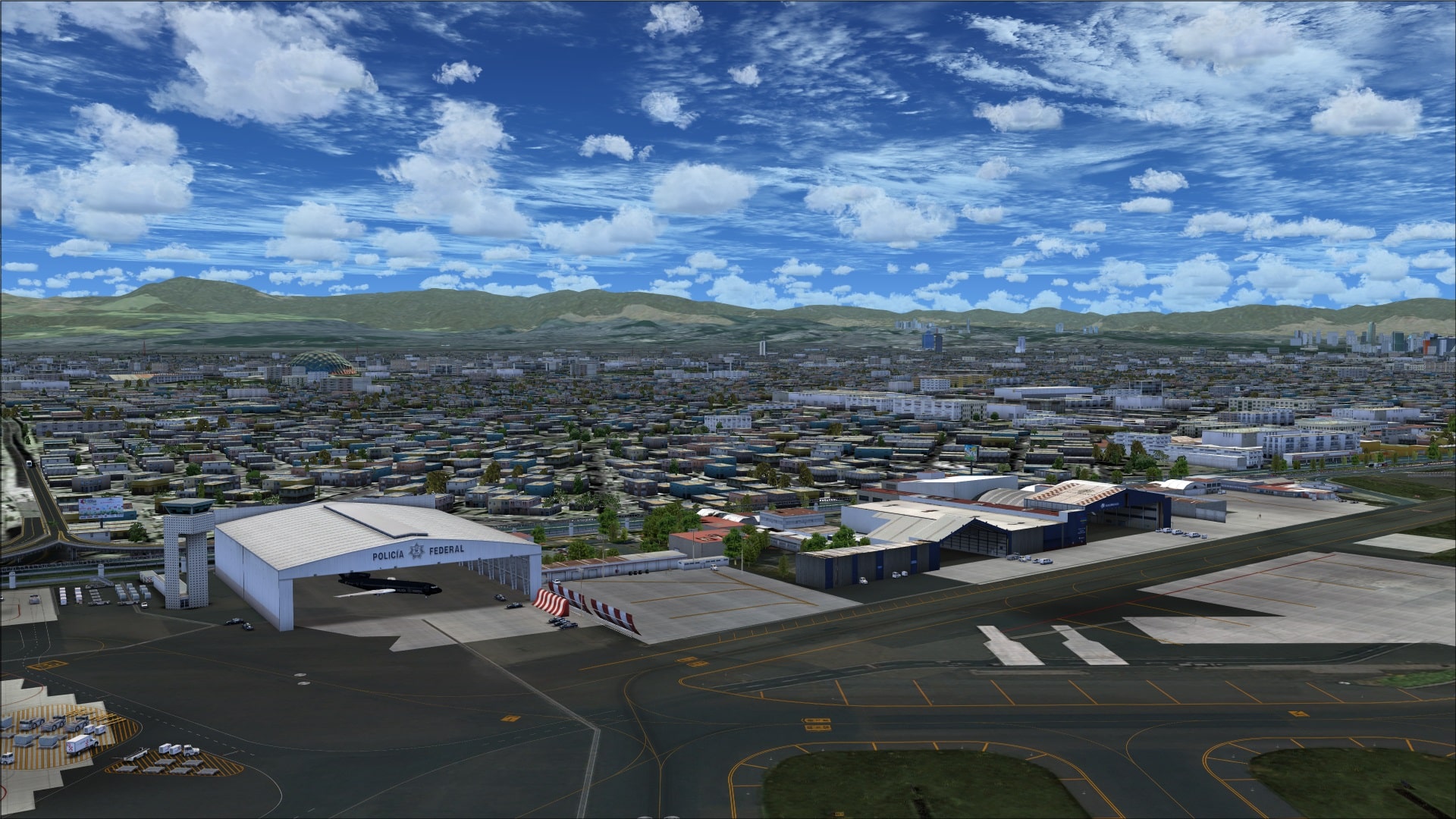
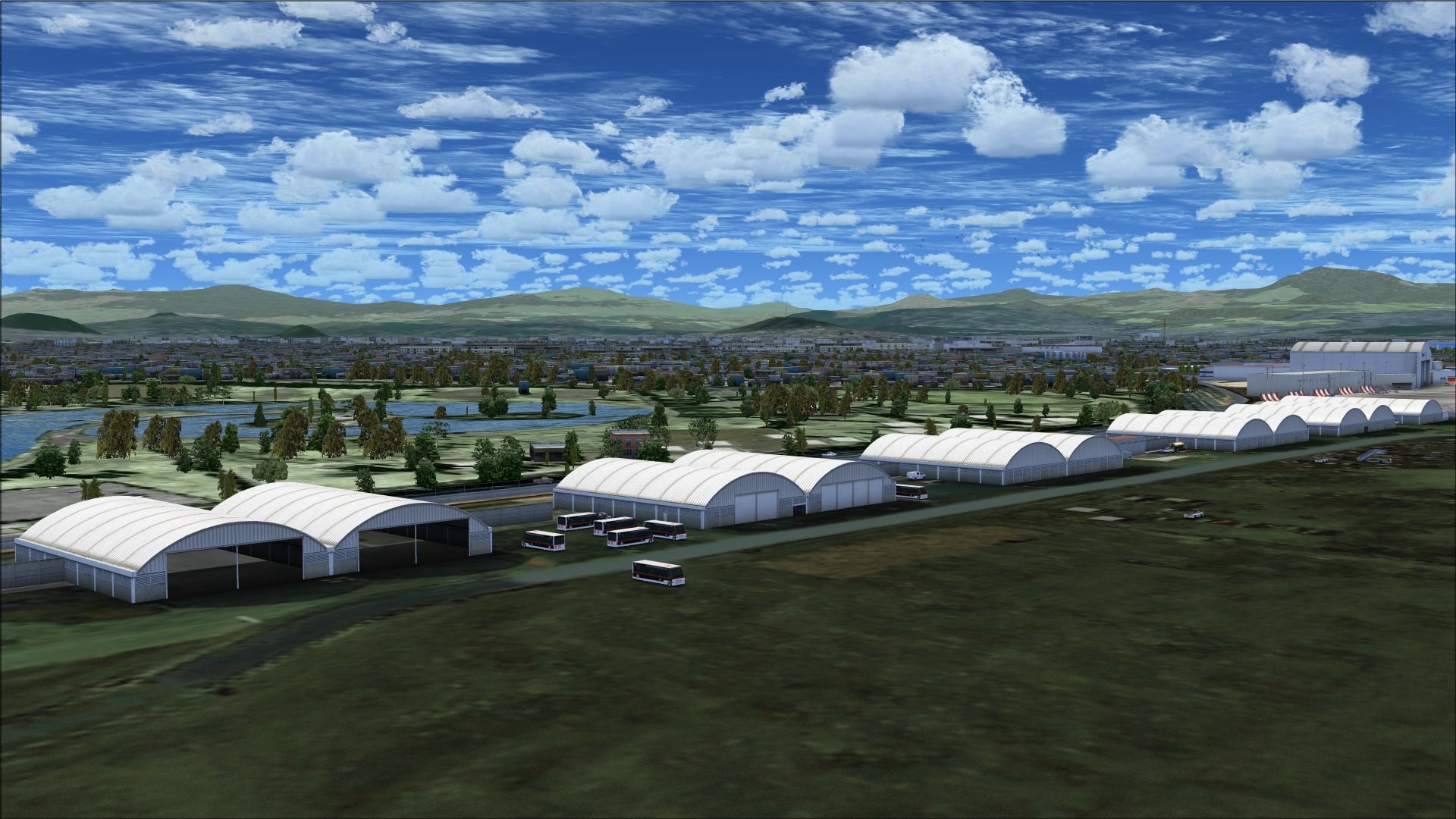
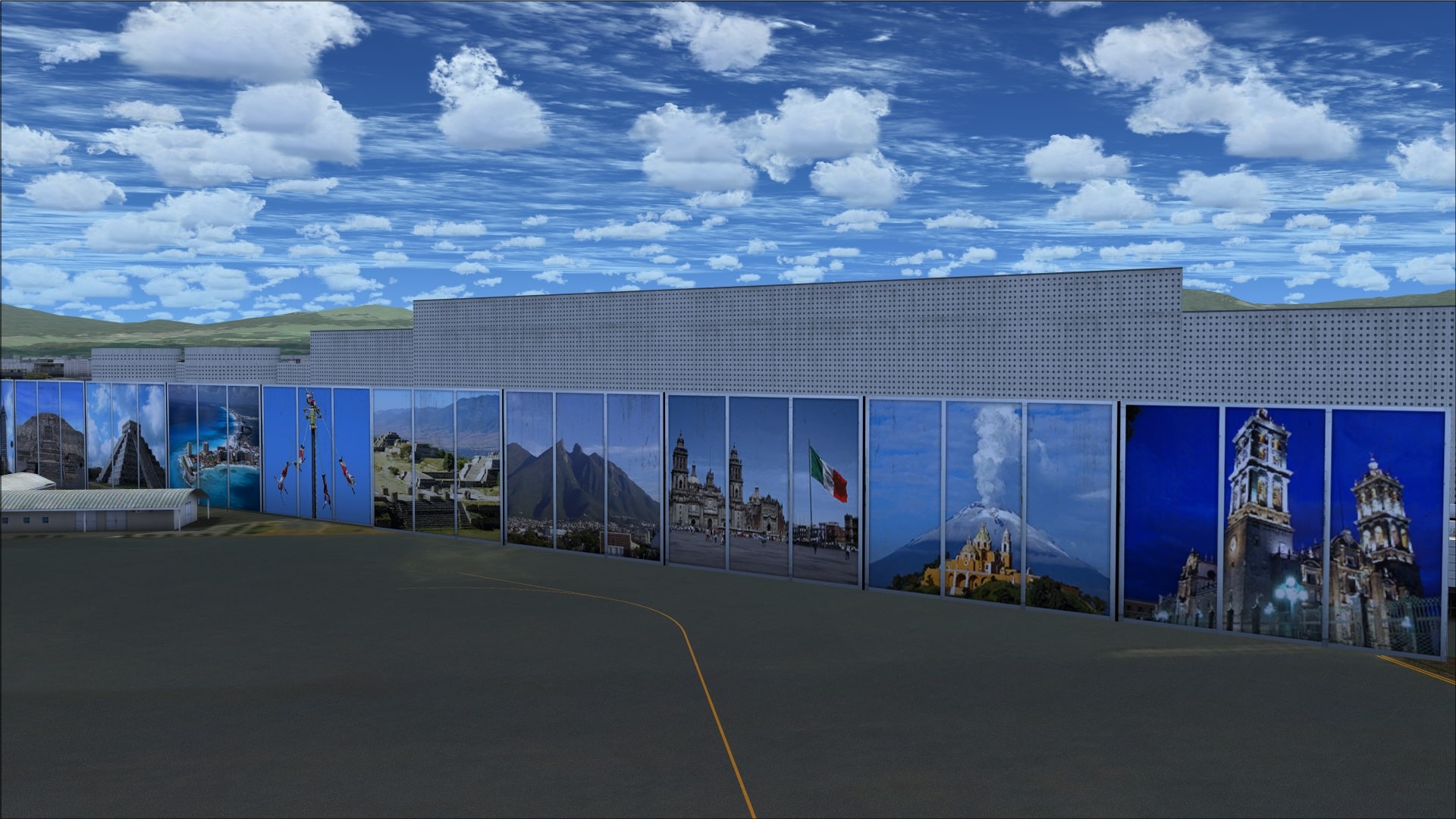 Terminal 2 is flanked by buildings on both sides. To the west along taxiway “A” there are some large hangars that serve the Federal Police and AeroMexico. To the east of the terminal is the Presidential apron and then an additional six aprons and the control tower. These aprons each have hangars and other associated smaller buildings servicing various airlines.
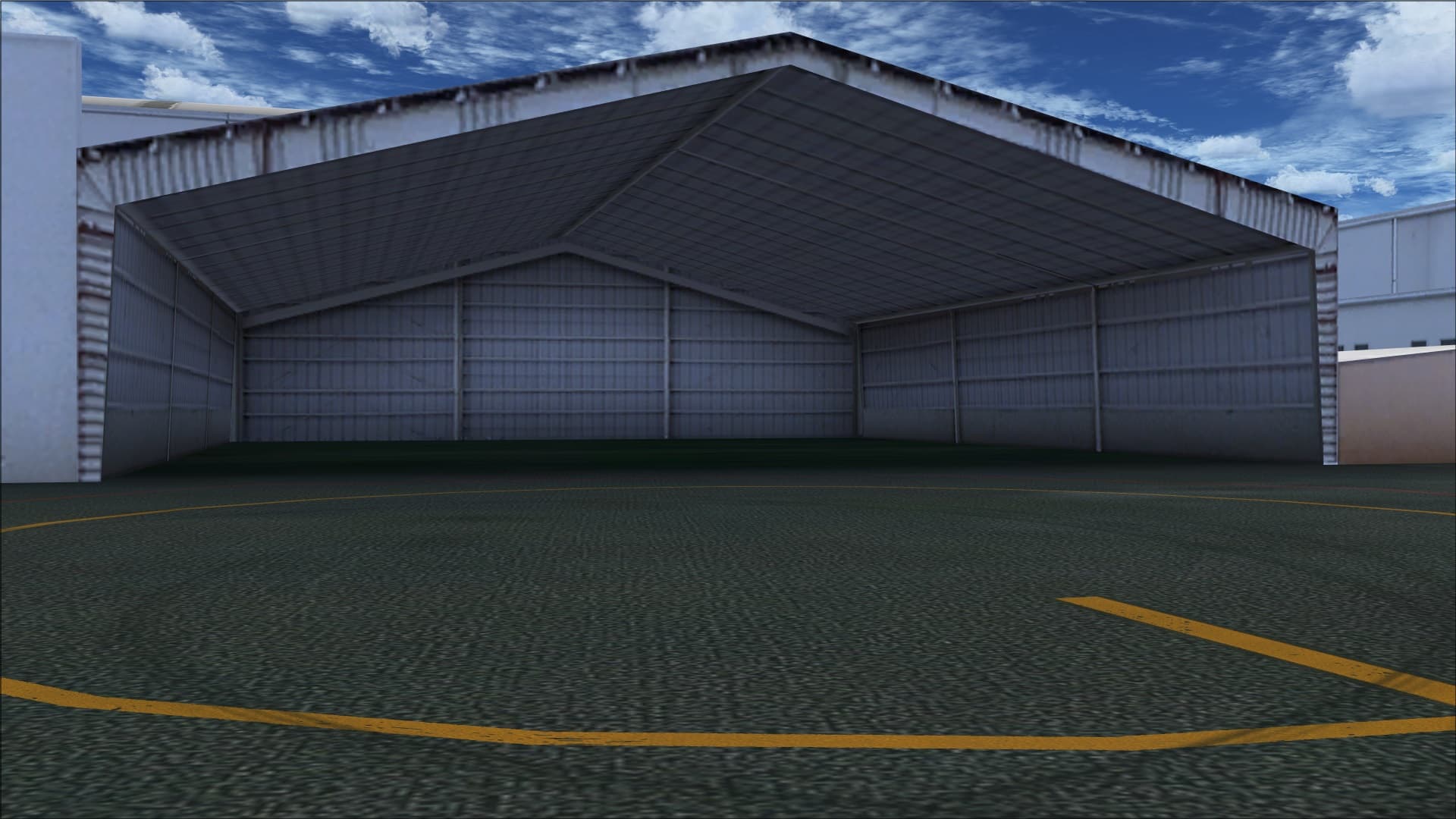
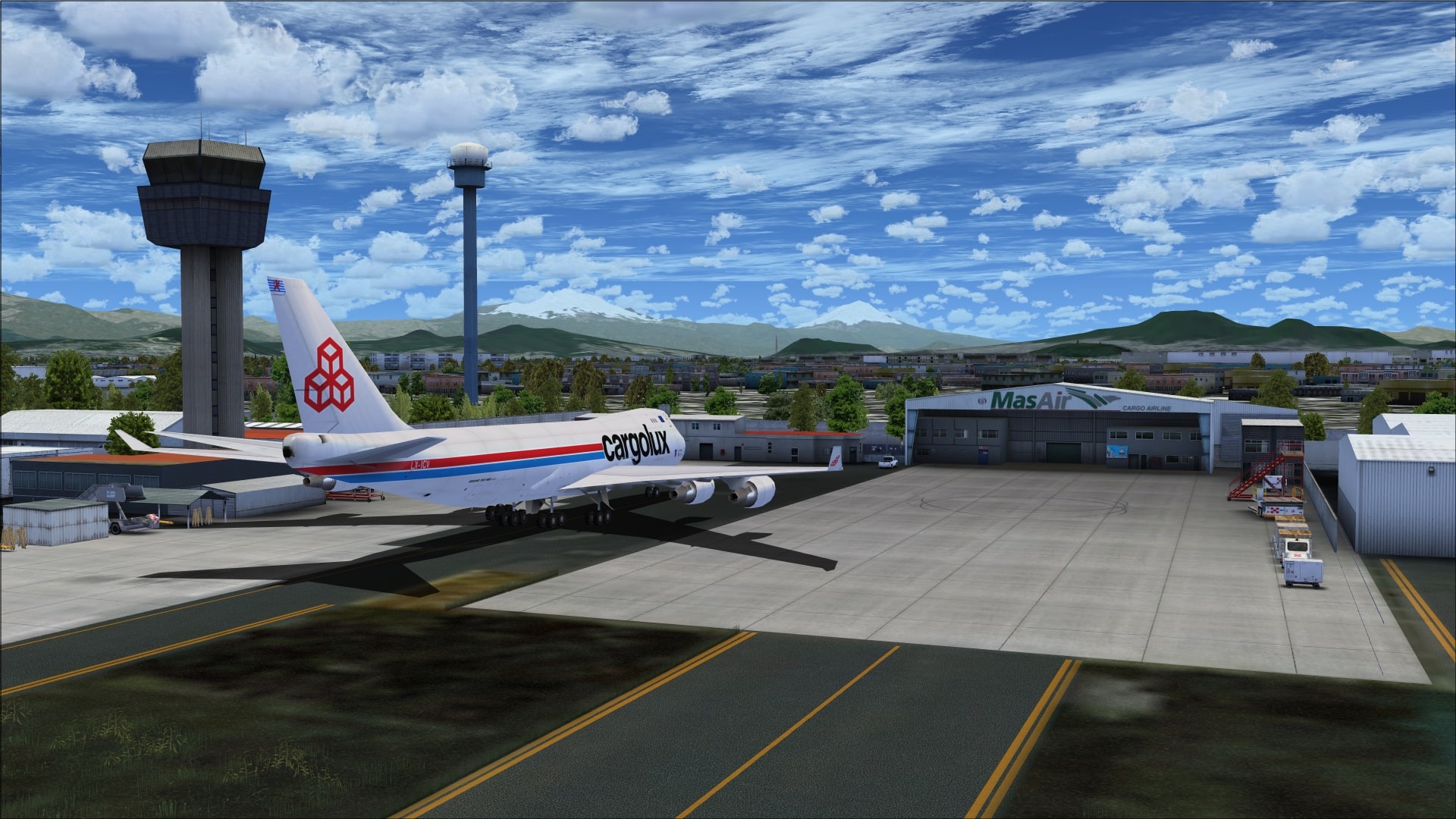
Just as with the buildings on the north side of the airport weathering and aging are skilfully depicted on all of the structures. Having these often subtle visual differences in my opinion made a huge impact on the overall realism and made it easy to distinguish between a lot of very similar looking buildings. Something extra they added and which they did for many of the hangars was to depict them with their large bay doors open. This let us see the extra work that they put into modelling their interiors. I thought this was a nice visual feature adding another dimension to the airport experience.
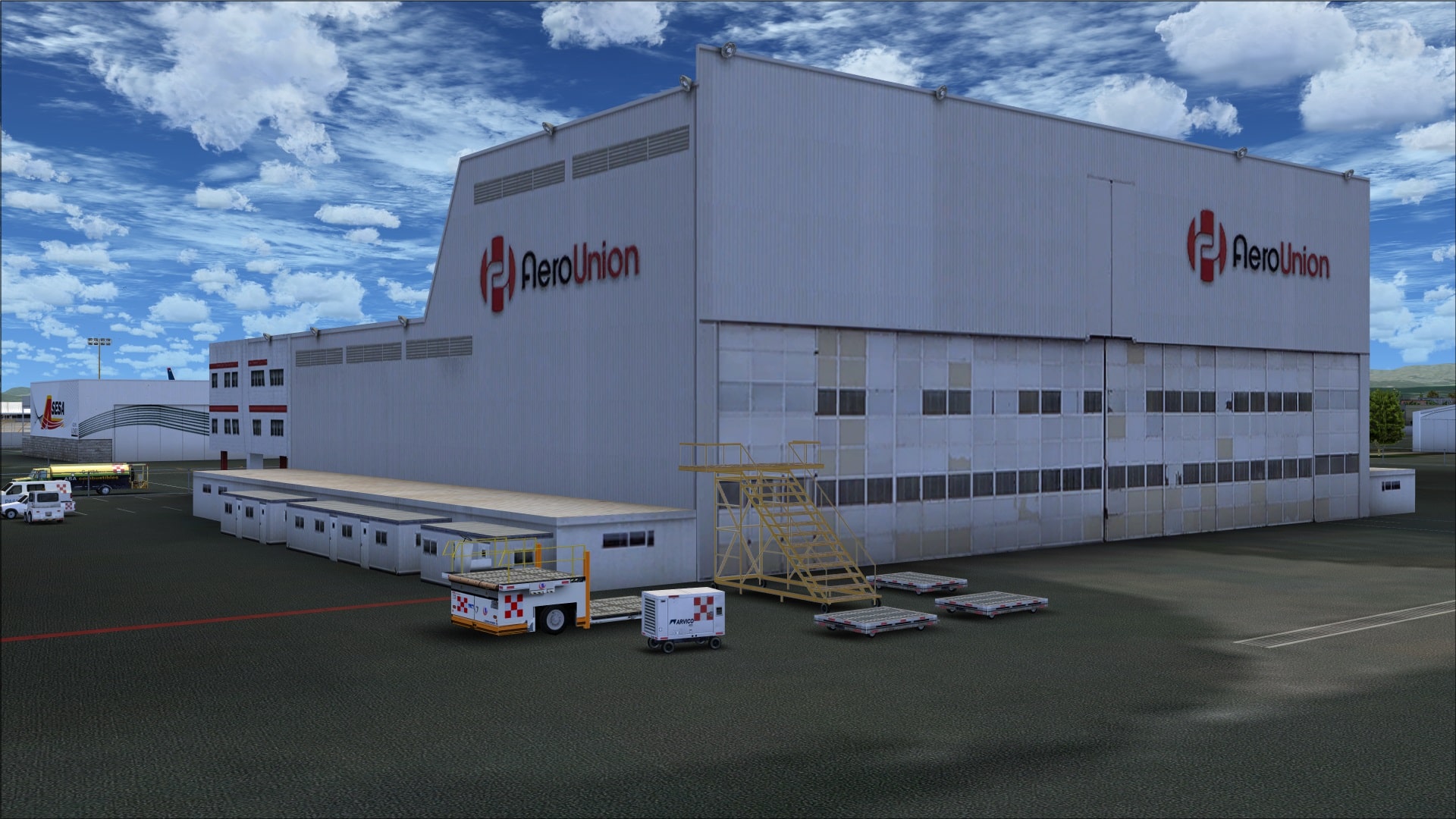
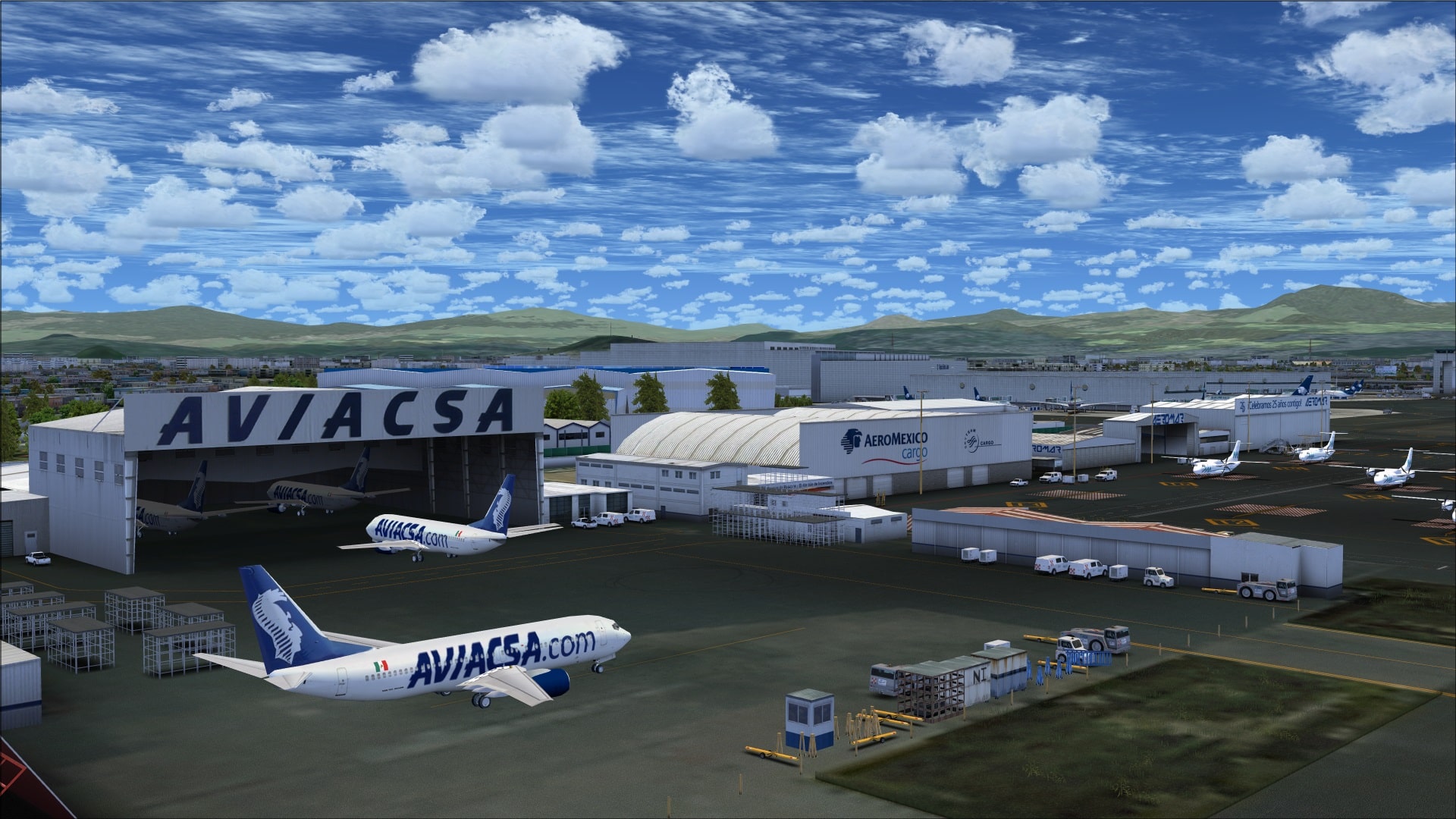
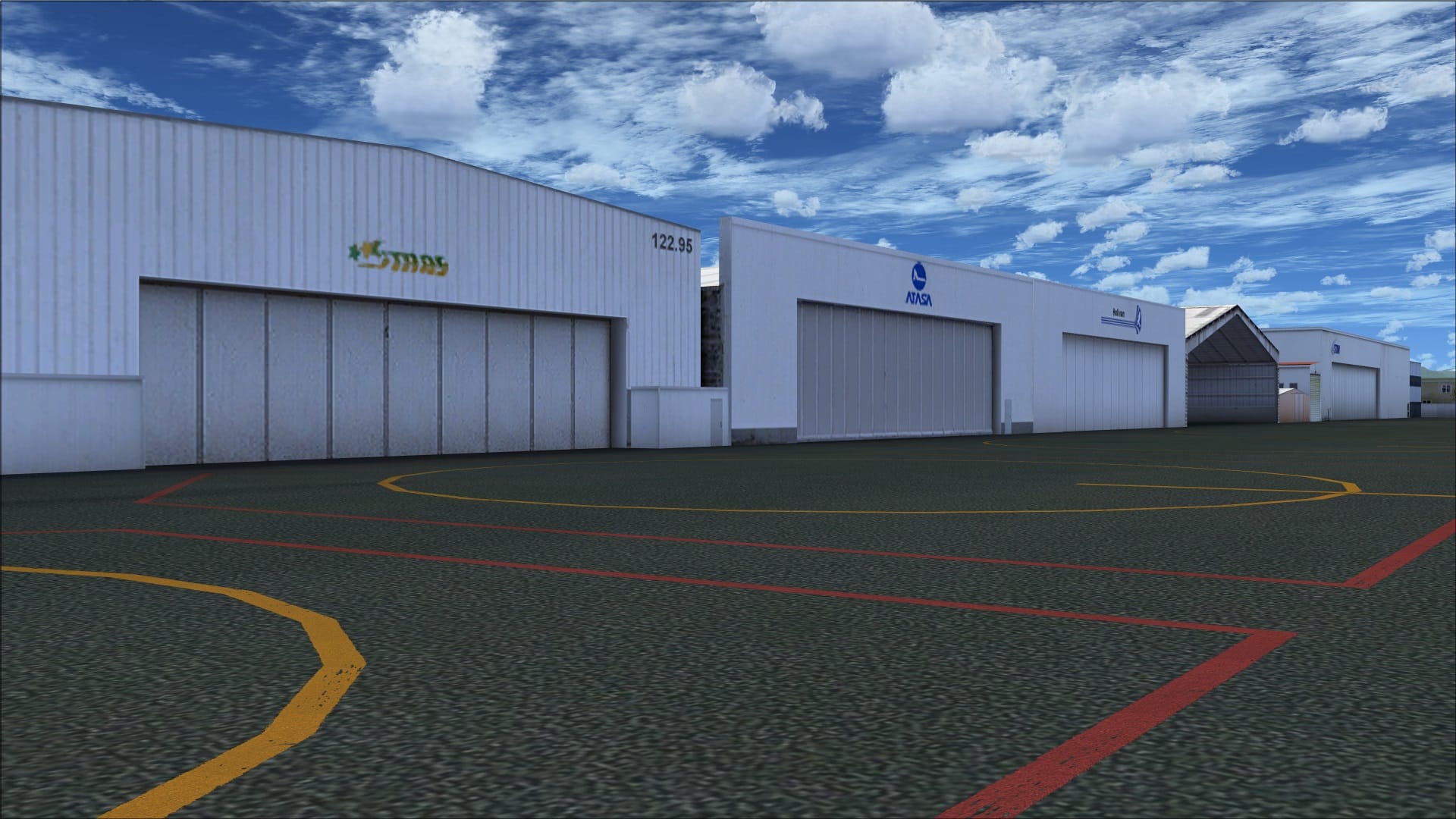
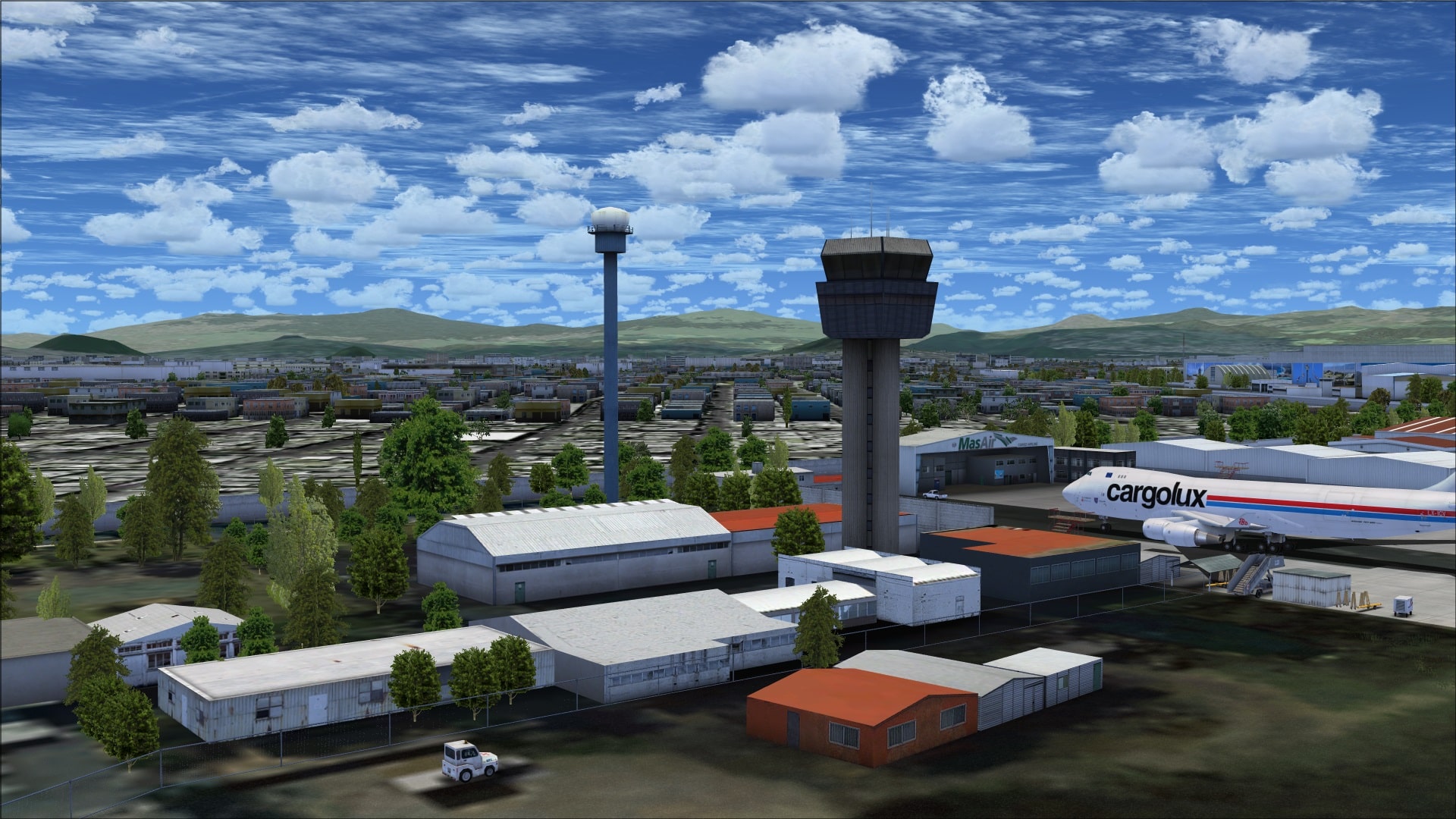
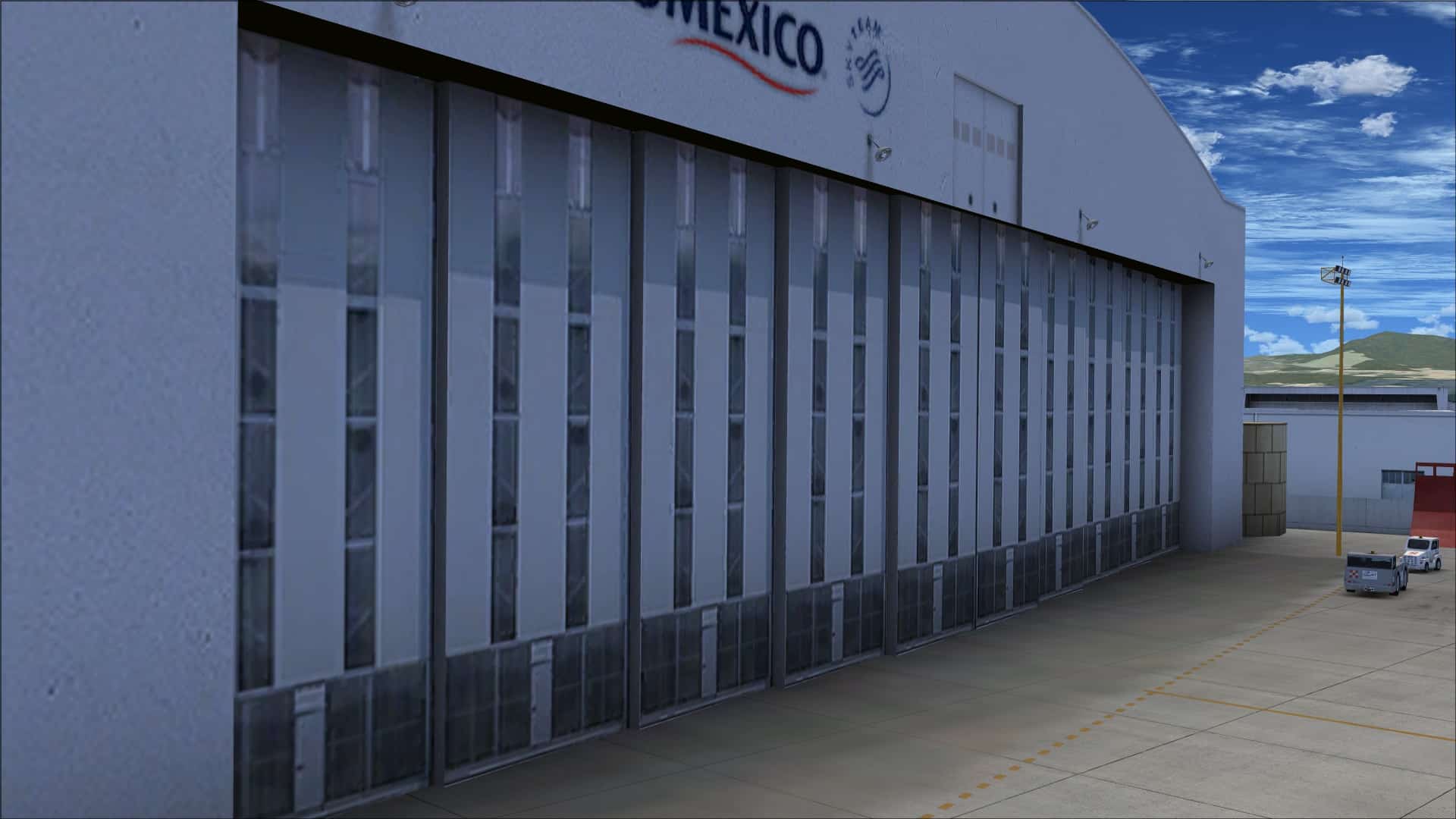
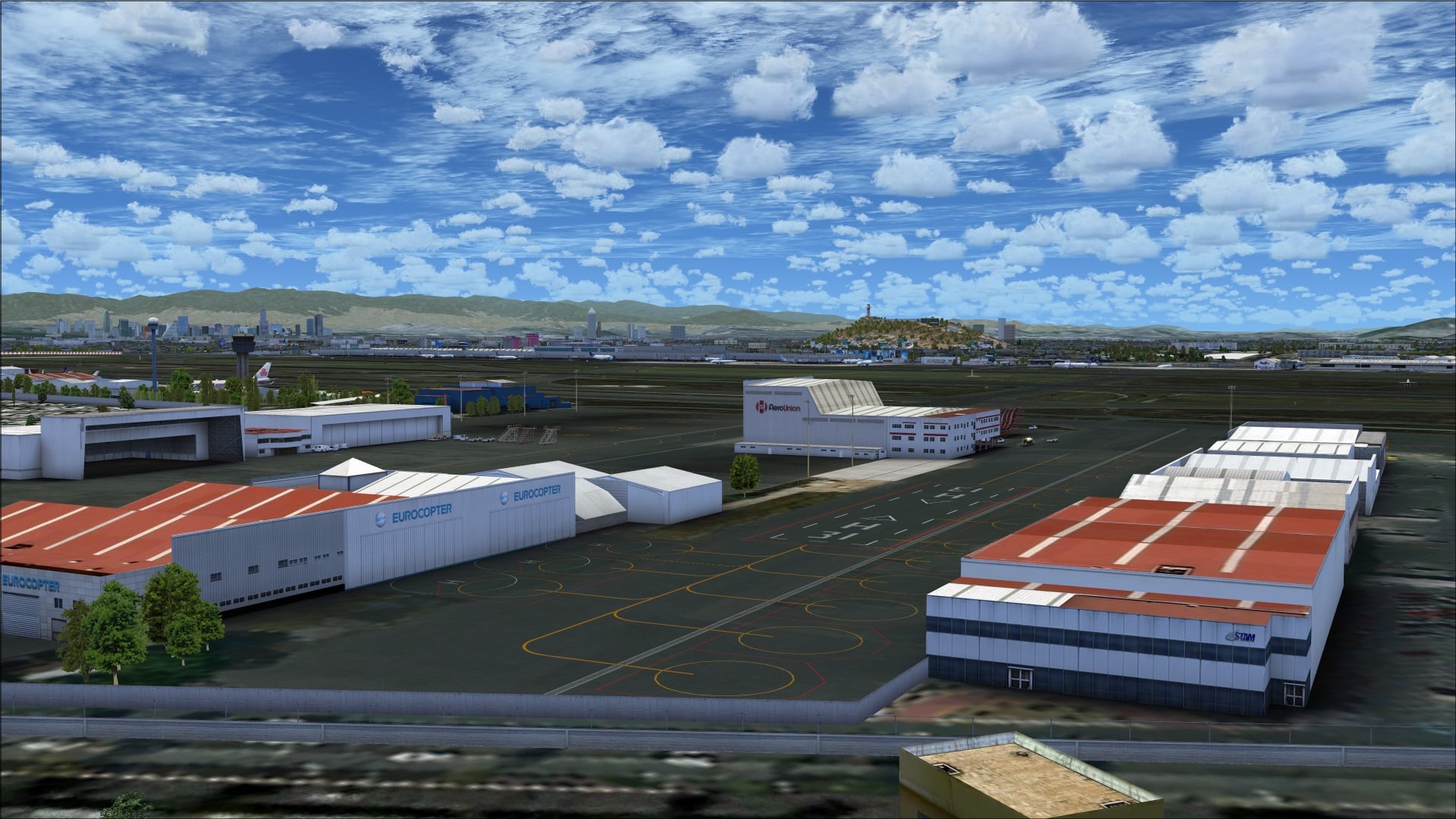
 I wasn’t quite sure where in the review I should address what I thought was the biggest problem with the scenery. That is the problem of FSX crashing as you approach the gates. This has been discussed on the product forums and the last I read was that the issue had been resolved but I am not aware of any patch being released. It is aggravating to have completed a long flight and then to have FSX crash as you approach the gates. I don’t understand how something like this made it past the beta testers.
Objects and Vehicles
Object and vehicle quality and placement were done with an eye for realism. They have taken into account the mandatory infrastructure that you typically find at any airport such as lighting, navaids, fencing, etc and included them. In addition, you typically find different types of activities taking place on a daily basis; activities such as cargo and passenger movements, aircraft handling, aircraft maintenance and security to name just a few. To make it appear as though all of these are happening they’ve added the appropriate objects/vehicles.
Whether I am flying overhead and observing the airport from above or sitting in the cockpit taxiing to a runway or waiting at a gate for passengers to board I want to feel as though I am there and in the midst of all of the hustle and bustle of a busy airport; their work has made that possible. As you look through the screenshots you’ll notice a few things; the variety of objects which include all the typical ones such as blast fencing, tow bars, pylons, service and security vehicles plus some less common ones such as mobile maintenance stairs and scaffolding.
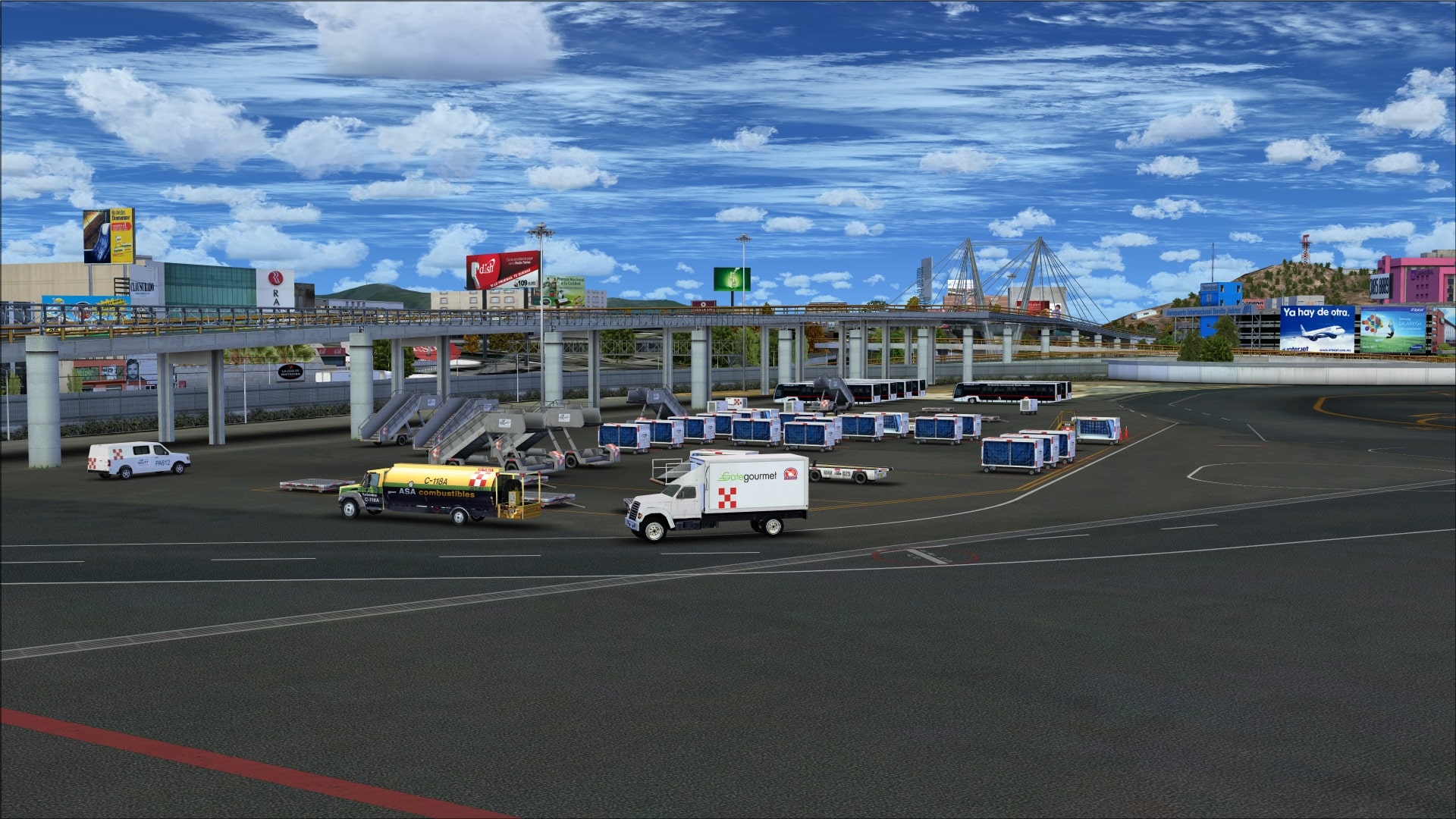
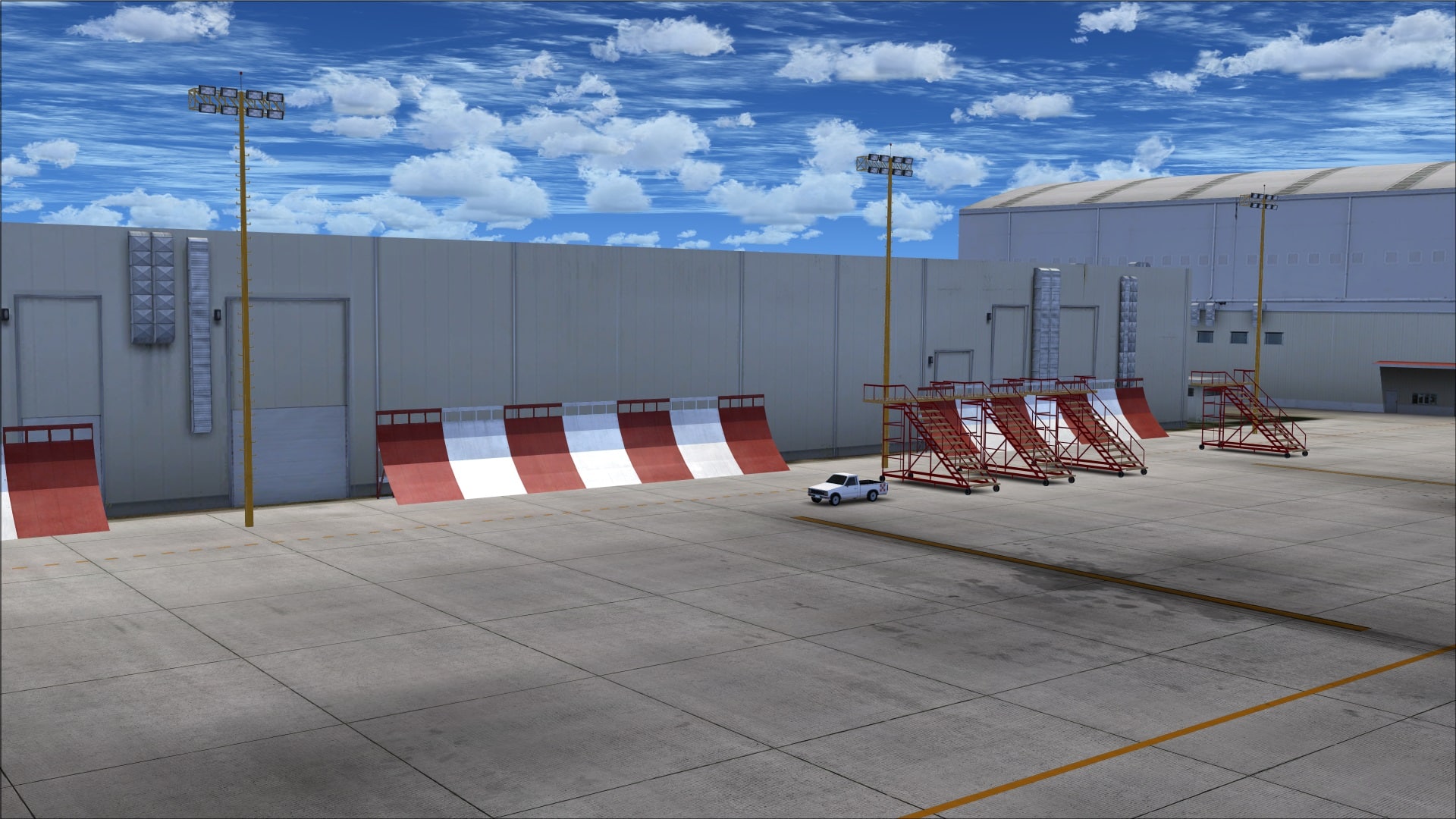
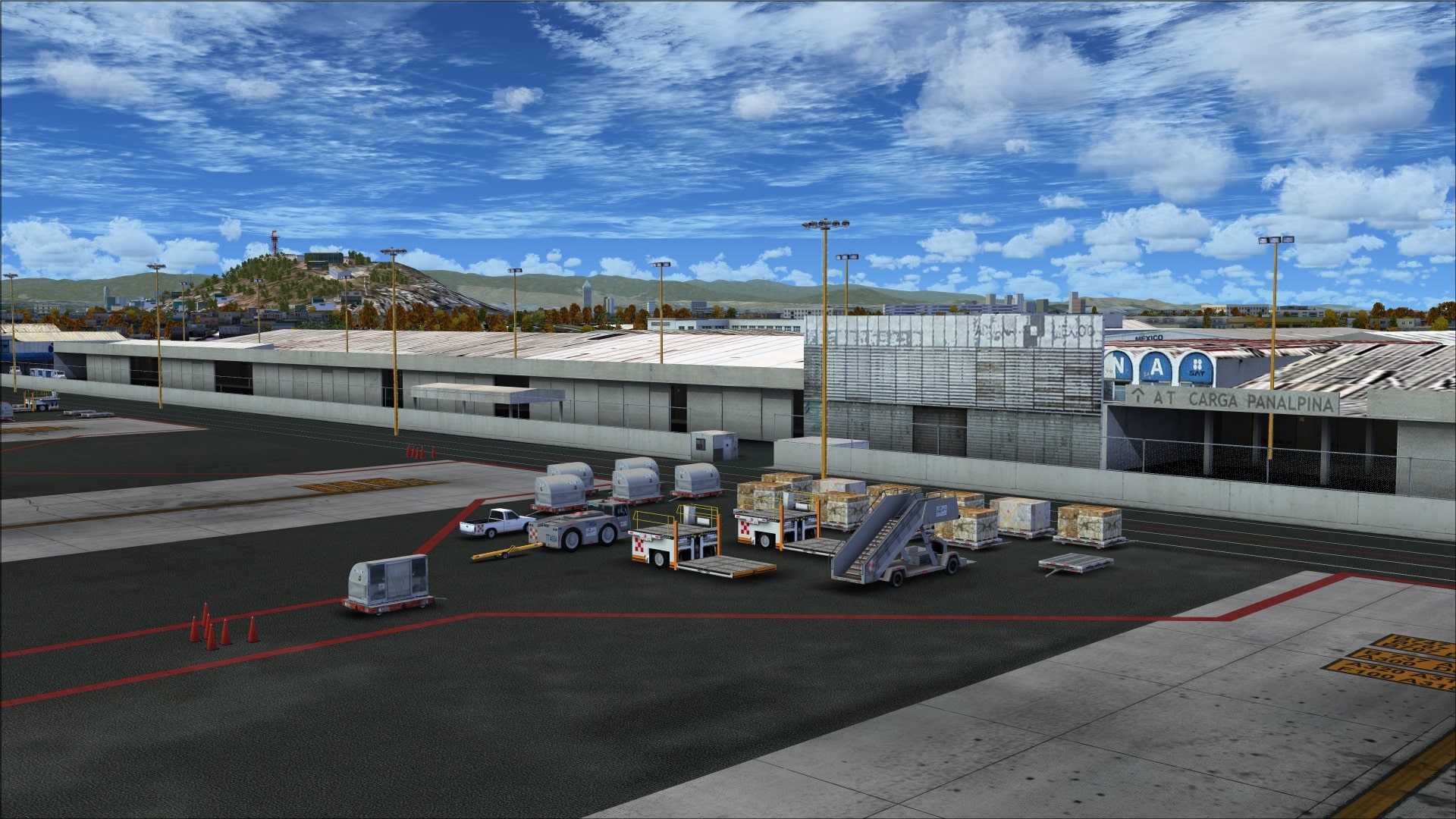
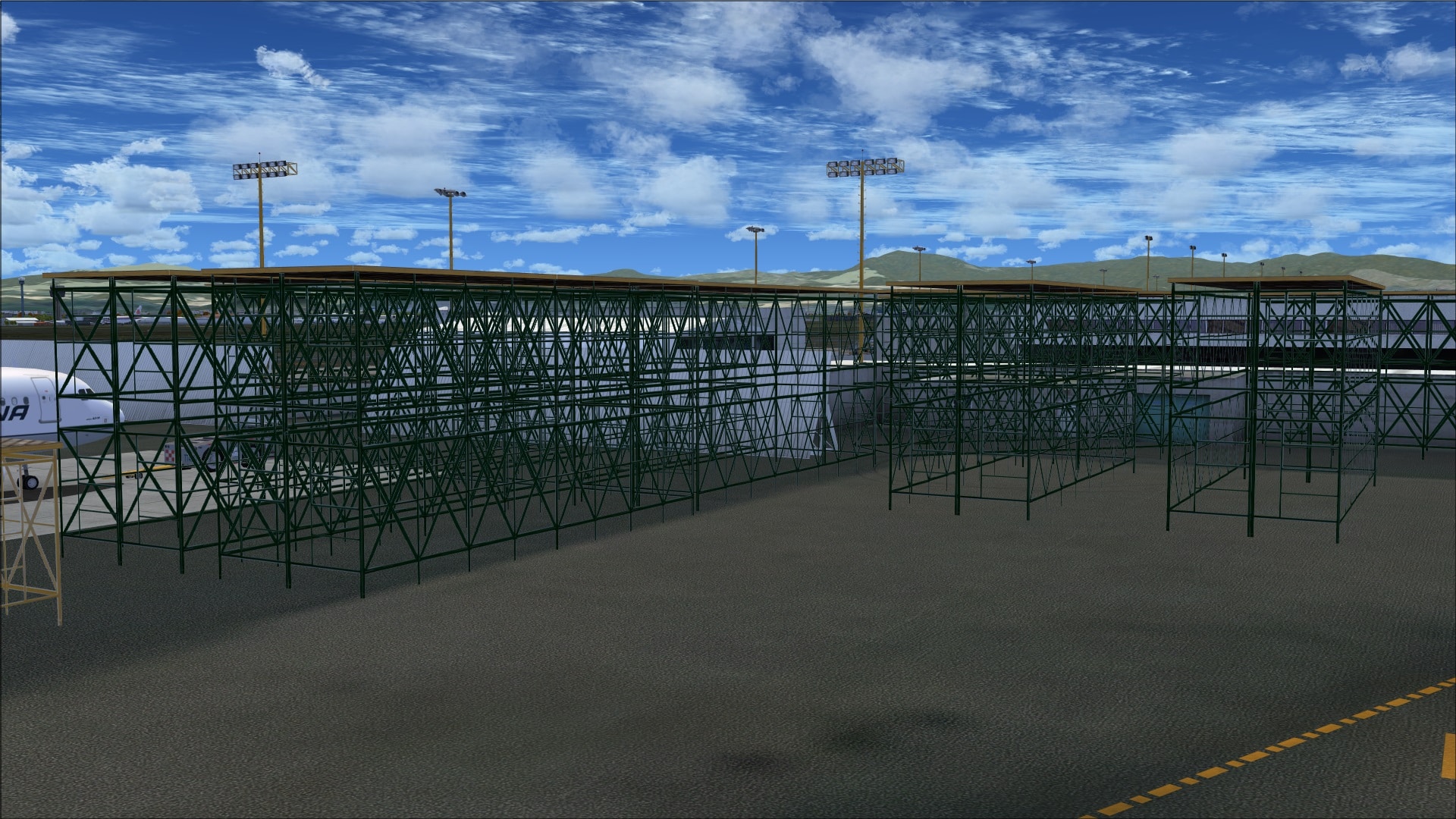
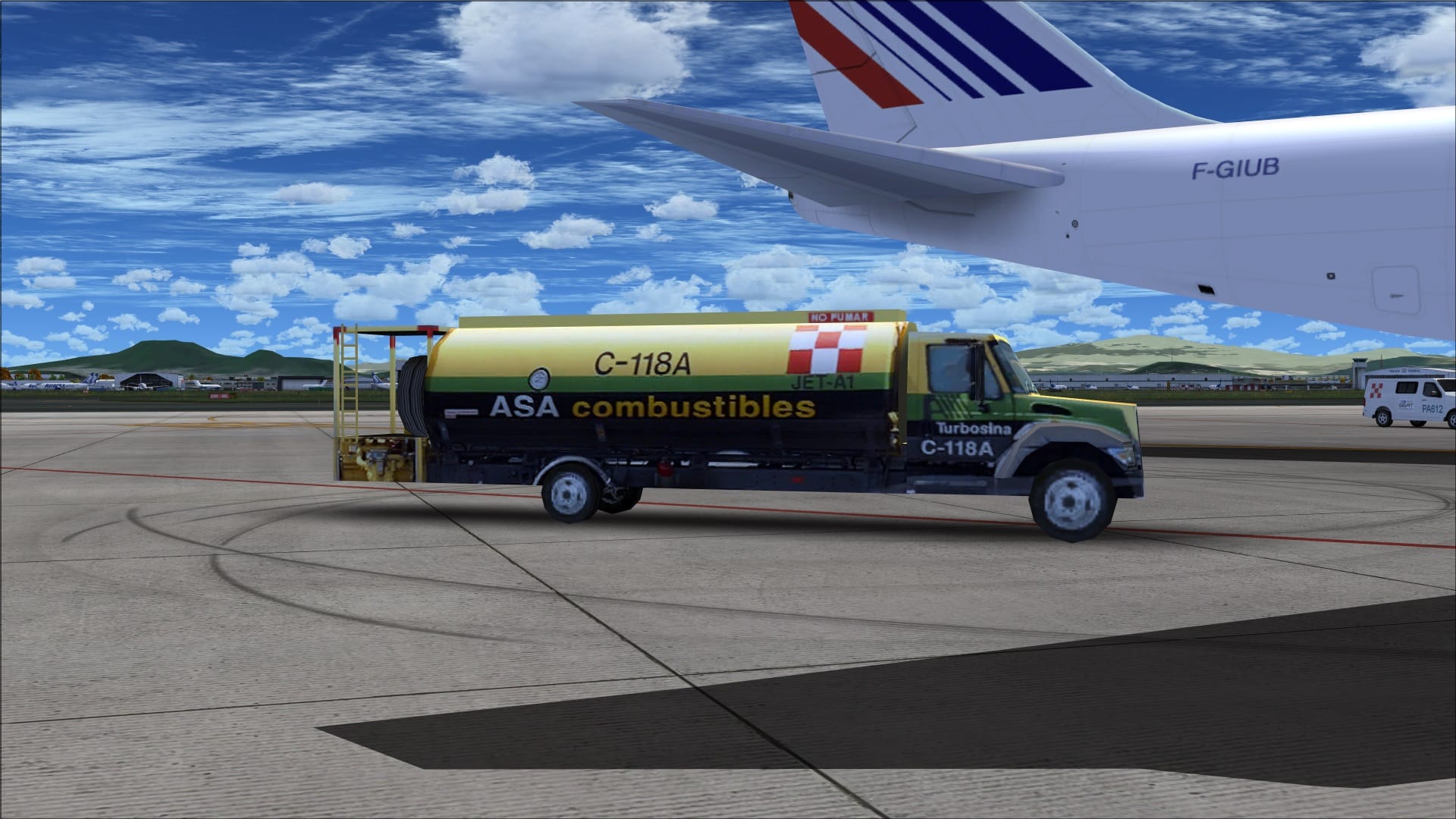

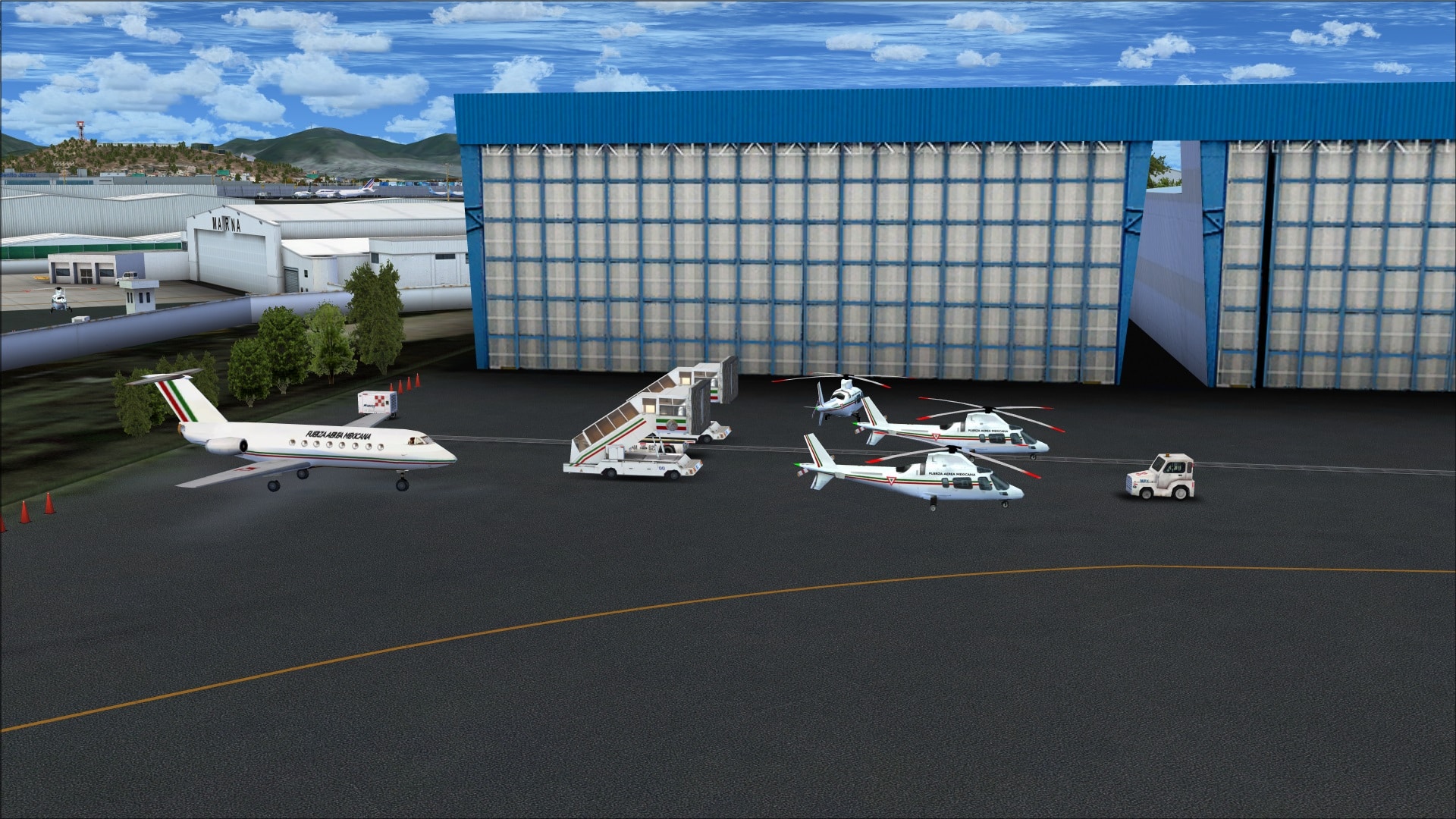 I also noticed that many of the vehicles sported airport or airline specific logos. This is a small detail but it speaks to the level of effort put out by the scenery developer in trying to make this as realistic as possible for the FSX pilot.
Animations
Vehicle traffic is the most prominent animation in this package. On the roadways outside of the airport they use a mix of default and custom vehicle traffic. On the service roads and apron areas within the airport’s boundaries we see a variety of custom vehicles moving about.
An interesting animation is the Aerotrén monorail system that interconnects the two terminals. The system has been modelled and includes the above ground track system with the monorail cars moving along the tracks. I thought that this was a very nice addition to the airport scenery.

Night flying
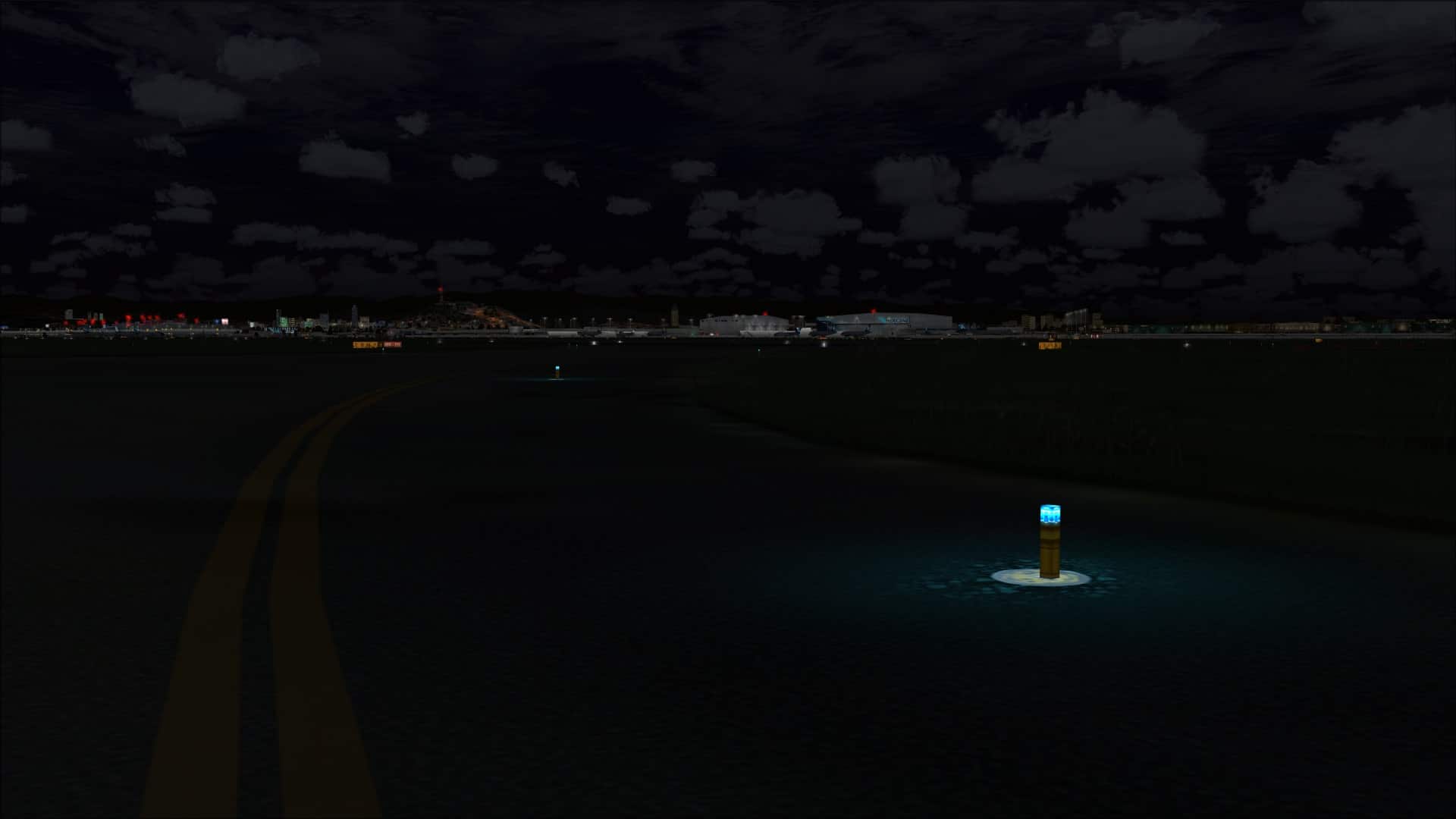
They’ve done a very good job at making the night time environment look realistic and so flying around Mexico City and the airport was both very enjoyable and believable. All the usual lighting techniques you would expect to find have been employed and they work quite well.
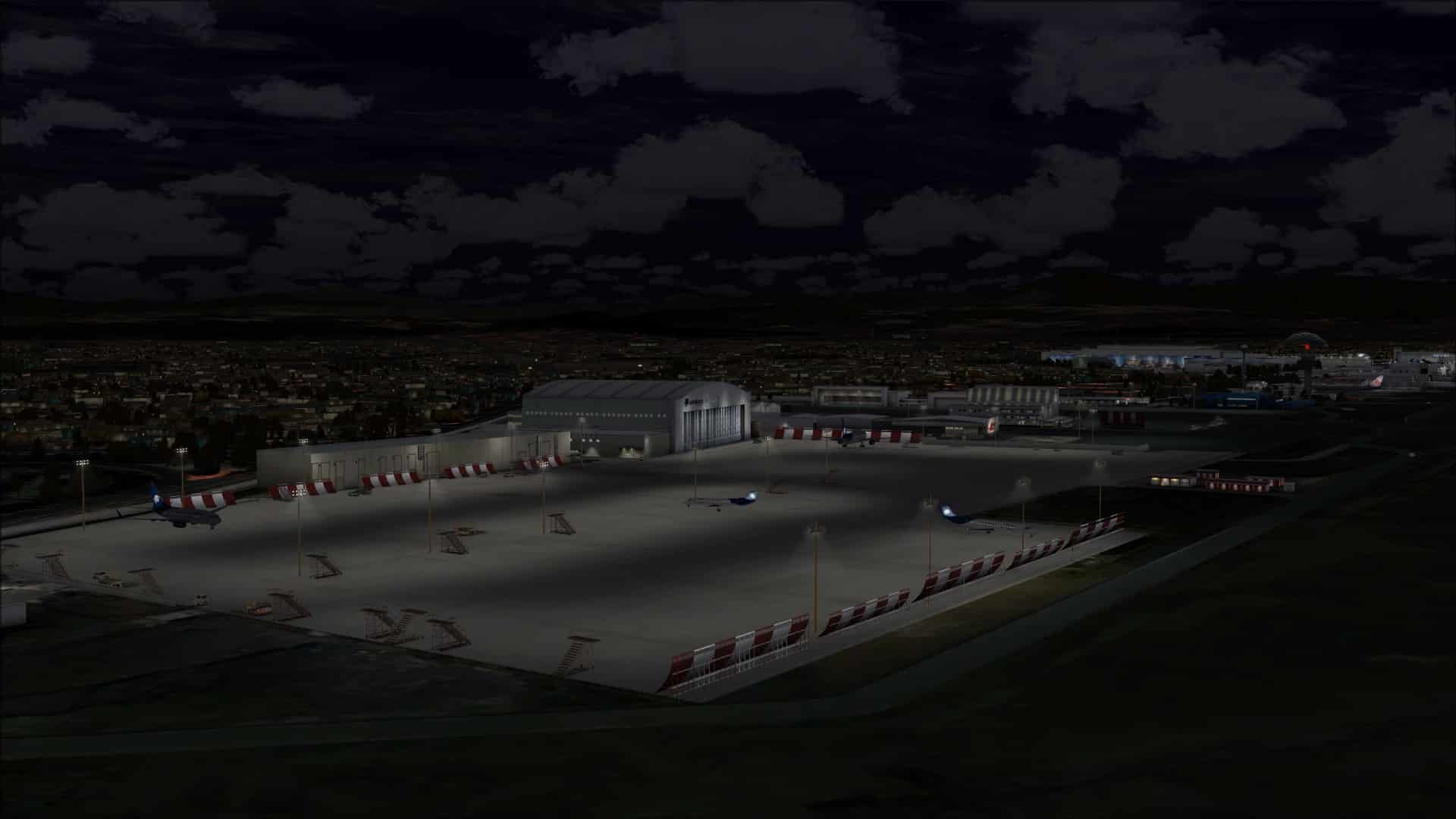
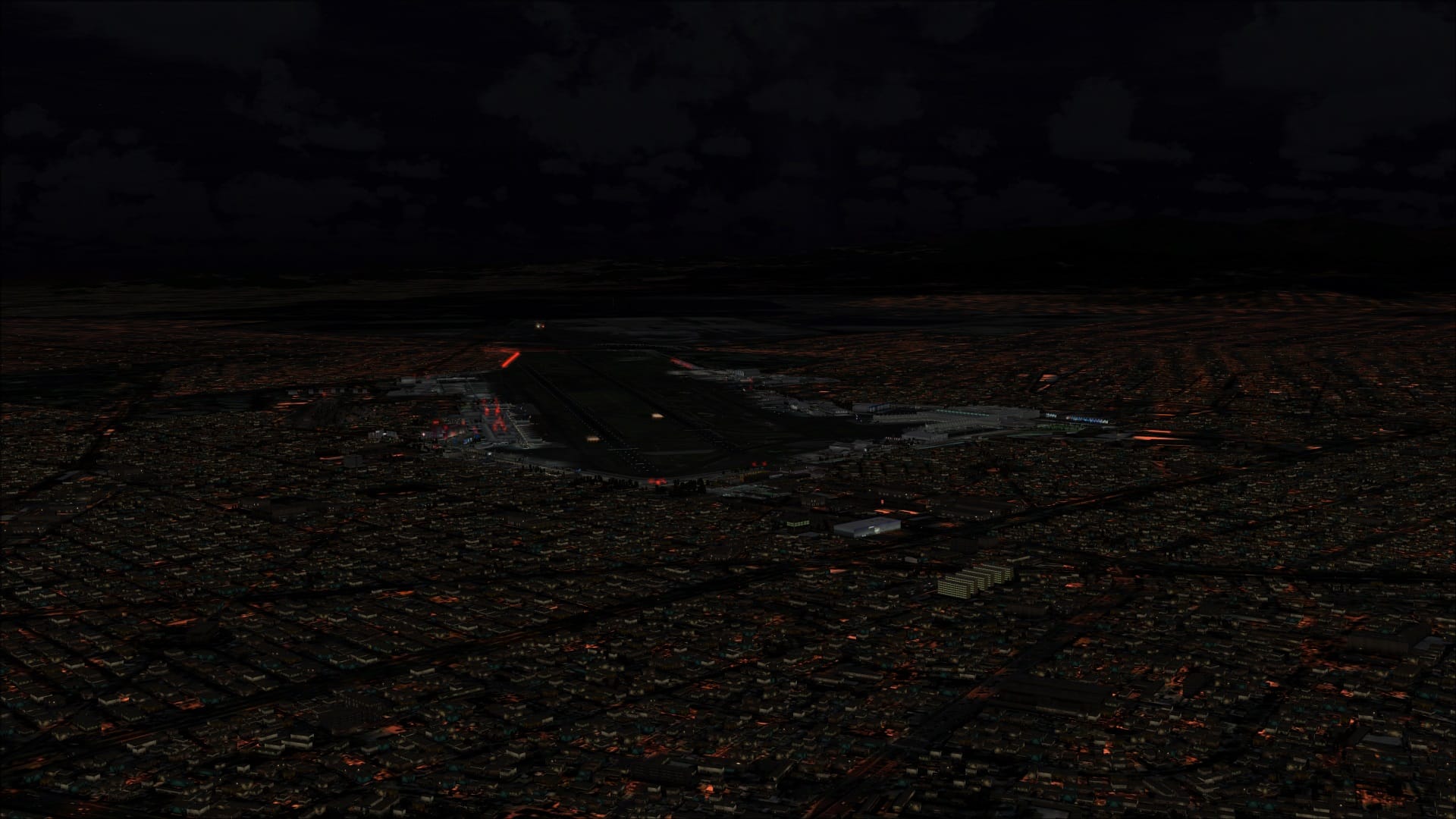
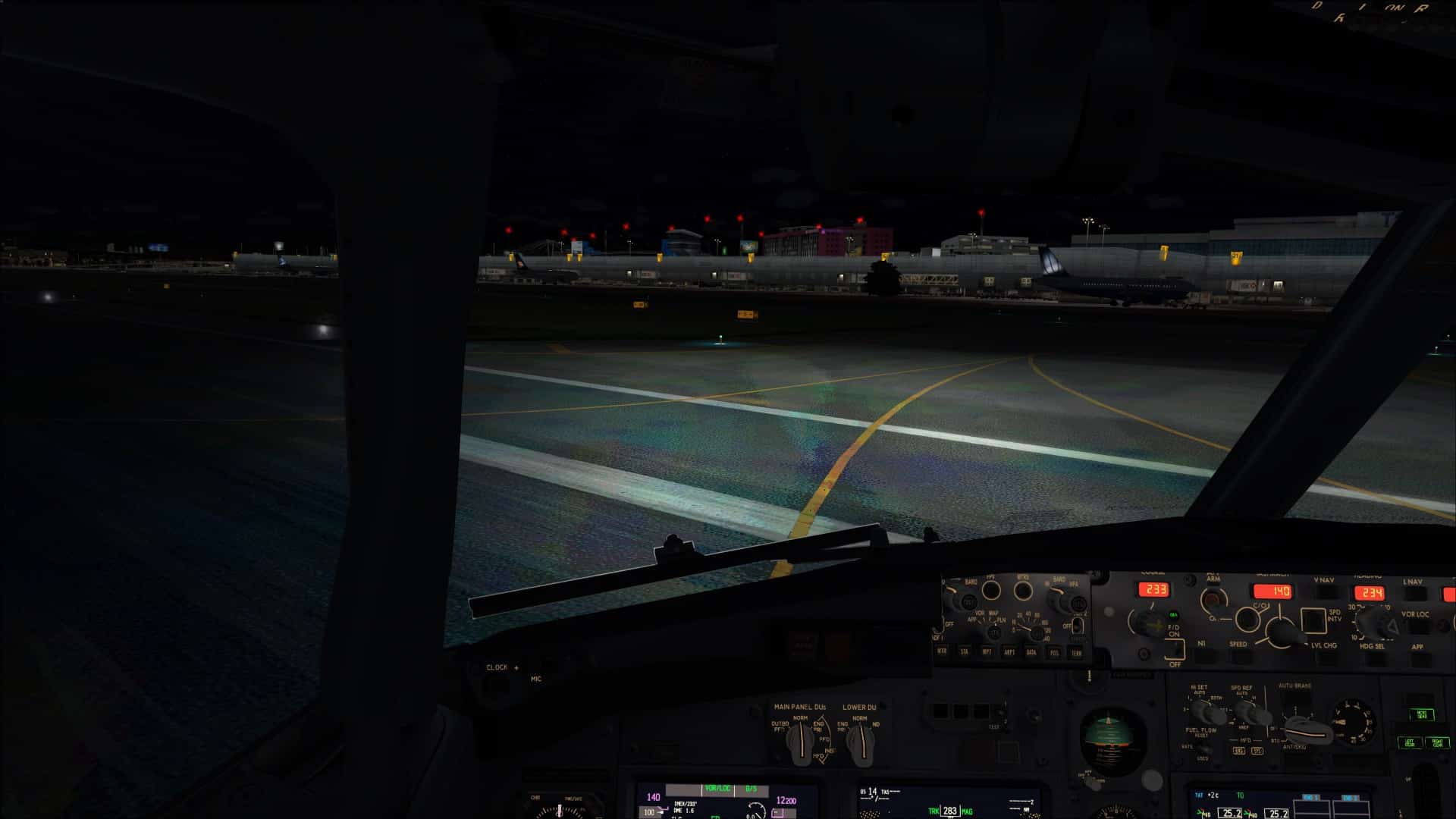
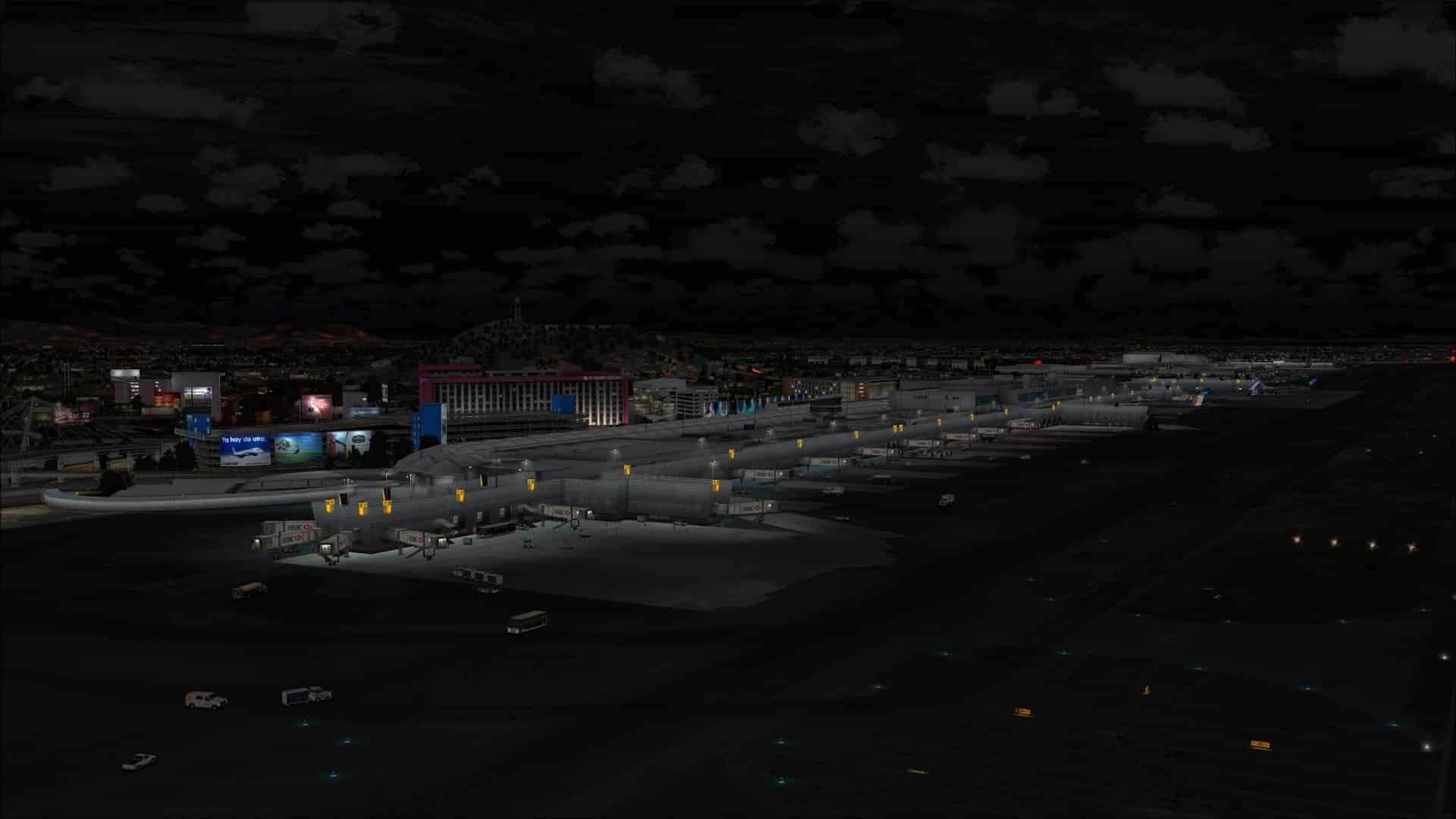
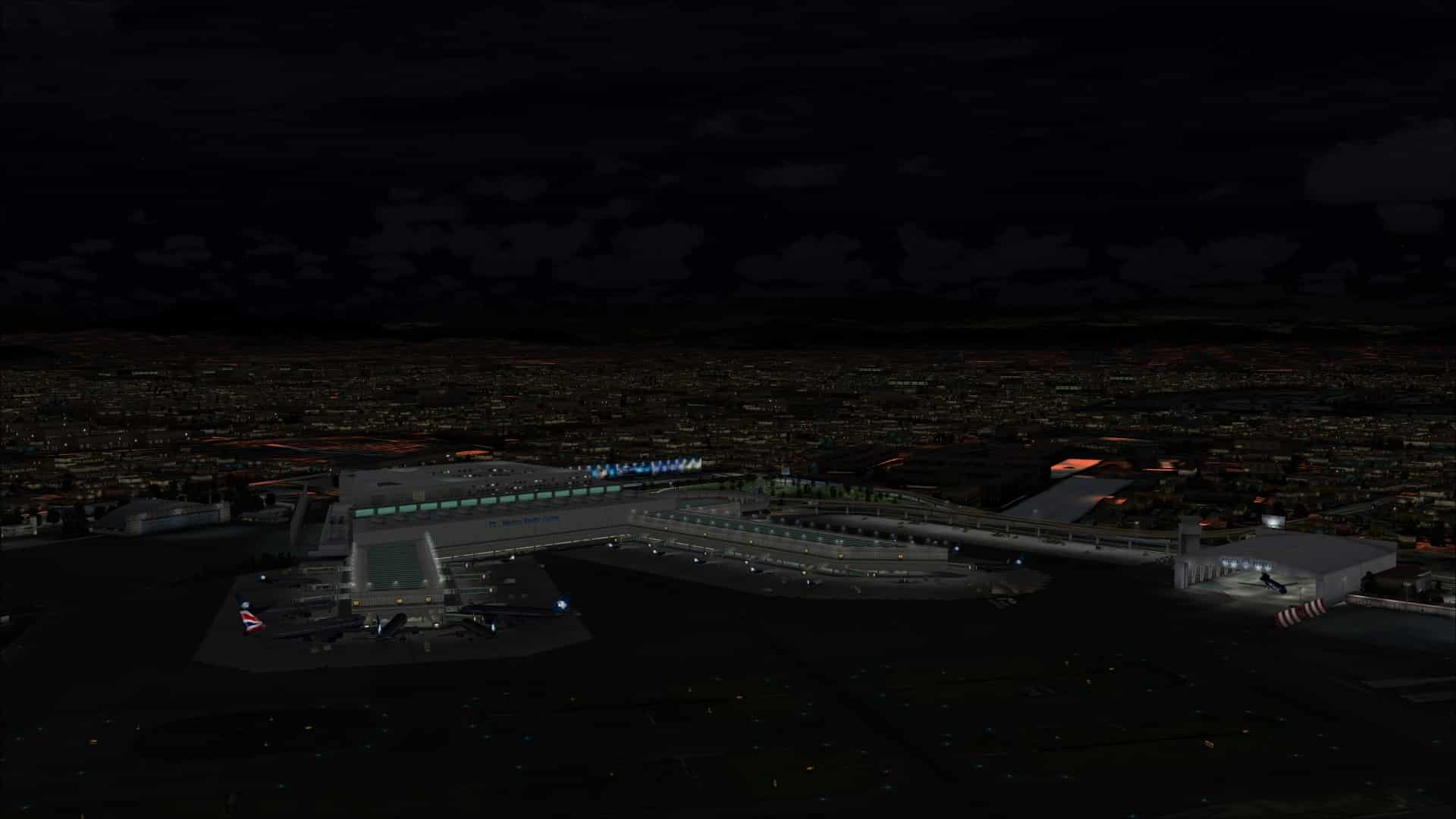 I saw only a few areas where the ground appeared to be unnaturally saturated with red or overly bright textures.
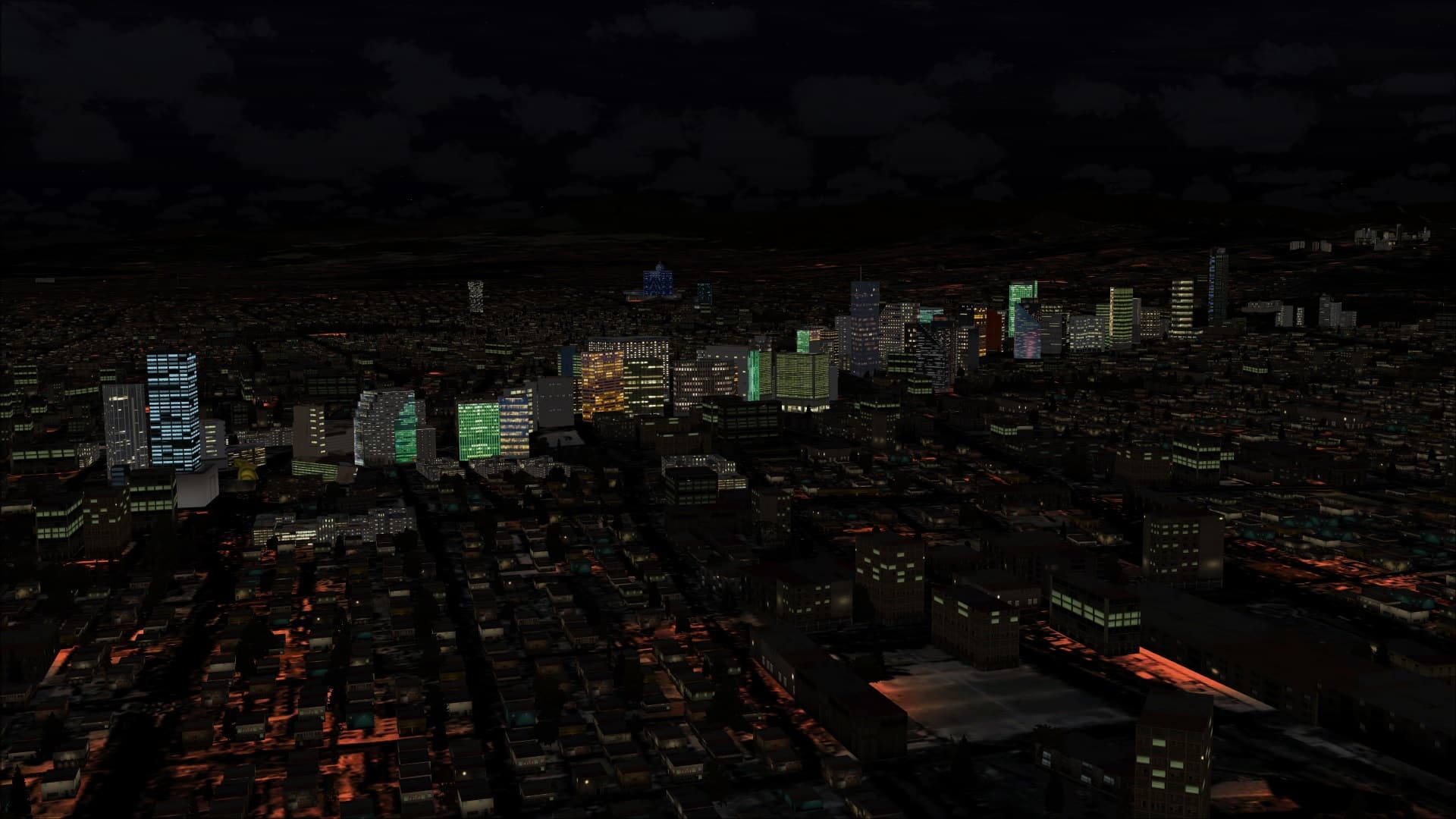
They added a few additional lighting enhancements that made the experience that much better. These included ground illumination around the base of the taxiway/runway lights and also varying the colours of the interior lighting for some of the high rise buildings in Mexico City’s core. I see these additional effects and enhancements being used more often by developers and that’s nice to see as night time flying opens up a whole new set of experiences and a whole other way to enjoy the scenery.
 Mexico City
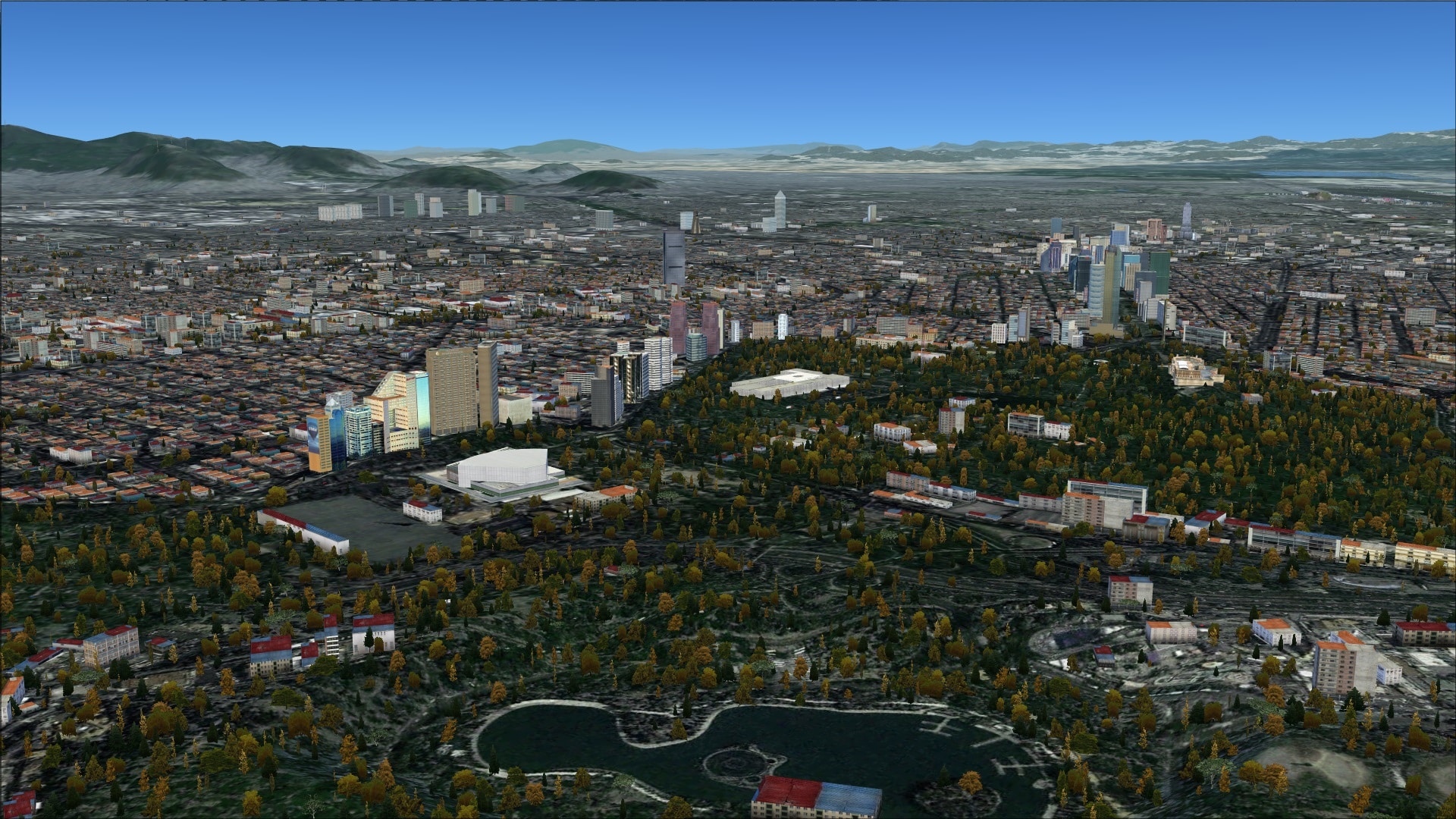
Mexico City is a very large city and like most cities of this size it has a lot of diversity in its architecture. Many buildings are accurate representations, others are not, the mix is such that the city still maintains its unique look. Many of the largest structures are accurate representations including many of the modern high rises in the downtown core and the large sports venues.
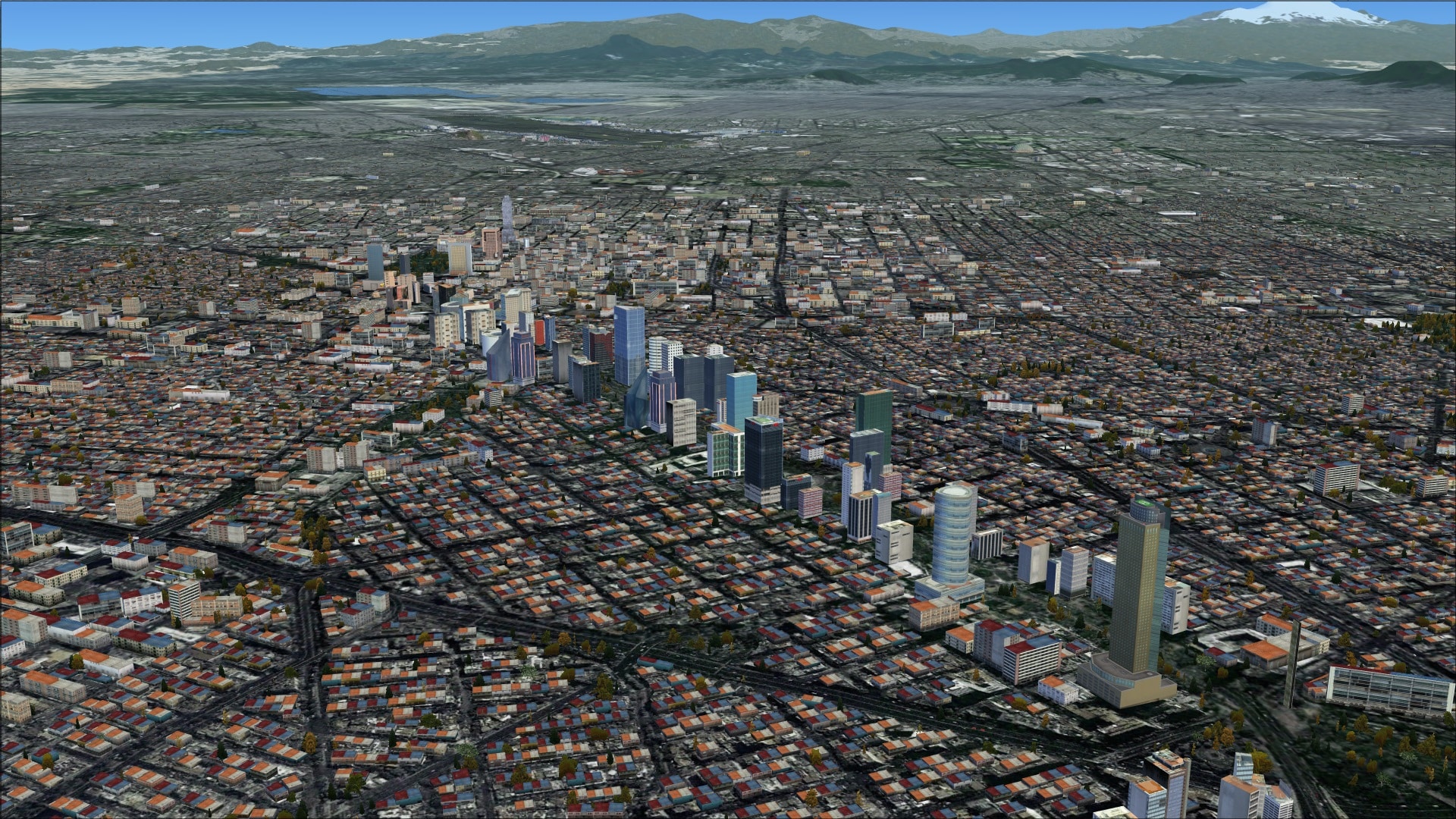
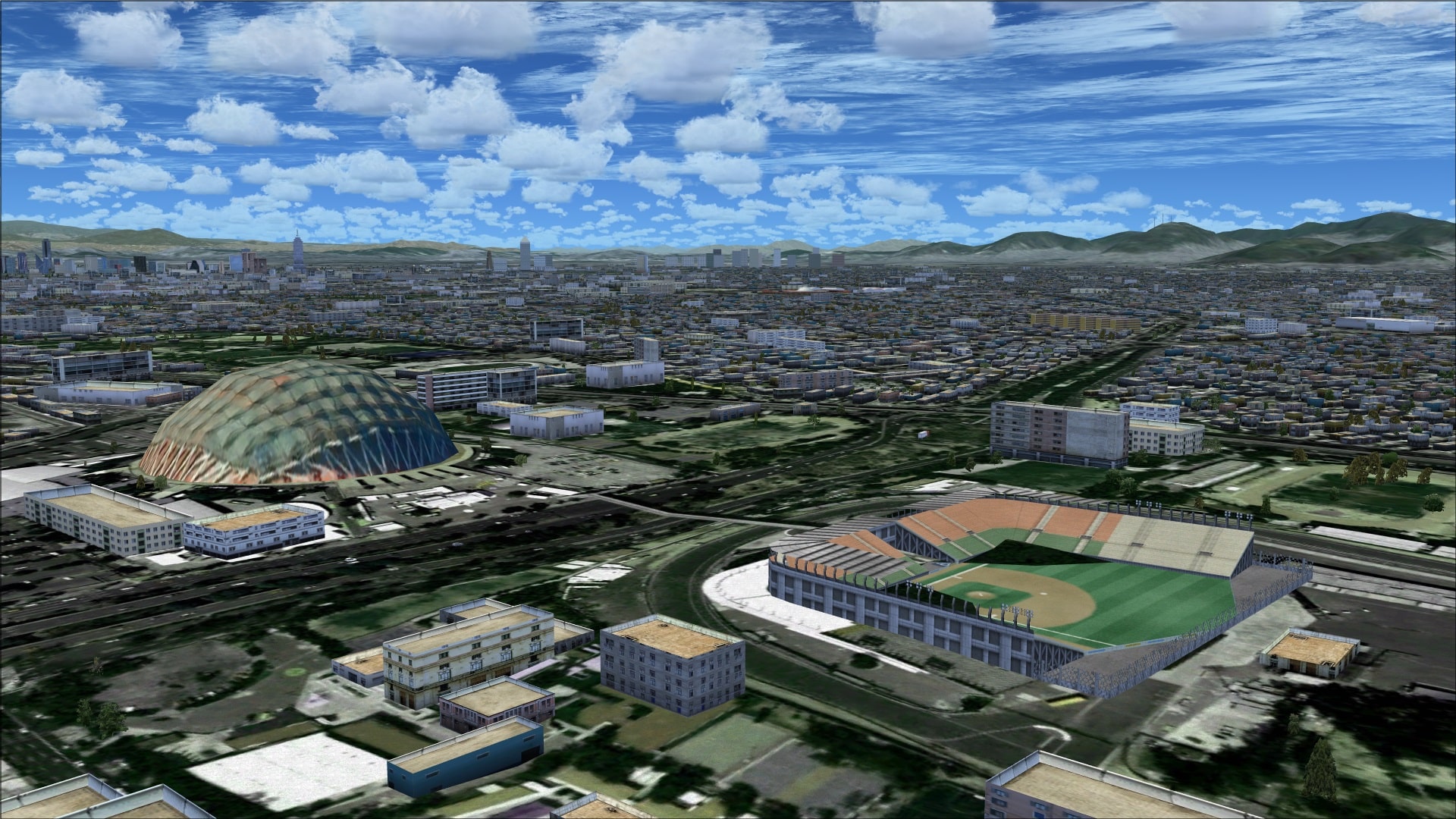
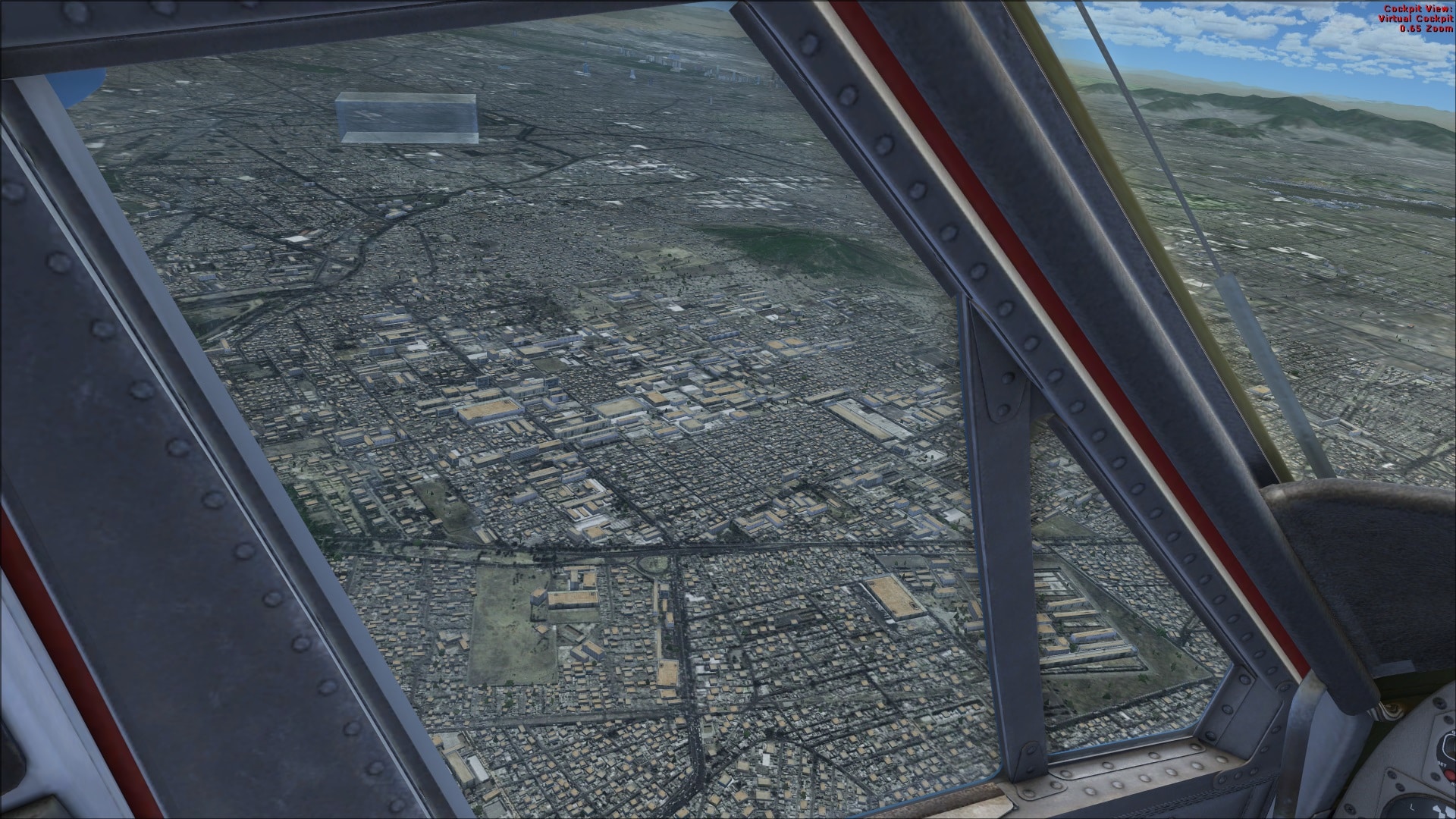
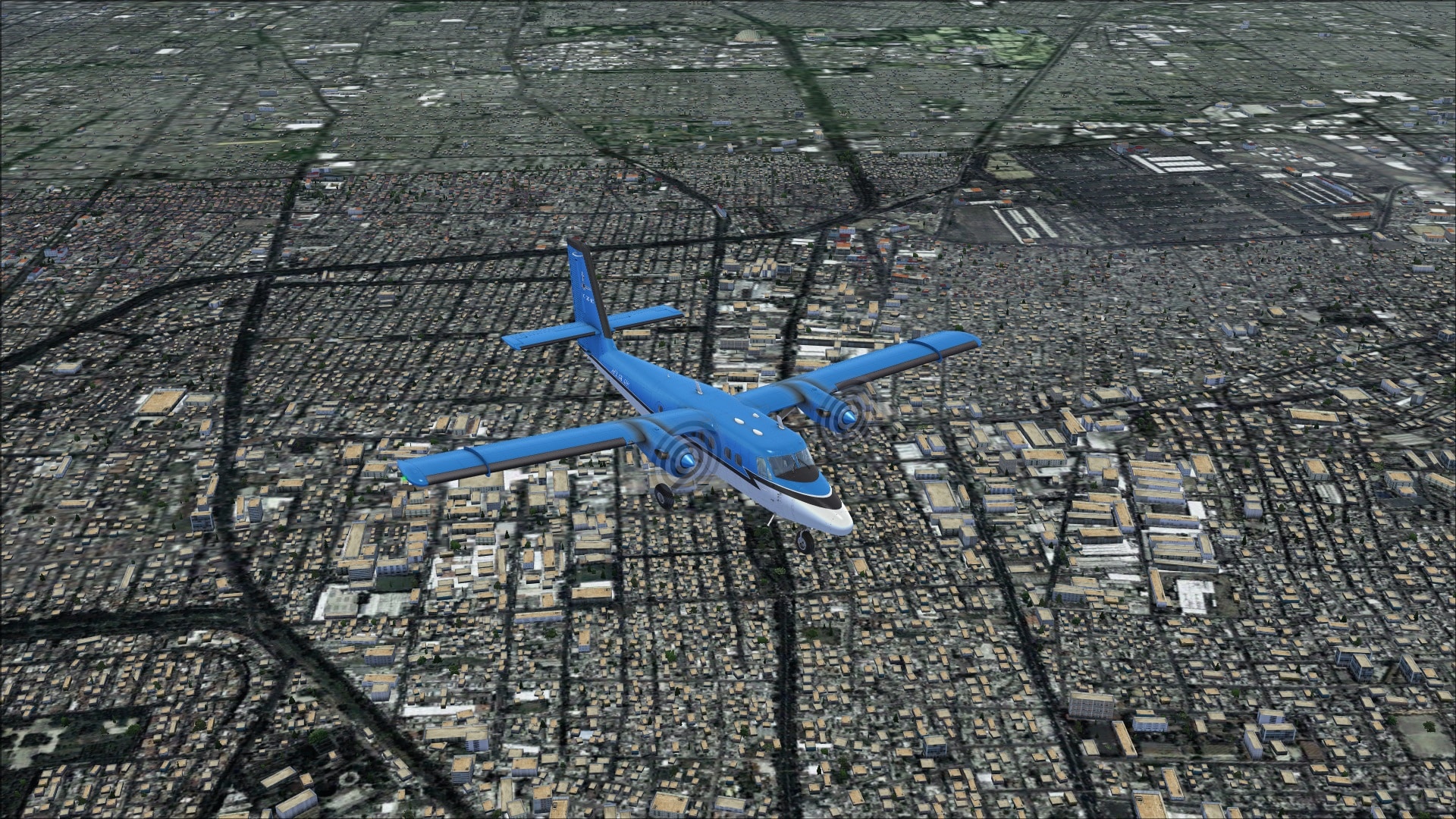
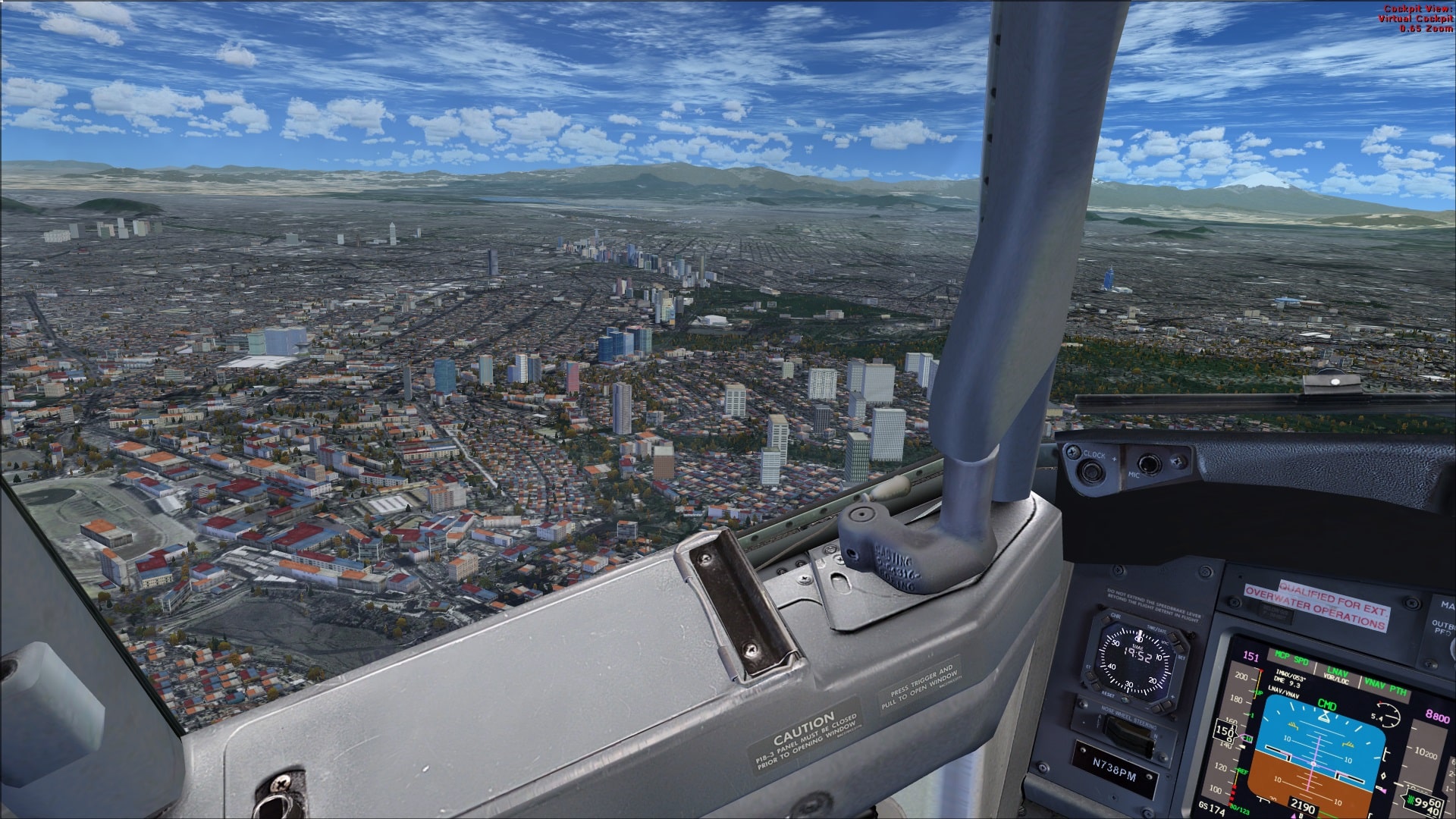
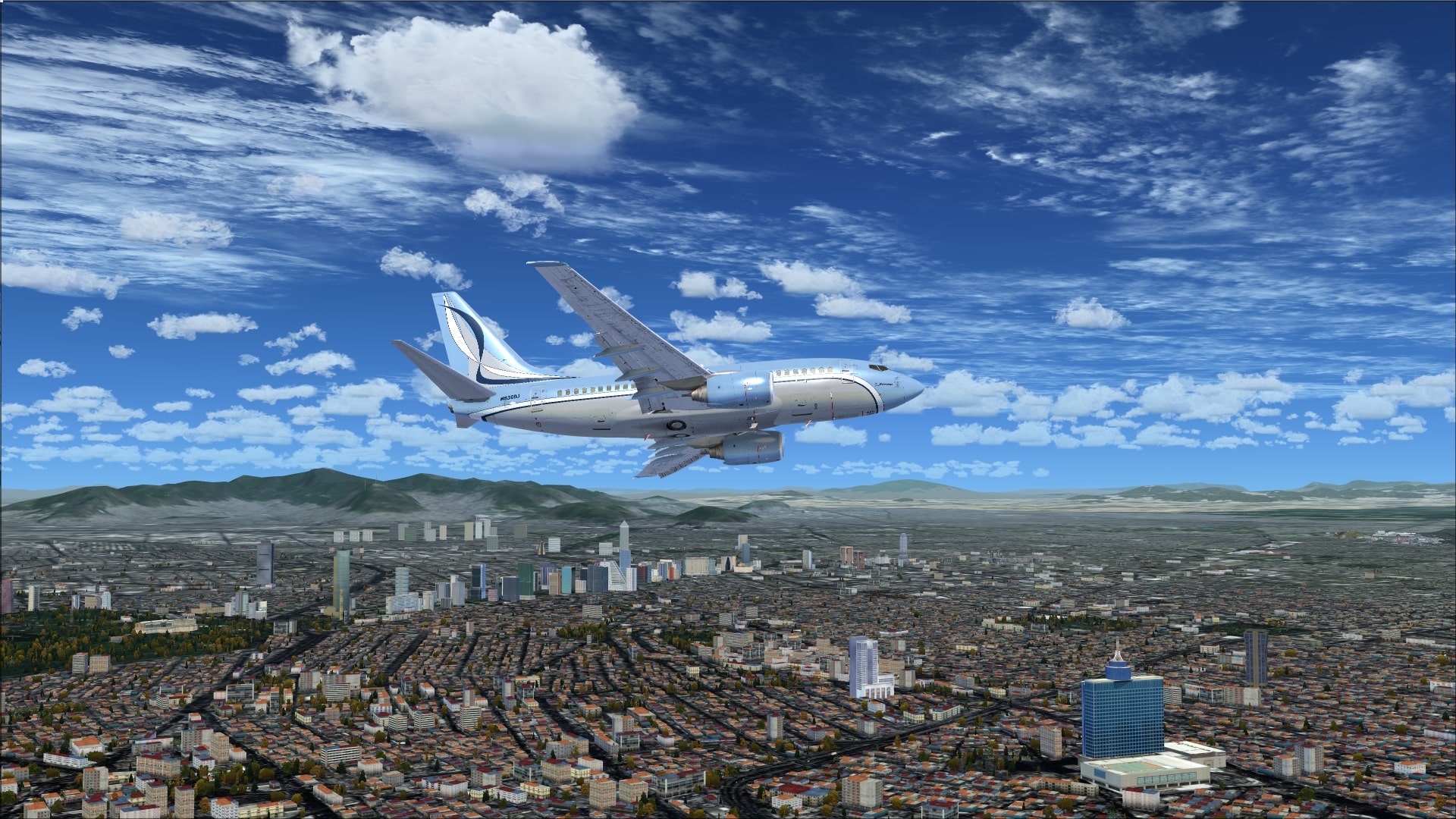
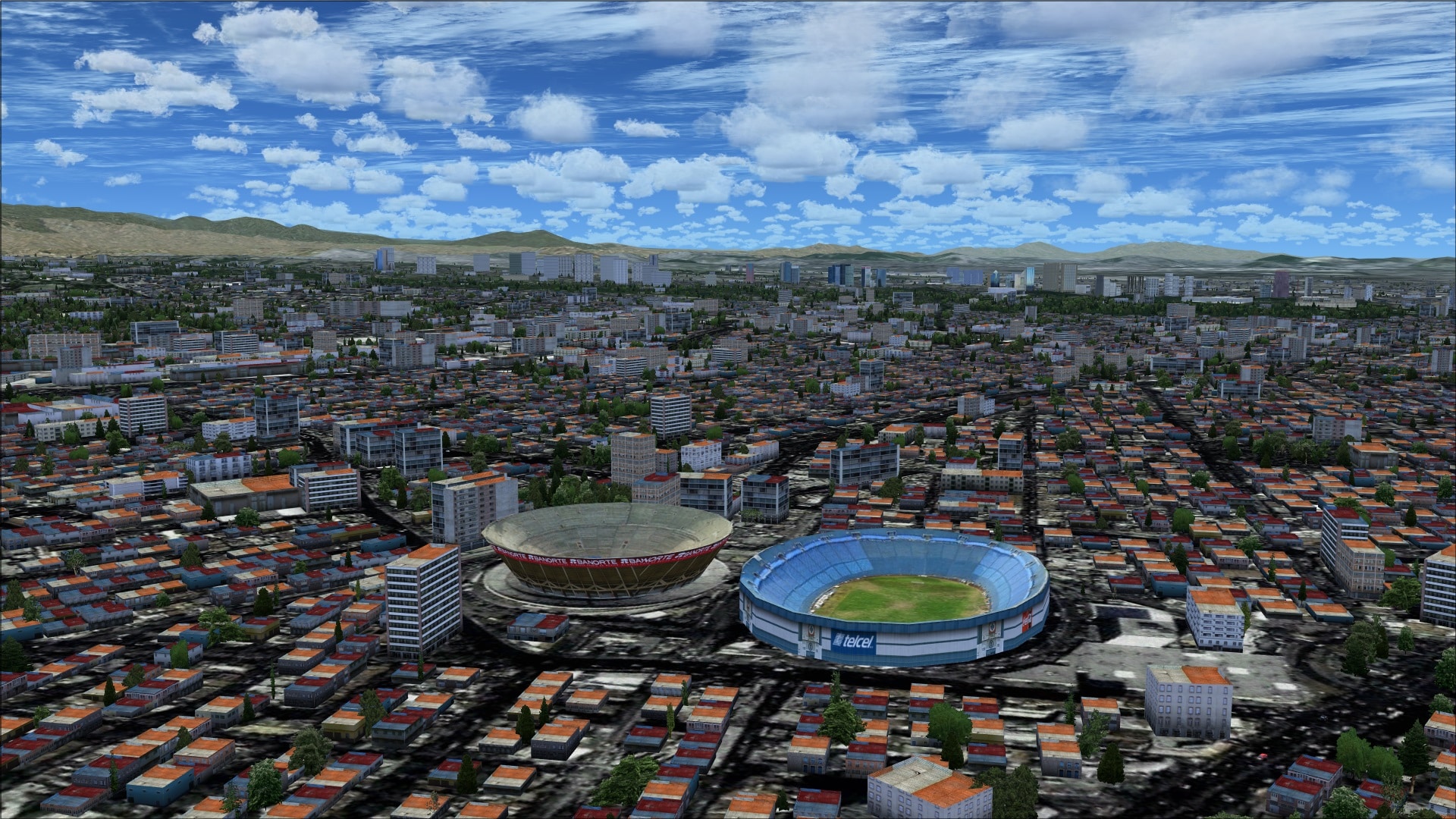 The vast majority of the city, especially the areas near the airport are populated with low rise buildings. Combine all these buildings with the high-resolution photo ground textures and you have a winning combination. Flying overhead you get a very real feeling that you are over a large bustling metropolis of some 20 million people. I’ve included some aerial shots that clearly illustrate just how dense the autogen/objects are throughout the entire Mexico City area. When they advertise it as Xtreme they aren’t kidding. With my FSX scenery sliders maxed you can’t help but be impressed with the amount of autogen/objects everywhere.
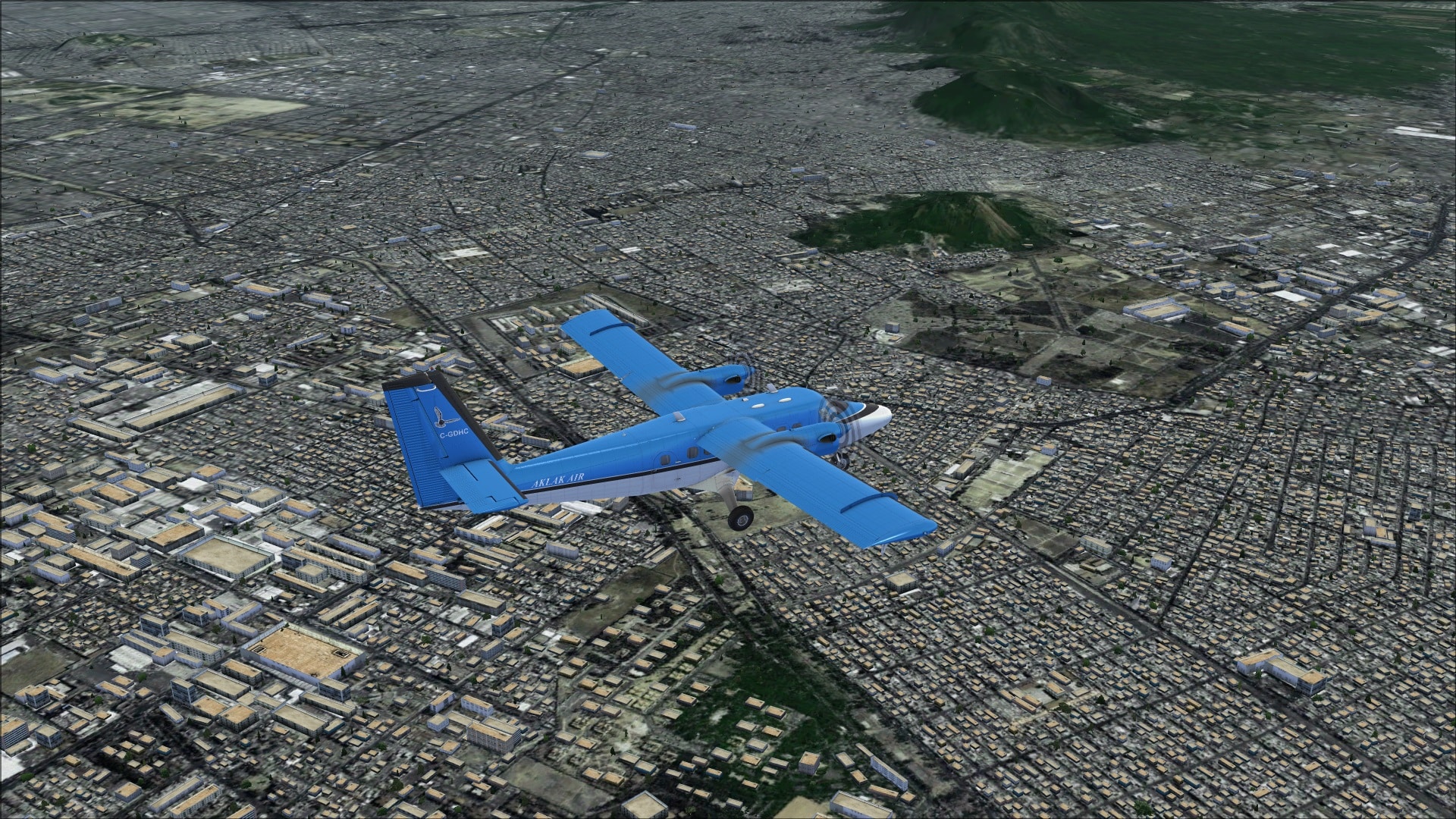
 One area that was afforded lots of extra attention was the area adjacent to terminal 1. It is here that we see several major roadways; the Blvd Puerto Aéreo and Puerto México. Both have been modelled to include their complex system of interchanges and multi-level ramps and additionally populated with animated road traffic. Also next to the terminal are some other colourful buildings and the large multi-level parking garage and commercial billboards.
 Approaches
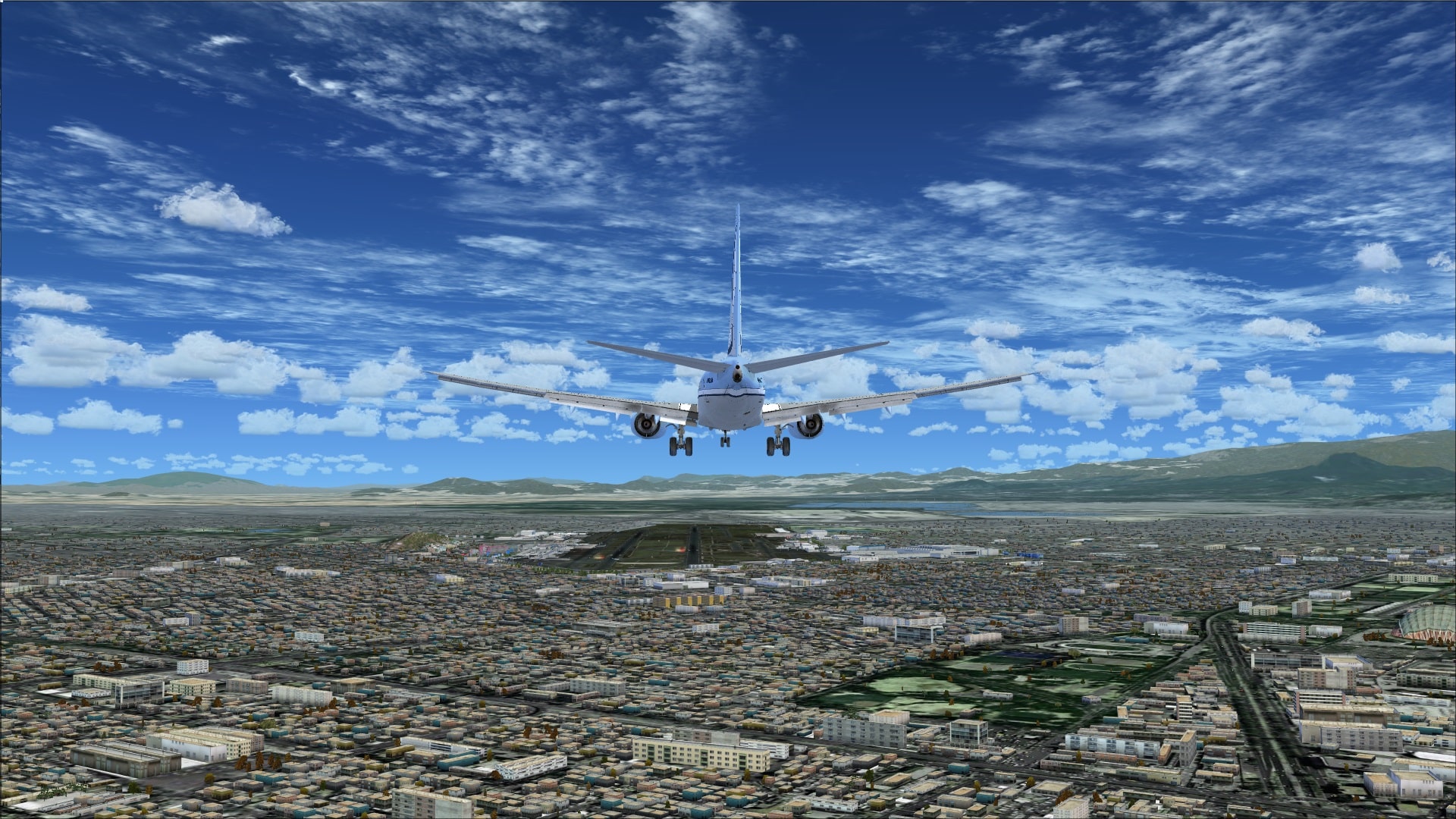
The airport is equipped for instrument approaches and I did try a number of them including the ILS approaches into runways 05R and 23L. In each case they worked flawlessly. When looking at the visual aspect of approaches and departures all the work they’ve done in and around MMMX makes you feel as though you are there in that moment. Definitely a scenery highlight.
 Performance
What surrounds the airport in this scenery is Mexico City and the way they were able to bring this huge crowded city to FSX was impressive. Anybody familiar with FSX will know all too well how scenery that is filled with a high concentration of autogen/objects can be both a blessing and a curse. When I fly I always try, as much as possible, to leave my scenery settings as far to the right as possible only dialing them down if I have problems. I flew a number of different aircraft including the Aerosoft Airbus X, the Aerosoft Twin Otter X and the PMDG 737NGX and found that there was no noticeable degradation in performance. This was a pleasant surprise as I was expecting it to turn into a slide show, especially when I was flying complex aircraft, but that never materialized.
Final Thoughts
Airport/city scenery combinations when done properly make for a great flightsim experience. This package offers VFR and IFR sim pilots a visual treat that allows you to become immersed in the airport and the Mexico City area. I thoroughly enjoyed every aspect of this package however, like anything this complex, it’s not without a few minor problems and annoyances. Crashing into invisible objects while taxiing on the ground was the biggest problem. Personally I don’t see it as a deal breaker but it is definitely something that needs to be addressed. If you can see past this issue, the package is well worth the price, and you will be in for many hours of enjoyable flying.
My Ratings
Installer: Very good. Simple to use.
Documentation: Ok. Not much technical information provided. Charts were included which was a plus.
Modelling: Very good. Lots of detailing with minimal effect on performance.
Extras: Vehicle traffic.
Download Size: FSX 1.3 GB
Price: EUR 26.00 without VAT
Developer Homepage: http://www.taxi2gate.com
Link: http://secure.simmarket.com/taxi2gate-mmmx-mexico-city-xtreme-fsx.phtml
Test System:
Intel i7 960 OC @ 4.2 Ghz, 12 Gb RAM, EVGA GTX560 Ti w/1.2 Gb video, Win 7 Ultimate 64, FSX w/acceleration, UT2, REX Overdrive, GEXn, UTX, AES 2.23, GSX
Richard Desjardins


0 Responses
I would Fly one of my Vintage Jetliners down there but I’m afraid one of the Cartel members would Hi Jack my plane and i’d have to walk back home :(, and I like my Vintage Jetliners !
Nice looking airport with great Textures tho !!! really cool !
Soon after installing and flying with PMDG MD-11, system crashes. System Aurora R4, 16GB RAM. WIN7 PREMIUM 64BIT, i7-3930K CPU @ 3.2GHZ, GTX680 4,096MB,