


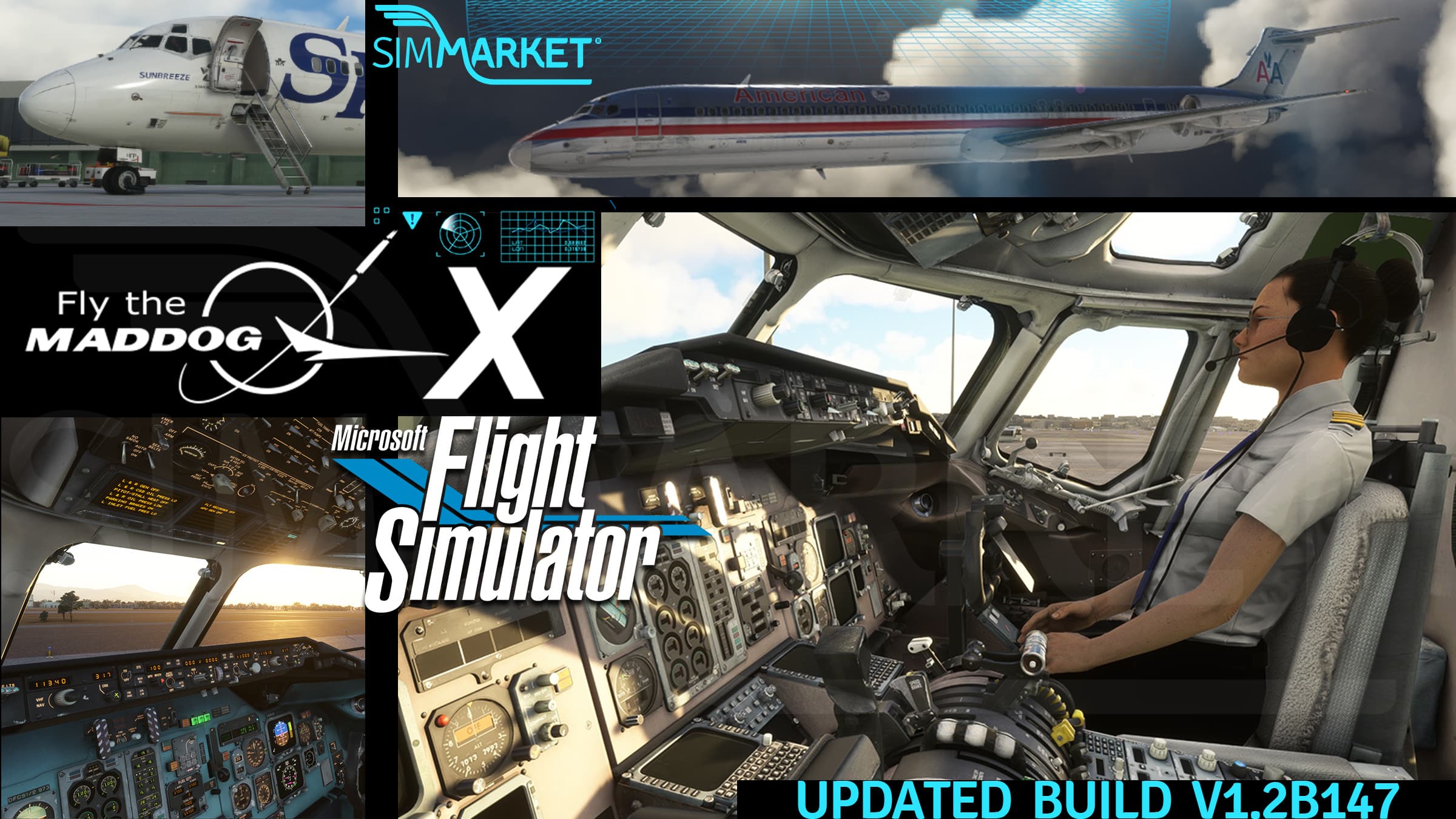
For the numerous virtual Captains flying the McDonnell Douglas MD-82 simulated in Fly The Maddog MSFS pack by Leonardo Software, download the latest update V1.2B147 from your customer account at simMarket.
Easy, just install the new build on top of your current install. You don’t need to uninstall first.
This latest version brings an improvement to LNAV autopilot management during the approach, and new features for the Electronic Flight Bag tablet : night mode display, Documents app with checklists and emergency booklets, and practical handling with draggable items. As visual effect, the aircraft beacon and strobe lights now illuminate exterior objects and clouds. More details in the changelog below.
Update V1.2B147 February 14, 2023
>>FIXED
– fixed issue with external start and shutdown engine sounds not playing.
– fixed issue in fms idle minimum epr settings when airfoil A/I on.
– fixed issue which prevent radio nav switch (overhead panel) to work correctly.
– fixed issue in Load Manager that could prevent to correctly install downloaded liveries.
– fixed issue with failures MTBF, that was used ‘doubled’. I.e. if the MTBF was set to 50h the panel would use the value of 100h.
– fixed issue with ice fod alert ‘inoperative’.
>>EFFECTS
– improved beacon and strobe effects (they now illuminate the surrounding, including clouds/fog).
>>MODEL
– fixed missing reflections on cockpit/cabin windows.
>>FLIGHT MODEL
– tuned ground effect and lift/drag at flaps 28/40 to maintain correct pitch, EPR and better flare.
>>SYSTEMS
– improved LNAV precision during the approach phase.
– selecting a runway as arrival on FMS DEP/ARR page will now create an FAXXX waypoint (where XXX is the runway designator) 8NM before the threshold.
– added working lever for manual gear extraction.
>>OTHER
– added Turnaround Mode.
– added Realsitic mode (aircraft aging per airframe, and Aircraft Thecnical Log app in EFB).
– added dep/arr ATIS for VATSIM network. If only one ATIS is present, DEPARTURE/ARRIVAL selection will download same ATIS.
– added EFB night mode.
– added EFB Documents app with checklists, emergency booklet (with clickable links from the main page) and AOM.
– lists in EFB (selection of OFP, documents, failures) are now draggable, removed up/down buttons.
– pos/strobe switch now to OFF in ‘ready at gate’.
– MDClient now quits when MSFS quits.
– pax cabin lights are automatically dimmed when on ground and engines on, initial climb or approach. However they can be always manually controlled from the pax cabin fwd panel (more details in the Quick guide).
>>DOCUMENTATION UPDATED
– Fly the Maddog X Quick Guide MSFS 2020.
– Fly the Maddog X User Manual MSFS 2020.
– EFB Manual MSFS 2020.


