


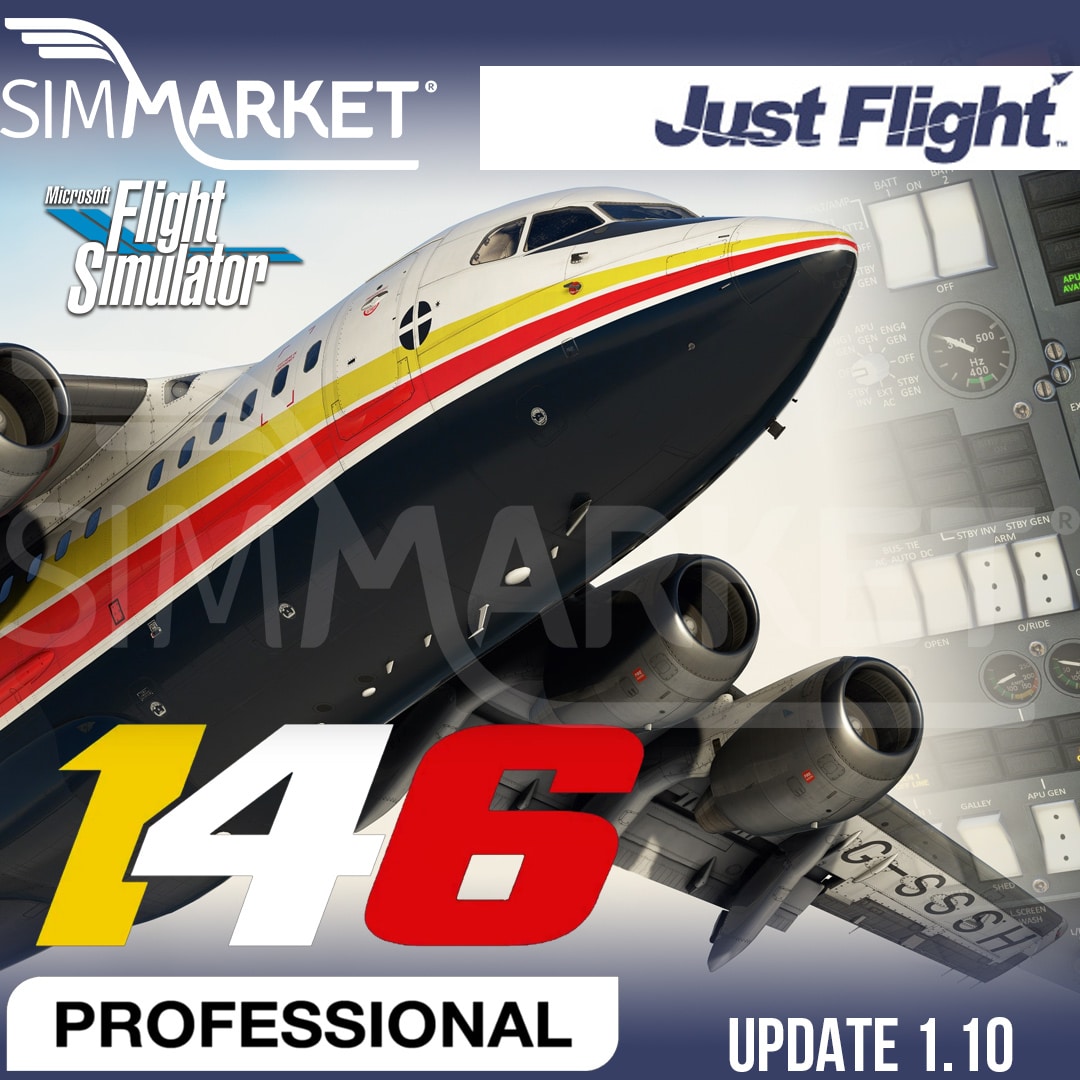
Just Flight 146 Professional for Microsoft Flight Simulator has received a significant upgrade with the release of Update 1.10. This update introduces several enhancements and features that improve the overall flight simulation experience. One of the most noteworthy additions is the inclusion of a weather radar, which provides real-time weather data to help pilots navigate through changing weather conditions more effectively.
In addition to the weather radar, this update addresses various bug fixes and tweaks. It resolves issues with random failures in the Electronic Flight Bag (EFB) that occurred when the failure menu was open. The update also improves the accuracy of cruise speed display in menus, enhances the functionality of the Master Warning System (MWS), and updates interactive checklists for a smoother pre-flight and in-flight experience. Controller usability has been improved for the TMS panel selectors and flap lever, making it easier for users who prefer using a controller. Furthermore, lighting has been refined to match the real aircraft, with upper and lower beacon lights flashing at different rates and adjustments to landing, taxi, wing, and logo light colors. Lastly, minor livery fixes have been implemented to enhance the aircraft’s visual accuracy.
Overall, the new update 1.10 for the Just Flight 146 Professional MSFS delivers a substantial enhancement to this flight simulation experience, making it more immersive and realistic. With the addition of the weather radar and numerous bug fixes, pilots can enjoy a smoother and more accurate flight experience while exploring the virtual skies in this aircraft. These improvements cater to both seasoned flight sim enthusiasts and newcomers, making it an essential update for those seeking a more authentic and enjoyable virtual aviation experience.
Changelog v1.10
- EFB random failures only triggering when the failure menu is open – fixed
- Weather radar added
- Cruise speed (KTAS) shown in menus is now correct
- Unable to cancel MWS attention getters during MWS test – fixed
- Updated interactive checklists
- Configuration warning no longer requires aileron trim to be exactly neutral
- TMS failure annunciator on MWS now illuminates during MWS test
- EFB aircraft page text fields sometimes blank when inputting values – fixed
- EFB METAR error – fixed
- EFB brightness setting is now restored whenever the EFB is switched off and back on
- TMS panel selectors now rotate in correct direction when using a controller
- Flap lever now works correctly when using a controller
- Upper and lower beacon lights now flash at different rates, like on the real aircraft
- Landing, taxi, wing and logo light colours tweaked for better match to real aircraft
- Minor livery fixes


