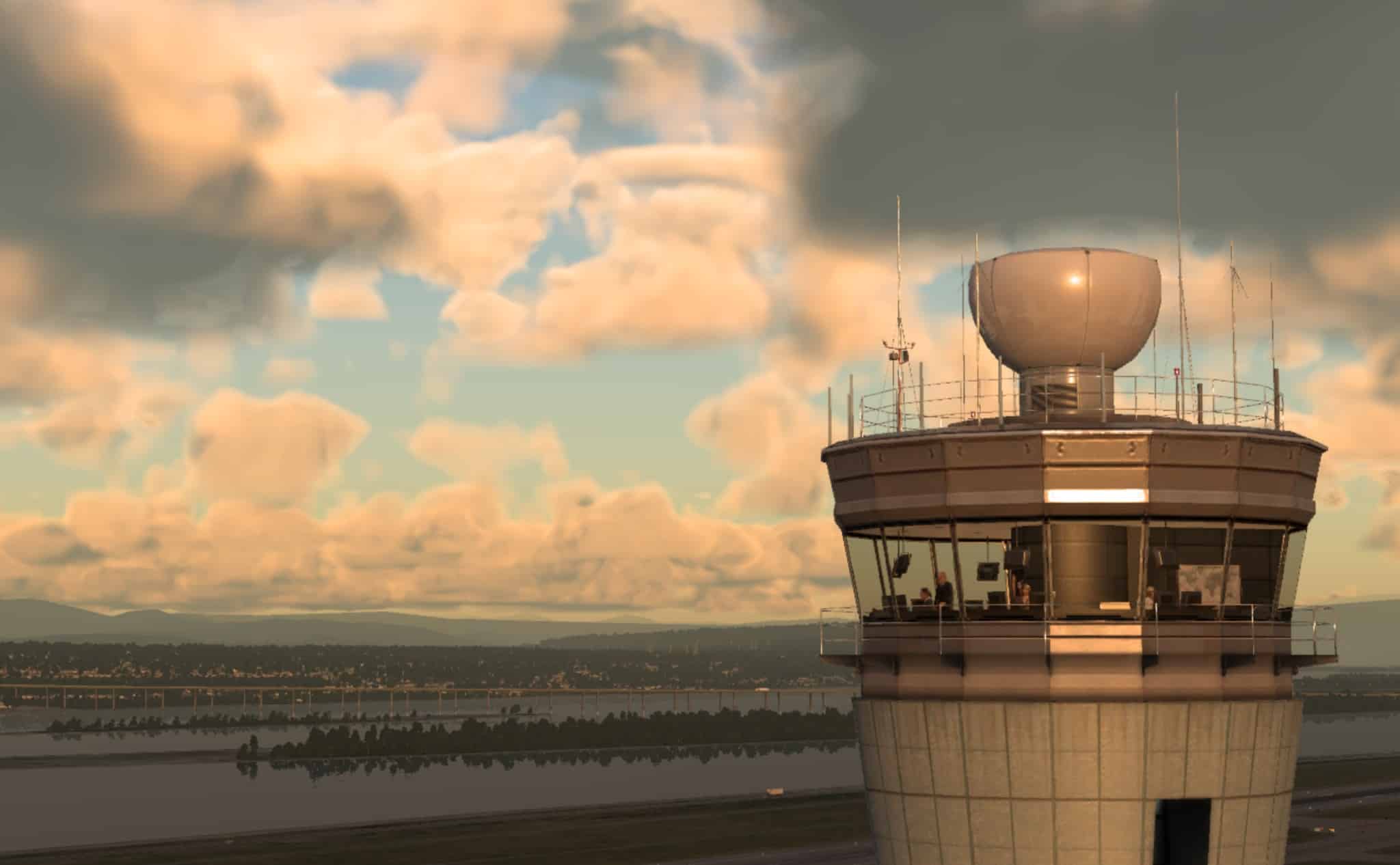
Instead of an universal ATC system for the whole world, with the same phraseology and procedures, the ATC in X-Plane 12 introduces 6 distinct regions (Asia, Australia, Euro, India, USA and Global) among other new features. The US rules are not anymore the unique system applied for every airport. In each region, you will be able to notice a changes of voices, accents, but also distinct messages and standards.
The distance from the controller, your current altitude, and natural obstacles may also affect the audio quality.
X-Plane developers have also listed new dialog features that are supported in the new X-Plane 12 :
- Branching menu-based commands for more complex calls
- Menu order prioritises the most important or likely calls
- Dynamic calls, tailored for the current situation
- Push-to-talk radio handling
- See the name of the current listening station
- Can plan a route using either VORs or airways
- Click to tune ATIS frequencies
- Dialog can be moved, resized and popped out
- Message history can be scrolled
- Usable in VR
- Choose whether to see messages just for you or for other aircraft also
The AI pilots interaction with the ATC have evolved. For example, they will proceed with the latest ATC instruction at the end of the order, not just when it’s triggered so that made the AI pilot to apply the instruction before it was said until the end. Now it’s more realistic.
Find even more details below :
Regional Features
- Varied accents per region
- Multiple voices for controllers, both male and female
- Phrases can change i.e. “point” vs. “decimal”
- Default transition altitude per region
- Units (currently only pressure) per region
- Untracked VFR squawk code per region
- Potential for more region-specific changes in future
New VFR Features
- Flight Following
- Traffic proximity warnings
- Fly circuits at airports that support it
- Low pass request
- Touch and go request
- Zone transit request
- Occasional position checks done by the controller
- Different message flow for VFR flights at FISO airports
- Request landing at an underlying controlled airport from a regional controller
- Downwind/Late Downwind and Final calls
- Change approach type between full-stop, low pass and touch-and-go
- “Changing Frequency” and “Request Frequency Change” calls
- “Request heading to” nearby airports call
The complete post is visible on the official website of X-Plane here.