


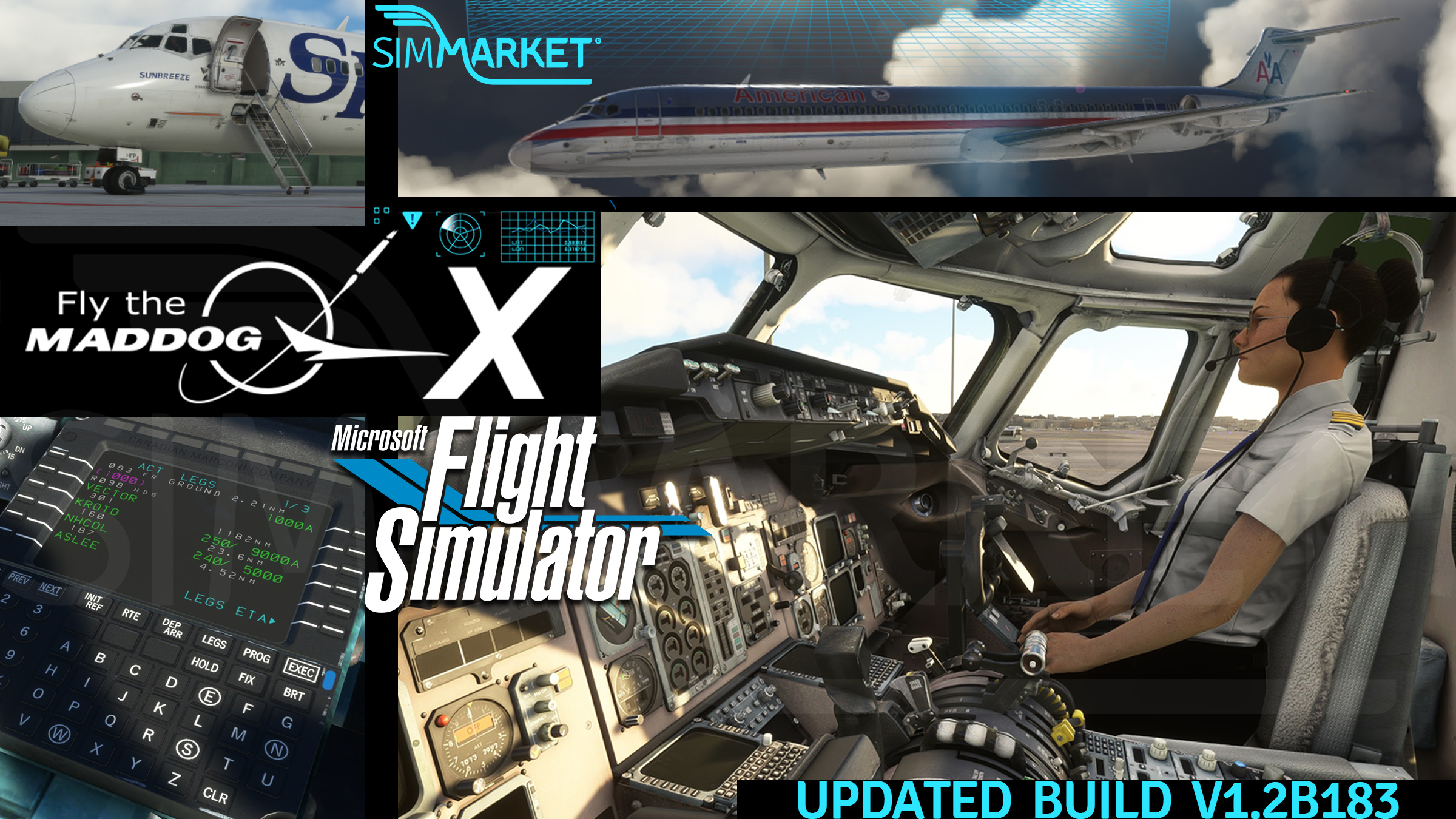
A new update has just been released for the Leonardo SH Maddog in Microsoft Flight Simulator 2020, marked as Build 1.2b183. This update addresses several critical issues reported by the flight simulation community and introduces a set of new features to enhance the overall user experience. SimMarket users can access the new build through their accounts, ensuring a seamless and efficient upgrade process.
The changelog for Build 1.2b183 reveals a comprehensive list of fixes, addressing issues ranging from Trim settings not working on the second flight leg to problems with the aircraft not loading correctly in specific scenarios. Notably, the update rectifies issues related to the Flight Management System (FMS), preventing route sequencing errors during Takeoff/Go-Around (TO/GA) and eliminating altitude loss concerns during Automatic Go-Around (AUT G/A). These fixes contribute to a smoother and more accurate simulation experience, enhancing the realism of the Leonardo SH Maddog in MSFS 2020.
Beyond bug fixes, the update introduces new features to enrich the simulation environment. Users can now benefit from working briefcase and map lights on both Captain and First Officer sides, along with an operational overhead speaker volume knob. Additionally, the addition of a WindowShades variable in the maddogx.ini file provides users with greater control over window shade behavior. The release emphasizes user convenience by offering a straightforward upgrade process – users can download the new installer and run it as an administrator, ensuring that their build is automatically updated to the latest version while retaining all existing settings, airframes, and profiles. With these enhancements, the Leonardo SH Maddog continues to solidify its position as a premier choice for flight simulation enthusiasts in Microsoft Flight Simulator 2020.
Changelog v1.2b183
>>>FIXED
– fixed issue that could cause T/O trim setting not to work on second flight leg;
– fixed issue that could cause aircraft not to be loaded on second flight leg;
– fixed issue with trim sometimes not saved in turnaround mode;
– fixed issue with ADF/NAV ident volume set;
– fixed issue when pressing TO/GA that caused FMS to sequence route to MISAP when not on approach mode;
– fixed issue of aircraft loosing too much altitude when initiating an AUT G/A;
– fixed issue when loading a saved flight.
>>>OTHER
– added working briefcase and map lights for both CM1/2 sides;
– added working overhead speaker volume knob;
– added WindowShades variable to maddogx.ini (0=auto, 1=always open).
With the expansion MD-83/88 for MSFS, complete the base pack that includes already the MD-82 model.


