


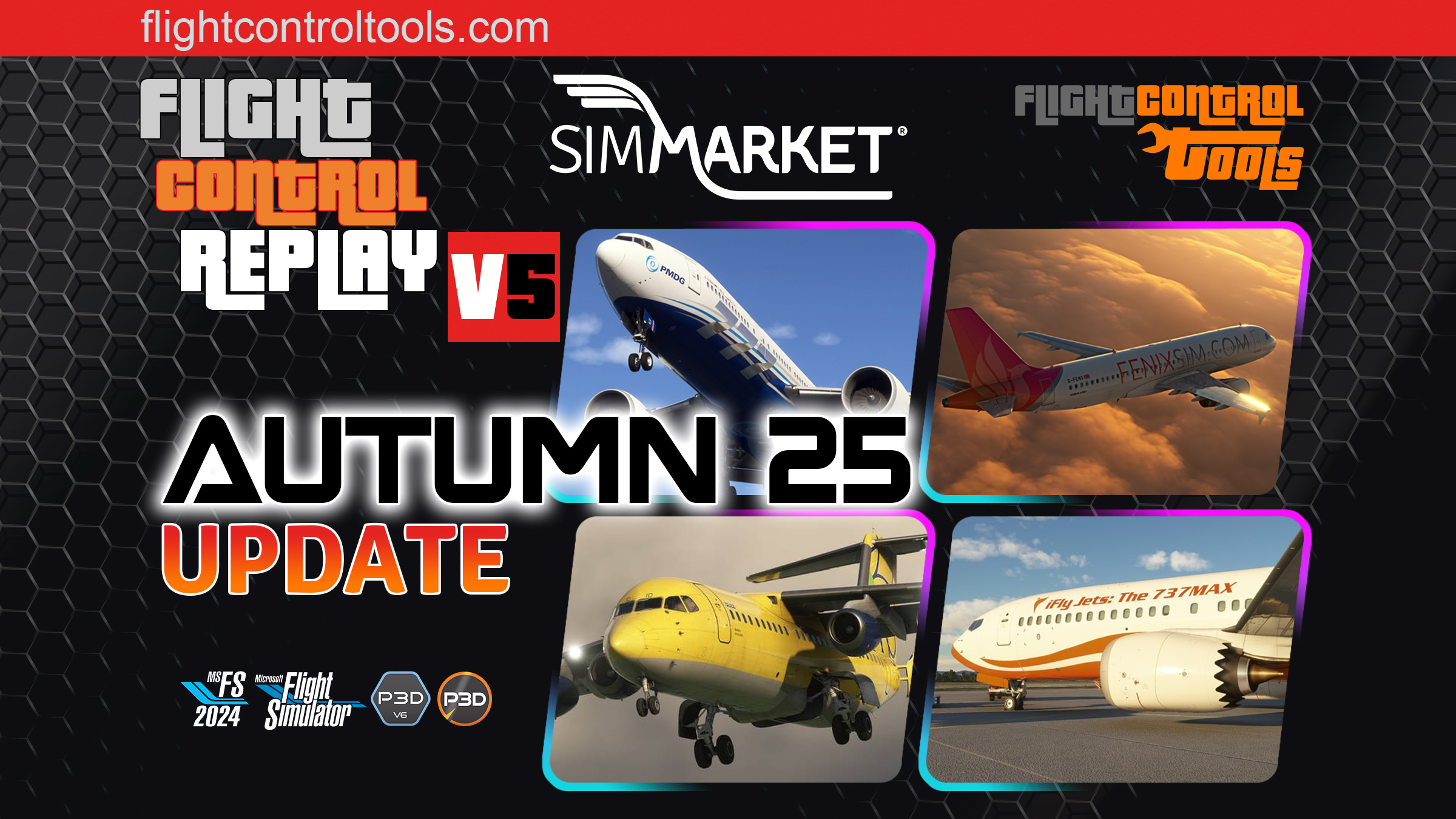
FlightControlReplay v5, the most widely used replay and recording tools for Microsoft Flight Simulator 2024/2020 and Prepar3D v5–v6, has received its November 2025 free update, delivering major improvements both to replay smoothness and to its extensive support for complex airliner add-ons.
A key focus of this update is the reinforcement of custom replay support for several major airliners, ensuring improved accuracy of animations, surfaces, flight controls and system-driven events during playback. Popular aircraft such as the PMDG 777, Fenix A320 series, iFly 737 MAX, JustFlight F28 and more receive dedicated fixes designed to offer a far more faithful reproduction of the original flight.
Alongside these aircraft enhancements, FlightControlReplay introduces a new adaptive smoothing algorithm that learns from your FPS curve to maintain fluid replay under all performance conditions — whether low FPS, sudden drops or high-FPS situations. Content creators, reviewers and training users will particularly appreciate the consistent playback quality.
Another important new feature is the altitude-based automatic trigger, which can start or stop recording when crossing a selected altitude, either above or below. This streamlines workflows for tutorials, procedures and automated capture sessions.
FCR5 – Changelog v2511.11
- Smooth Replay improvements in all FPS conditions with new adaptive algorithm
- New auto-trigger logic to start/stop recording when crossing selected altitude (above/below)
- Fixed midnight stop-recording issue
- Updated custom replay support for major airliners:
- iFly 737 MAX
- Airbus A310
- Airbus A320 v2
- Fenix A3xx series
- JustFlight F28
- PMDG 777
- B727
- RELIVE mode bug fixes and FPS optimizations
- Enhanced elevator movement precision
- Reworked view switching between User Aircraft and PlayAsAI aircraft
Press Release from Flightcontroltools :
What’s New in the November 25 Update?
✔ Smoother Replay Than Ever — Thanks to the New Adaptive Algorithm
A major innovation in this update is the new FPS-aware learning algorithm.
It analyses your real-time FPS curve (low FPS, spikes, drops, or high FPS) and adapts automatically, ensuring silky-smooth Replay performance in any condition.
This means:
- No more stutters during heavy scenery loads
- Perfectly fluid playback during demanding approaches
- Much more reliable performance for video creators
✔ Smarter Altitude-Based Auto-Record Logic
A brand-new system now controls when recording stops based on crossing a chosen altitude — above or below.
This offers:
- Cleaner, more precise recordings
- Fully automated workflows for creators and streamers
- Perfect segmentation for procedures, training, and tutorials
✔ Midnight Bug Fix
A long-standing issue that caused recordings to stop at 00:00 has been resolved.
- iniBuilds A310,
- Fly The Maddog X,
- Salty 747,
- HPG H145,
- Just Flight 146 Professional,
- Aerosoft CRJ Professional and more
✔ Expanded Compatibility with Premium Aircraft
FCR5 continues to provide the most comprehensive custom aircraft support on the market.
This update includes major compatibility fixes and improvements for:
- iFly 737 MAX
- Airbus A310
- Airbus A320 v2
- Fenix A3xx series
- JustFlight F28
- PMDG 777
- B727
Animations, surfaces, systems, and flight model-related accuracy have been refined to ensure reliable and authentic playback for your favorite add-ons.
✔ RELIVE Enhancements & Flight Controls Accuracy
RELIVE is an Instant Replay feature that lets you jump back in time and watch or record the last moments of your flight while you’re still flying.
✔ RELIVE Mode: Performance Fixes & FPS Optimization
Better responsiveness, smoother time-shifting, and improved data stability while using the RELIVE instant replay feature.
✔ Elevator Precision Reworked
Elevator movement is now much more accurate and detailed, providing:
- Realistic pitch behavior during replays
- Better camera tracking
- Improved results for cinematic videos
✔ Improved View Switching System
The logic behind switching between User Aircraft and PlayAsAI Aircraft has been rewritten and enhanced.
Expect:
- Faster transitions
- Fewer visual inconsistencies
- Better workflow when generating external or cinematic shots
✔ Exclusive Features of FCR5 in MSFS 2024
(Not included in the free FCR Embedded version)
Users of the complete version continue to enjoy exclusive innovations:
- Cinematic Replay – Automatic camera cycling
- Auto Camera Change – Movie-style timing and sequencing
- VR Support – Modern 3D interface inside the cockpit
- MP4 Video Recorder – Export videos without external software
- Camera Movements Recorder – Create and reuse custom camera paths


