


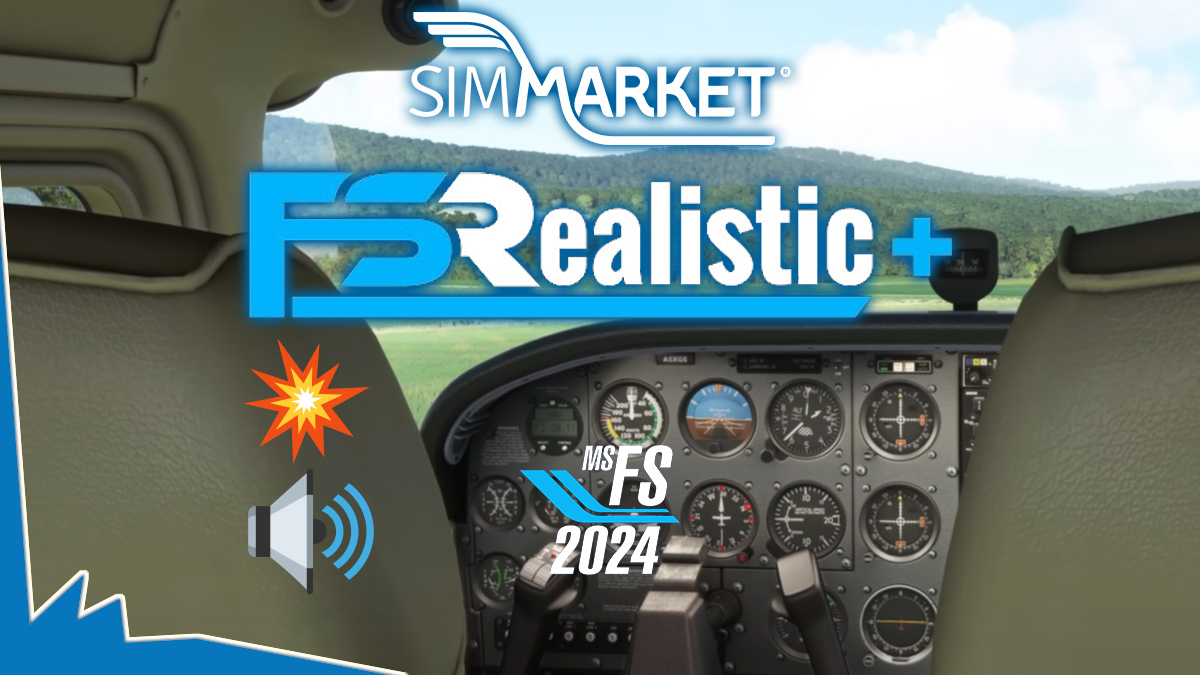
With Microsoft Flight Simulator 2024, FSRealistic+ positions itself as a core immersion layer rather than a simple effects add-on. A new tutorial video now provides a structured walkthrough of the tool, explaining not just how it works, but why each element matters once you’re seated on the flight deck.
The tutorial opens by clarifying system requirements and current limitations, setting realistic expectations for MSFS 2024 users. This context is essential, especially when integrating FSRealistic+ alongside complex aircraft and external utilities.
Installation and activation are then addressed in a straightforward manner, including how the trial mode behaves. This allows pilots to test the full sensory envelope—camera shake, motion cues, and sound feedback—before committing.
A detailed user interface overview follows, introducing a layout designed for fast access and minimal distraction. From there, the focus shifts to the Effects system, the heart of FSRealistic+. Ground roll vibrations, aerodynamic buffet, touchdown impact, and environmental feedback are all explained as modular layers that can be tuned or disabled depending on aircraft type or personal preference.
The Profile management section highlights one of the product’s strongest features: aircraft-specific behavior. Light GA, heavy jets, or helicopters can each carry their own motion logic, ensuring the sensation of mass and inertia remains believable across the globe.
Finally, the tutorial explores the global settings, where performance, intensity, and compatibility options are refined. The video closes with a concise summary, reinforcing FSRealistic+ as a subtle but powerful enhancement—one that transforms long taxiways, turbulent climbs, and short-field landings into more tactile experiences.
🎥 FSRealistic+ Tutorial – MSFS 2024
For sim pilots chasing realism beyond visuals, FSRealistic+ delivers immersion you feel through every runway seam and crosswind correction.


