


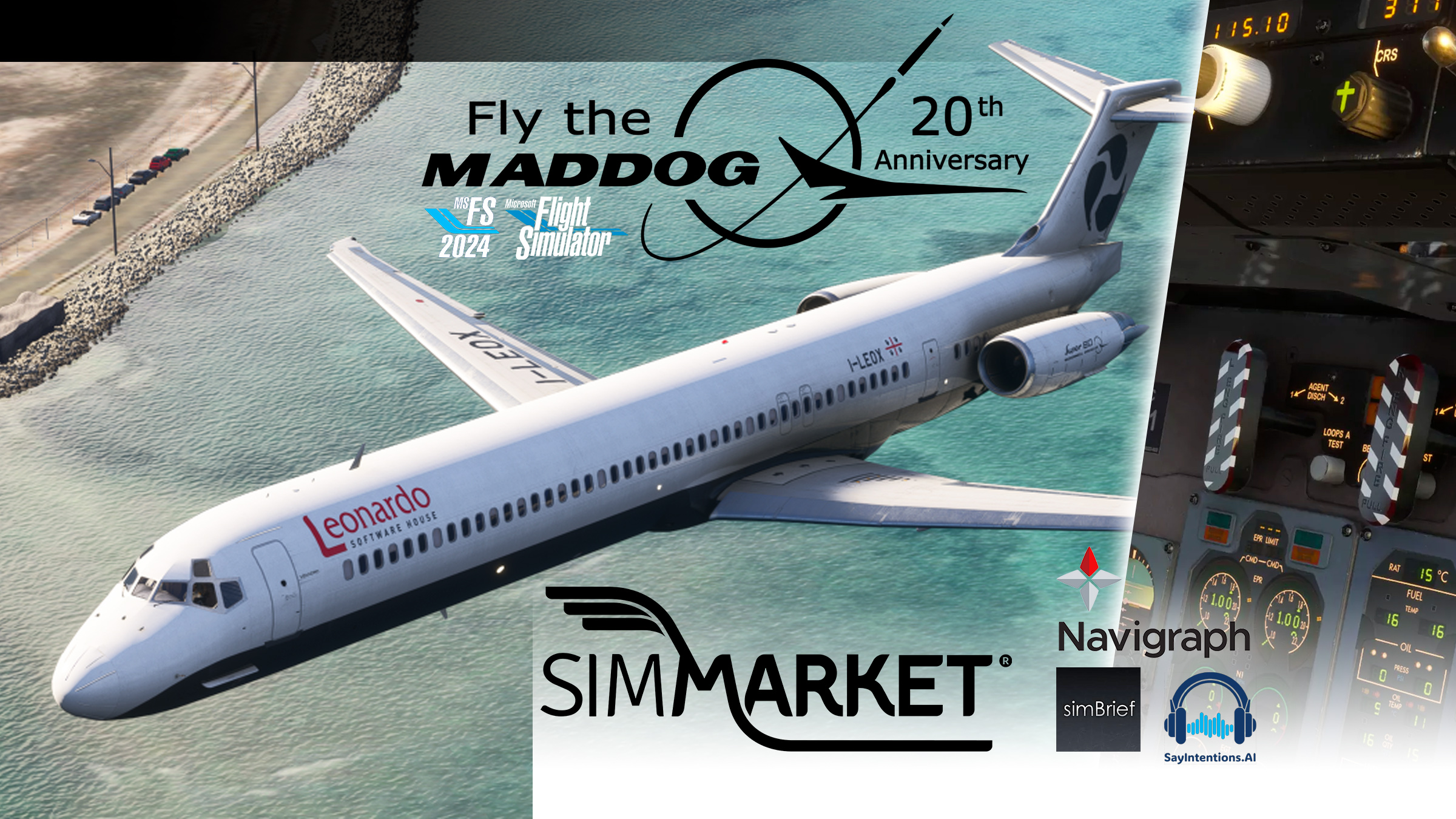
Fly The Maddog has released version 2.0b252 of the 20th Anniversary Edition, now available on SIMMARKET for Microsoft Flight Simulator 2020 and Microsoft Flight Simulator 2024.
This update is primarily focused on stability and reliability, addressing a wide range of user-reported issues. A major highlight of this release is a comprehensive sound positioning rework, significantly improving immersion throughout the cockpit and passenger cabin.
All users are strongly encouraged to update to the latest version to benefit from these fixes and enhancements.
🛠 Version 2.0b252 Changelog
Maddog Manager
- Added a direct link to download the paintkit
- Fixed issues when installing liveries for both MSFS 2020 and 2024, including random registration resets
- Official liveries are now automatically installed to the correct variant
- When installing liveries from a local folder, the destination variant must be selected manually
- Added separate volume controls for cockpit, warnings, autothrottle, switches, and passenger cabin
- Added theme selection: System / Light / Dark
EFB
- New Apps UI
- Fixed EFBs not being visible with certain liveries
- Added a new SETUP page in MAINTENANCE to configure random failures and aircraft hours/cycles
- Added headrest visibility control for passenger cabin seats in AIRCRAFT OPTIONS
- Added AUTO FILL button in PERFORMANCE: after loading an OFP, TAKEOFF or LANDING fields are automatically populated
Graphics & Animations
- Fixed missing flap actuator animations
- Fixed parallax issue of the aircraft symbol in the standby attitude indicator
- Fixed forward strobe light effect
- Fixed missing “EMIS” in the ASI salmon bug
Sounds
- Sound positioning is now consistent with the actual position inside the aircraft, both in cockpit and passenger cabin, regardless of camera view
- Fixed missing sounds on pedestal levers
- Added airflow sound in the passenger cabin
Miscellaneous
- Updated documentation
- Aircraft registration is now correctly recognized
- For MSFS 2024, the identification field must be left blank
- Official liveries must be reinstalled
With this update, Fly The Maddog continues to refine one of the most system-rich classic airliners available for MSFS, delivering deeper immersion, improved usability, and enhanced realism across both simulator platforms.
🎁 Giveaway
Drop a comment under this Facebook post and try to win a EUR 10 SIMMARKET coupon for the purchase of Fly The Maddog


