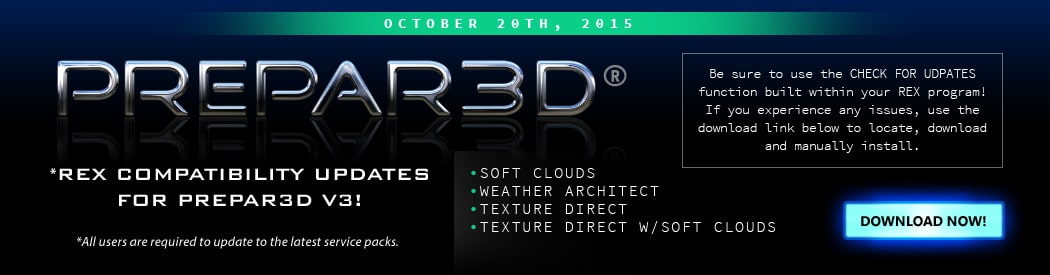
REX – Product Compatibility Updates

p3d3comp

REX have released their Prepar3D v3 compatibility installer updates making their REX Weather Architect, Soft Clouds, Texture Direct and also their REX Texture Direct with Softclouds now all compatible with v3 of Prepar3D. To download your updates, please head over to the REX product forum or simply use “Check for updates” from within the program. To purchase any of the products mentioned, head over to their simMarket store page.

Fly2High - Tweed New Haven Airport (KHVN) MSFS2020
Fly2High – Tweed New Haven Airport (KHVN) MSFS2020
Fly to southern Connecticut with a highly detailed recreation of Tweed New Haven Airport (KHVN), brought to Microsoft Flight Simulator by Fly2High ...
MK Studios - Rovaniemi Airport (EFRO) v2 MSFS24
MK Studios – Rovaniemi Airport (EFRO) v2 MSFS24
Rovaniemi Airport (EFRO) is located approximately 10 km (6 NM) from the city centre and ...
HarExperience – Glasgow Intl XP12
Glasgow International Arrives for X-Plane 12 Harexperience brings Scotland’s largest aviation gateway as a super ...
TearWearDesigns – KPIE St. Pete–Clearwater XP12
Coastal Flying into St. Pete–Clearwater – KPIE for X-Plane 12. Florida’s Gulf Coast arrives in ...
FSXcenery - KEKO Elko Regional Airport MSFS24/20
FSXcenery – KEKO Elko Regional Airport MSFS24/20
A Gateway to Nevada’s High Desert – Elko Regional Airport for MSFS The wide landscapes ...
Tailwind Studios - OPCH Chitral MSFS24
Tailwind Studios – OPCH Chitral MSFS24
High-Altitude Flying at Chitral Airport – MSFS24 Tailwind Studios introduces a challenging Himalayan destination to ...