This is a review of Tropicalsim’s FSX version of Galeão International Airport. The city of Rio de Janeiro has two major airports; Santos Dumont Airport, ICAO: SBRJ, located on the mainland, and Galeão International Airport, ICAO: SBGL which is located on Governador Island in Guanabara Bay. SBGL, which is actually officially named Rio de Janeiro/Galeão–Antonio Carlos Jobim International Airport, is the larger of the two and is also the main international airport serving both the city and the metropolitan area.
The airport’s roots can be traced back to 1923 when the School of Naval Aviation was established near Galeão beach on Governador Island. Up until the end of the Second World War the airport’s use was that of a military facility. After the end of hostilities traffic increased at the nearby Santos Dumont Airport. When it was no longer able to handle these larger volumes of freight or the number of passengers SBGL began to take on more of a civilian role. In 1952 the new passenger terminal was opened and remained in use until 1977 when another new terminal came into service. By 1970 the airport was Brazil’s major international and domestic air-hub. The original terminal is presently used by the Brazilian Air Force. The airport’s cargo terminal is located next to it and this area is known as “old Galeão”. In 1985 the airport lost the title of the country’s major international airport to São Paulo-Guarulhos International Airport.
Galeão International Airport does hold the distinction of being the largest airport site in Brazil. The airport was ranked 2nd in terms of transported passengers, and 4th in terms of aircraft operations and cargo handled in Brazil in 2012. Just a little under 17.5 million passengers passed through the airports facilities. SBGL has two runways; 10/28 @ 13,123ft and 15/33 @ 10,433ft.
Installation and Configuration
The installation process was simple. Running the executable you are prompted for your product serial number and asked to confirm the path to your simulator program. After the installation had completed I opened FSX to find that the scenery had not been automatically added to the FSX scenery library. I have not run into this in a very long time. Adding scenery to the FSX scenery library is something every FSX user needs to know how to do. Needless to say I added the entry and the airport was there the next time I went to it. Their manual explains, clearly and concisely, the procedure for adding it.
The installer puts the scenery in the following location: xxx\Microsoft Flight Simulator X\TropicalSim\SBGL2012
Documentation
With the product comes a four page pdf manual. They include information such as what to do if you a have a previous version of the airport installed, how to add the scenery to FSX, basic info about the airport and a map of South America showing the location of Rio de Janeiro and the airport in case you didn’t already know.
Airport Scenery
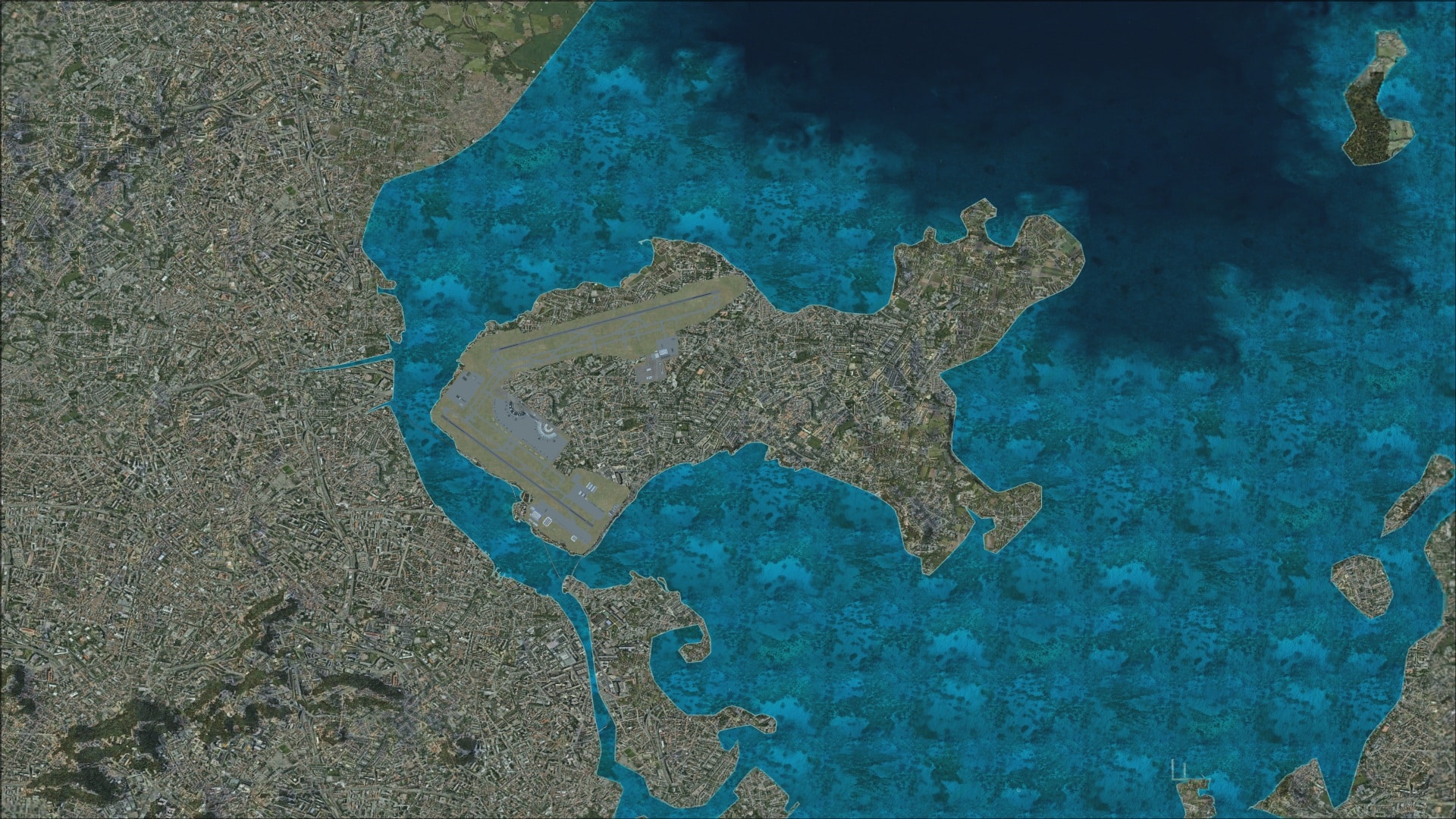
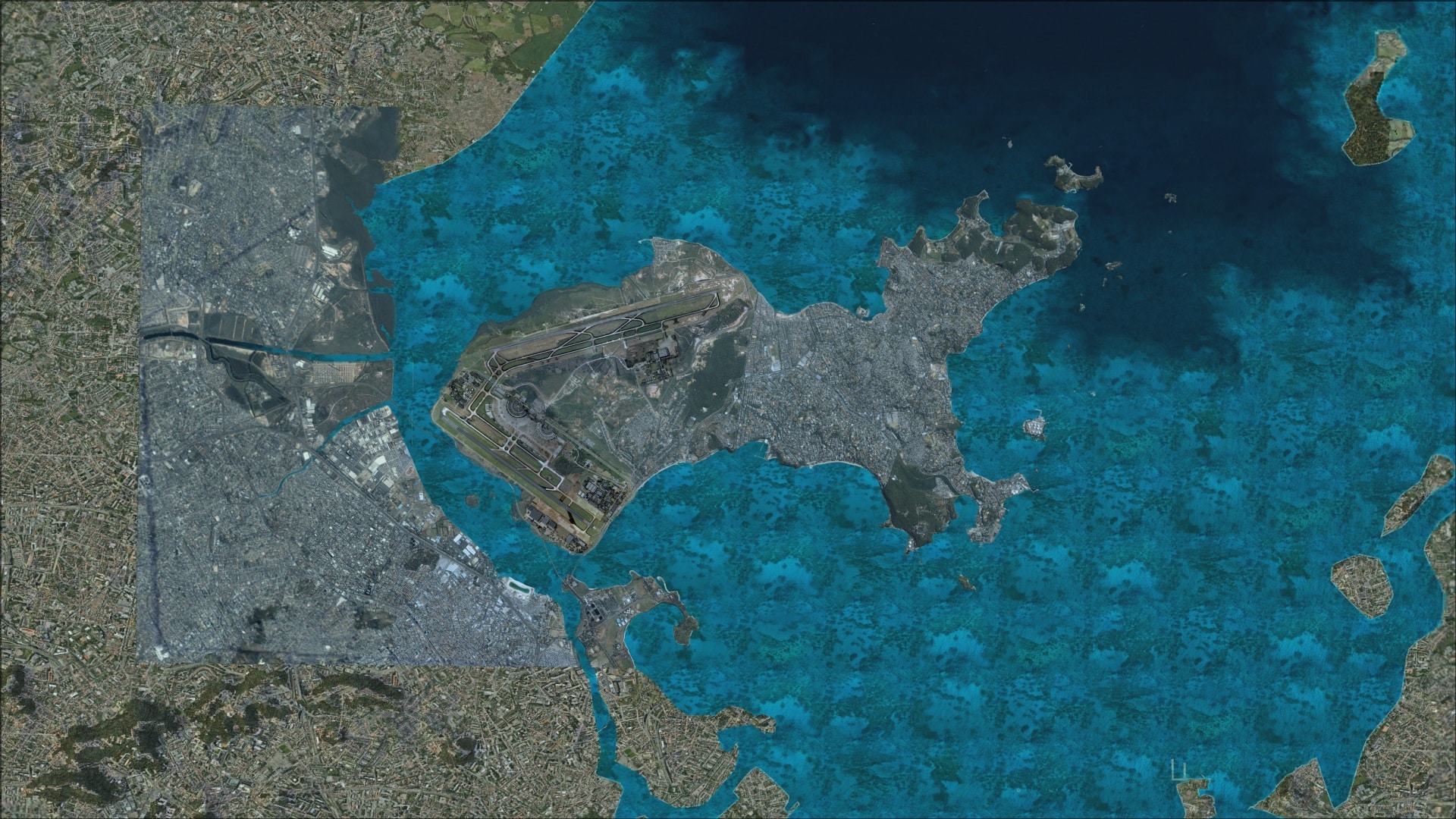
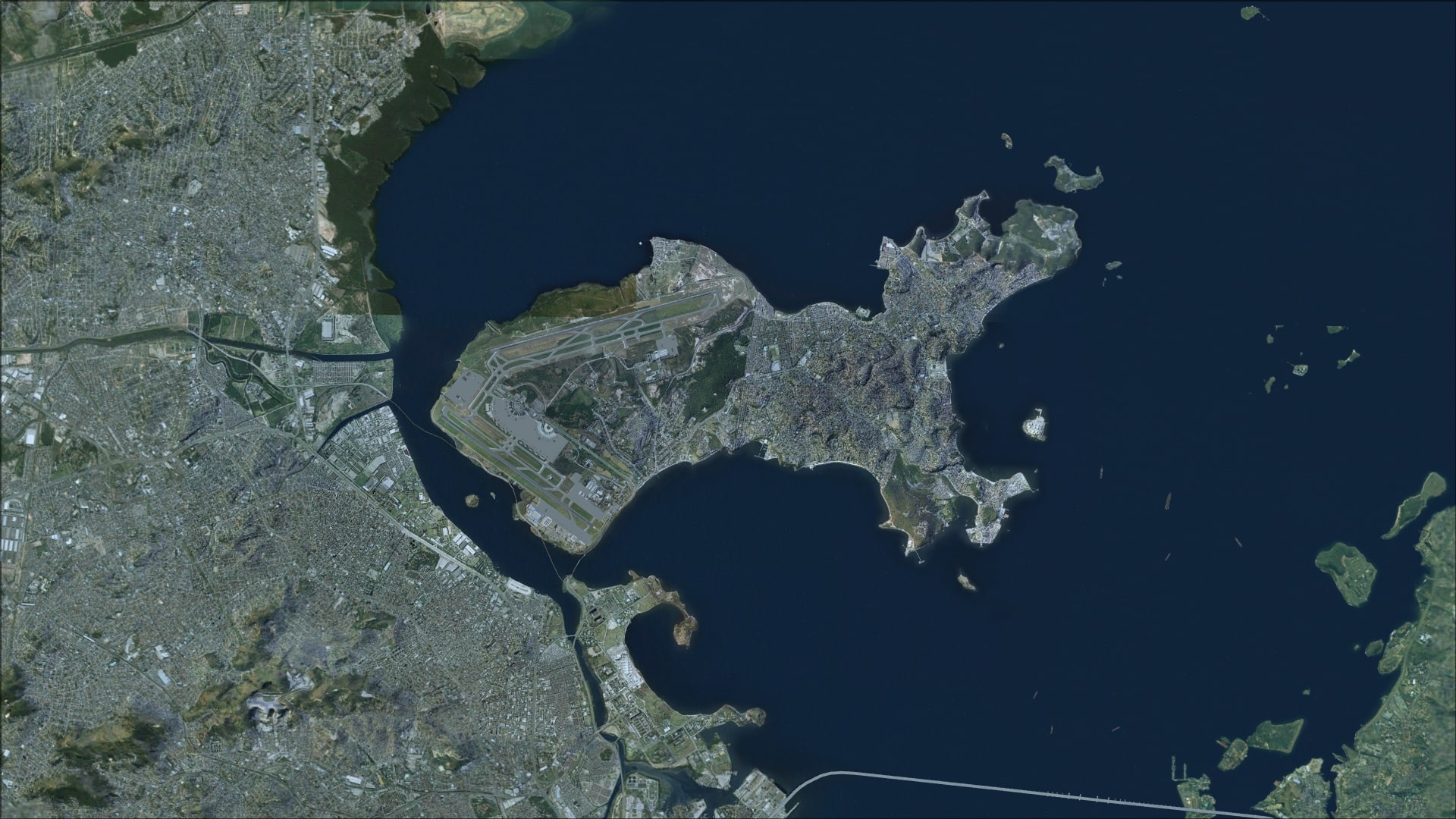
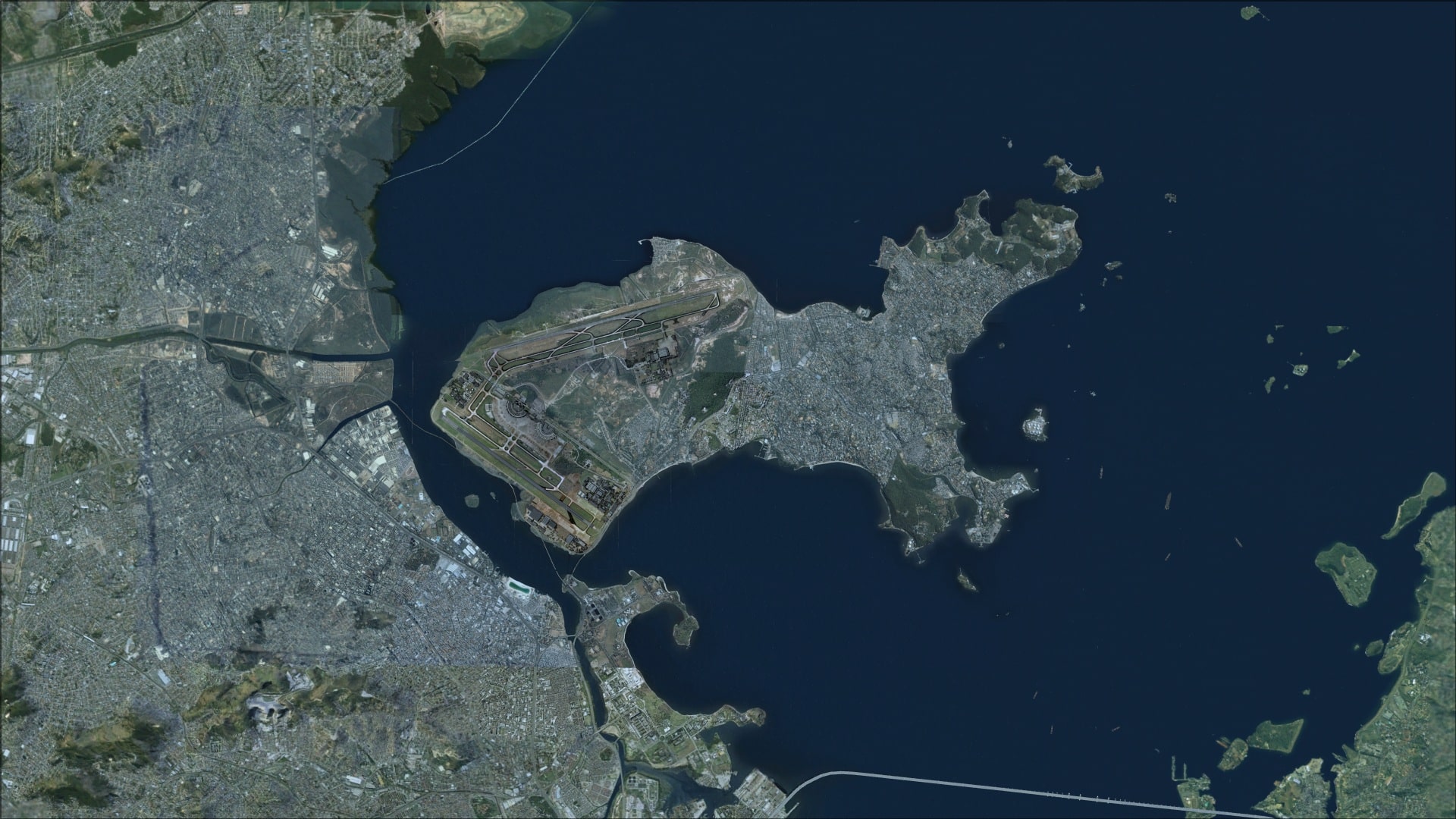
Here are some overhead screenshots showing just how much area the scenery covers and how much better the entire area looks.
Ground textures
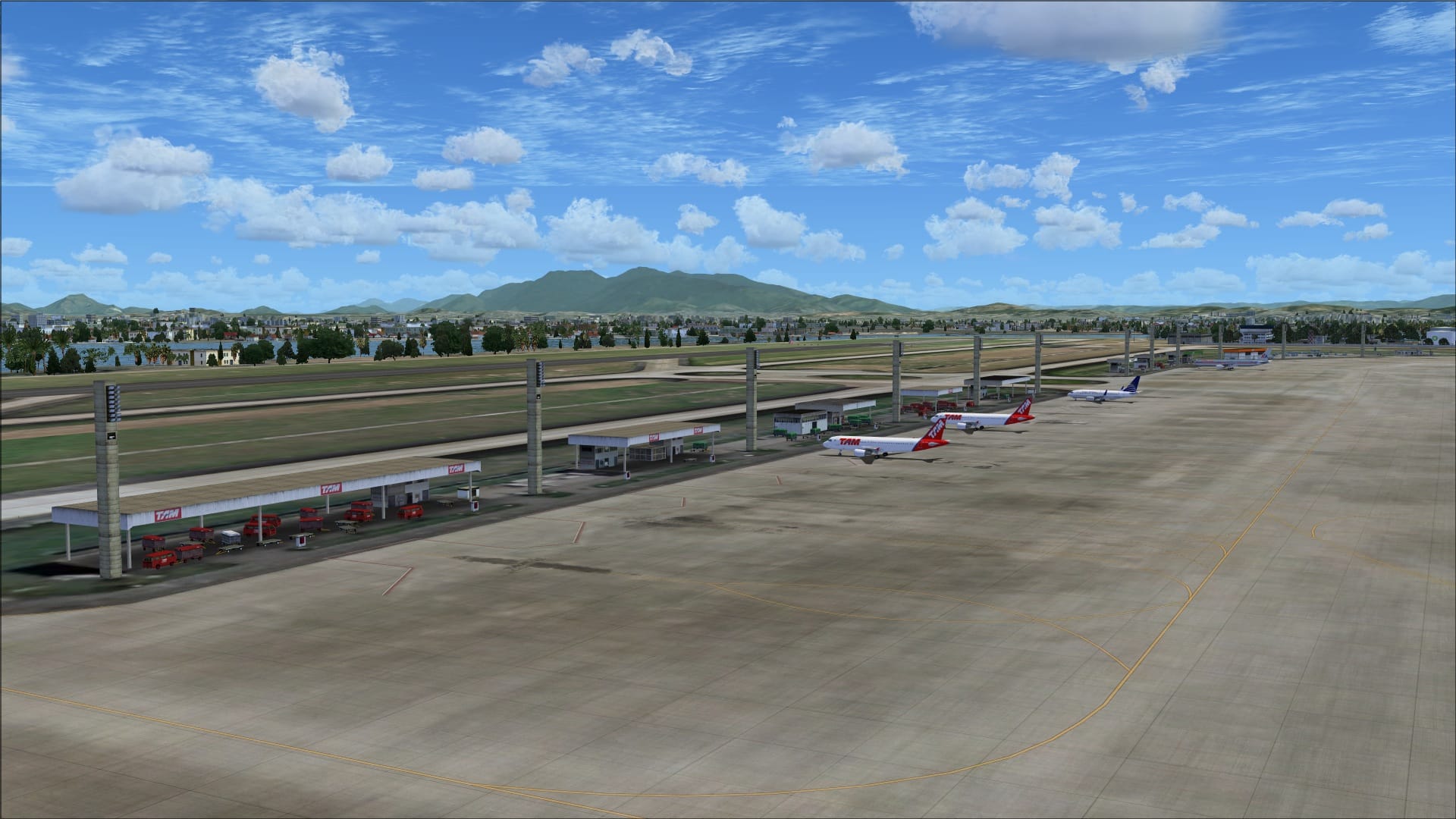
As is the case with most other airport sceneries they use photo textures as their base and then add high resolution graphic textures for those areas where we find hard surfaces.
Those areas covered in photo textures were ok for the grassy areas however their inherent blurriness come to light everywhere else. Fortunately this generally occurred in areas away from the runways, taxiways and aprons.
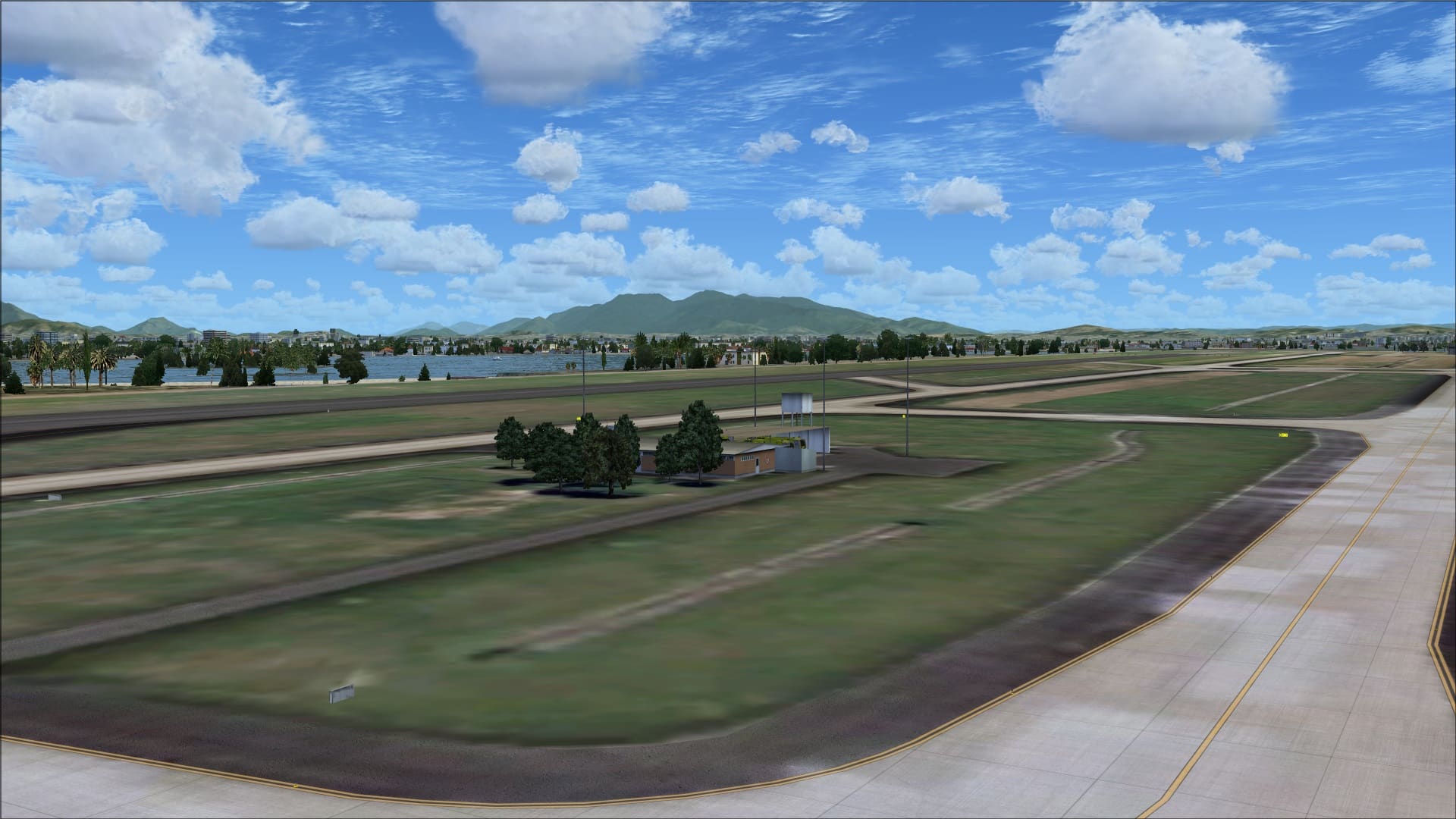 Hard surfaces were very good and appeared realistic. Crisp painted markings with visible signs of aircraft traffic in those high traffic areas.
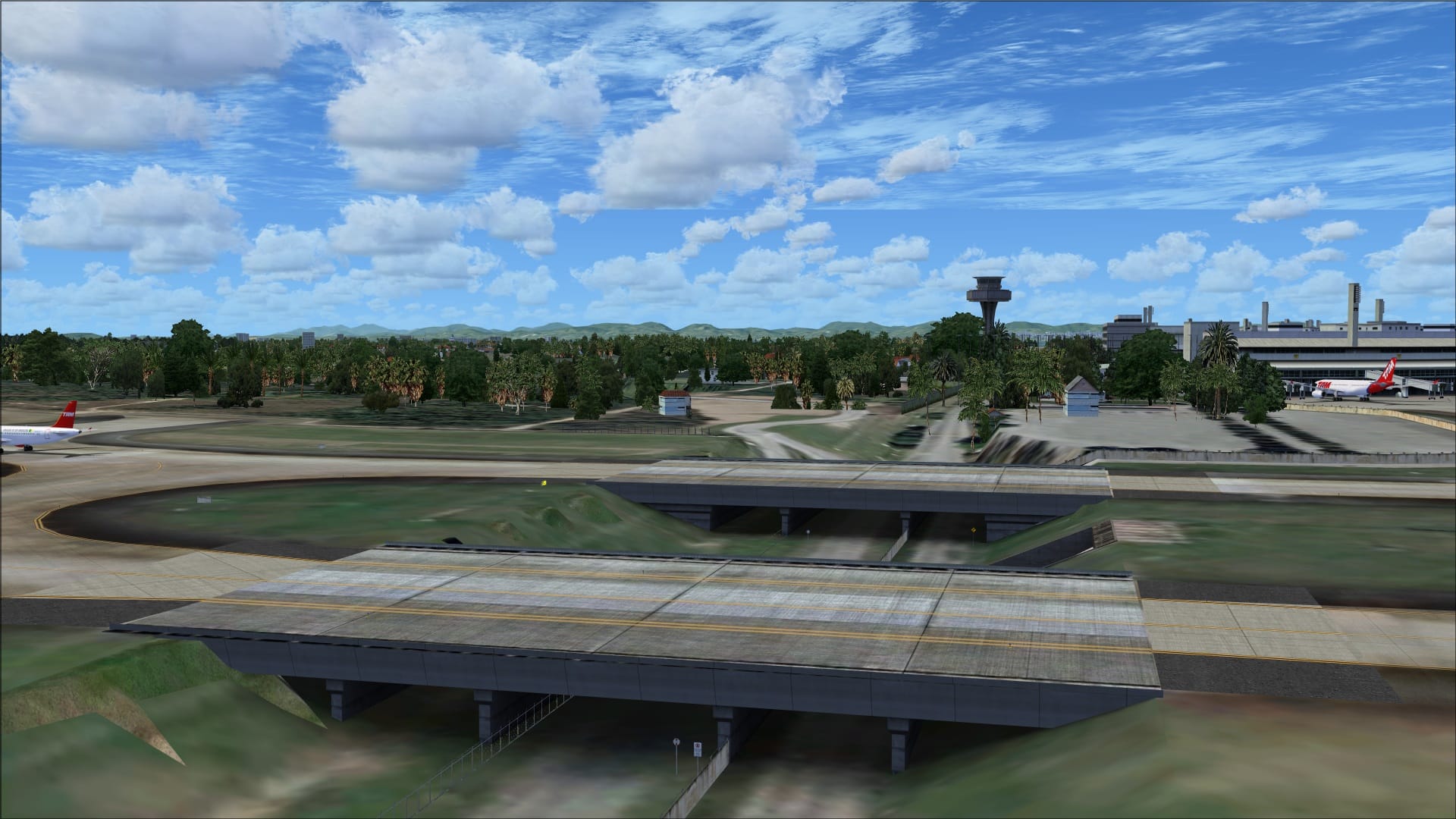
 SBGL has two taxiway bridges found on taxiway’s M and N. With the correct mesh settings these are a nice visual feature. Only negative was that my aircraft’s undercarriage became partially submerged when taxiing over the bridges.
 Buildings
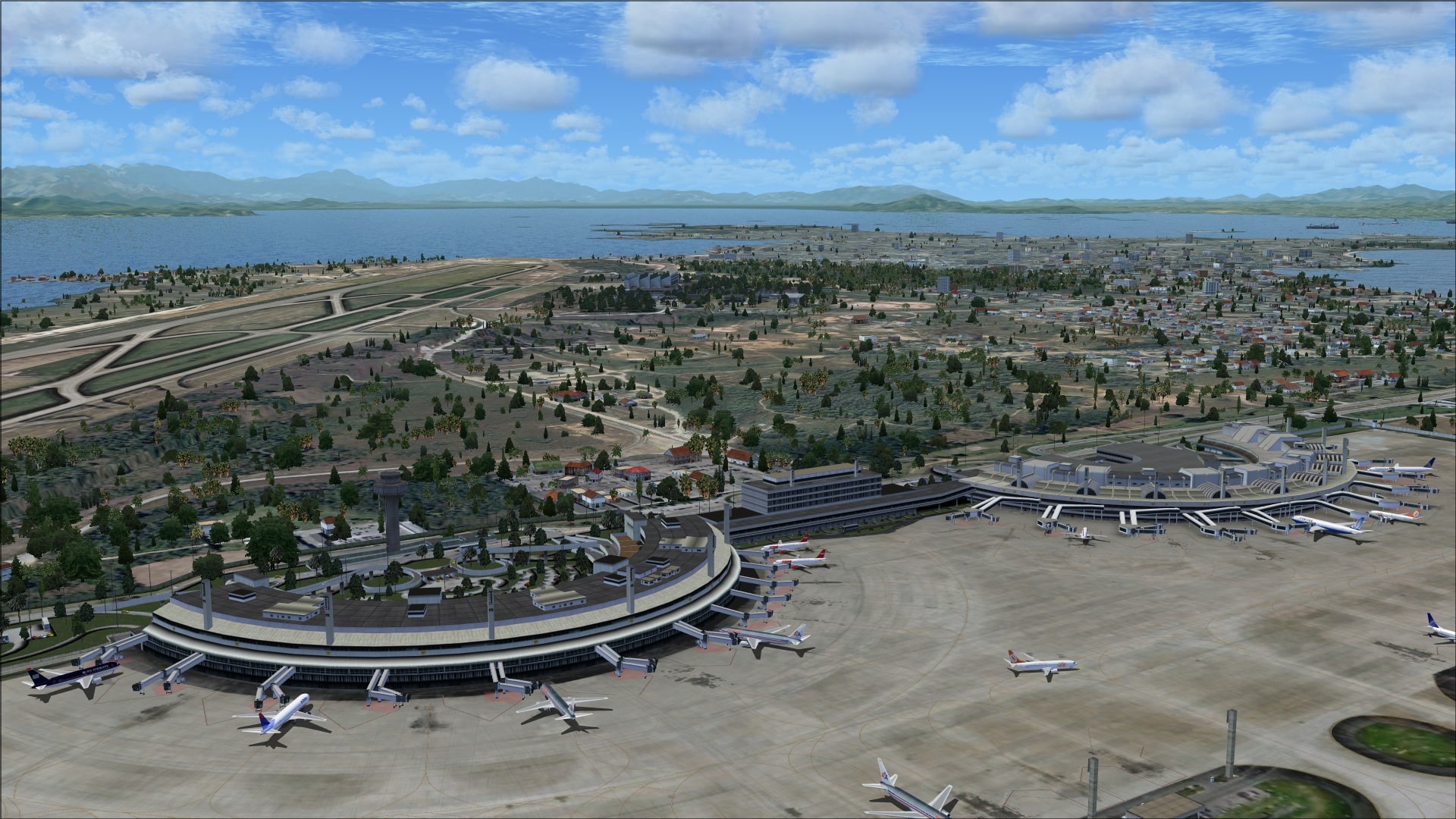
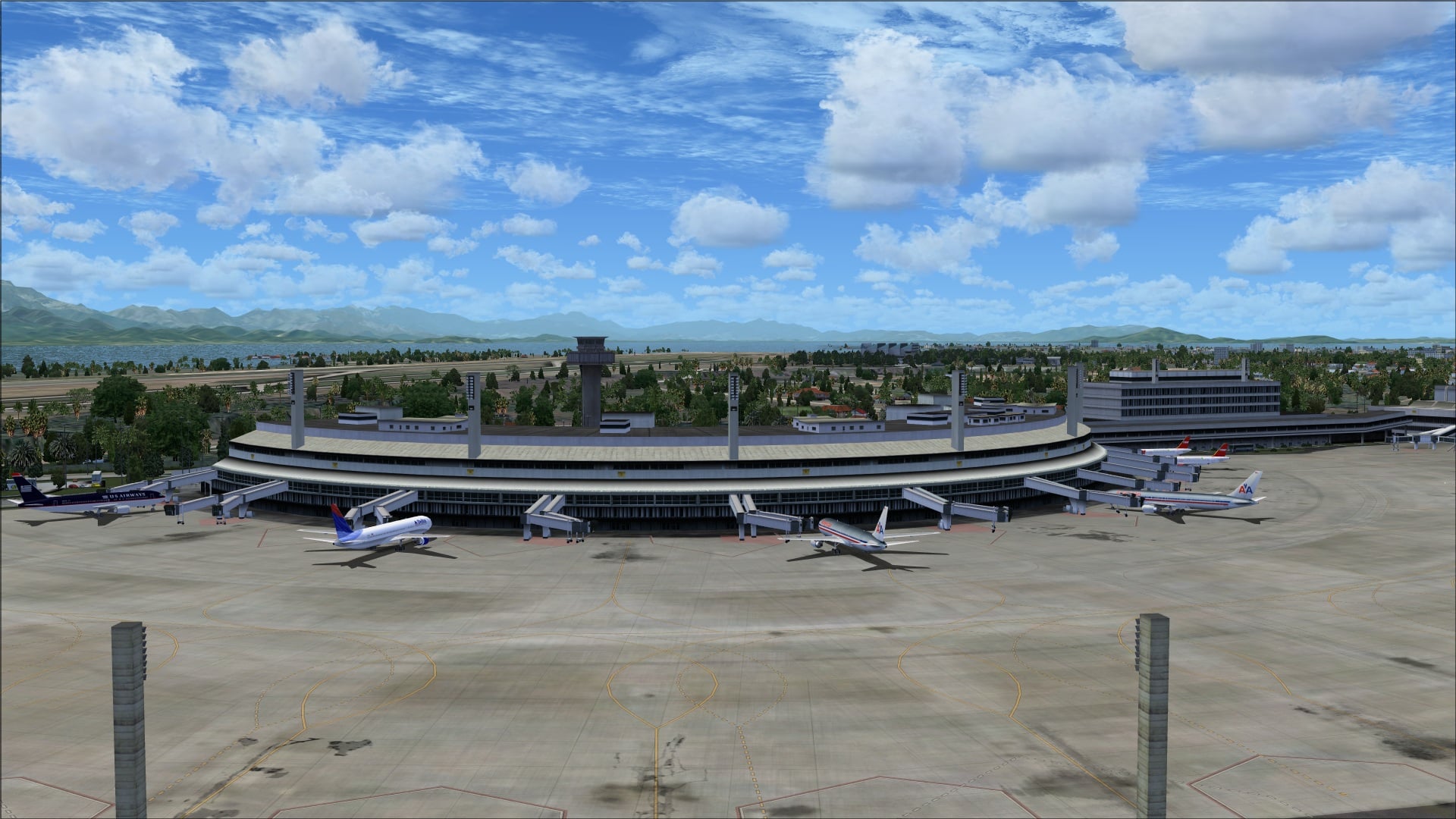
Like many airports the buildings are arranged in clusters and at SBGL we have several of them. The two large terminal buildings are located on the north side of runway 15/33.
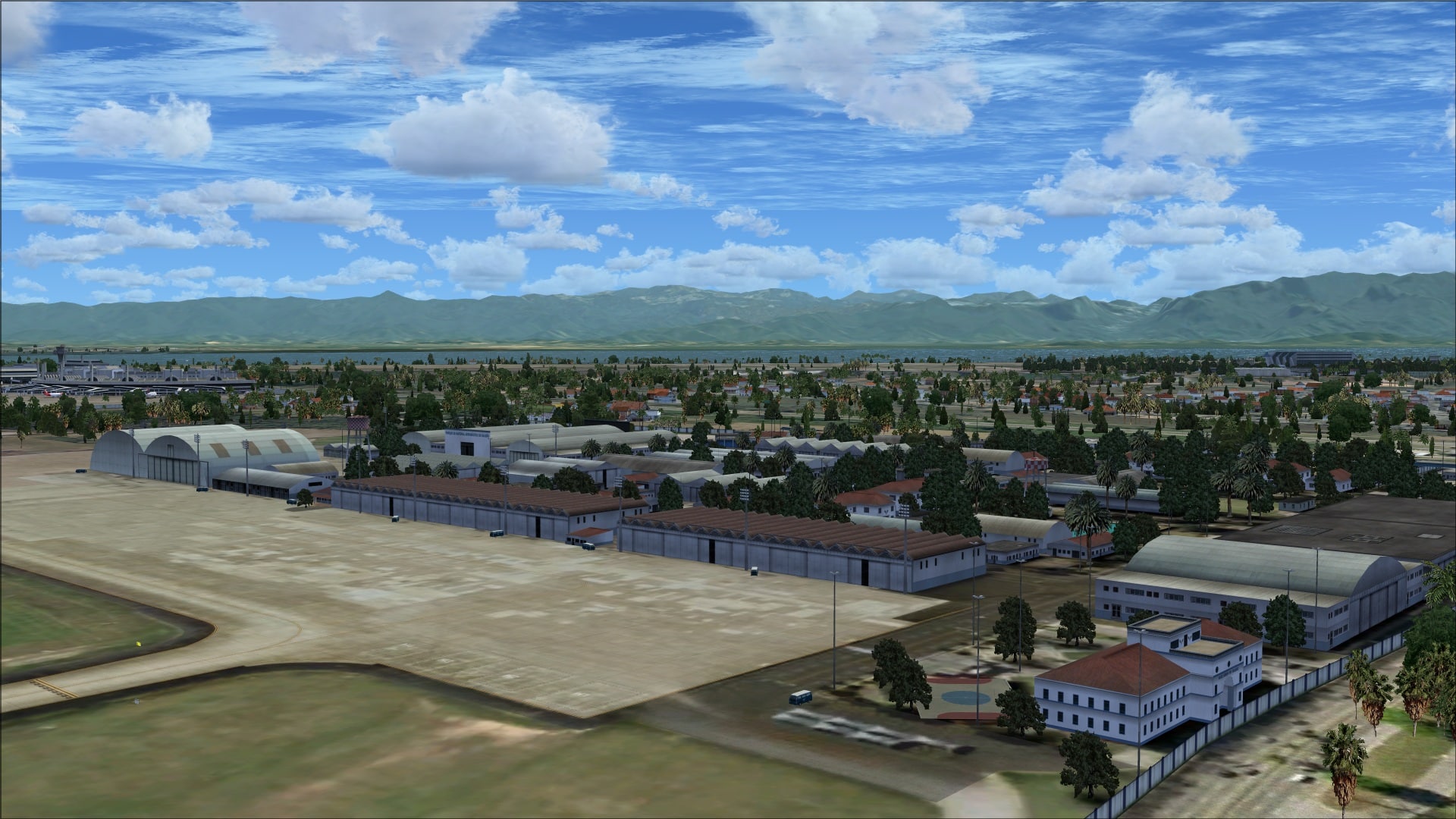
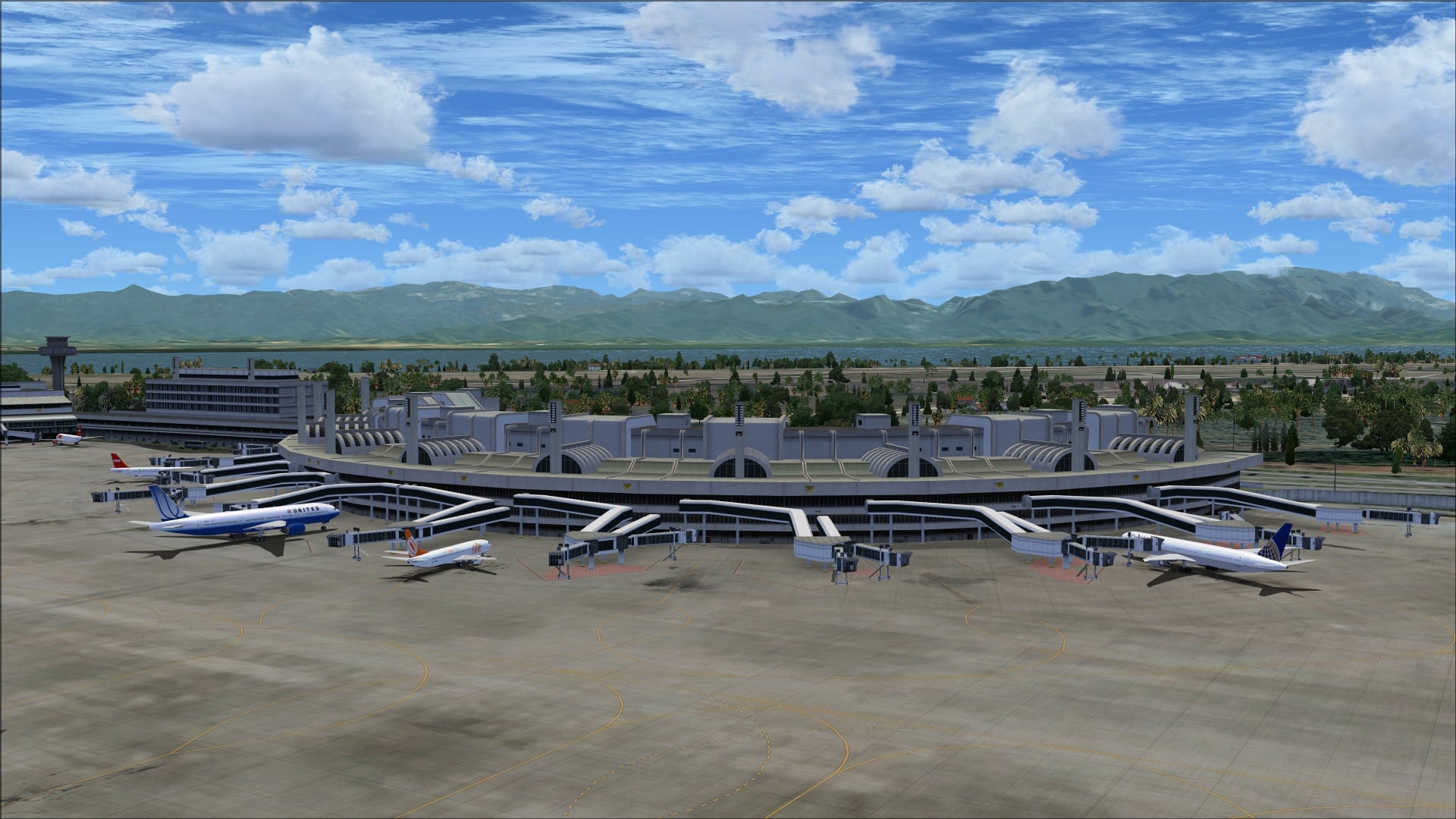 At the end of 15/33 is the area known as old Galeão; on one side we find Brazilian Air Force buildings and cargo hangars and then directly across on the other side of the runway are several more military buildings and MET facilities.
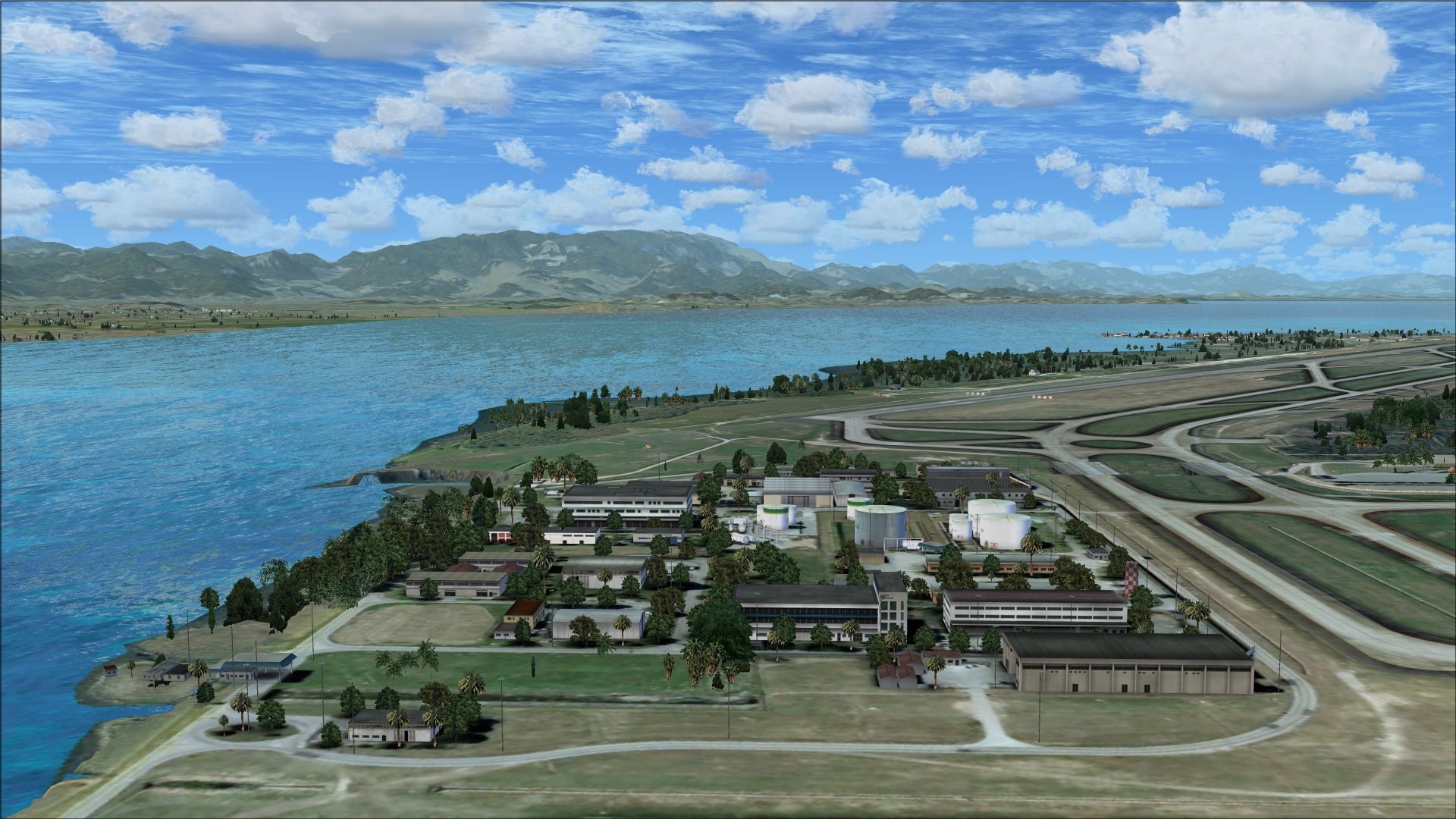
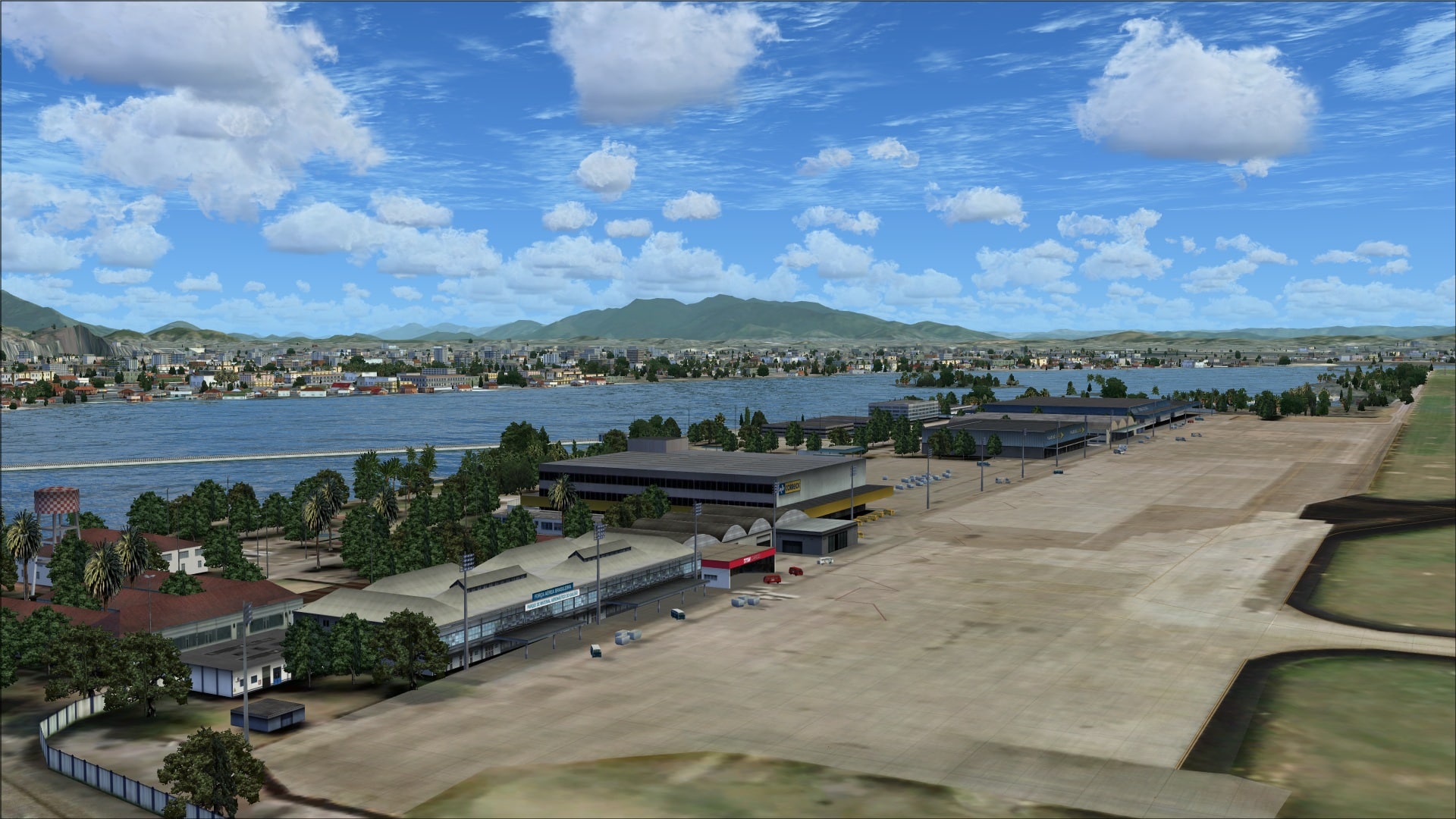 At the junction of runway 15/33 and 10/28 there is a group of small buildings and the airport’s fuel farm.
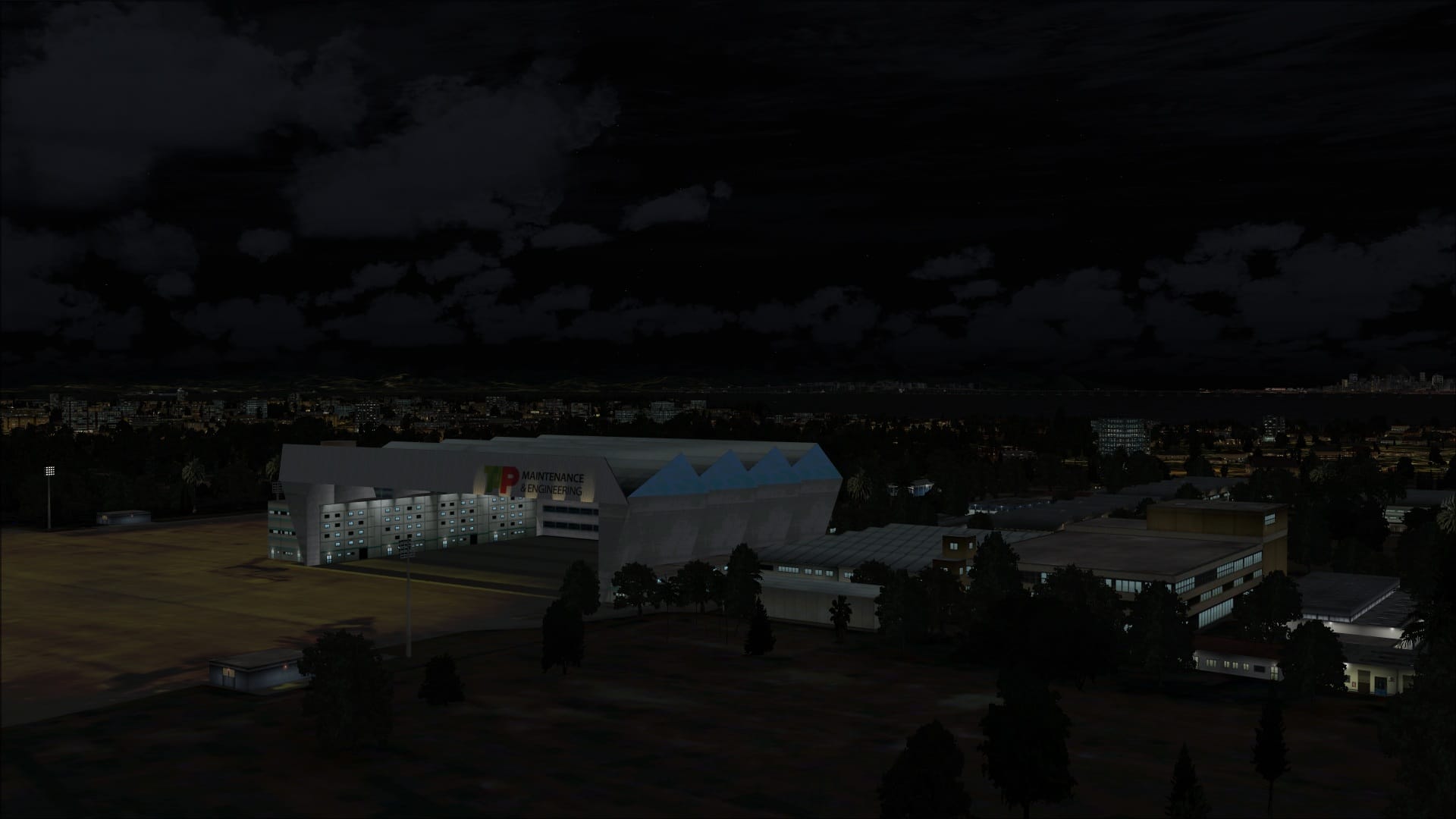
Finally, up near the end of runway 28 is the large TAP maintenance hangar.
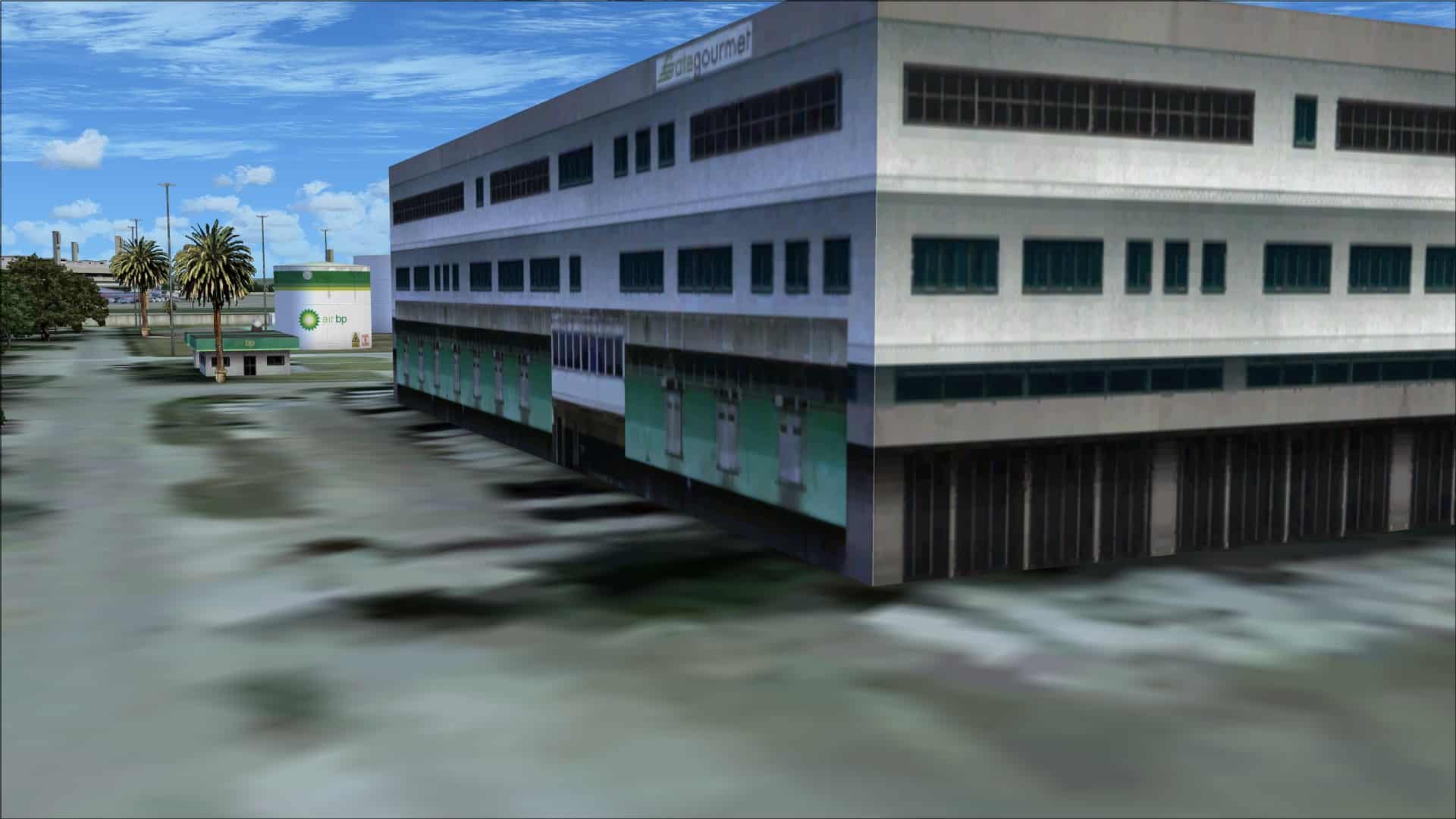
 Like other aspects of the scenery there are some good points and some not so good. Unfortunately the overall quality was not what I had hoped to find. When viewed from a distance many of the structures looked good, it was when you were in close that issues with their quality became apparent. More specifically the lack of depth, they tended to have a one dimensional look.
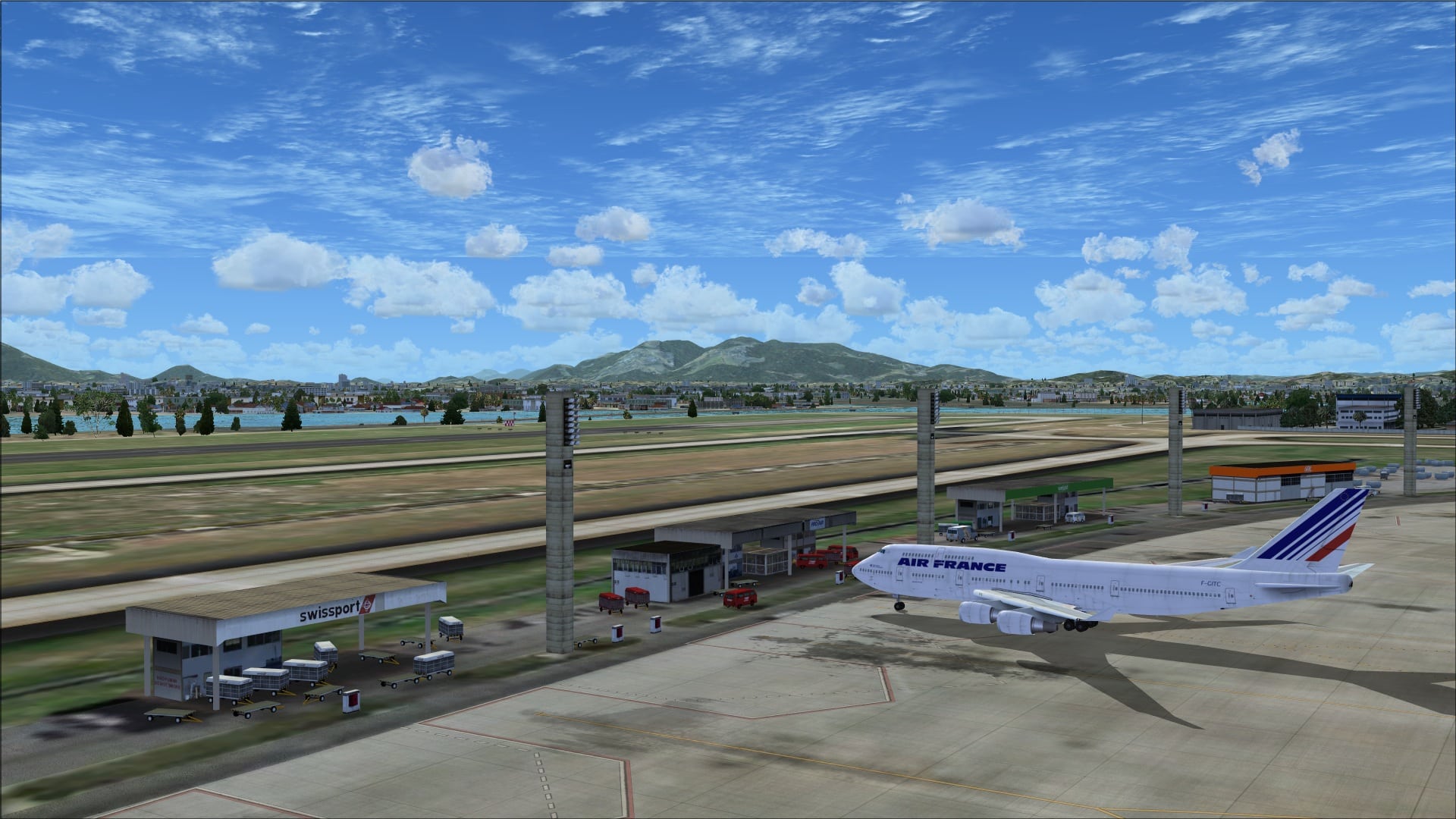
The largest structures are the terminal 1 and 2 buildings and it looks like they put the most effort into recreating them. They have a somewhat unique design; take a circle, cut it in half and then place the two halves side by side and join them together with a large central building. On the apron side each aircraft parking spot has at least one jet way with some having two. These are modelled and look quite good, however they are static. Overall there is some limited 3d detailing. There is an overhang that extends over the service road that runs along part of the front of the terminals plus they’ve modelled the large light poles used for apron lighting.
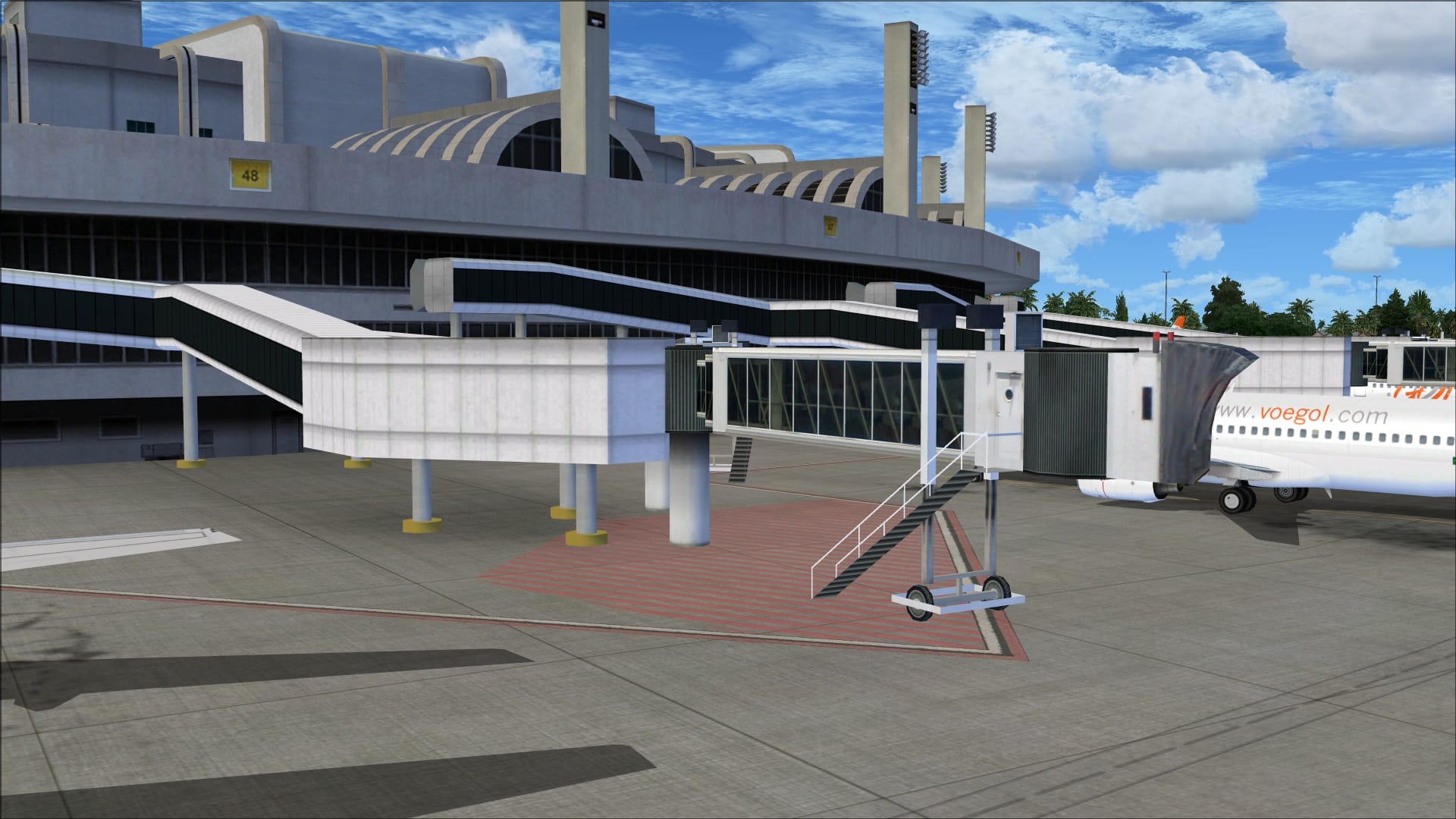
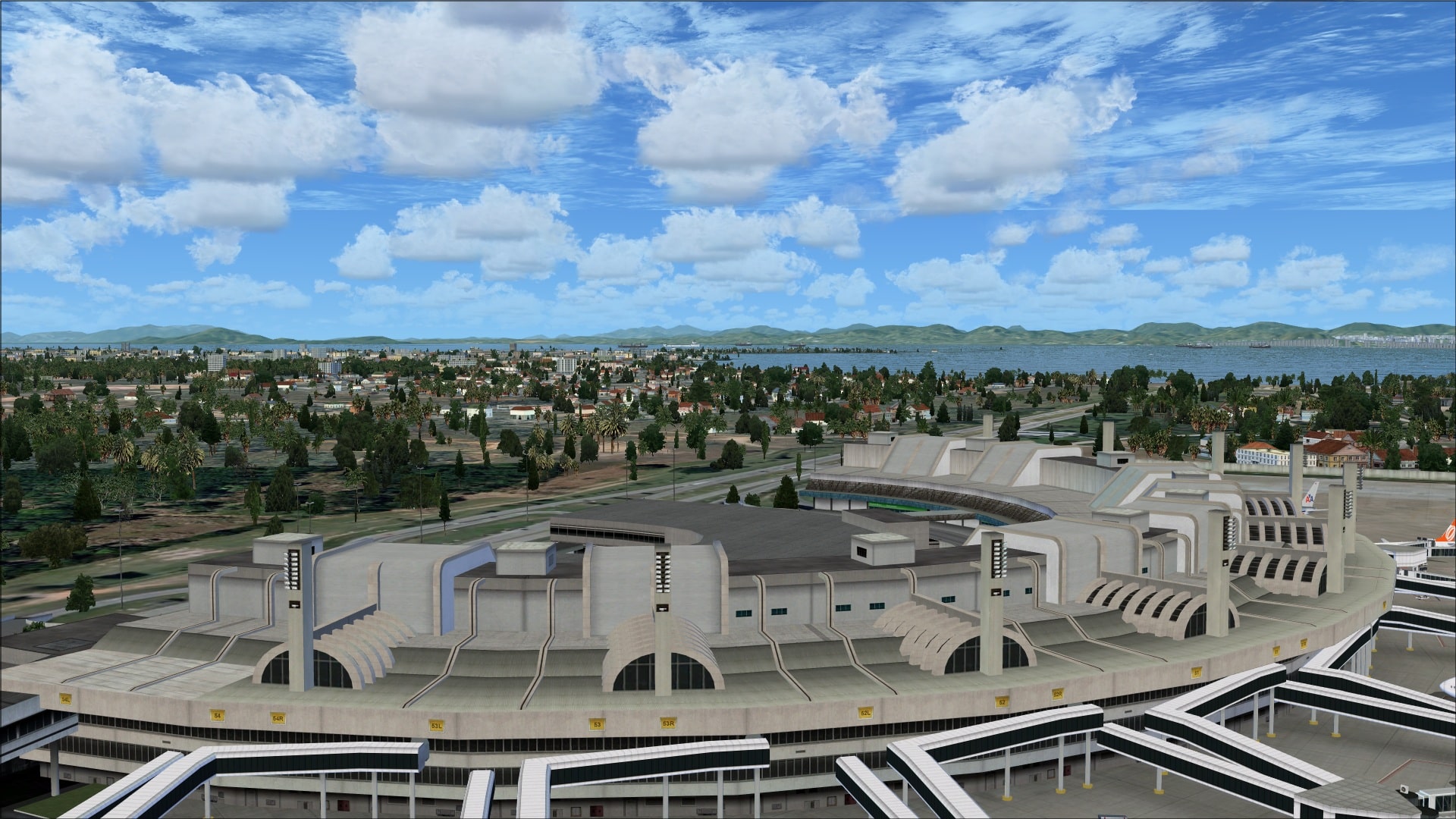
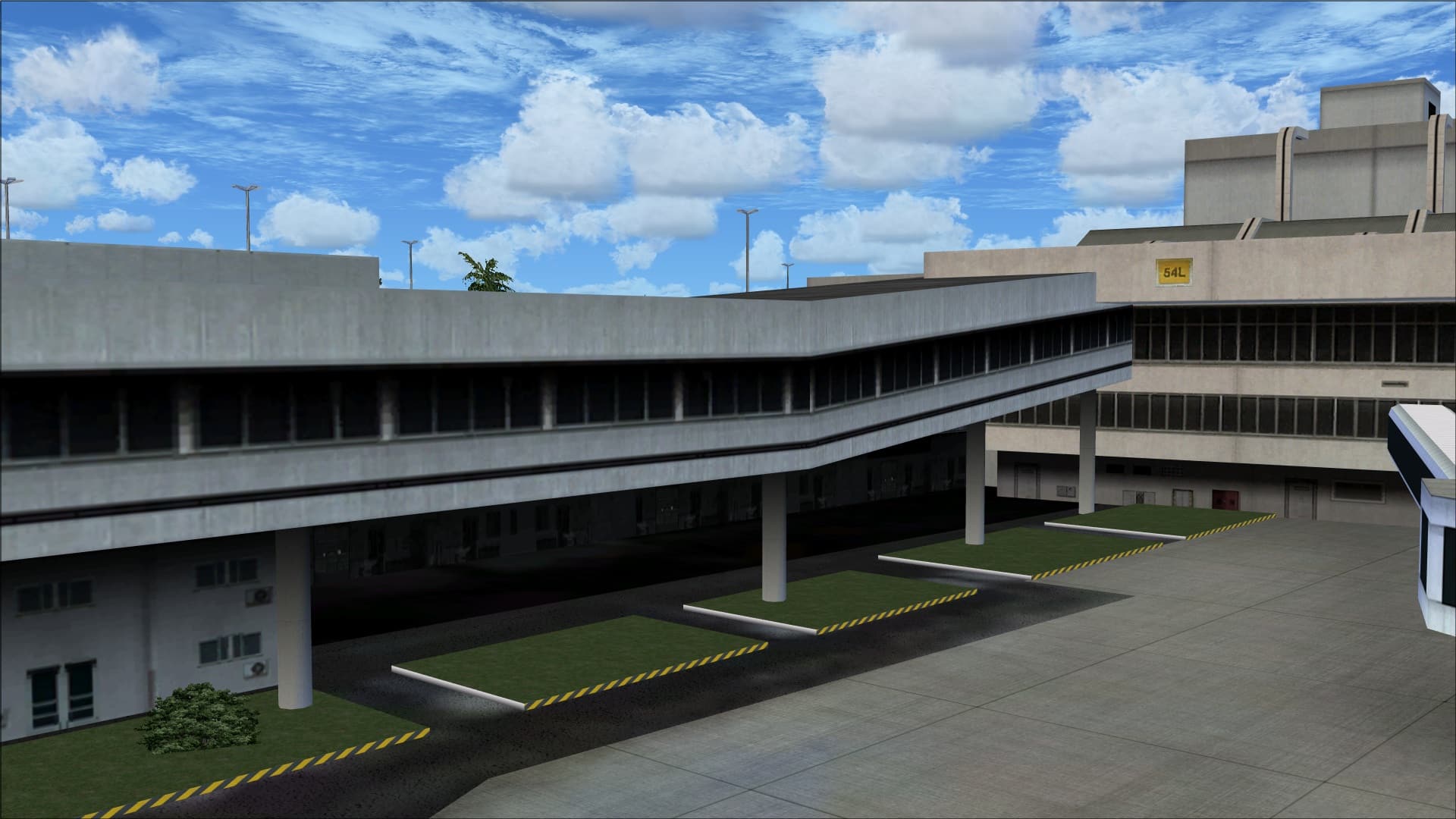 Terminal 2’s roof top is complex with lots of curves in its design, there are multiple raised areas and glass interspersed throughout. I felt that this was one of the highlights and a nice piece of modelling work. I just wish that they could have carried this over to the other buildings.
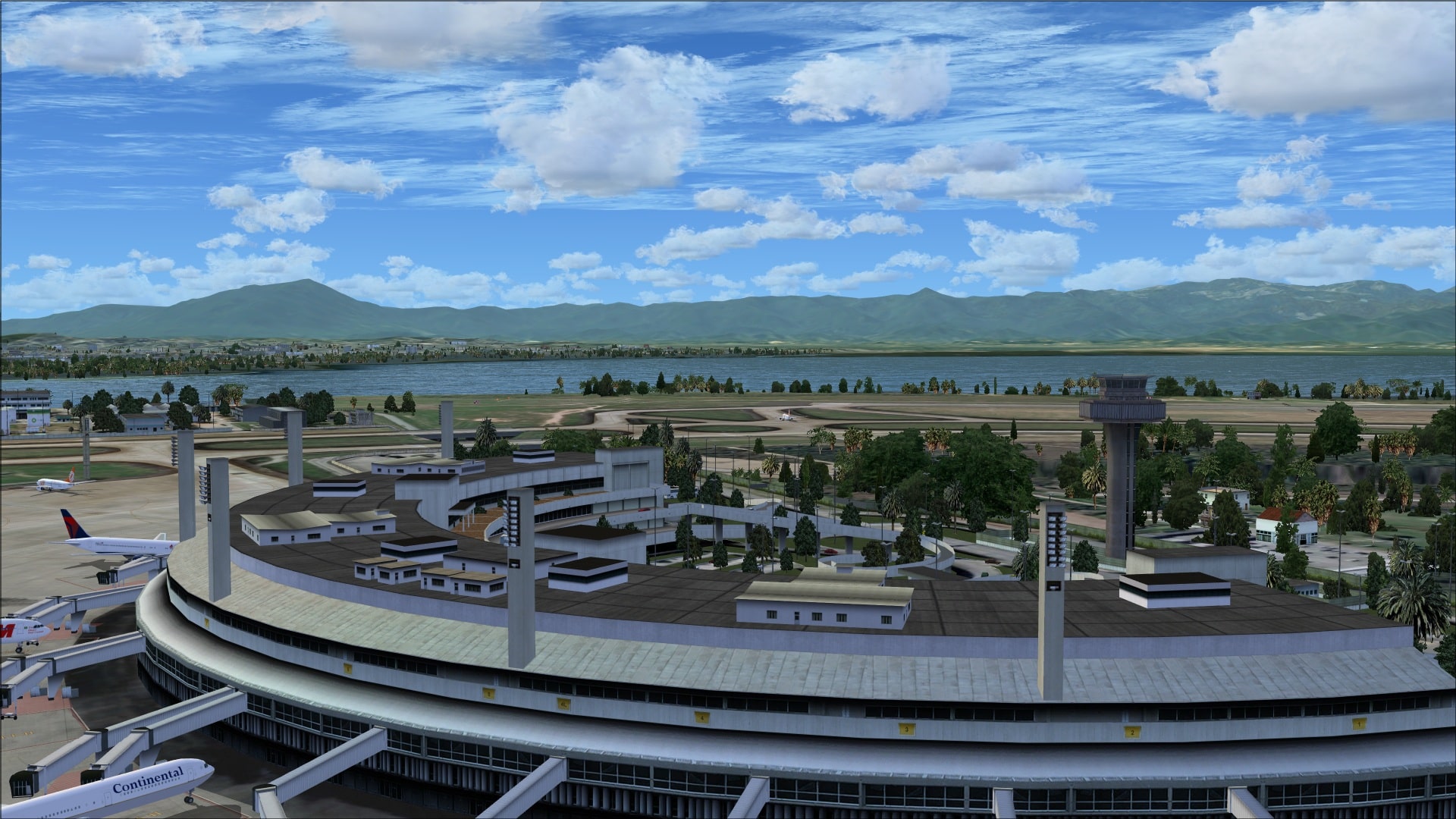
 Terminal 1 is quite different from its neighbour even though it shares the same basic shape. Here again the attention to roof top detail is a big factor in making it look more realistic.
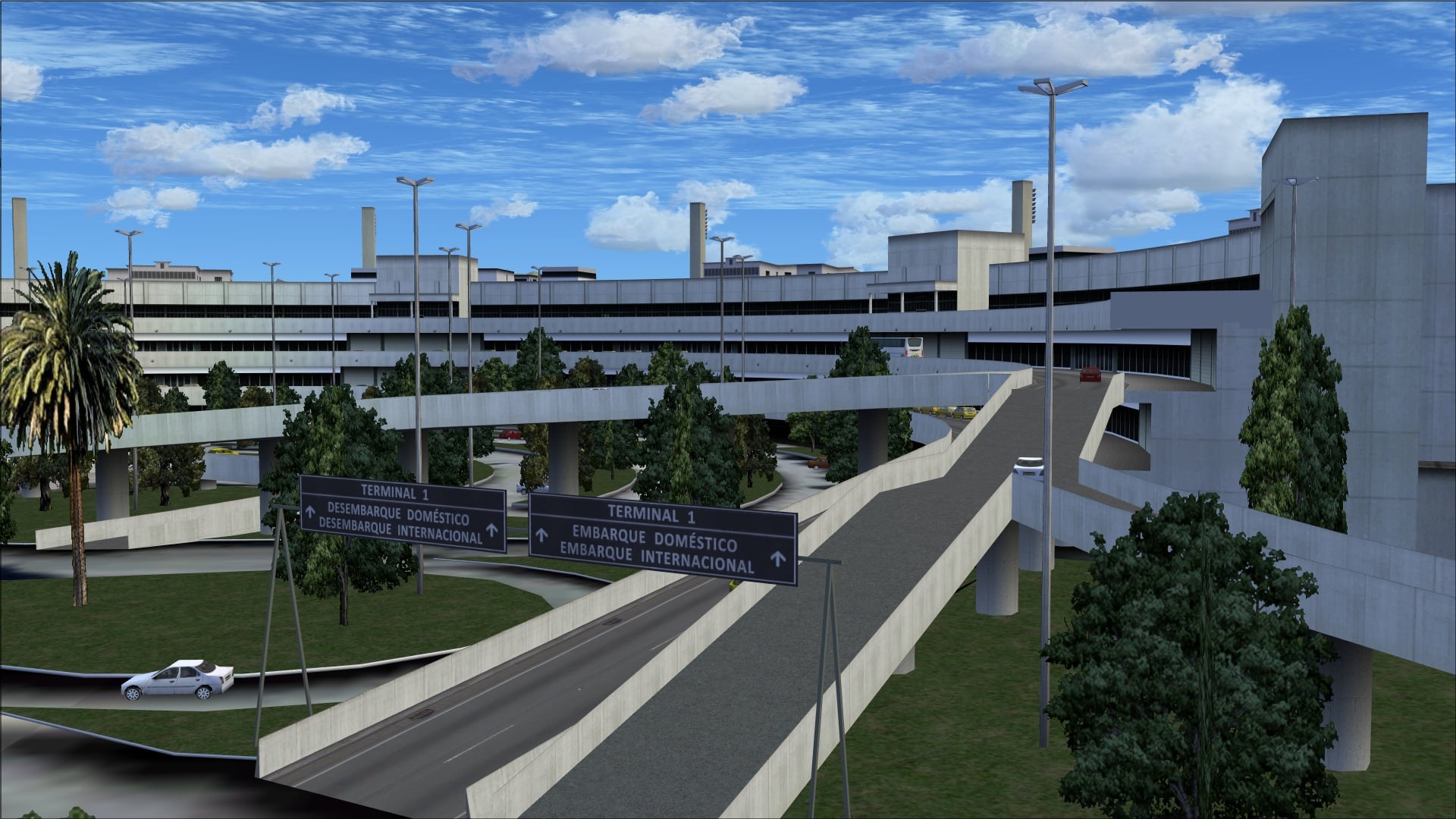
 On the other side of the terminals, what I’ll call the arrivals side, there is a whole different look. Aerial photos show that there is a web of multi-level roadways going to each terminal with entrances on multiple levels. They have attempted to model these and the complex system of roadways and to a certain degree succeeded. Many of the roads are there and to try and make them look busy they’ve placed some static cars and buses. The problem is that the renderings are mid to low resolution so curves are not smooth, surfaces are flat and details are minimal. This is not the working side of the terminal and not what we see while in the cockpit however it does reflect on the overall visual appeal of a product.
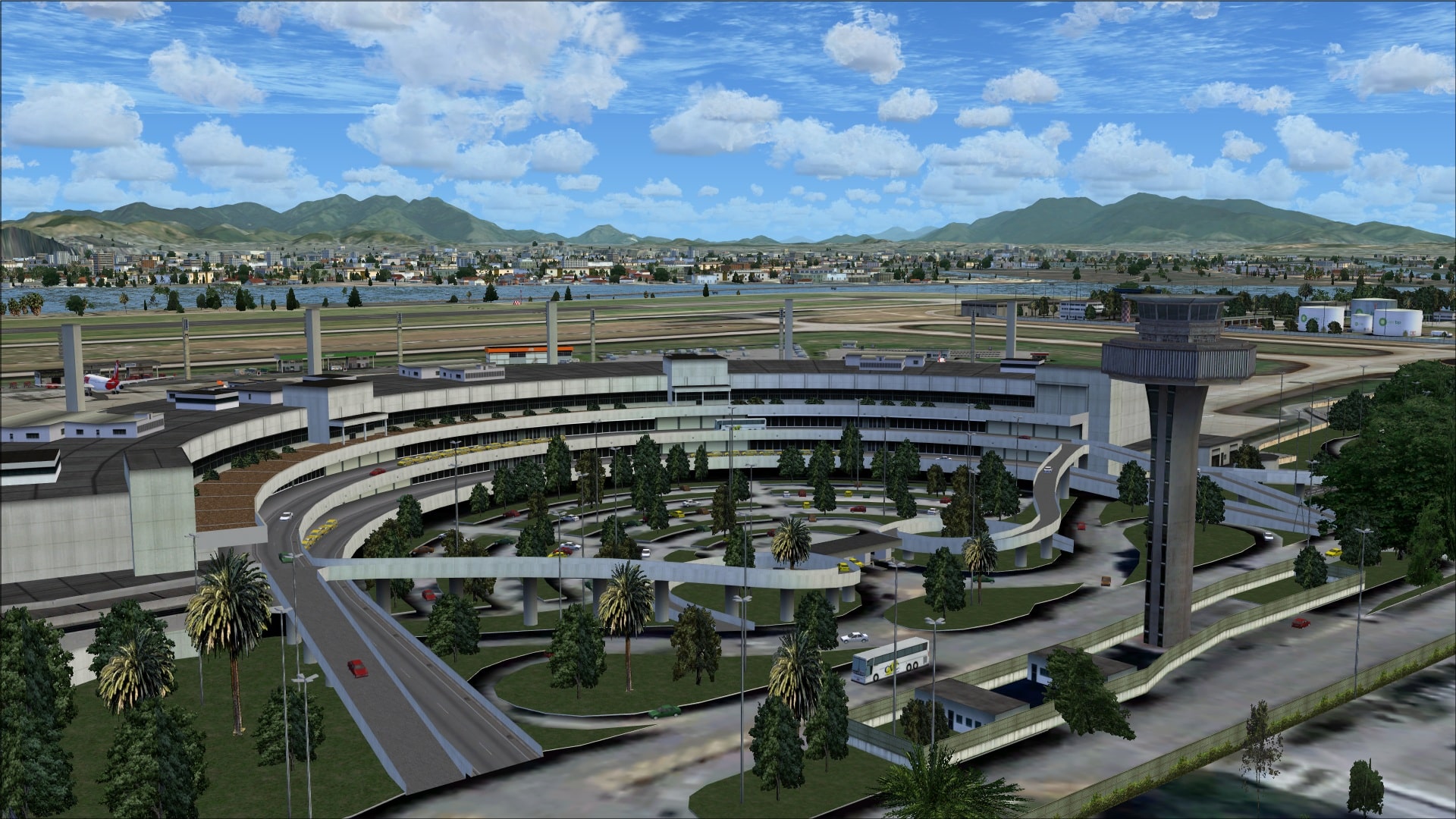
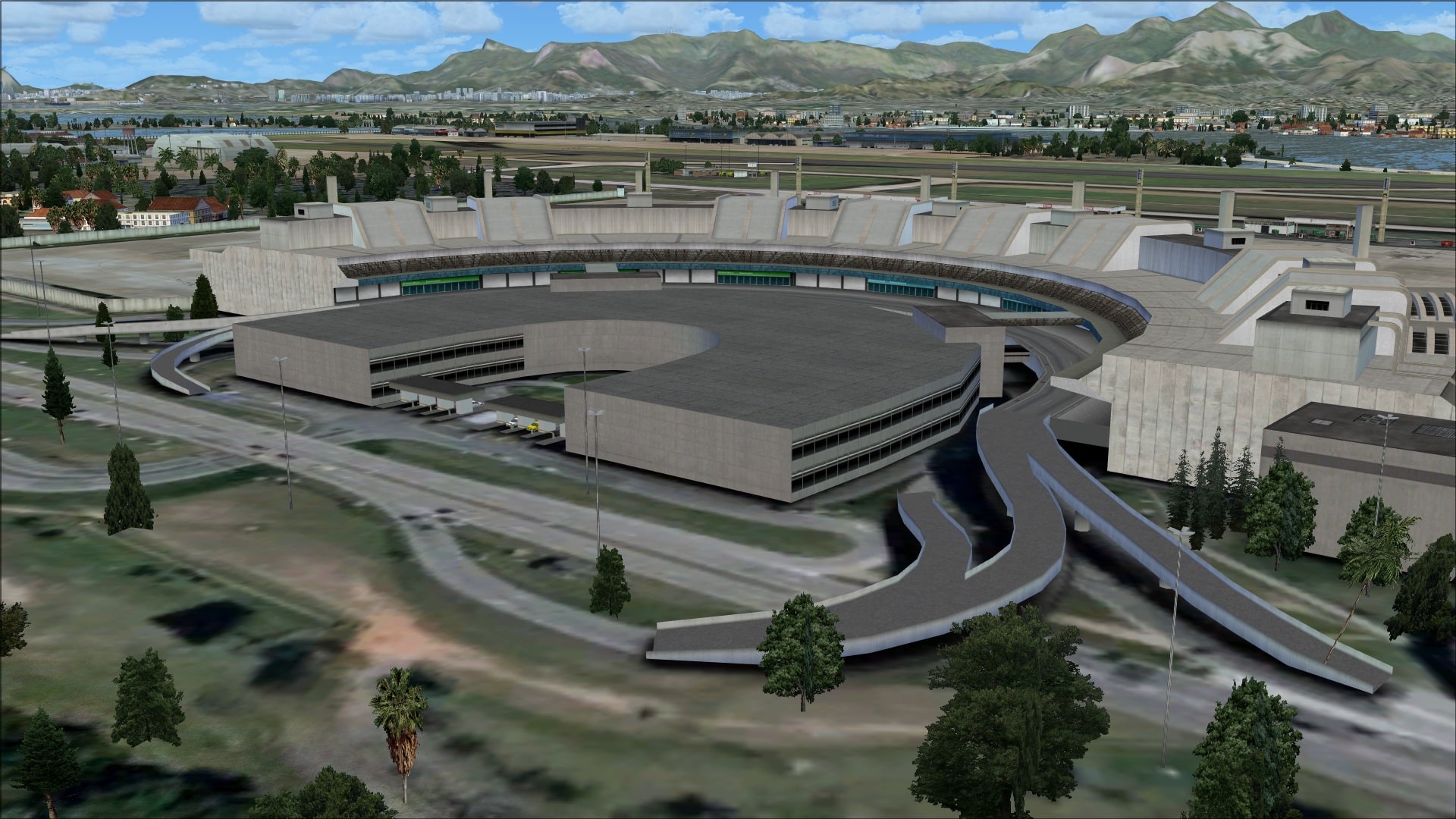
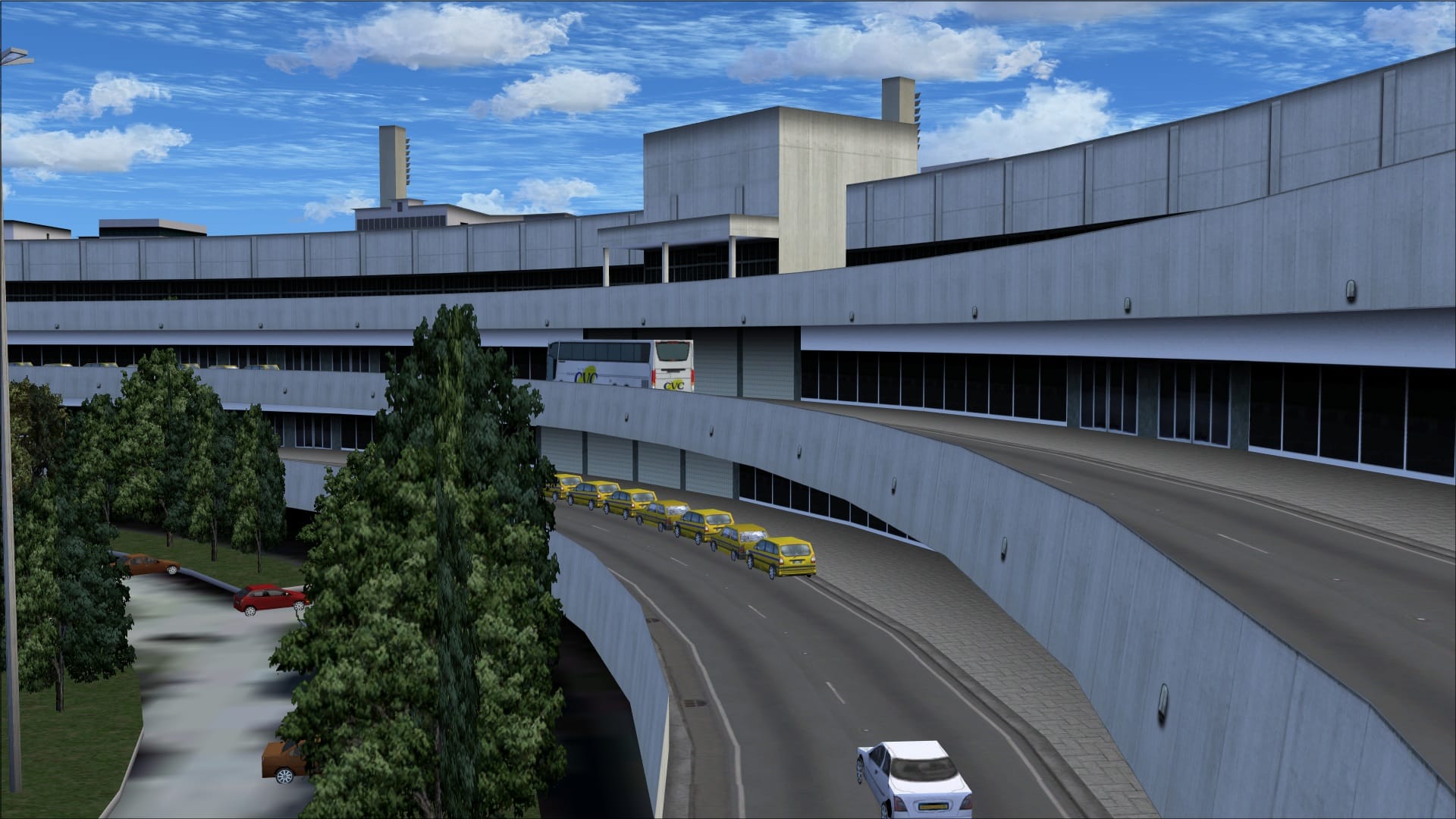
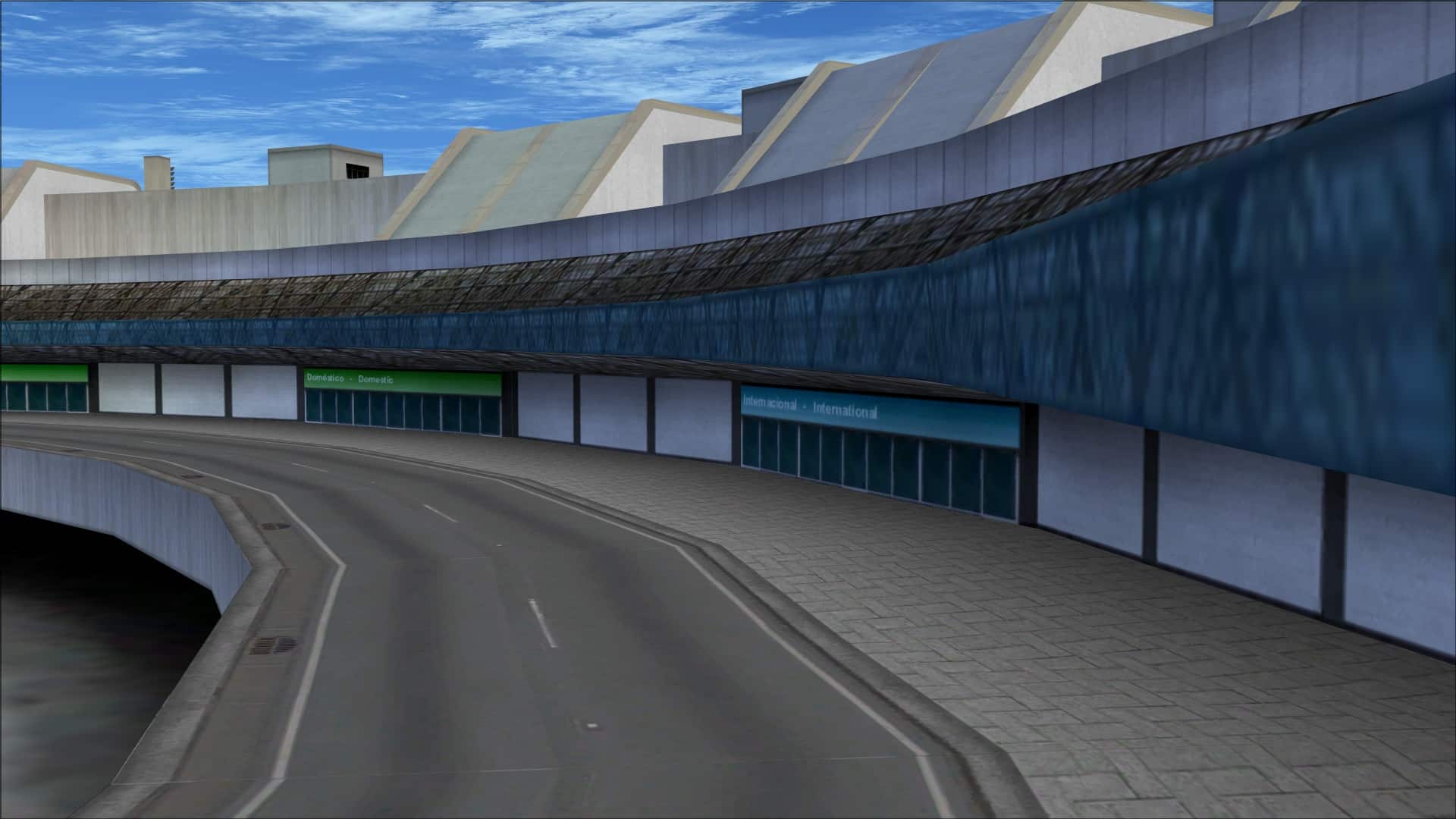 In the front of terminal 2 there is supposed to be a multi-level parking garage. It lacks any type of detailing plus in the central area there are some security checkpoints however their placement doesn’t match any ground textures nor does it seem to match any of the building textures. The end result is that it looks totally out of place, as if it was just dropped into place.
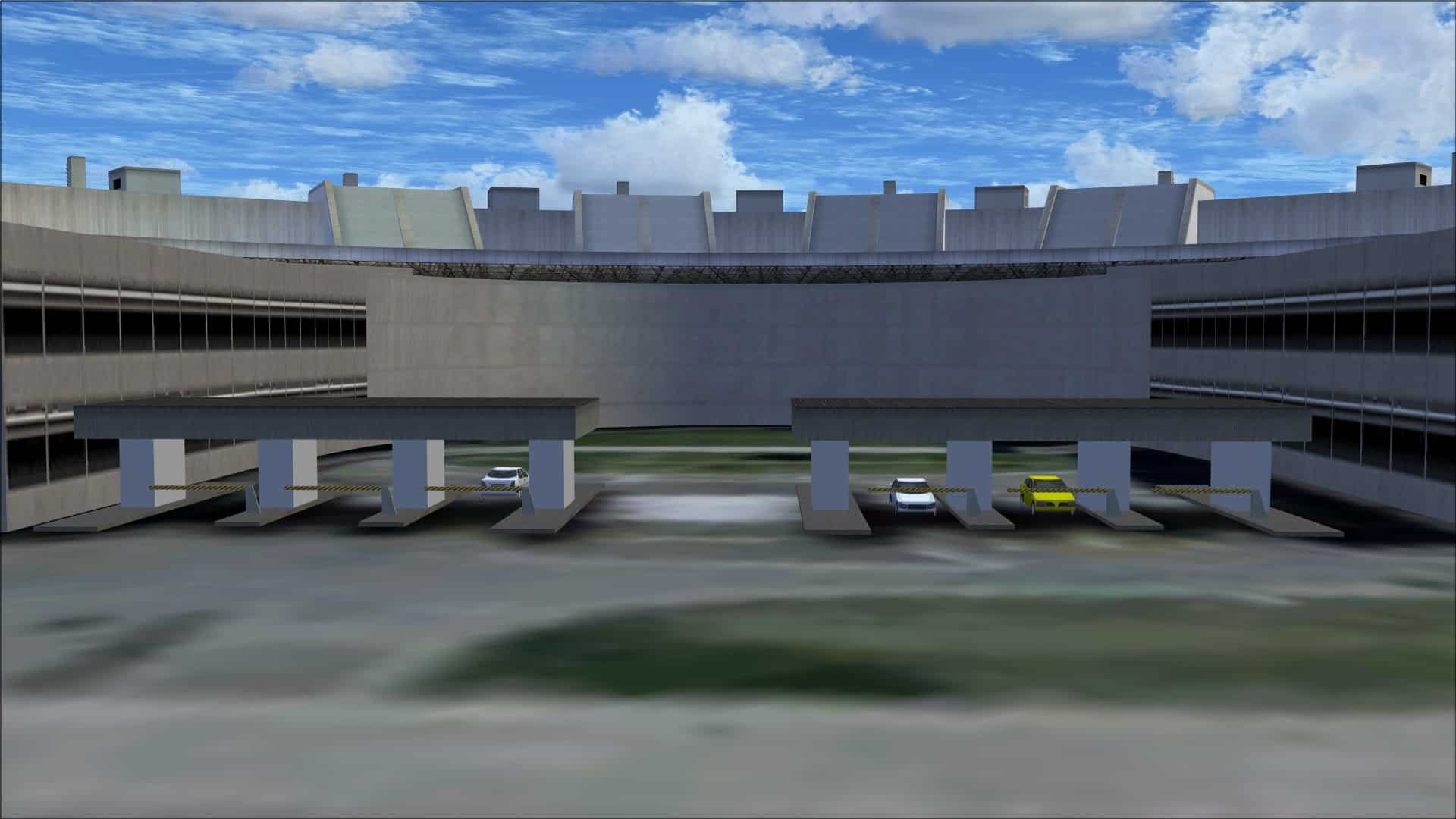 Moving away from the terminal buildings there are many more buildings at SBGL. Most however suffer from the problem of having that one dimensional look when viewed up close. The colouring techniques seem to show weathering and depth through shading and shadowing but these aren’t augmented with many additional discrete 3D details. Some have roof overhangs but that is typically the extent of any added detailing. I must say however that there is variety of roof designs and where they’ve included them it certainly helps in making them look more realistic. The problem again was when you got in close. This is where their work fell short; that 3dimensional look that is so important just wasn’t there.
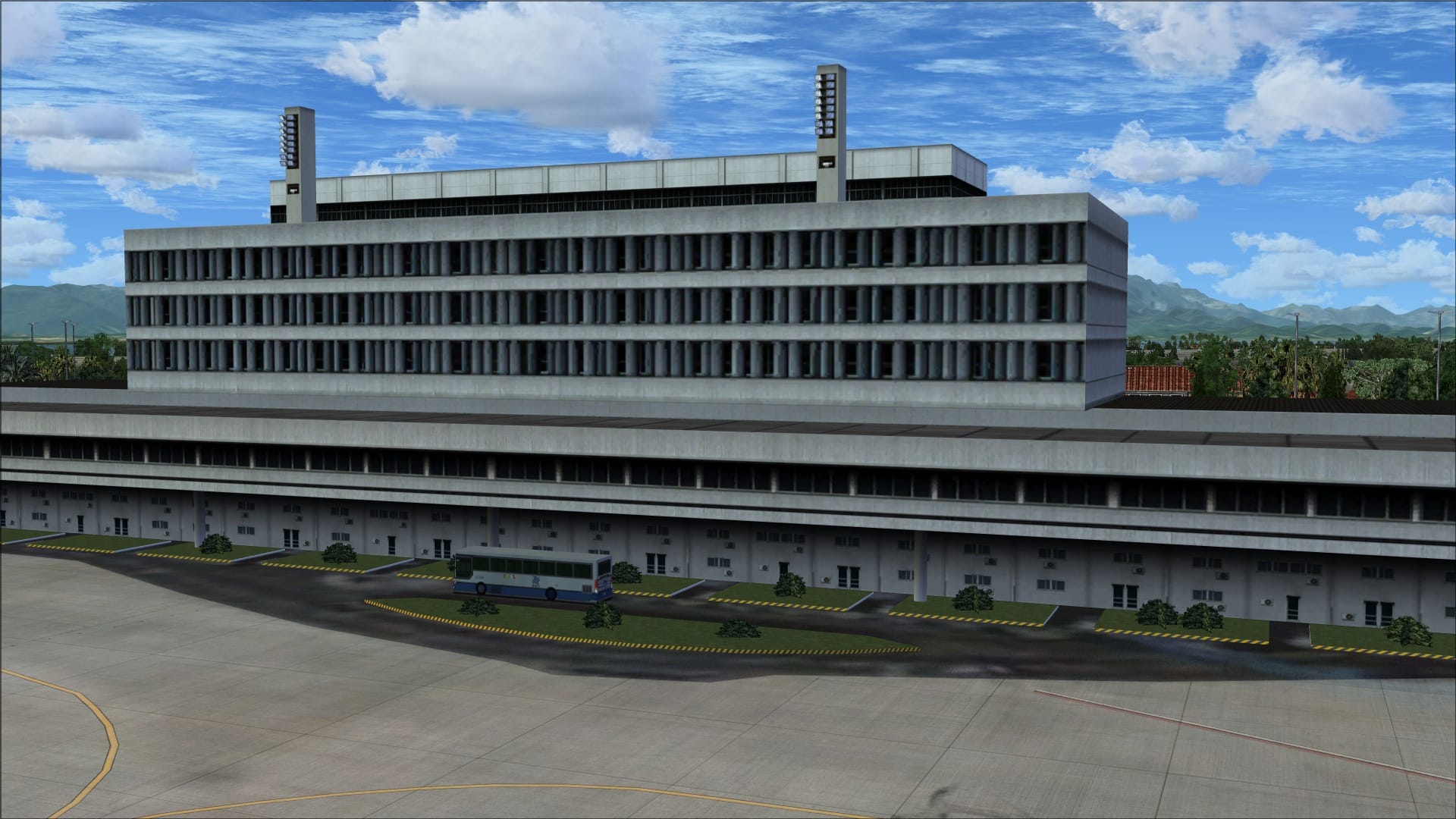
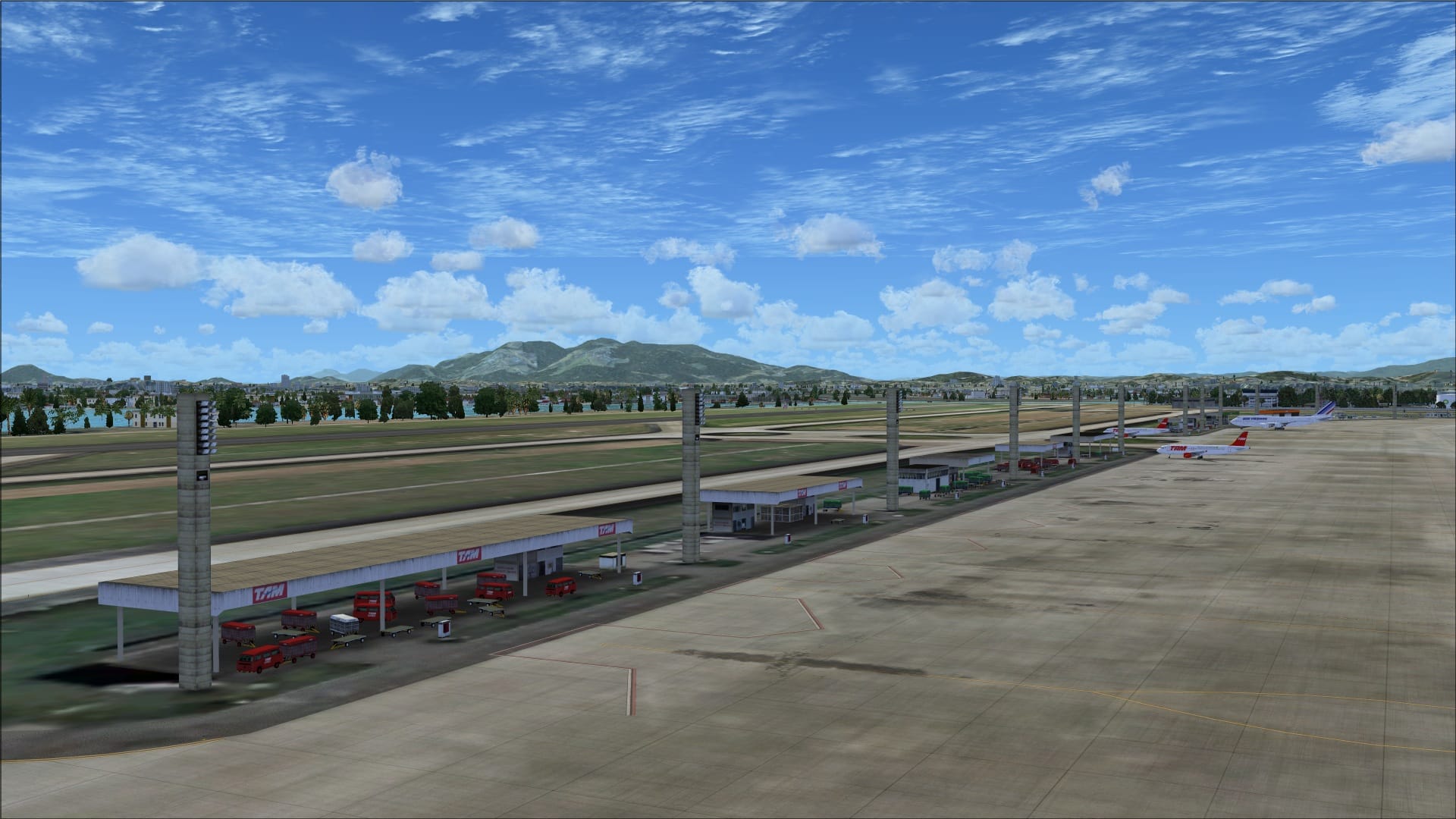
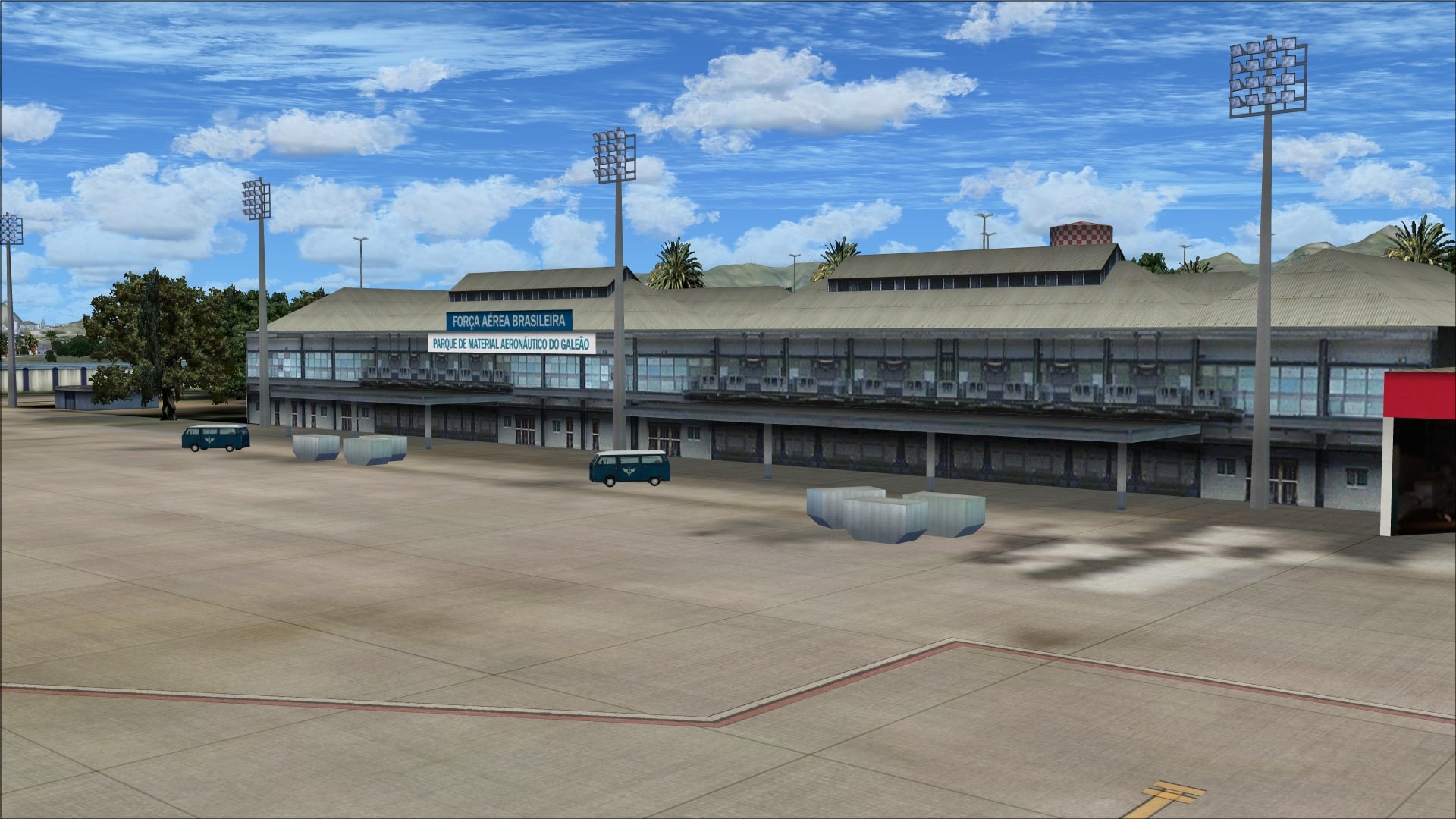
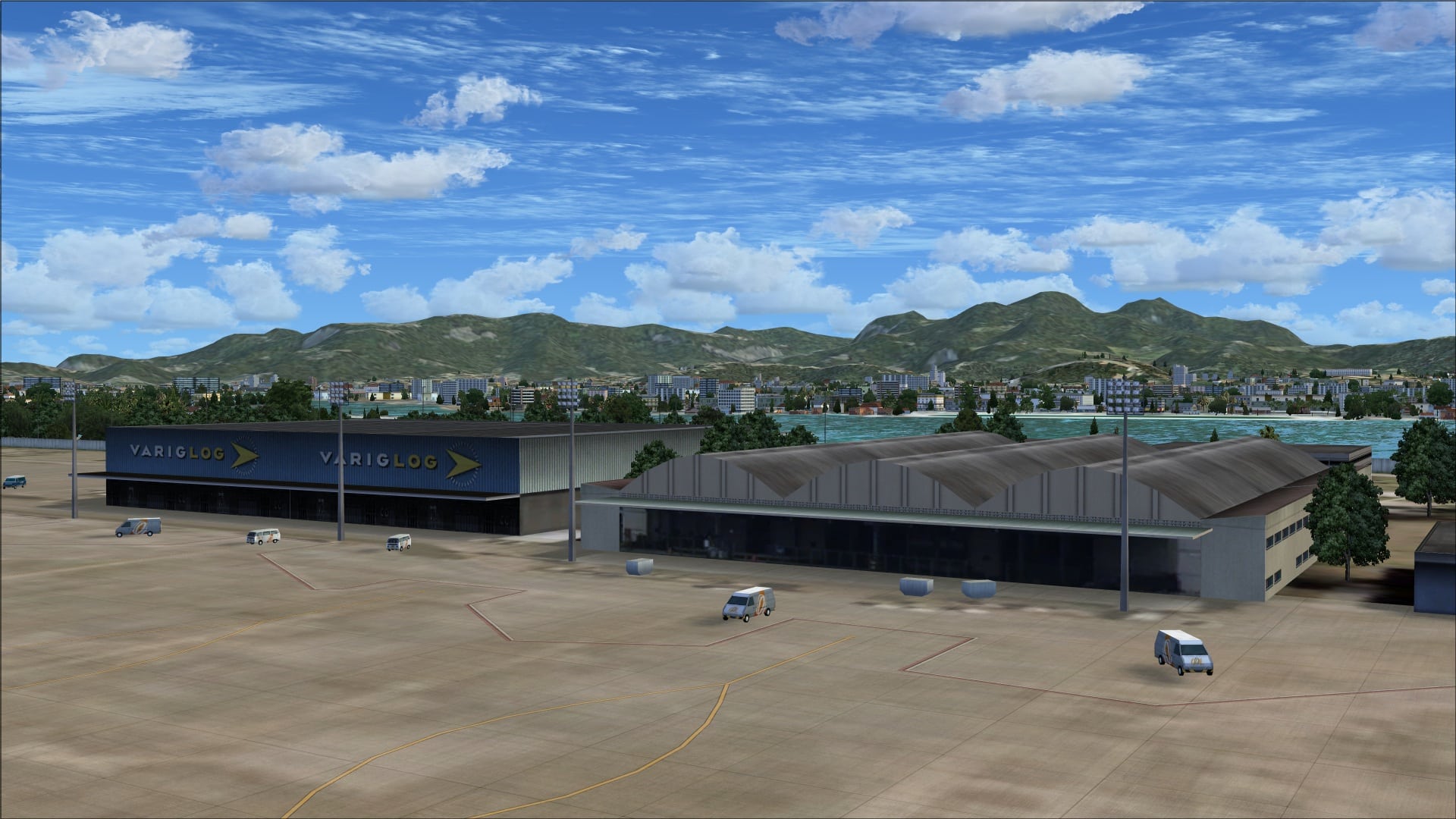
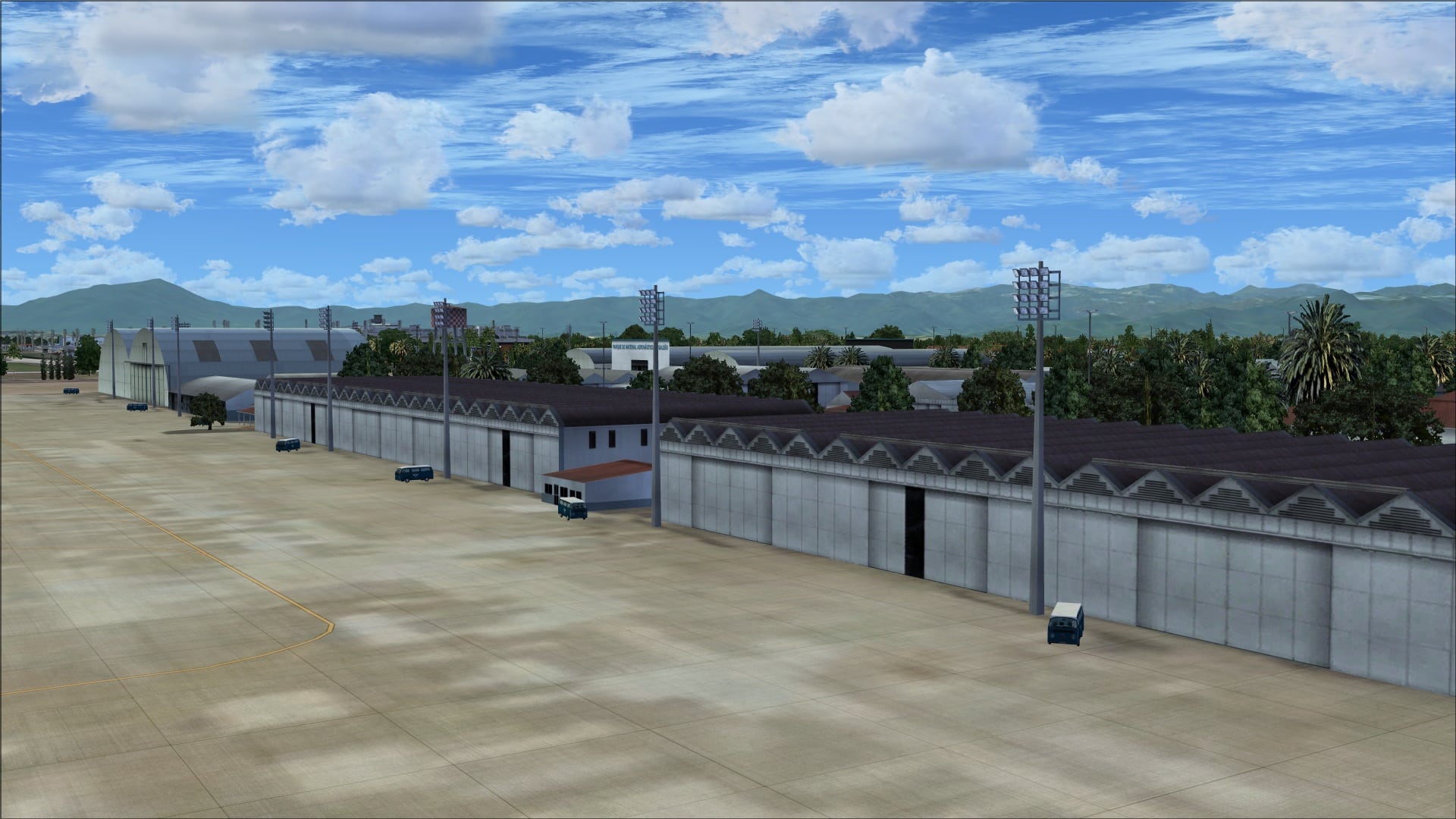
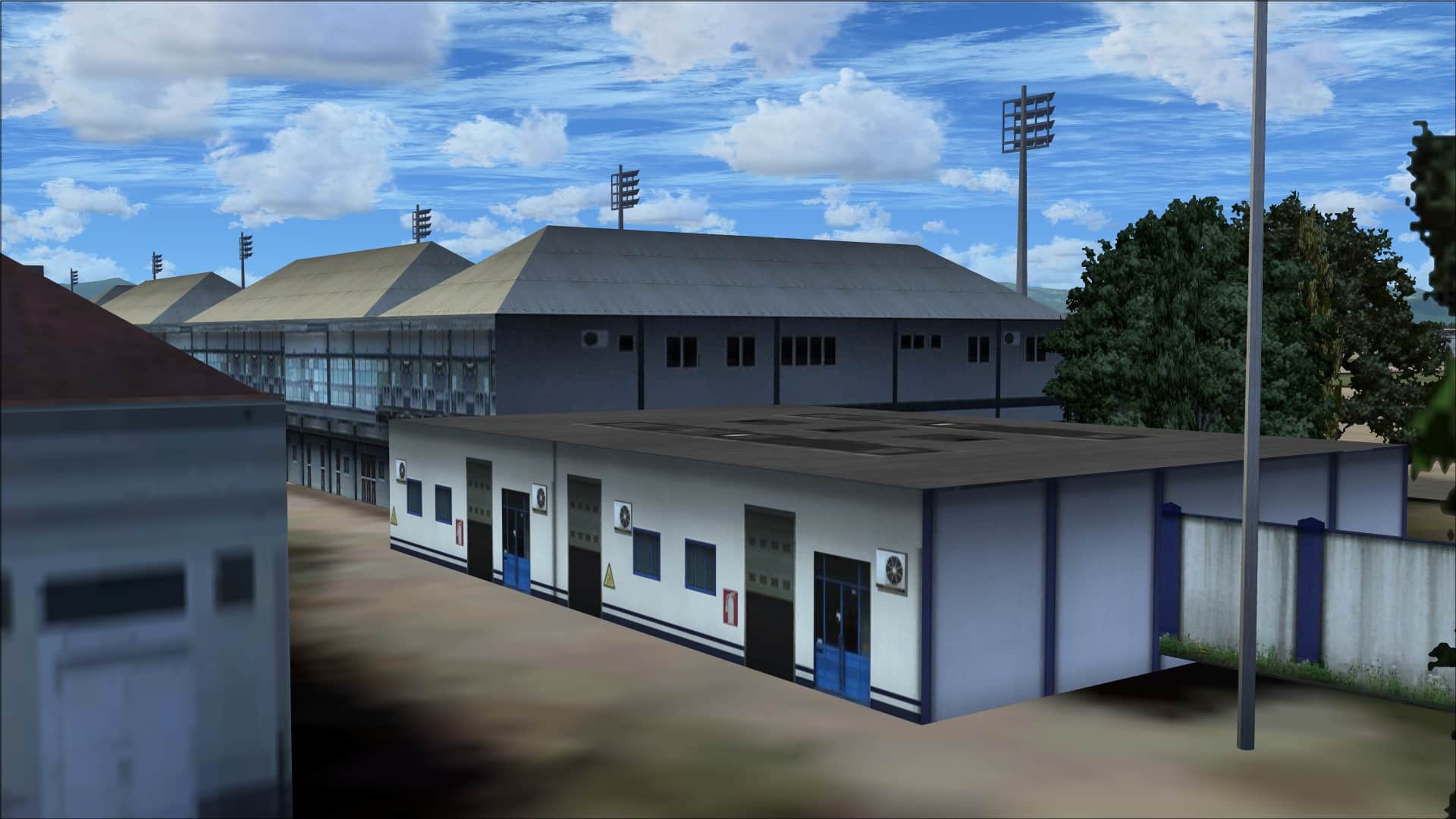
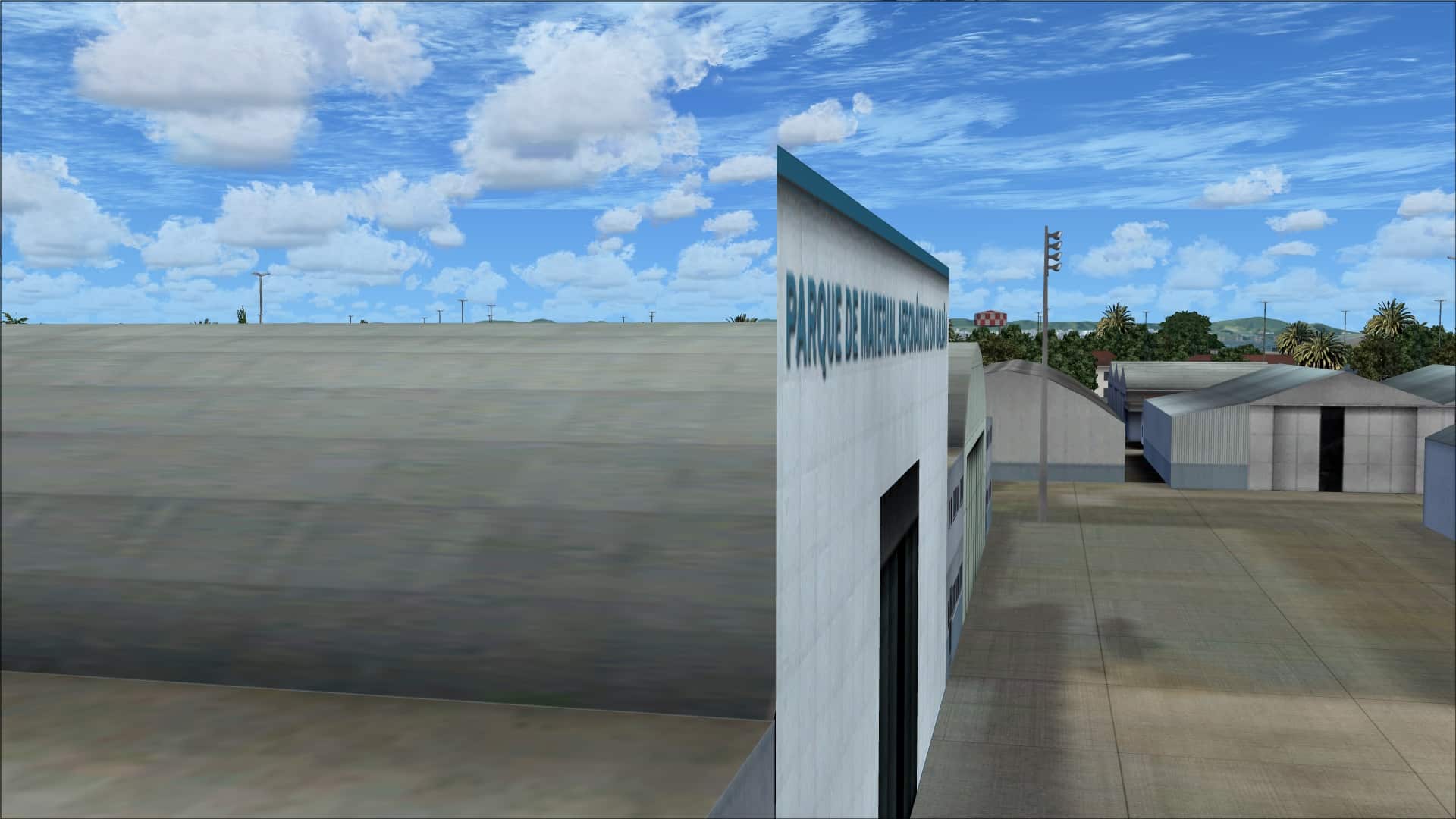 There were exceptions beyond the terminals and they deserve to be highlighted. The fuel storage tanks, the fire station and the large TAP maintenance hangar are all examples of some quality work. They look good from far away and up close. It’s a shame they didn’t carry this on to all of the other airport structures.
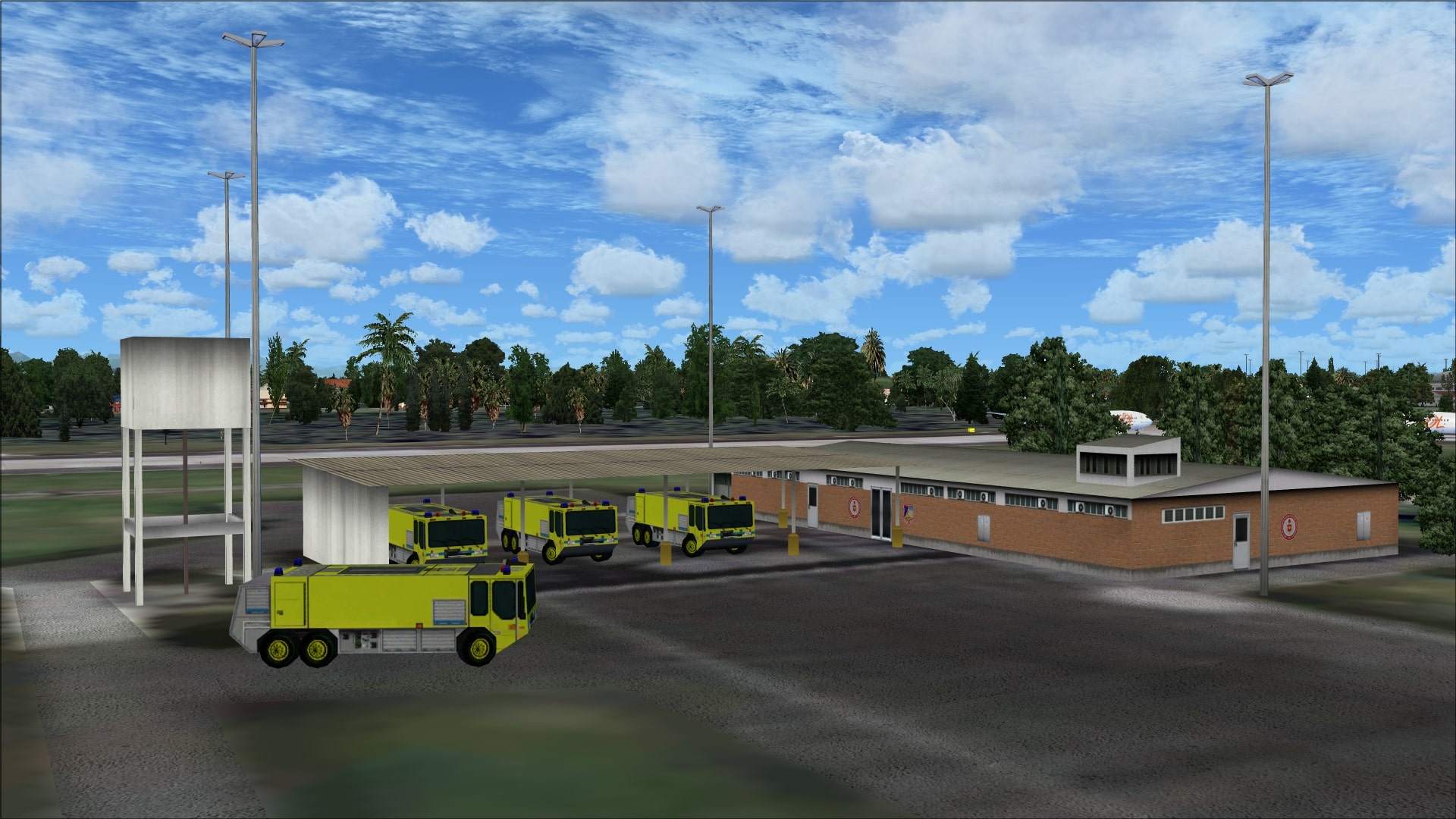
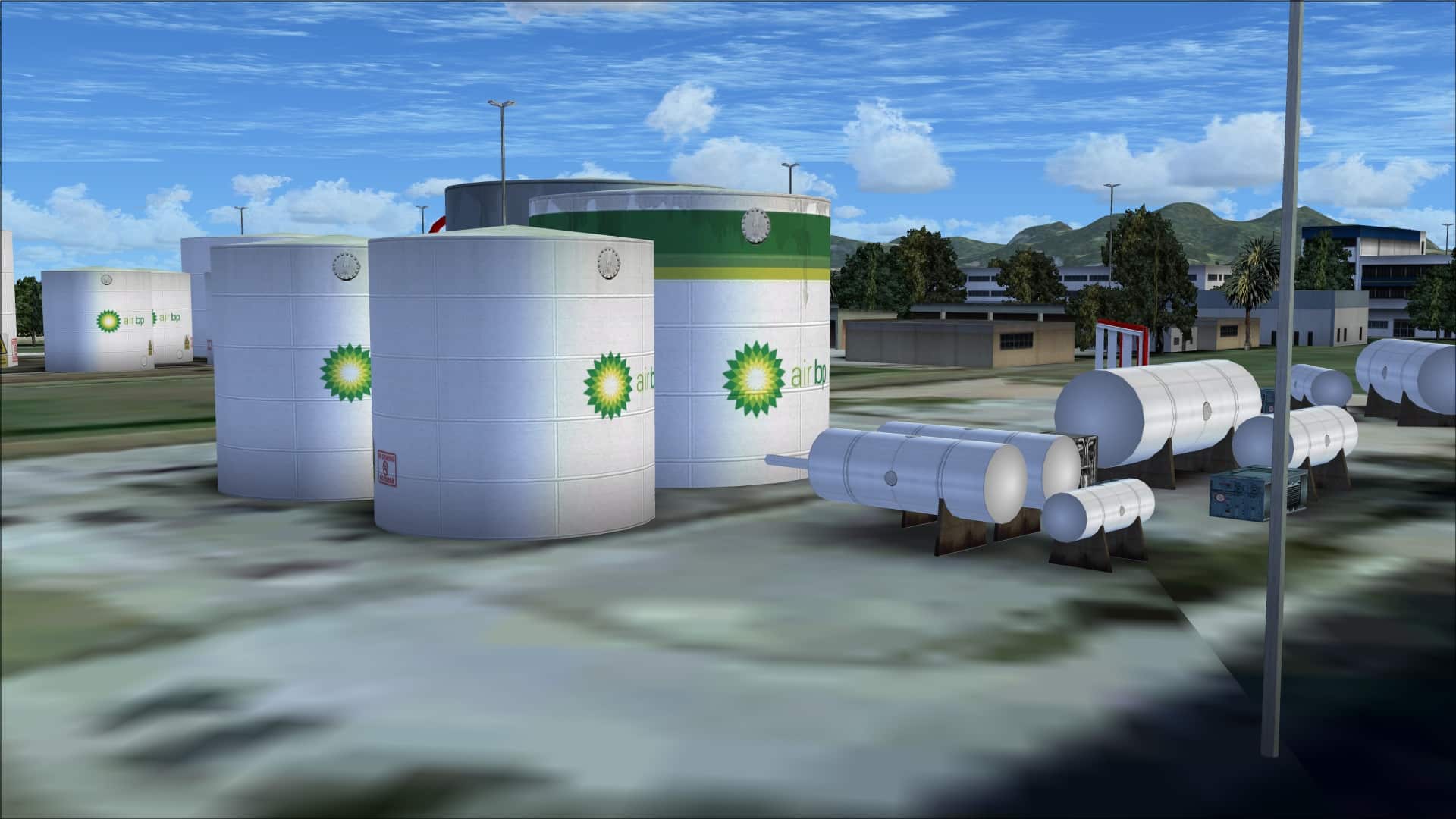
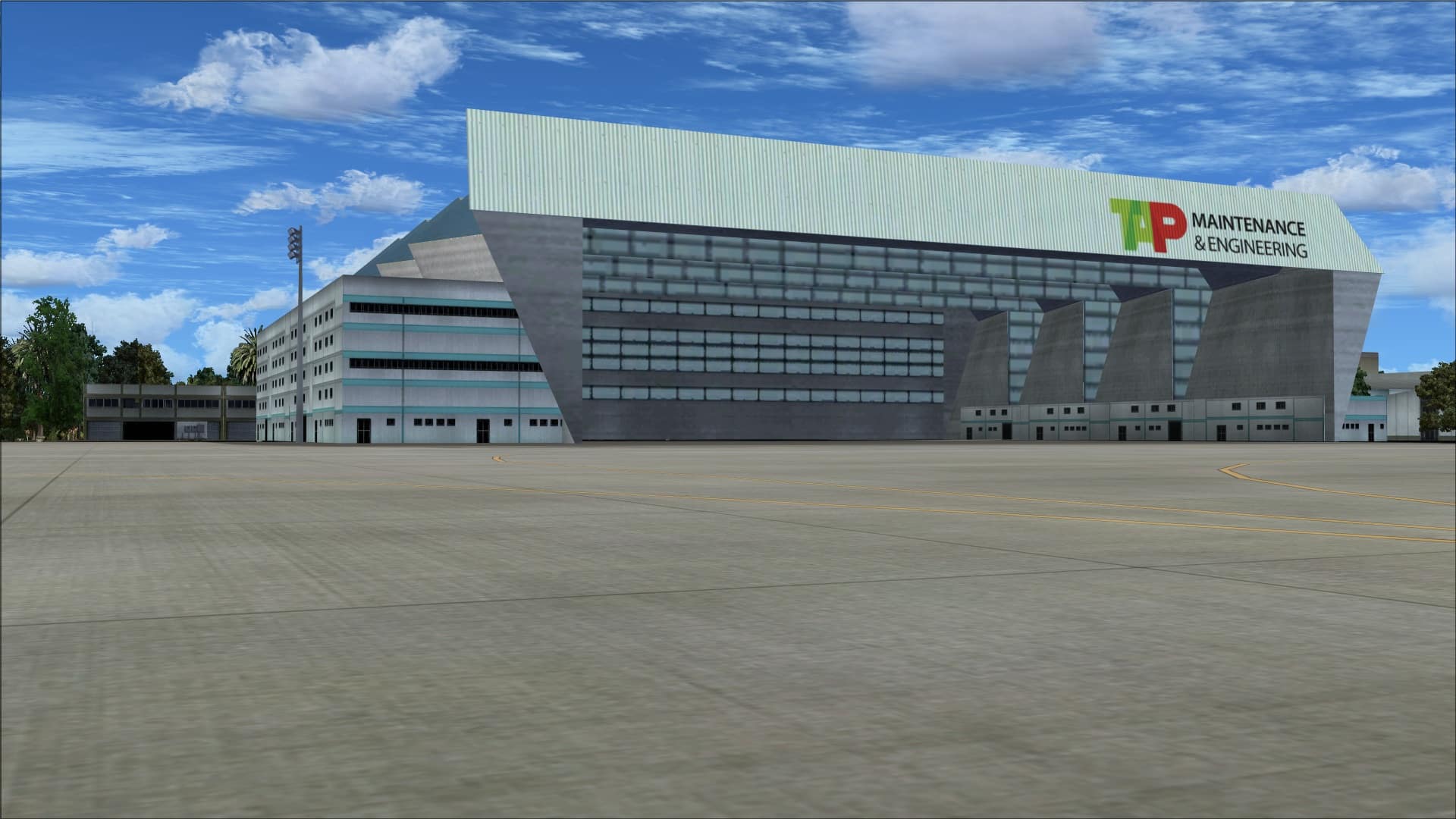 Objects and Vehicles
In the area of objects/vehicles they seem to have taken a minimalistic approach. For an airport as busy as this one is most aircraft parking and apron areas were basically void of any objects or vehicles; there were very few signs of any types of activities. I had a look at some aerial photographs and the aircraft gates and aprons showed plenty of objects/vehicles in all areas. To me, the way these areas are portrayed is totally unrealistic. There were some objects/vehicles in the outer areas of the aprons but nowhere near realistic levels. Perhaps they felt it was better this way to save on frame rates however if that was the case they could have added them and then allowed the user to simply remove files if it became a problem.
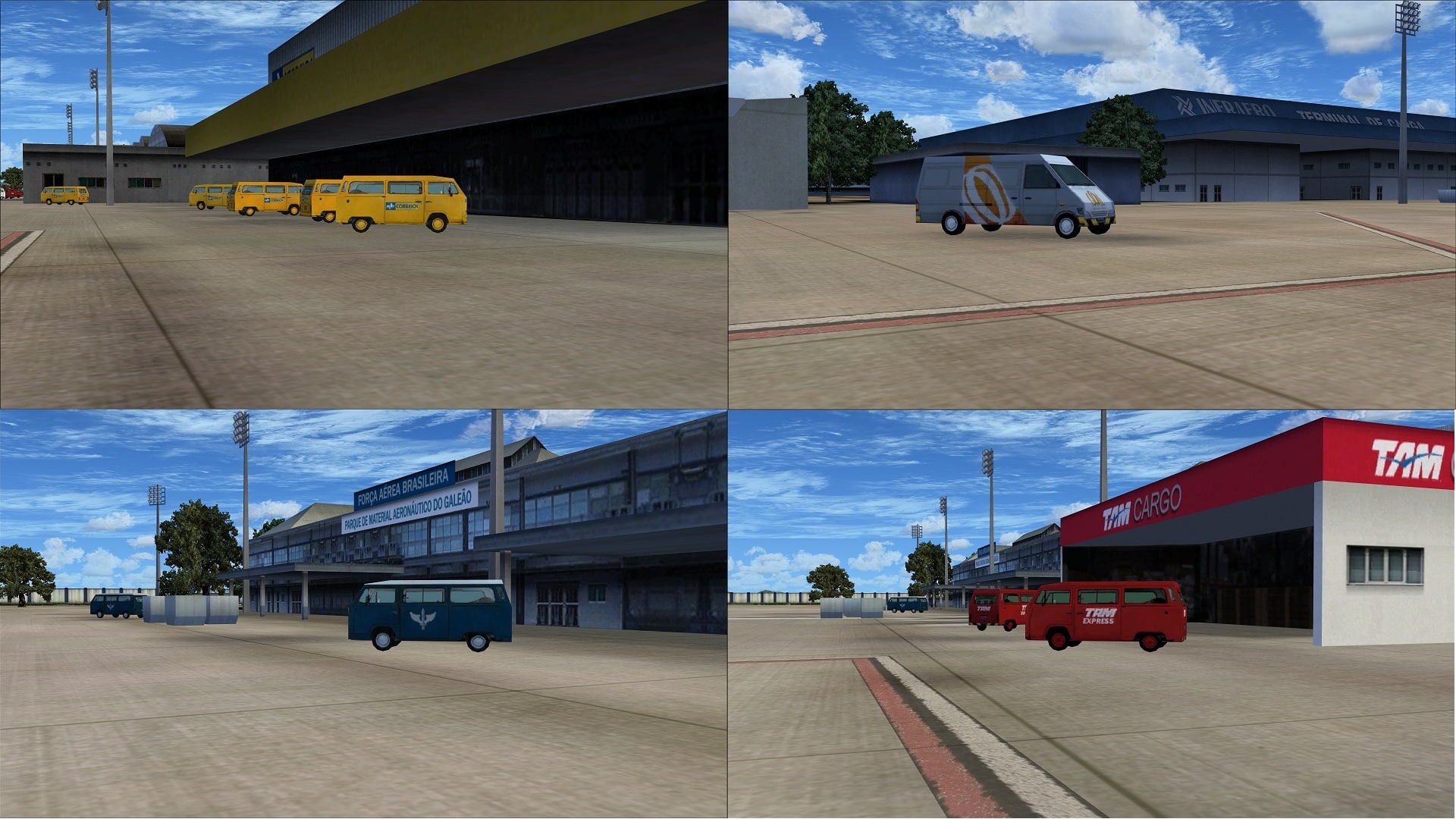
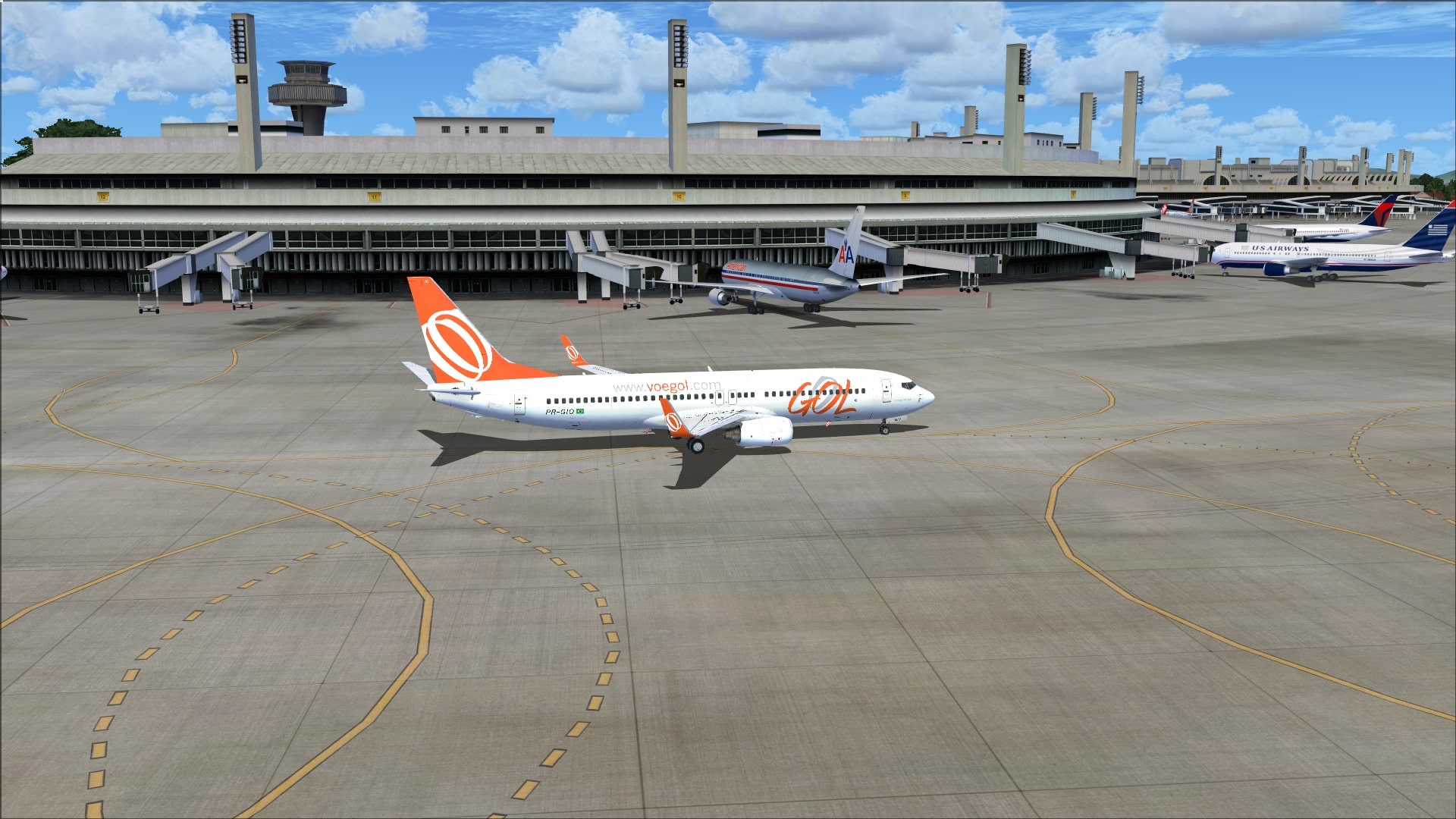 Where they included the objects/vehicles their quality was good and on par with the rest of the scenery. One thing that I noticed right away was how the building and service vehicle logos matched; nice touch. A bit more variety in vehicle types would have been good to see.
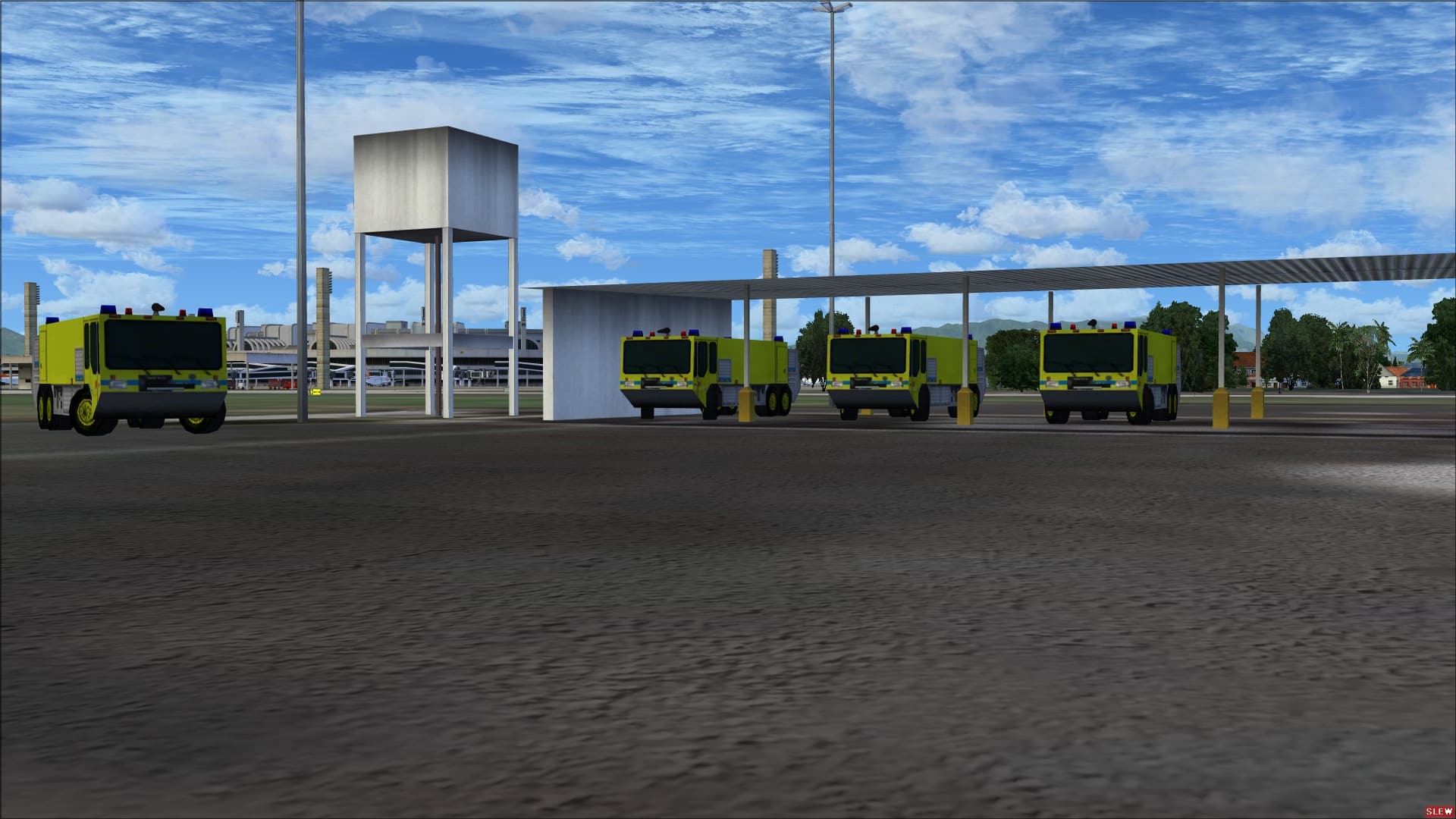
 Objects that are part of the operational infrastructure such as taxiway/runway lights, signage, PAPI lighting, apron lighting, nav aids and fencing were included. They even added several road signs.
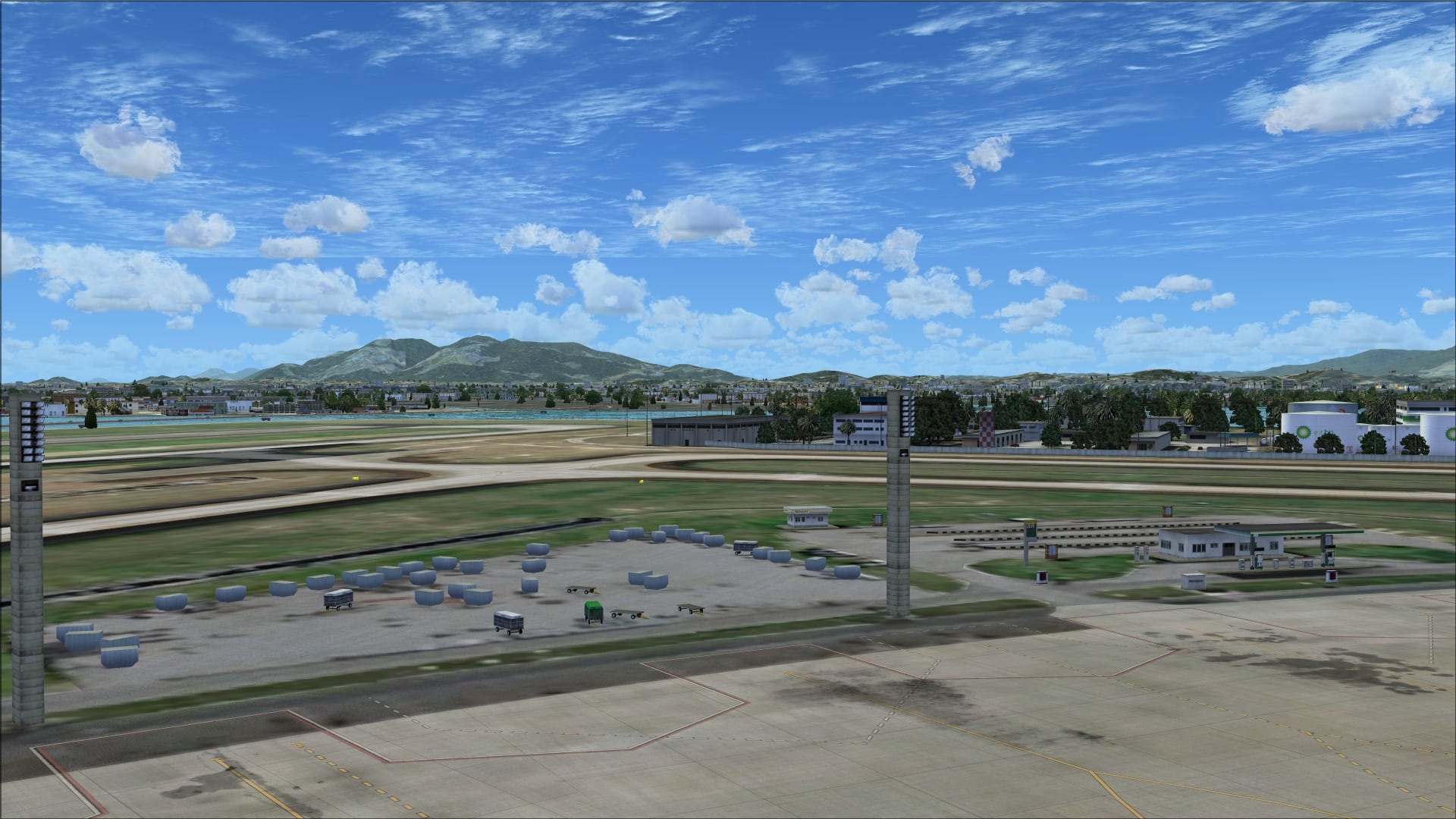
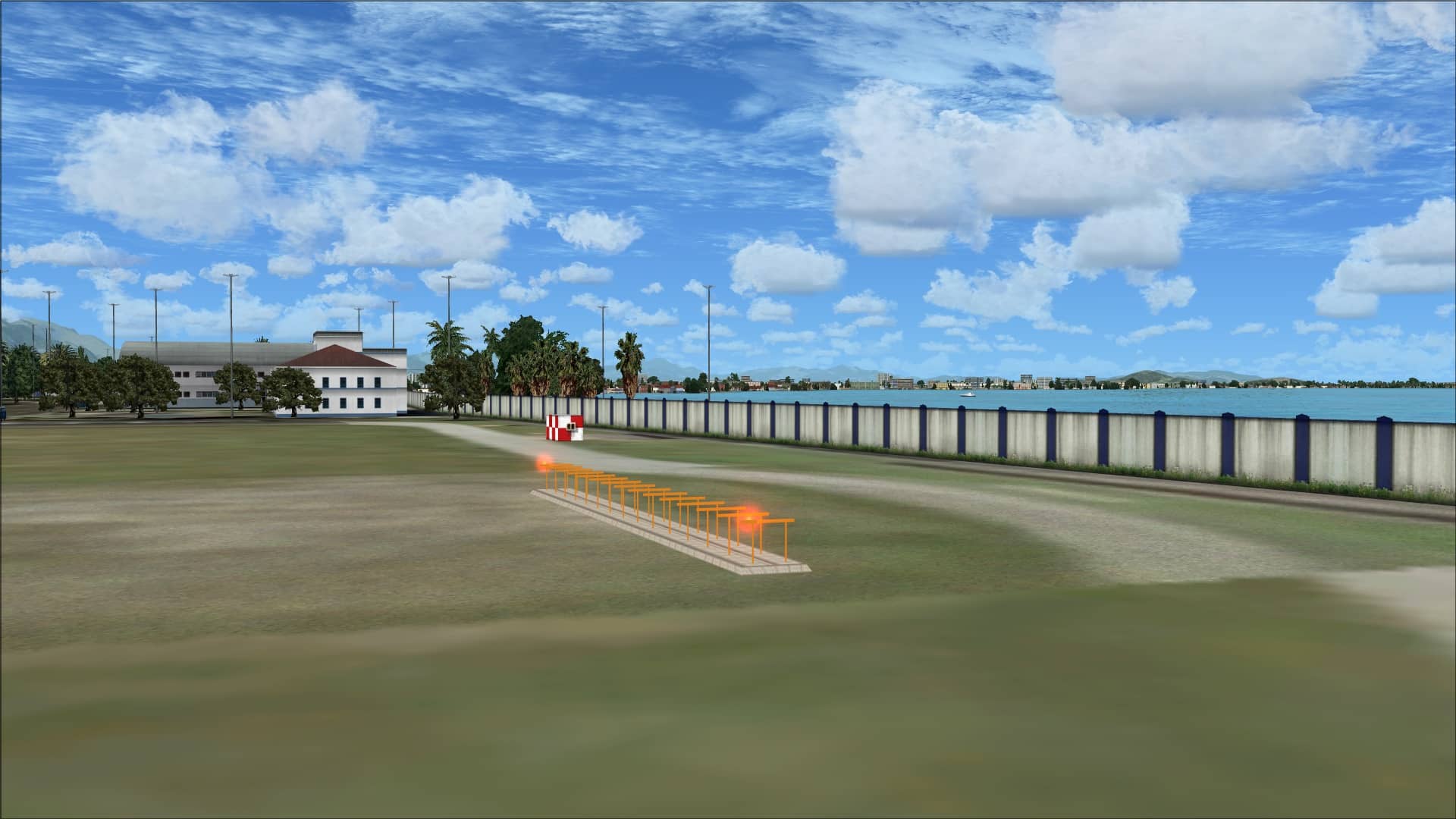
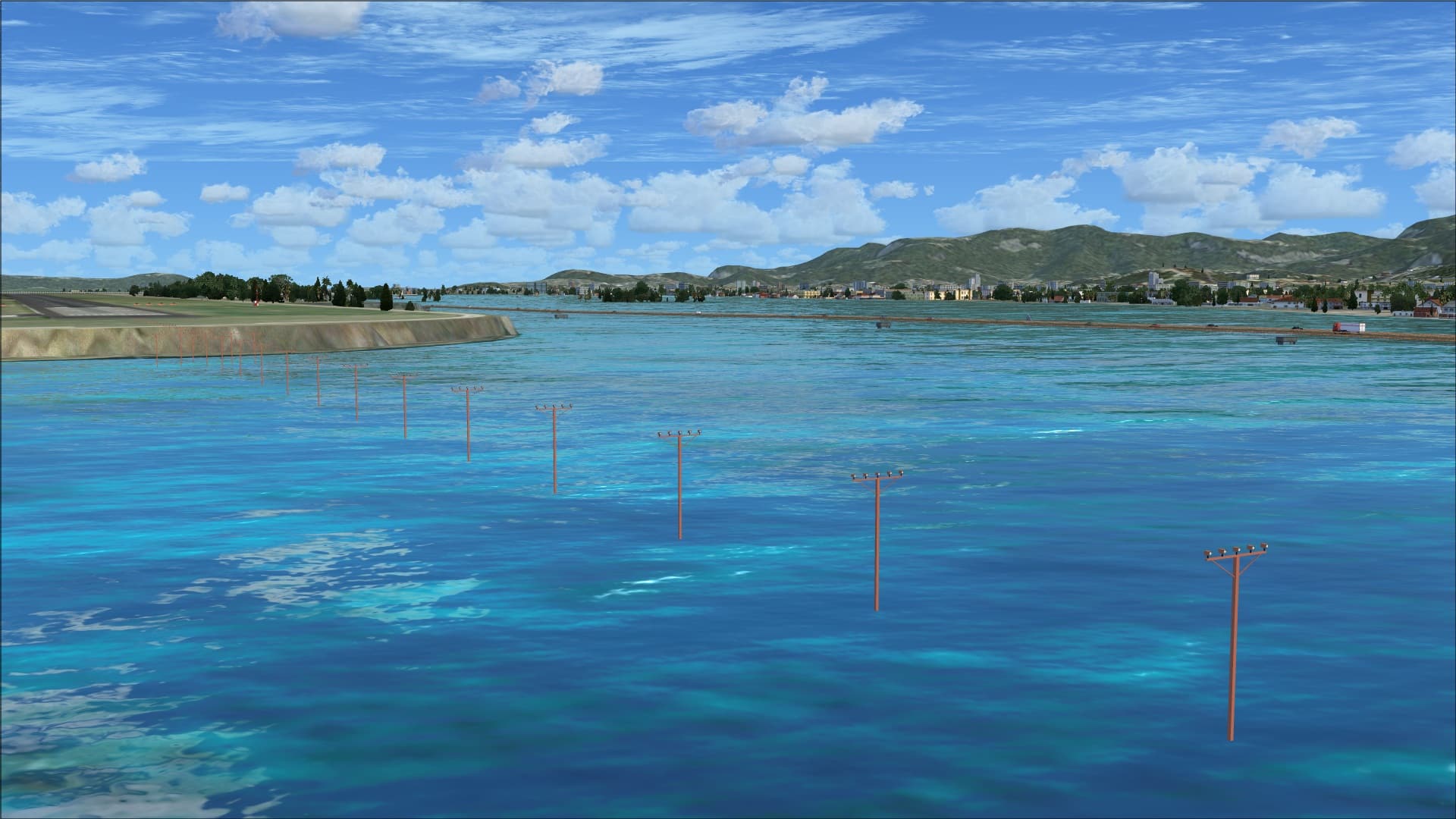
 Not all object depictions were accurate. An example of this is the approach lights that extend into the water. They appear as individual poles sticking out of the water where in reality the lights fixtures are attached to a common base support.
Animations
I found no animations in this scenery addon.
Surrounding Area
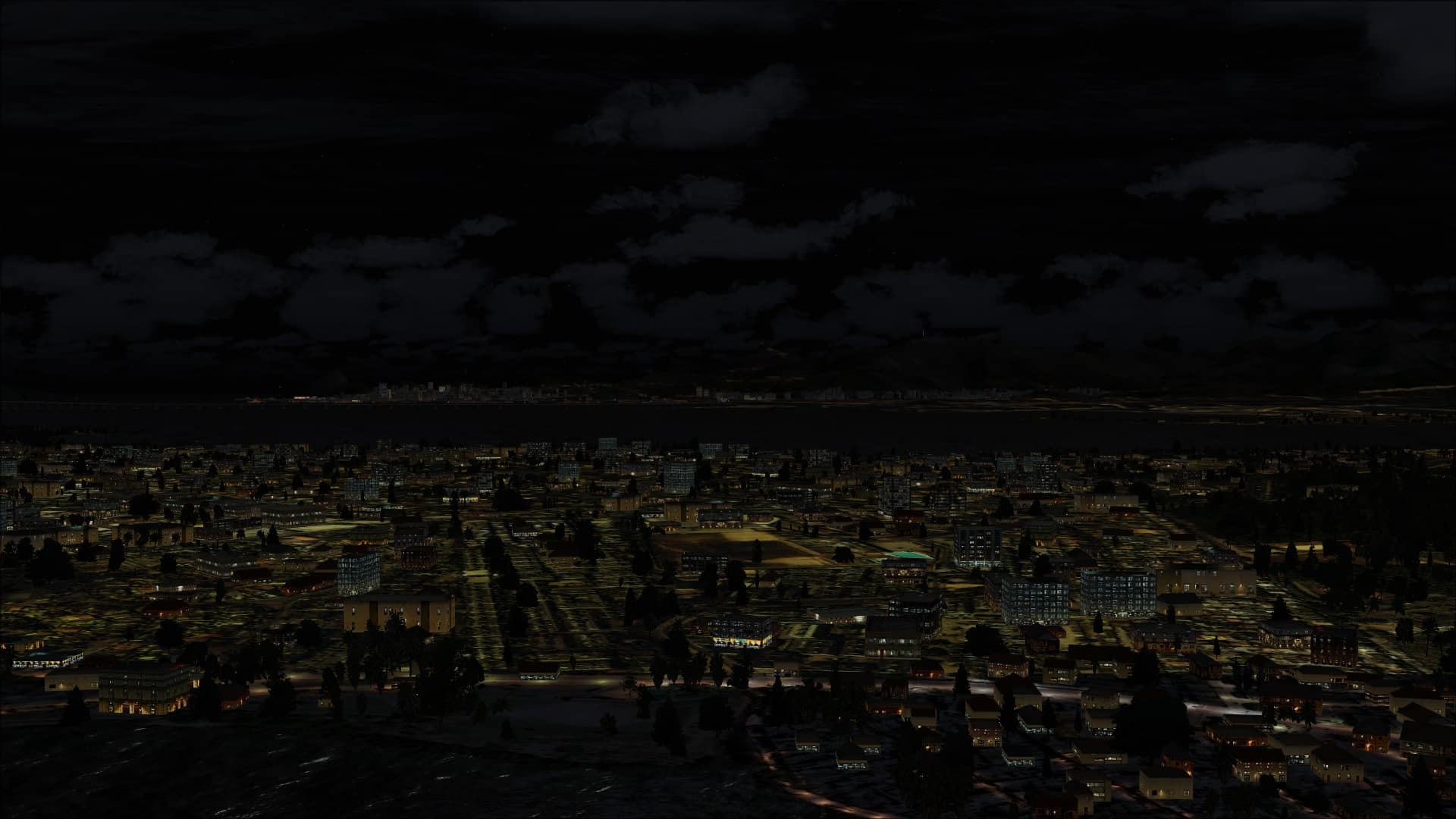
To enhance the realism around the airport they’ve modelled the entire island plus a small area of the mainland just to the west of the island. Like the airport they use photo textures for the entire coverage area and then populated it with generic autogen/objects. The overall look is much more realistic than what we see in FSX however these objects aren’t placed with any sort of accuracy based on these textures but merely placed to give a reasonable semblance to reality. As long as you don’t get in too close and try and identify real world landmarks you won’t be too disappointed.
One of the most noticeable features of this aspect of the addon was how much more accurate the shorelines appeared plus they included several small secondary islands, Boqueirao and Rijo, up near the north east end of Governador island that had been missing from the FSX default version of the scenery.
The inclusion of the surrounding area appears to have been geared to enhancing approaches and departures from Galeão International Airport and with that view in mind I’d say they’ve succeeded. With this scenery installed they were much more realistic.
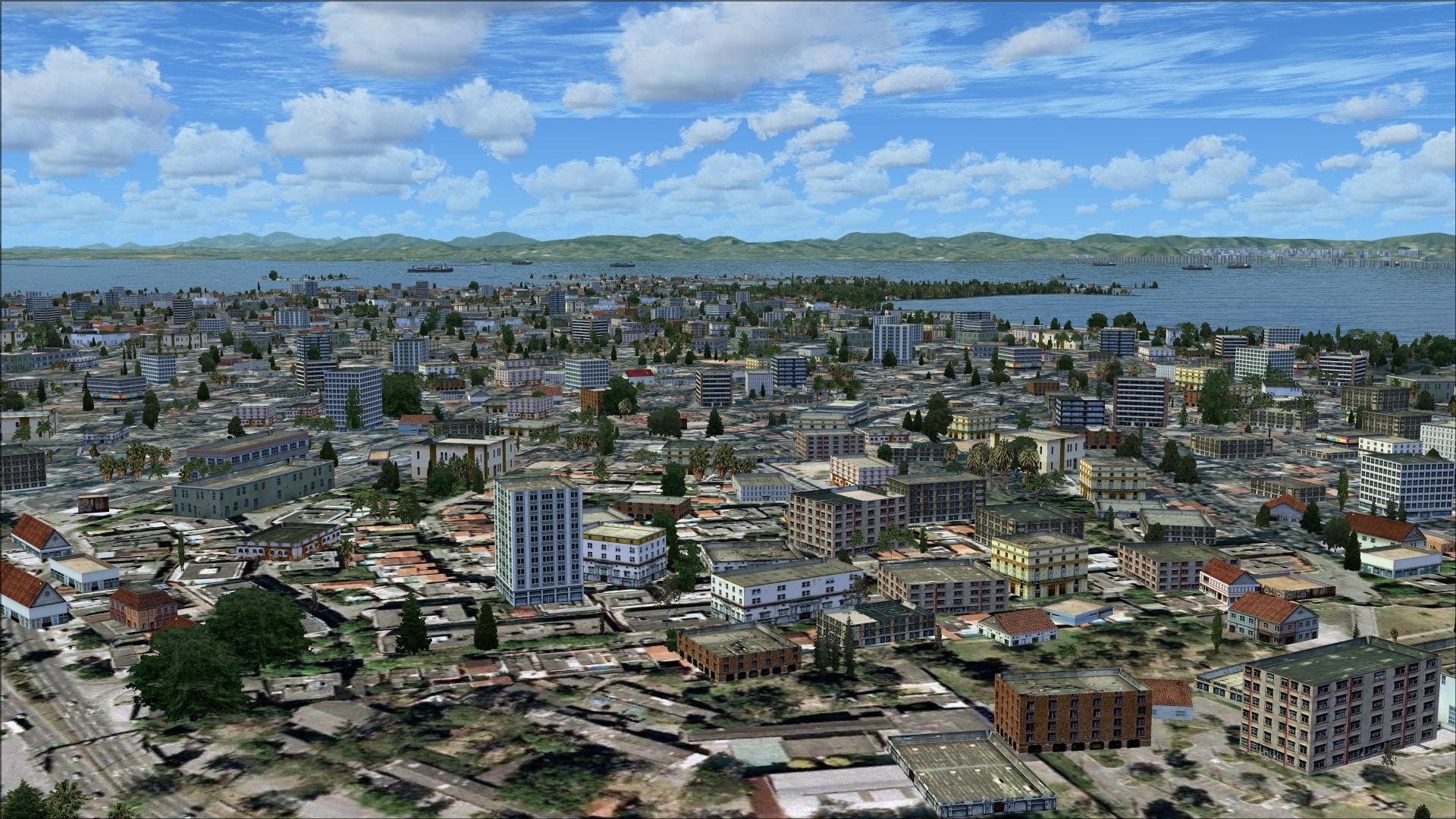


I have the “Paulo Ricardo FSX – Mega Route Rio Sao Paulo and Natal City Pack 5” installed which covers the Rio de Janeiro area. This package does not include an upgraded version of Galeão International Airport and so I felt that this could be a great companion piece. As you can see in the overview screenshots they work very well together.
 Paulo Ricardo FSX – Mega Route Rio Sao Paulo and Natal City Pack 5 was reviewed on 20 May 2013.
Night flying
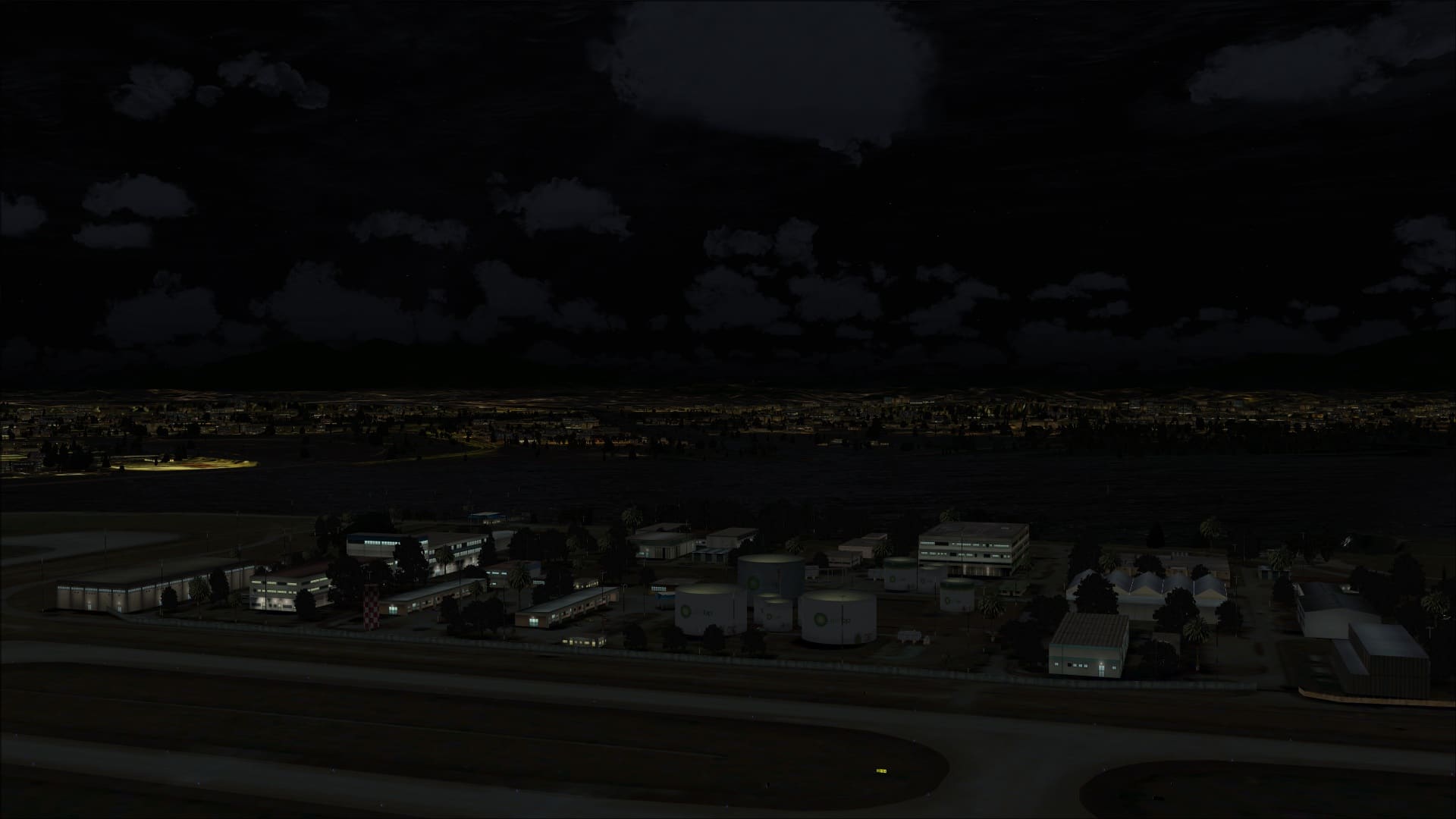
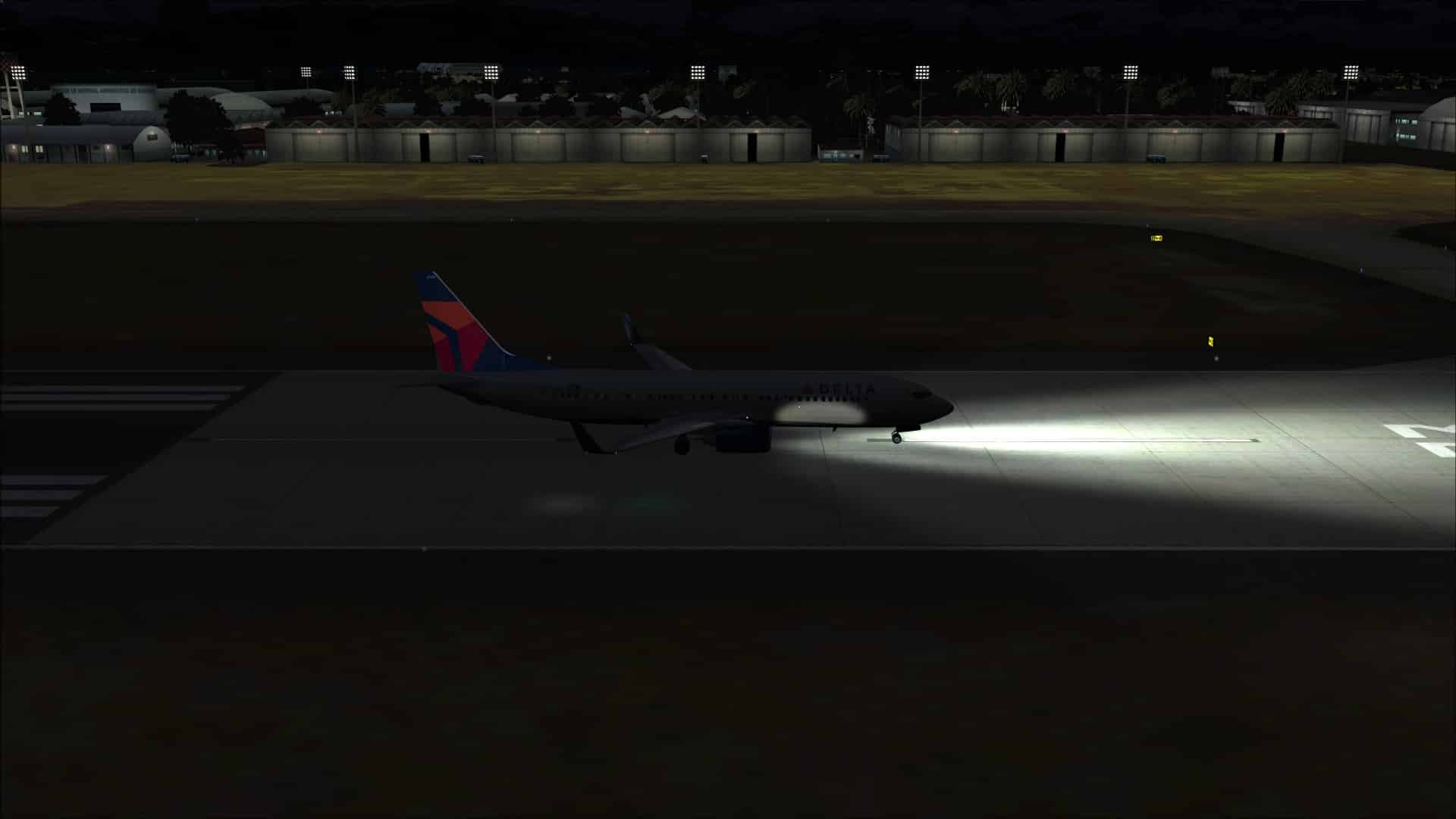
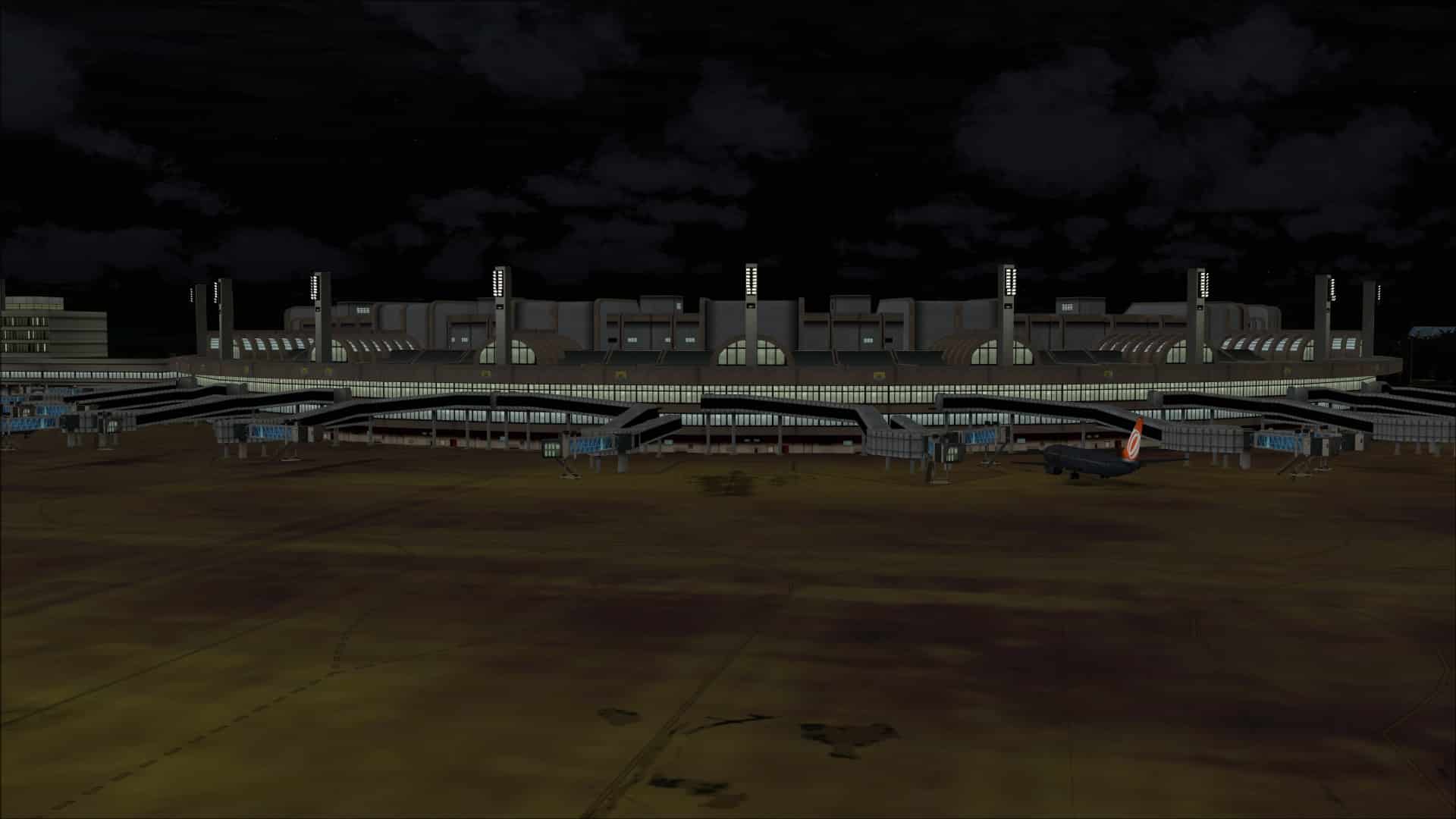
Night time operations are not out of the realm of possibility at an airport like this. With that in mind it was time to see how it looked in the dark of night. The results were generally very good. One of the first things that popped out however was how yellow and bright the aprons were when compared to all of the other areas. I understand and expect that the aprons are more likely to be brighter however the effect did not look realistic at all. It looked as though the areas were being illuminated from the ground up rather than from overhead lighting.
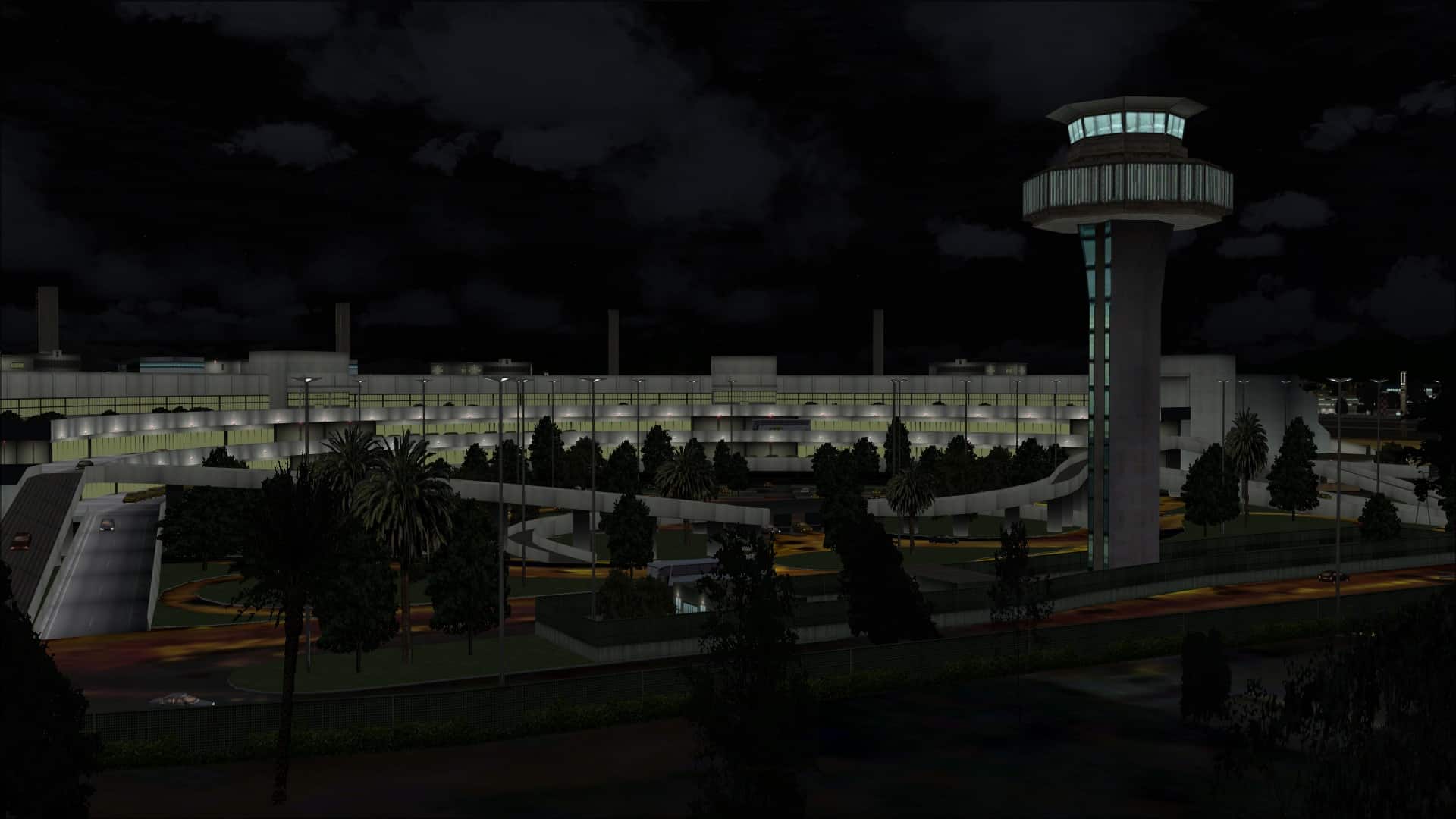
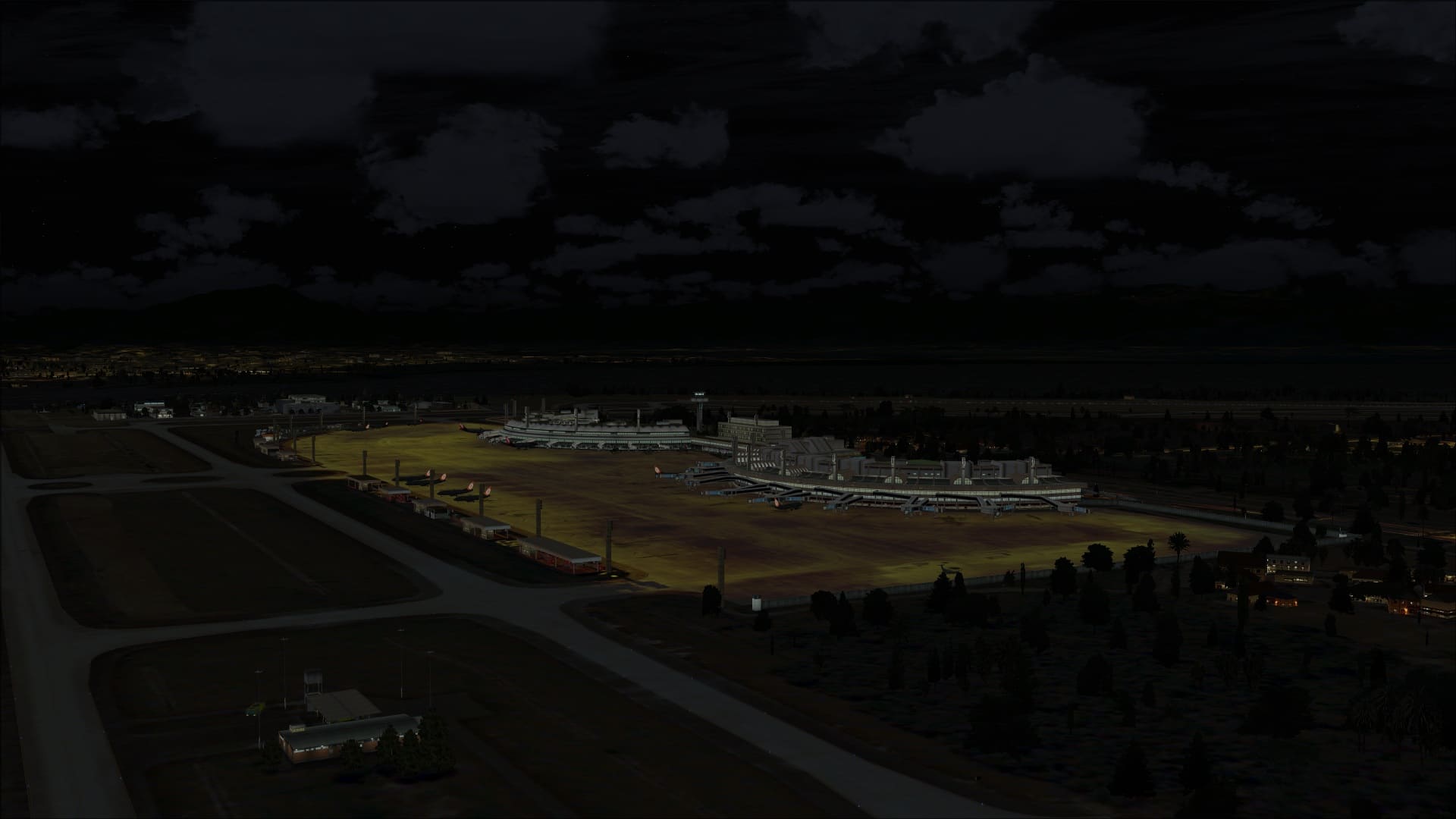 Building lighting overall was quite good. Most looked as you’d expect; there were variations in the brightness of the walls based on where they were in comparison to the light sources. To portray the fact that there may be activities taking place inside some windows appeared to be lit up while other remained dark.
Ground lighting including runway, taxiway and approach lighting were also nicely implemented with realistic looking results.
 Approaches
Each of the runways is equipped for instrument approaches. I flew all of them in the PMDG 737NGX and am happy to say that they all behaved as expected.
Performance
Flights in and out of SBGL were done in the PMDG 737NGX and also included the Paulo Ricardo FSX – Mega Route Rio Sao Paulo and Natal City Pack 5 scenery addon. Even with both sceneries active I never encountered any performance issues. With my display sliders fully to the right my flight experiences remained fluid with good frame rates at all times.
Final Thoughts
This addon takes Galeão International Airport to a whole new level beyond what we get in FSX. It did fall short in a number of areas and that had a negative impact on the visuals and for me took away some of the appeal of the product. The price point, I feel, is not unreasonable for the quality and in that respect it is a good buy. If you are looking to have Rio de Janeiro as a destination you might want to seriously consider combining this airport with the Paulo Ricardo FSX – Mega Route Rio Sao Paulo and Natal City Pack 5 addon which is also available at SimMarket.
My Ratings
Installer: Very good. Simple to use.
Documentation: Very basic.
Modelling: Good but lacking in details.
Extras: None.
Download Size: FSX: 263MB, FS2004: 62MB
Price: EUR 15.70 without VAT
Developer Homepage: http://www.tropicalsim.com
Link: http://secure.simmarket.com/tropicalsim-rio-de-janeiro-galeo-intl-2012.phtml
Test System:
Intel i7 960 OC @ 4.2 Ghz, 12 Gb RAM, EVGA GTX560 Ti w/1.2 Gb video, Win 7 Ultimate 64, FSX w/acceleration, UT2, REX Overdrive, GEXn, UTX, AES 2.23
Richard Desjardins